
Admin Interface
Capell Admin is the working surface for editors, administrators, and developers who manage structured websites. This guide explains the main screens, what each one is responsible for, and where optional packages extend the workflow.
Dashboard
Section titled “Dashboard”The dashboard is the first screen after sign-in. It can show setup health, content activity, cache state, work queues, package state, and diagnostics depending on role and installed packages.
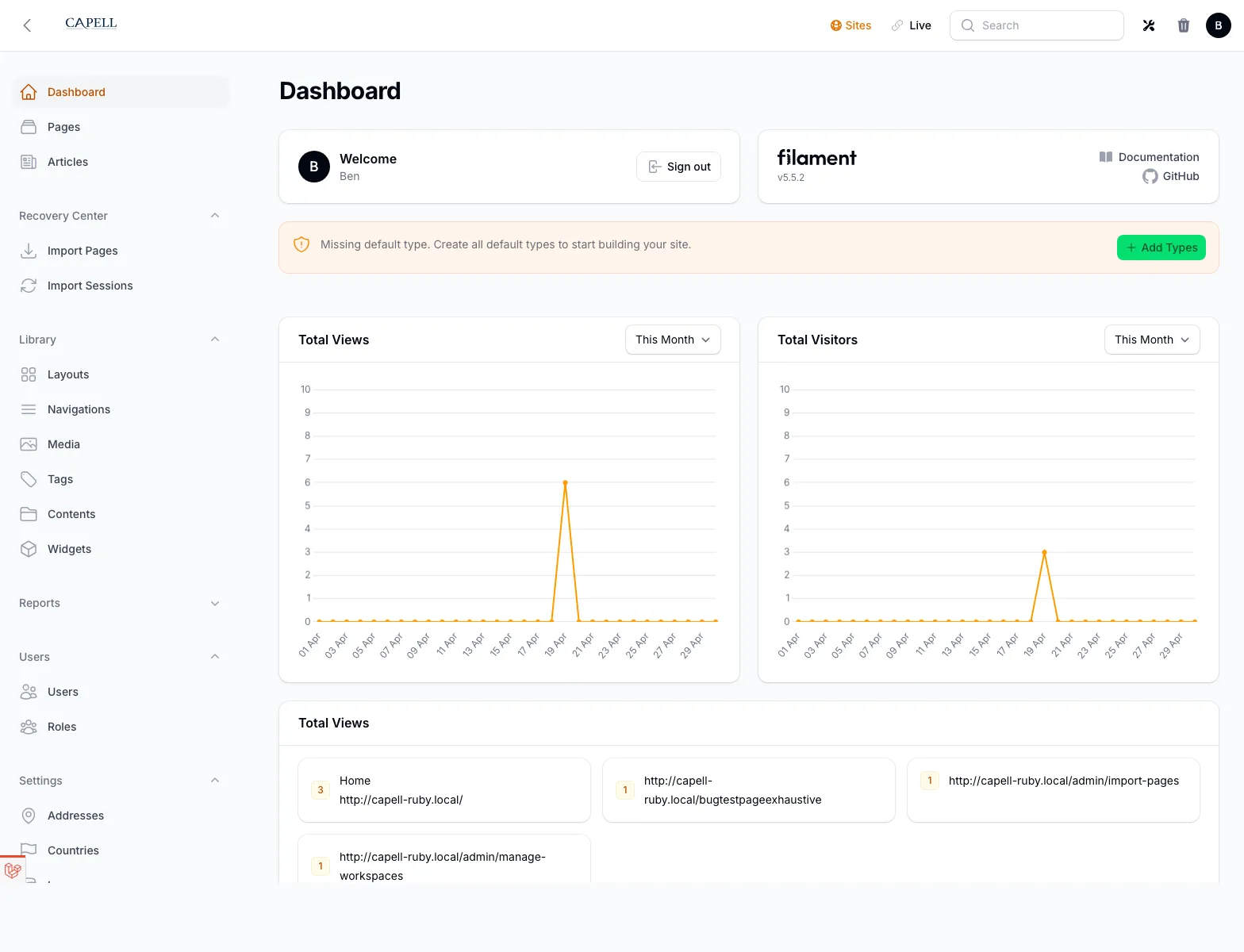
Use the site switcher to change the active site context. Many resources, settings, and widgets are site-aware.
Pages is the main editorial surface. It lets teams create, edit, reorder, preview, publish, move, duplicate, and delete pages in the selected site.
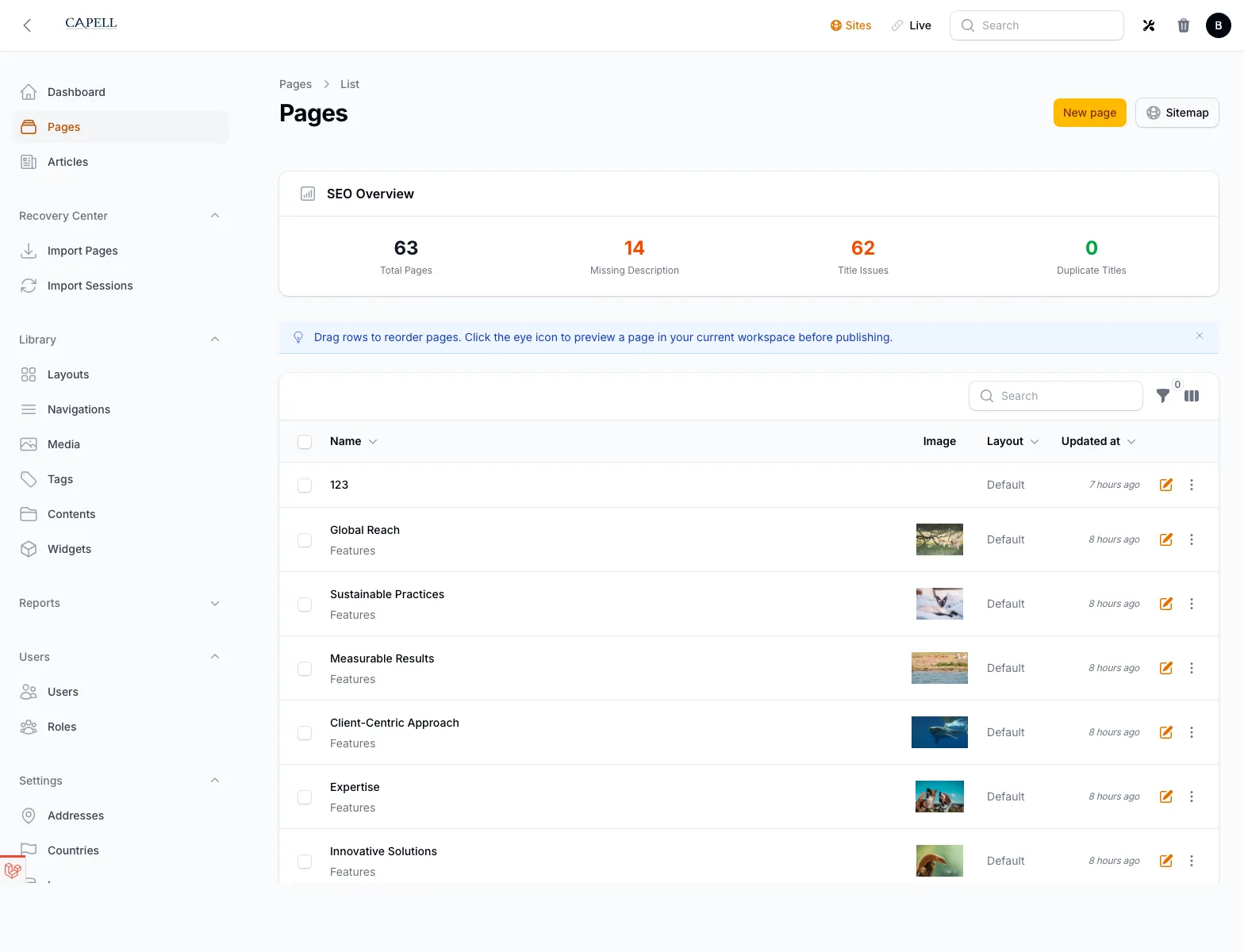
Core page editing covers the page tree position, type, title, slug, publishing state, content fields, media, and settings. Optional packages can add fields, tabs, actions, and publishing rules.
Sites And Languages
Section titled “Sites And Languages”Sites define the public web properties managed in the installation. Languages define the locale set used for URLs, labels, and translated content.
Use these screens when you need to:
- add or change domains
- control which languages exist for a site
- manage default pages and site relationships
Layouts And Themes
Section titled “Layouts And Themes”Layouts connect page records to frontend rendering. Themes hold presentation records used by the frontend surface and by theme-aware packages.
The normal Admin package provides the management screens. Richer theme tooling can come from optional theme packages.
Media manages uploaded files and their metadata.
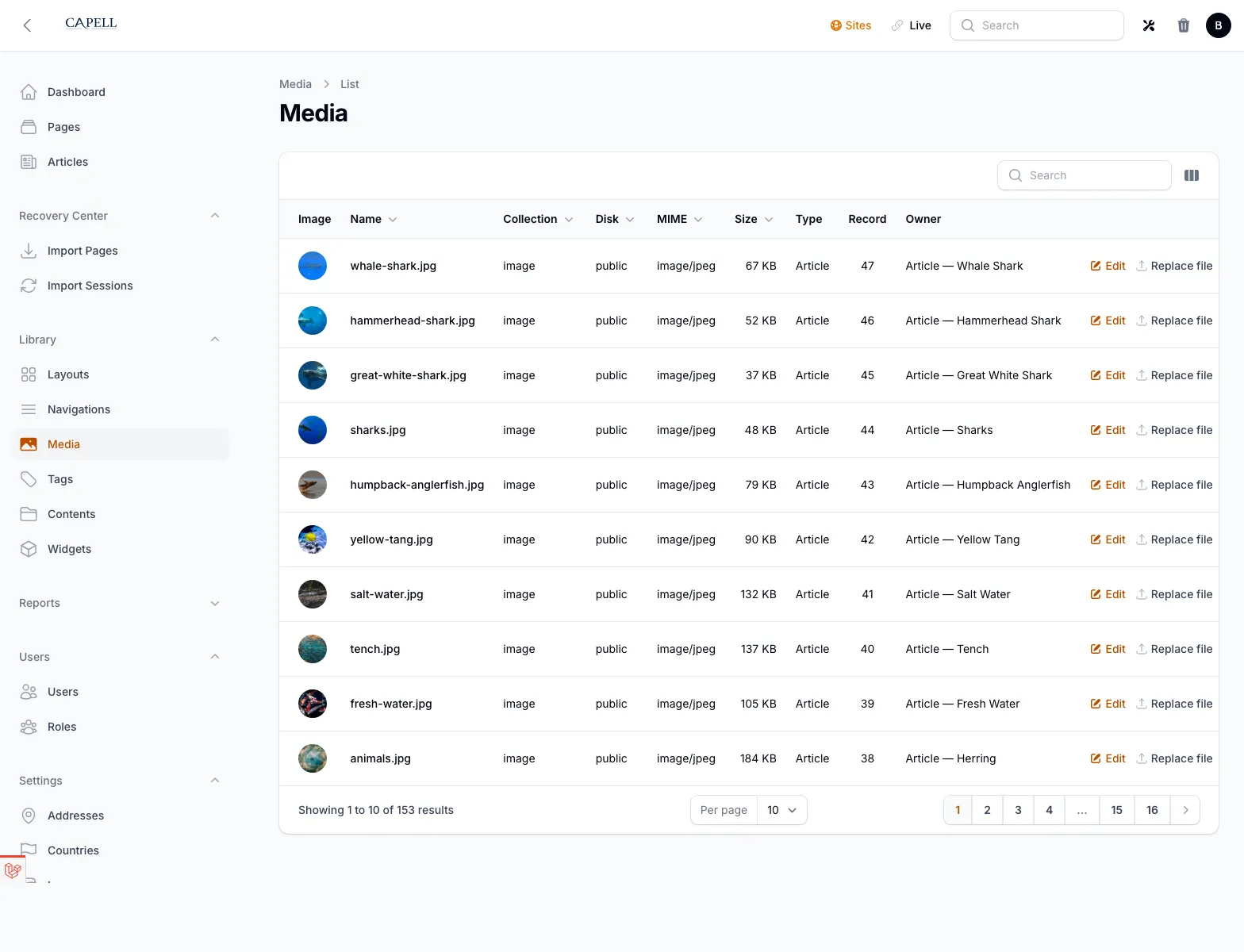
The default backend uses Spatie MediaLibrary through Capell media contracts. If the Media Library package is installed, the editor workflow stays similar while the backend changes.
Settings
Section titled “Settings”Settings is the core Capell settings surface. Admin, Frontend, Marketplace, and optional packages expose their own settings or control pages from the Extensions area.
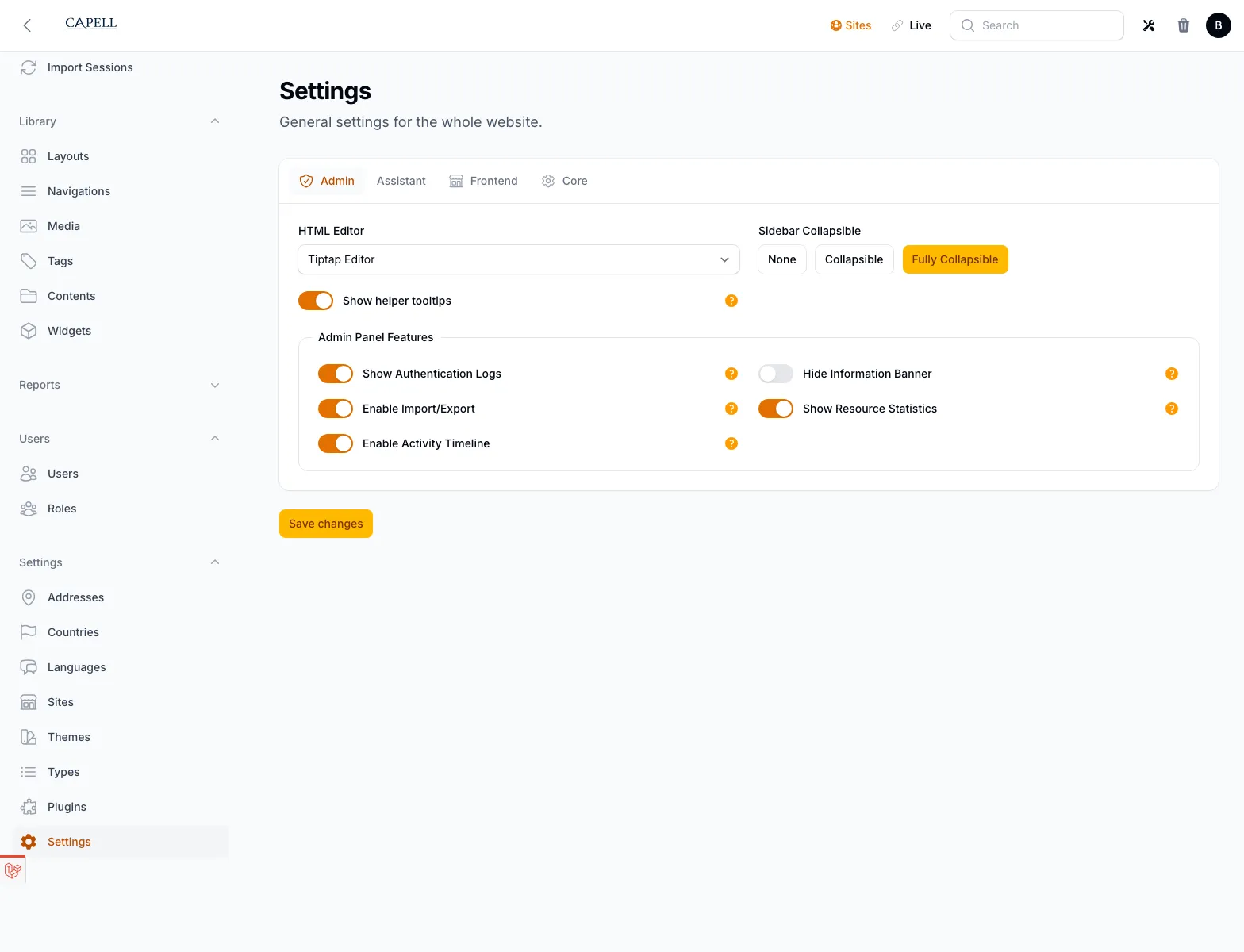
Use the settings registry and a package-owned extension page instead of adding package fields to the core Settings screen.
Extensions And Marketplace
Section titled “Extensions And Marketplace”Extensions is the admin surface for installed package state, package settings/control pages, and optional Marketplace connection alerts. Local enable, disable, uninstall, and bulk package lifecycle actions stay on the installed Extensions surface.
Marketplace browsing, account connection, licence activation, diagnostics, heartbeat checks, and install authorization are available only when capell-app/marketplace is installed and enabled.
Recovery Center
Section titled “Recovery Center”The Recovery Center is the shell for import-session and recovery workflows. Admin owns the UI surface, while the capell-app/backup package owns the real export, import, and restore implementation.
Users And Permissions
Section titled “Users And Permissions”Users, roles, and permissions are managed through Admin. Permissions are tied to the registered resources, pages, and package features available in the installation.
Quick Reference
Section titled “Quick Reference”| Need | Screen |
|---|---|
| Create or edit structured content | Pages |
| Change domain or locale structure | Sites and Languages |
| Manage files | Media |
| Adjust core configuration | Settings |
| Adjust package-backed configuration | Extensions |
| Review package install intent | Marketplace |
| Review import or recovery work | Recovery Center |