# Using AI Creator
This guide is for administrators who want to turn a plain-language brief into a reviewable Capell site plan. AI Creator generates a private plan for a site, theme, and pages; it does not create arbitrary content or records. You review that plan and explicitly confirm its creation before a site is made.
## Using AI Creator (editor how-to)
### How to start a reviewed creation session
1. Open **AI Creator** in the admin.
2. Enter the intended outcome, site name, organisation purpose, and any helpful audience, tone, or inspiration notes. Choose a delivery target for the brief.
3. Start the session, then choose **Generate private plan with AI**. Generation runs in the background and produces a schema-validated site plan.
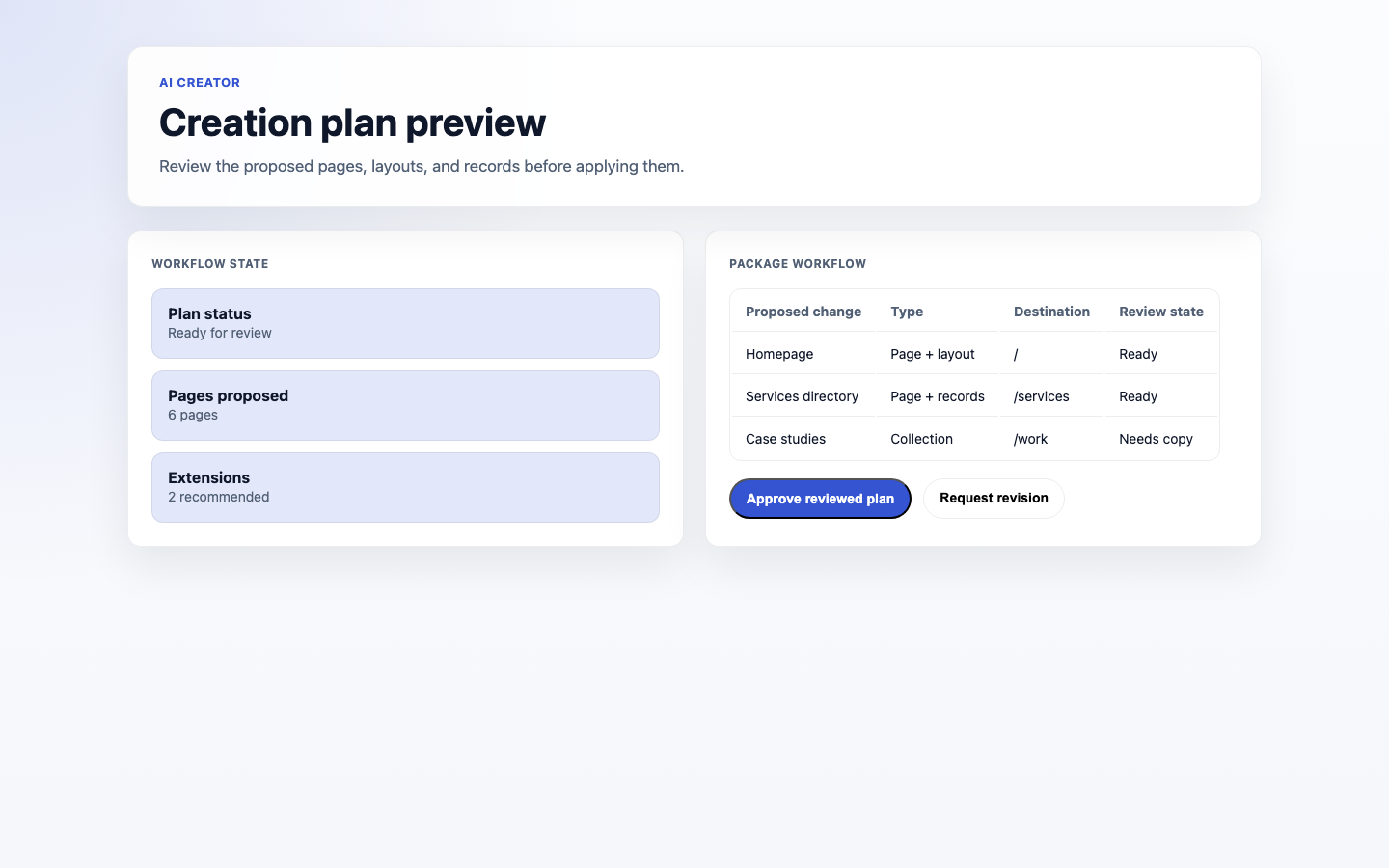
4. Review the private preview: the site identity, theme, planned pages, and URLs. The recommended-package list is advisory; this screen does not install packages.
5. Use the advanced site-spec editor only if you need to refine the generated JSON, then validate and rebuild the private preview. Previewing does not create production site records.
 ### How to confirm a requested change
1. From a private preview, select **Preview apply impact**.
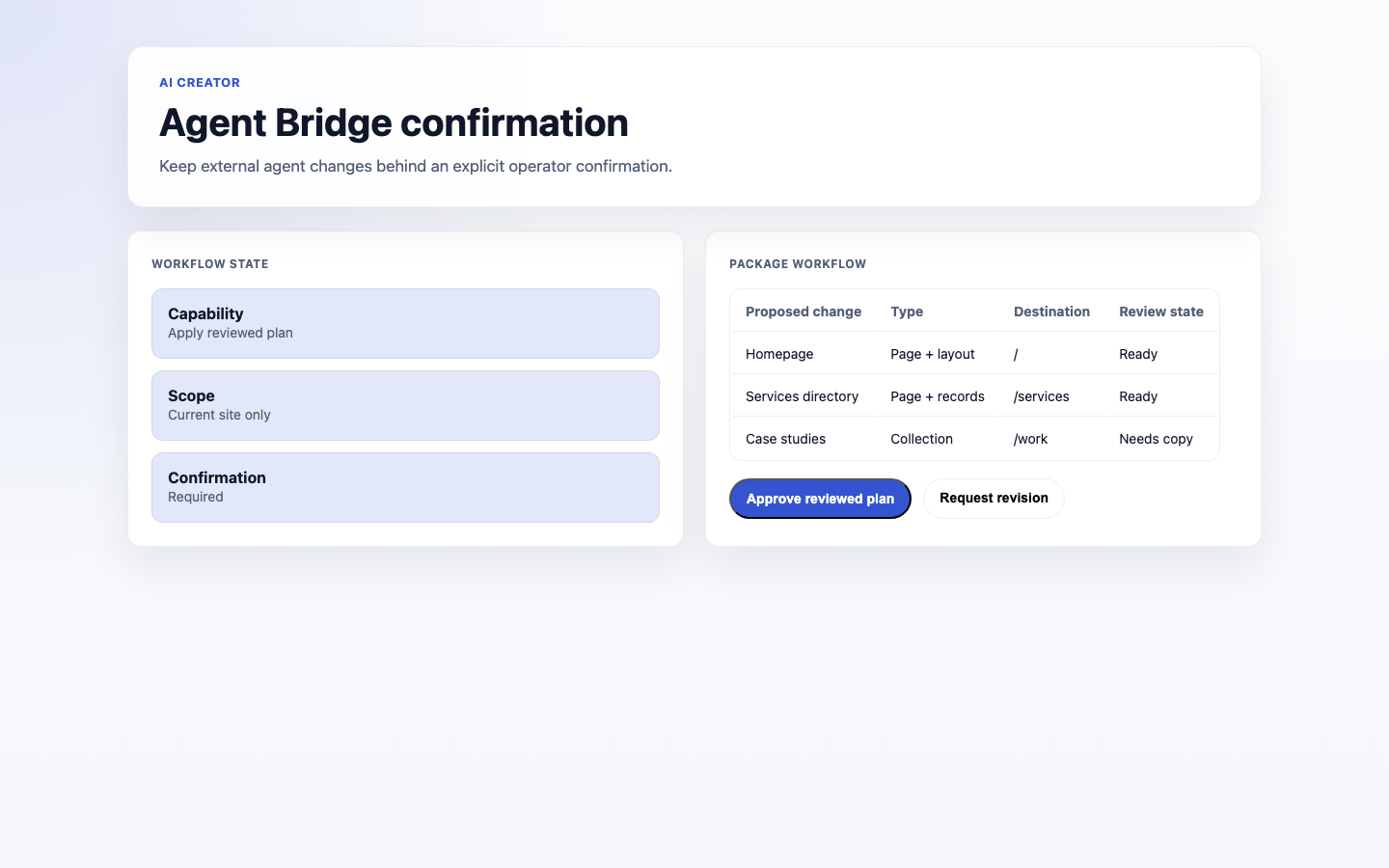
2. Review the one-use, account-bound confirmation and any warnings.
3. Select **Confirm and create site** to materialise the reviewed site and pages, or cancel to leave the preview unchanged.
4. The created site remains private by default; open it in the site editor to continue preparing it for publication.
### How to confirm a requested change
1. From a private preview, select **Preview apply impact**.
2. Review the one-use, account-bound confirmation and any warnings.
3. Select **Confirm and create site** to materialise the reviewed site and pages, or cancel to leave the preview unchanged.
4. The created site remains private by default; open it in the site editor to continue preparing it for publication.
 ## Troubleshooting
| What you see | What it means | What to do |
| -------------------------------------------- | ------------------------------------------------------------------------- | ----------------------------------------------------------------------------------------------------- |
| I can't open or create an AI Creator session | You may not be signed in or lack access to the page | Sign in and ask an administrator for the AI Creator view or manage permission |
| A recommended package is listed | The generated plan identifies an extension that may help | Decide separately whether to install it; AI Creator does not install packages from this screen |
| Nothing was created after I described it | Starting a session and generating a plan do not build a site | Build and review the private preview, then use the confirmation step to create the site |
| The plan cannot be applied | It has not yet been validated as a private preview with at least one page | Generate or validate the site spec, rebuild the preview, and review it before requesting confirmation |
## Troubleshooting
| What you see | What it means | What to do |
| -------------------------------------------- | ------------------------------------------------------------------------- | ----------------------------------------------------------------------------------------------------- |
| I can't open or create an AI Creator session | You may not be signed in or lack access to the page | Sign in and ask an administrator for the AI Creator view or manage permission |
| A recommended package is listed | The generated plan identifies an extension that may help | Decide separately whether to install it; AI Creator does not install packages from this screen |
| Nothing was created after I described it | Starting a session and generating a plan do not build a site | Build and review the private preview, then use the confirmation step to create the site |
| The plan cannot be applied | It has not yet been validated as a private preview with at least one page | Generate or validate the site spec, rebuild the preview, and review it before requesting confirmation |