# Using Blog
This guide is for the people who run the blog: editors who write and publish articles, and owners deciding how much of the blog to switch on. No technical knowledge needed. Every step uses the labels you see on screen.
## Using Blog (editor how-to)
### How to write and publish an article
1. Open **Articles** in the admin navigation.
2. Click **New article**.
3. Give it a **Title**. This is the headline readers see.
4. Write your article in the body. You can add text, images, and other blocks just as you build any page.
5. Set a **Featured image** so the article looks right when it is shared or listed.
6. Add **Tags** to group it with related articles (for example "Product news").
7. When you are happy, set the article to **Published** and save.
Your article is now live on the blog page.
 ### How to save a draft and come back later
1. While editing, leave the article as **Draft** instead of Published, then save.
2. A draft stays private. Visitors never see it.
3. Reopen it any time from **Articles** (drafts are marked in the list) and keep working.
4. Switch it to **Published** when it is ready.
### How to schedule an article for later
1. Open or create the article.
2. Find the **Publish date** and set it to the future date and time you want.
3. Save the article.
4. It stays hidden until that moment, then goes live on its own. You do not need to come back and publish it.
### How to set a featured image and tags
1. In the editor, set the **Featured image**. This is the picture used in listings and when the article is shared on social media.
2. Add one or more **Tags**. Each tag gets its own page, so readers can browse everything tagged "Guides", for example.
### How to find published, draft, and scheduled articles
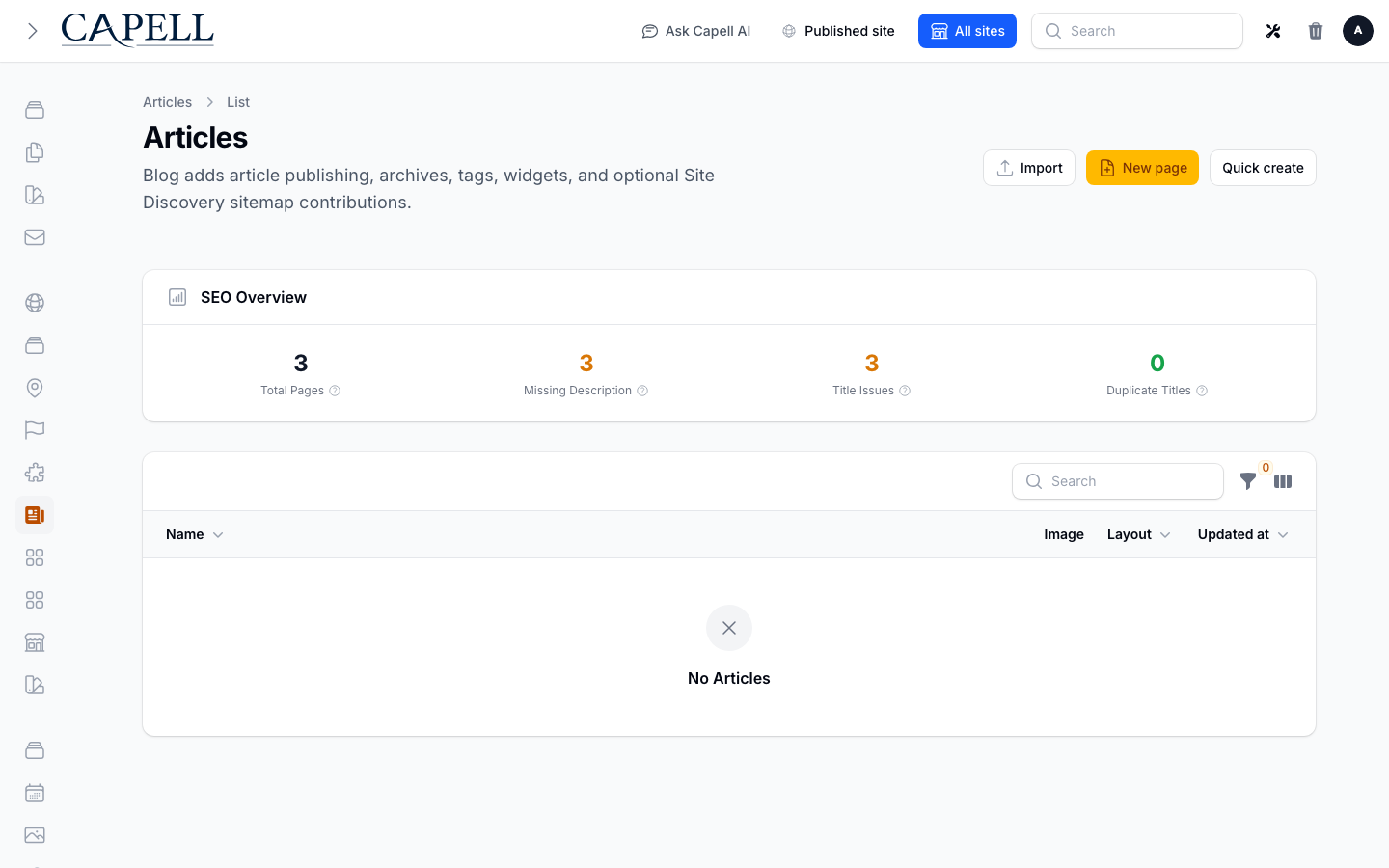
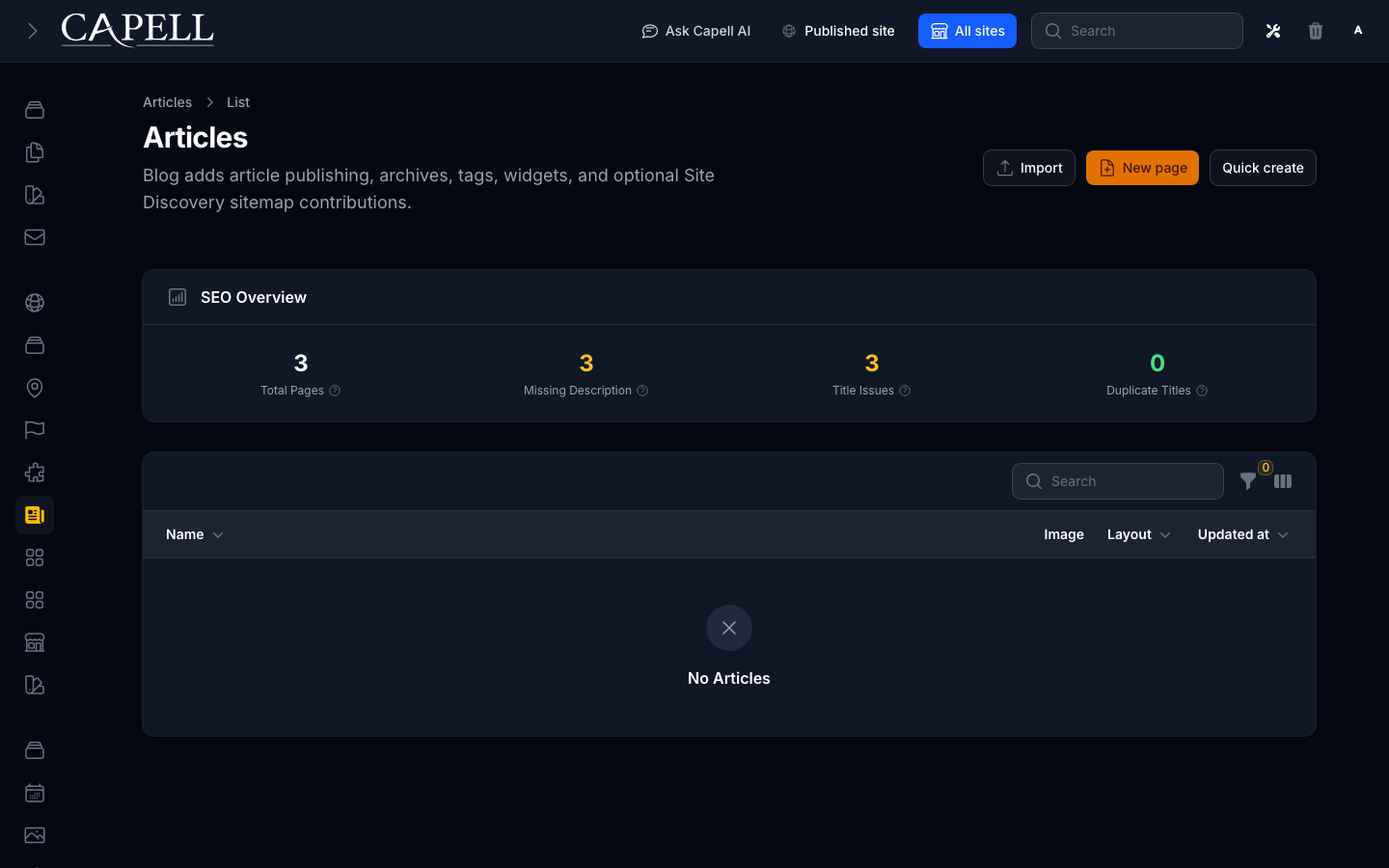
1. Open **Articles** in the admin navigation.
2. The list shows each article's status: **Published**, **Draft**, or **Scheduled**.
3. Use the filters at the top of the list to show only one status, or to filter by site or language.
### How to save a draft and come back later
1. While editing, leave the article as **Draft** instead of Published, then save.
2. A draft stays private. Visitors never see it.
3. Reopen it any time from **Articles** (drafts are marked in the list) and keep working.
4. Switch it to **Published** when it is ready.
### How to schedule an article for later
1. Open or create the article.
2. Find the **Publish date** and set it to the future date and time you want.
3. Save the article.
4. It stays hidden until that moment, then goes live on its own. You do not need to come back and publish it.
### How to set a featured image and tags
1. In the editor, set the **Featured image**. This is the picture used in listings and when the article is shared on social media.
2. Add one or more **Tags**. Each tag gets its own page, so readers can browse everything tagged "Guides", for example.
### How to find published, draft, and scheduled articles
1. Open **Articles** in the admin navigation.
2. The list shows each article's status: **Published**, **Draft**, or **Scheduled**.
3. Use the filters at the top of the list to show only one status, or to filter by site or language.
 ### How to feature articles on other pages
1. Edit any page where you want to show articles.
2. Add the **Article** widget to show a single article, or the **Related** widget to show articles related to the current one.
3. Choose how many articles appear and save the page.
## Rolling out Blog (for owners)
### Turn on first
- **Articles and the blog page.** This is the core of the package: writing, drafting, and publishing. Start here and get your team comfortable creating articles before adding anything else.
### Add when needed
| Need | Enable |
| -------------------------------------------------- | ------------------------------------------------ |
| Group articles by topic for readers to browse | **Tags** (and the tag pages that come with them) |
| A browsable history of older posts | **Archives** (monthly archive pages) |
| Show articles on other pages (home page, sidebars) | The **Article** and **Related** widgets |
| Let readers subscribe in their reader app | The blog's **RSS/Atom feeds** (on automatically) |
### Don't enable yet
- Hold off on widgets and archive pages until you have a handful of published articles. They look empty otherwise.
### Who does what
| Role | First useful screen |
| --------------- | ----------------------------------------------------------------------------------------------------- |
| Writer / editor | **Articles**: write, draft, schedule, publish |
| Site owner | **Articles** list: see what is published vs in progress, plus the **Article health** dashboard widget |
## Troubleshooting for editors
| What you see | What it means | What to do |
| ------------------------------------------------------- | ------------------------------------------------------------------------------------------------------------ | ----------------------------------------------------------------------------------------------------------------------------------------------------------------------------- |
| My article isn't on the site | It is still a **Draft**, or its **Publish date** is in the future | Open it, set it to **Published**, and check the publish date is not later than now |
| A scheduled article didn't appear | The publish time hasn't been reached, the application clock is wrong, or the public response is still cached | Re-check the **Publish date** and timezone, then clear the relevant page/feed cache. Visibility is evaluated when public content is queried; no publishing worker is required |
| My change isn't showing on the live page | The public page is still serving a cached copy | Wait a moment, or ask whoever manages caching to clear it for that page |
| The **Article health** widget shows an unexpected total | It summarizes article statuses, top tags, and language coverage across the blog | Review the article list or translation coverage to find the records behind the total |
| A tag or archive page is empty | No published articles use that tag or fall in that month yet | Publish articles with that tag, or hide the empty page |
### How to feature articles on other pages
1. Edit any page where you want to show articles.
2. Add the **Article** widget to show a single article, or the **Related** widget to show articles related to the current one.
3. Choose how many articles appear and save the page.
## Rolling out Blog (for owners)
### Turn on first
- **Articles and the blog page.** This is the core of the package: writing, drafting, and publishing. Start here and get your team comfortable creating articles before adding anything else.
### Add when needed
| Need | Enable |
| -------------------------------------------------- | ------------------------------------------------ |
| Group articles by topic for readers to browse | **Tags** (and the tag pages that come with them) |
| A browsable history of older posts | **Archives** (monthly archive pages) |
| Show articles on other pages (home page, sidebars) | The **Article** and **Related** widgets |
| Let readers subscribe in their reader app | The blog's **RSS/Atom feeds** (on automatically) |
### Don't enable yet
- Hold off on widgets and archive pages until you have a handful of published articles. They look empty otherwise.
### Who does what
| Role | First useful screen |
| --------------- | ----------------------------------------------------------------------------------------------------- |
| Writer / editor | **Articles**: write, draft, schedule, publish |
| Site owner | **Articles** list: see what is published vs in progress, plus the **Article health** dashboard widget |
## Troubleshooting for editors
| What you see | What it means | What to do |
| ------------------------------------------------------- | ------------------------------------------------------------------------------------------------------------ | ----------------------------------------------------------------------------------------------------------------------------------------------------------------------------- |
| My article isn't on the site | It is still a **Draft**, or its **Publish date** is in the future | Open it, set it to **Published**, and check the publish date is not later than now |
| A scheduled article didn't appear | The publish time hasn't been reached, the application clock is wrong, or the public response is still cached | Re-check the **Publish date** and timezone, then clear the relevant page/feed cache. Visibility is evaluated when public content is queried; no publishing worker is required |
| My change isn't showing on the live page | The public page is still serving a cached copy | Wait a moment, or ask whoever manages caching to clear it for that page |
| The **Article health** widget shows an unexpected total | It summarizes article statuses, top tags, and language coverage across the blog | Review the article list or translation coverage to find the records behind the total |
| A tag or archive page is empty | No published articles use that tag or fall in that month yet | Publish articles with that tag, or hide the empty page |