
How To Create A Capell Extension
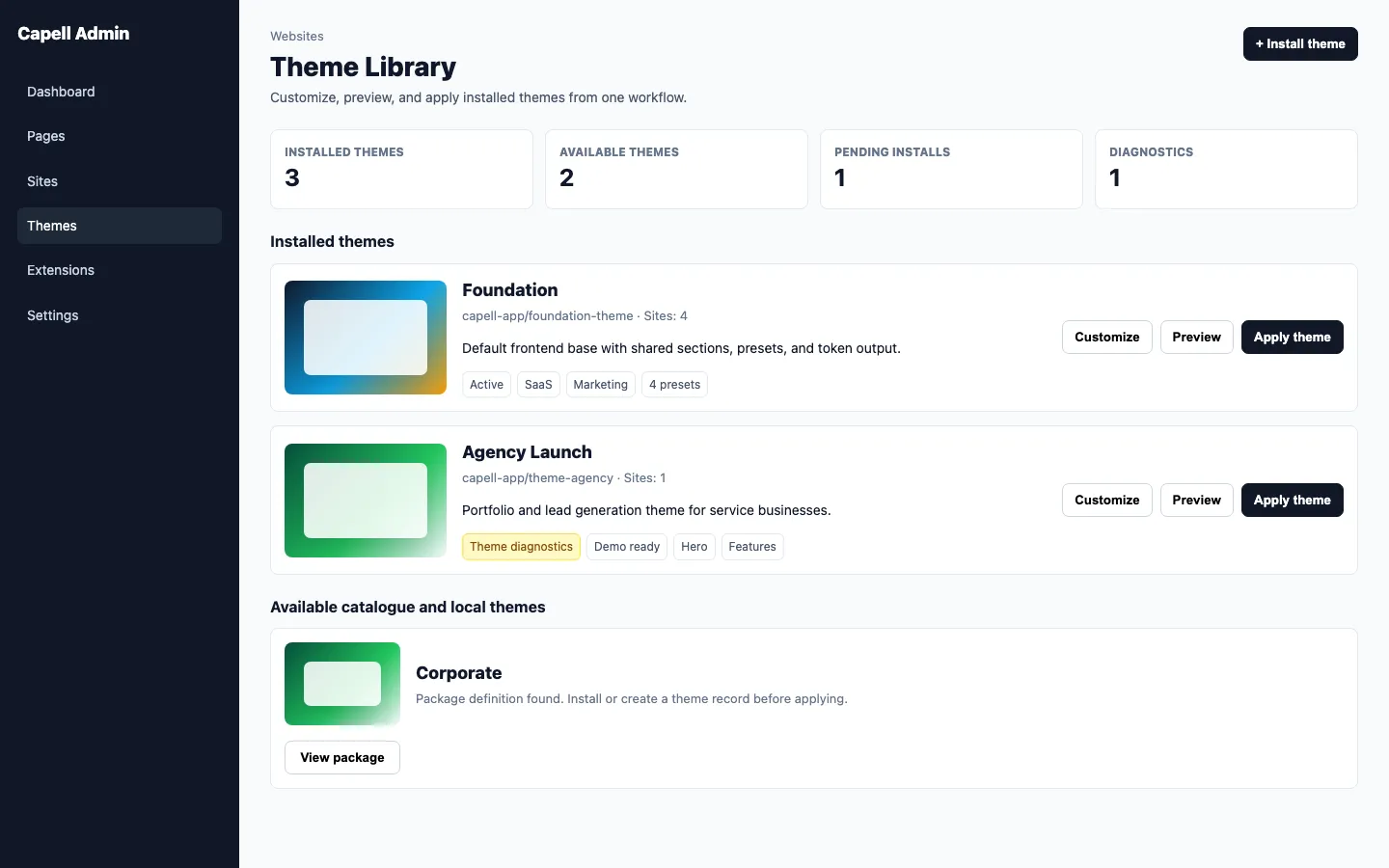
A Capell extension is a focused Laravel package that registers capabilities with Capell through public extension points. It should be installable, testable, removable, and understandable from the Extensions page.
Use an extension when a feature needs to live outside capell-app/core, capell-app/admin, or capell-app/frontend: page types, widgets, admin tools, frontend output, integrations, dashboard reports, package settings, or example content.
In current Capell docs, package is the Composer artifact, extension is the Capell capability it contributes, and module is informal product language. When naming code, manifests, and docs, prefer package or extension.
1. Scaffold The Package
Section titled “1. Scaffold The Package”Start with capell:make-extension. The command name keeps the existing extension language, but it creates a Composer package with a Capell manifest.
php artisan capell:make-extension vendor/example --profile=minimal --path=packages --name="Example"php artisan capell:make-extension vendor/example-tools --profile=full --path=packages --premiumUse minimal for a clean installable package with one runtime provider. Use full when you want live examples for provider buckets, a package command, settings, frontend render hooks, Actions, Data, assets, and safety tests.
Interactive mode asks for missing values:
php artisan capell:make-extensionNon-interactive scripts must pass package, --profile, and --path.
2. Check The Package Shape
Section titled “2. Check The Package Shape”Create the package in the local package directory used by the consuming app:
packages/example├── README.md├── capell.json├── composer.json├── resources│ └── lang/en├── src│ ├── Actions│ └── Providers└── testsOnly add folders the package actually owns. Keep domain work in src/Actions, typed state in src/Data, and user-facing strings in package translations.
3. Add Composer Discovery
Section titled “3. Add Composer Discovery”composer.json makes the package available to Laravel:
{ "name": "capell-app/example", "type": "library", "autoload": { "psr-4": { "Capell\\Example\\": "src" } }, "extra": { "laravel": { "providers": ["Capell\\Example\\Providers\\ExampleServiceProvider"] } }}Composer discovery should register only the package bootstrap provider. Use Capell’s manifest to load runtime-specific providers.
4. Add The Capell Manifest
Section titled “4. Add The Capell Manifest”capell.json describes the package to the installer, marketplace, and Extensions page. Use manifest version 3; older fields such as capell-version are rejected by the manifest validator:
{ "manifest-version": 3, "name": "capell-app/example", "slug": "example", "displayName": "Example", "kind": "package", "capellApiVersion": "^4.0", "version": "1.0.0", "description": "Example extension for Capell.", "product": { "group": "Capell Foundation", "tier": "free" }, "namespace": "Capell\\Example\\", "surfaces": ["admin", "console"], "dependencies": { "requires": ["capell-app/core", "capell-app/admin"], "supports": [], "conflicts": [] }, "providers": { "metadata": [ "Capell\\Example\\Providers\\ExampleMetadataServiceProvider" ], "install": ["Capell\\Example\\Providers\\ConsoleServiceProvider"], "runtime": ["Capell\\Example\\Providers\\ExampleServiceProvider"], "admin": ["Capell\\Example\\Providers\\AdminServiceProvider"], "frontend": [] }, "contributes": [], "contributionTraceability": [], "database": { "migrations": true, "settings": false, "requiredTables": [] }, "commands": { "install": "capell:example-install", "afterInstall": null, "afterInstallParams": [], "setup": null, "setupParams": [], "upgrade": null, "demo": null, "demoParams": [], "faker": null, "fakerParams": [] }, "settings": [], "permissions": [], "capabilities": [], "performance": { "cacheTags": [], "cacheSafety": { "cacheable": false, "sensitiveOutput": false, "queueInvalidation": false, "variesBy": [], "invalidationSources": [] } }, "healthChecks": [], "commercial": { "privateDocsRequested": false }, "marketplace": { "summary": "Adds a focused example capability.", "categories": ["example"], "screenshots": [] }}Keep dependencies.requires honest. If the package registers an admin page, an Extensions page action, a Filament resource, or admin translations, require capell-app/admin.
Use commands.install for the main package install command. Use commands.afterInstall, commands.setup, commands.upgrade, commands.demo, and commands.faker only when the package really owns those lifecycle commands. Health checks belong in the top-level healthChecks list, not under commands.
5. Require The Package With Composer
Section titled “5. Require The Package With Composer”A Capell package is installed through Composer first, then Capell discovers its capell.json manifest.
For a package already published to Packagist or a configured private Composer repository:
composer require vendor/examplephp artisan optimize:clearphp artisan capell:package-cache:clearFor one local package while developing an app:
composer config repositories.vendor-example path packages/examplecomposer require vendor/example:@devphp artisan optimize:clearphp artisan capell:package-cache:clearFor a project that should load several local Capell packages, add a wildcard path repository to the app’s composer.json:
{ "repositories": [ { "type": "path", "url": "packages/*", "options": { "symlink": true } } ]}Then require the package by its Composer name:
composer require vendor/example:@devUse symlink: true for local development so changes in packages/example are reflected without reinstalling the package. Use a tagged version constraint such as ^1.0 once the package is published.
For a private Git repository:
composer require vendor/example:^1.06. Wire Runtime Providers
Section titled “6. Wire Runtime Providers”Provider code should attach capabilities through extension points. Package metadata comes from capell.json; do not duplicate normal package metadata with provider-side CapellCore::registerPackage().
<?php
declare(strict_types=1);
namespace Capell\Example\Providers;
use Capell\Frontend\Support\Render\RenderHookRegistry;use Illuminate\Support\ServiceProvider;
final class ExampleServiceProvider extends ServiceProvider{    public function boot(RenderHookRegistry $renderHooks): void    {        // Register package-owned runtime hooks here.    }}
Use Extension lifecycle for the full provider bucket rules and Service providers for runtime-specific examples.
7. Register The Extension Settings Page
Section titled “7. Register The Extension Settings Page”If your package has settings, create a Filament page that extends Capell\Admin\Filament\Pages\AbstractPackageSettingsPage, set its $settingsGroup, and register it as the package extension page:
CapellAdmin::registerExtensionPage('capell-app/example', ExampleSettingsPage::class);The same method works for a normal package-owned Filament page, not only settings pages. Capell adds the page to Filament and lists the package on the Extensions management page with a direct Edit action. If a package registers multiple pages, the first registered page is the primary edit target and the remaining pages appear as direct secondary links.
Settings schemas should return contained Filament sections:
use Filament\Forms\Components\TextInput;use Filament\Schemas\Components\Section;
Section::make(__('capell-example::settings.general'))    ->columnSpanFull()    ->schema([        TextInput::make('api_key')            ->label(__('capell-example::settings.api_key')),    ])    ->columns(2);
Do not return bare fields or bare grids from a settings schema. Do not use contained(false) around normal fields unless another contained section already provides the background. Labels, helper text, toggles, and inputs must remain readable in both light and dark mode.
8. Add Configurators When Extending Existing Admin Surfaces
Section titled “8. Add Configurators When Extending Existing Admin Surfaces”Configurators are the preferred way for extensions to shape an existing Capell editing surface. A configurator implements Capell\Admin\Contracts\ConfiguratorInterface, provides a stable key, sort order, and a configure() method that returns a Filament Schema.
Use configurators for page types, widget types, layout containers, sites, languages, and themes. Use package settings schemas for package-level configuration. Keep configurators thin: assemble Filament components there, put domain work in Actions, and put visible text in translations.
Configurator fields follow the same presentation rule as settings fields: wrap normal fields in contained Section components so the label/input pair never floats on a hard-to-read page background.
9. Add Extensions Page Actions
Section titled “9. Add Extensions Page Actions”Packages can register actions for the admin Extensions page through ExtensionsPageActionRegistry.
Use header actions for package-level tasks such as installing example site data, syncing remote metadata, or opening a setup wizard. Header actions appear above the table and do not add another button to every row.
<?php
declare(strict_types=1);
namespace Capell\Example\Providers;
use Capell\Admin\Filament\Pages\ExtensionsPage;use Capell\Admin\Support\Extensions\ExtensionsPageActionRegistry;use Capell\Example\Actions\InstallExampleContentAction;use Filament\Actions\Action;use Filament\Support\Icons\Heroicon;use Illuminate\Support\ServiceProvider;
final class AdminServiceProvider extends ServiceProvider{    public function boot(): void    {        resolve(ExtensionsPageActionRegistry::class)            ->registerHeaderAction(                fn (ExtensionsPage $page): Action => Action::make('installExampleContent')                    ->label(__('capell-example::actions.install_example_content'))                    ->icon(Heroicon::OutlinedSparkles)                    ->authorize(fn (): bool => ExtensionsPage::canManageExtensions())                    ->action(fn (): mixed => InstallExampleContentAction::run()),            );    }}
Use table actions only when the action belongs to a specific extension row:
resolve(ExtensionsPageActionRegistry::class) ->registerTableAction( fn (ExtensionsPage $page): Action => Action::make('checkExtensionHealth') ->label(__('capell-example::actions.check_health')) ->icon(Heroicon::OutlinedShieldCheck) ->action(fn (array $record): mixed => CheckExtensionHealthAction::run($record['name'])), );Capell already provides useful row actions for installed packages, including documentation and uninstall where available. Do not duplicate those in package code.
10. Add Extensions Page Content When Needed
Section titled “10. Add Extensions Page Content When Needed”Use ExtensionsPageExtender for contextual content before the table, such as setup status, marketplace connection state, or package-specific warnings.
$this->app->tag( [ExampleExtensionsPageNotice::class], \Capell\Admin\Contracts\Extenders\ExtensionsPageExtender::TAG,);Keep content small and operator-focused. Use actions for commands; use extenders for explanatory UI.
11. Register Frontend Component Overrides
Section titled “11. Register Frontend Component Overrides”When an extension or theme owns frontend output, avoid storing package Blade namespaces in content records. Store stable component keys such as section.block and register the Blade implementation behind that key.
<?php
declare(strict_types=1);
namespace Capell\Example\Providers;
use Capell\Frontend\Contracts\FrontendComponentRegistryInterface;use Illuminate\Support\ServiceProvider;
final class ExampleThemeServiceProvider extends ServiceProvider{    public function boot(): void    {        $this->callAfterResolving(            FrontendComponentRegistryInterface::class,            fn (FrontendComponentRegistryInterface $registry): FrontendComponentRegistryInterface => $registry                ->register(                    key: 'section.block',                    component: 'capell-example::section.block',                    aliases: [                        'capell-content-sections::section.block',                        'capell-content::section.block',                    ],                    props: [                        'asset',                        'class',                        'color',                        'icon',                        'image',                        'linkText',                        'loop',                        'meta',                        'size',                        'summary',                        'title',                        'url',                    ],                ),        );    }}
Use aliases for legacy Blade component names when replacing an existing renderer. This lets old saved content resolve to the new component while new content stores only the stable key. The Blade namespace remains an implementation detail that can move between Content Sections, ContentSections, or a theme package without a data migration.
12. Add Content Sections Areas When The Package Owns Chrome
Section titled “12. Add Content Sections Areas When The Package Owns Chrome”Packages that provide frontend chrome can expose named Content Sections areas so editors can place normal elements outside the main page-body loop. Use areas for slots such as header, footer, announcement, or product-specific chrome. Do not create hidden containers in the main content loop to get the same effect.
Require capell-app/content-sections when the package registers Content Sections areas. Register areas from a service provider:
<?php
declare(strict_types=1);
namespace Capell\Example\Providers;
use Capell\ContentSections\Support\LayoutAreas\LayoutAreaRegistry;use Illuminate\Support\ServiceProvider;
final class ExampleFrontendServiceProvider extends ServiceProvider{    public function boot(): void    {        $this->app->afterResolving(            LayoutAreaRegistry::class,            function (LayoutAreaRegistry $registry): void {                $registry->register(                    key: 'announcement',                    label: __('capell-example::layout_areas.announcement'),                );            },        );    }}
Render the area from the theme or frontend view that owns that chrome:
<x-capell::layout.area area="announcement" />Containers without meta.area stay in main, so existing layouts are backward-compatible. Area rendering must use the already-resolved layout data; public Blade should not query the database or expose editor metadata, model IDs, field paths, signed admin URLs, package names, or hidden authoring selectors.
13. Test The Extension
Section titled “13. Test The Extension”At minimum, package tests should cover:
- package registration and manifest loading
- every Action that changes data
- any Filament page, resource, or Extensions page action the package registers
- registered layout areas, if the package exposes editor-managed frontend chrome
- install and uninstall behaviour where the package owns database state
- admin visibility and authorization for destructive actions
Run focused tests first, then the package analysis step:
vendor/bin/pest packages/example/testscomposer analyzeBefore sharing the package, run the manifest audit against the package directory:
php artisan capell:extension-audit packages/example14. Share The Extension
Section titled “14. Share The Extension”To share an extension with another Capell project, make it Composer-installable and keep capell.json valid. That can mean a public Packagist package, a private Composer repository, a private Git repository configured as a Composer VCS repository, or a local path repository during development.
For Marketplace submission, prepare the same package you would install with Composer:
- tag a release in Git and use a normal Composer version constraint
- keep
composer.jsonandcapell.jsonnames aligned - fill
marketplace.summary, categories, screenshots, product tier, and support policy - include a README with install, configuration, commands, tests, and support notes
- run package tests and
capell:extension-audit
Once the package is published or reachable by Composer, upload or submit the extension to the Capell Marketplace with its Composer package name and release metadata. The Marketplace should not be the only source of truth; Composer metadata and capell.json must be enough for Capell to discover and install the package safely.