
What is Capell?
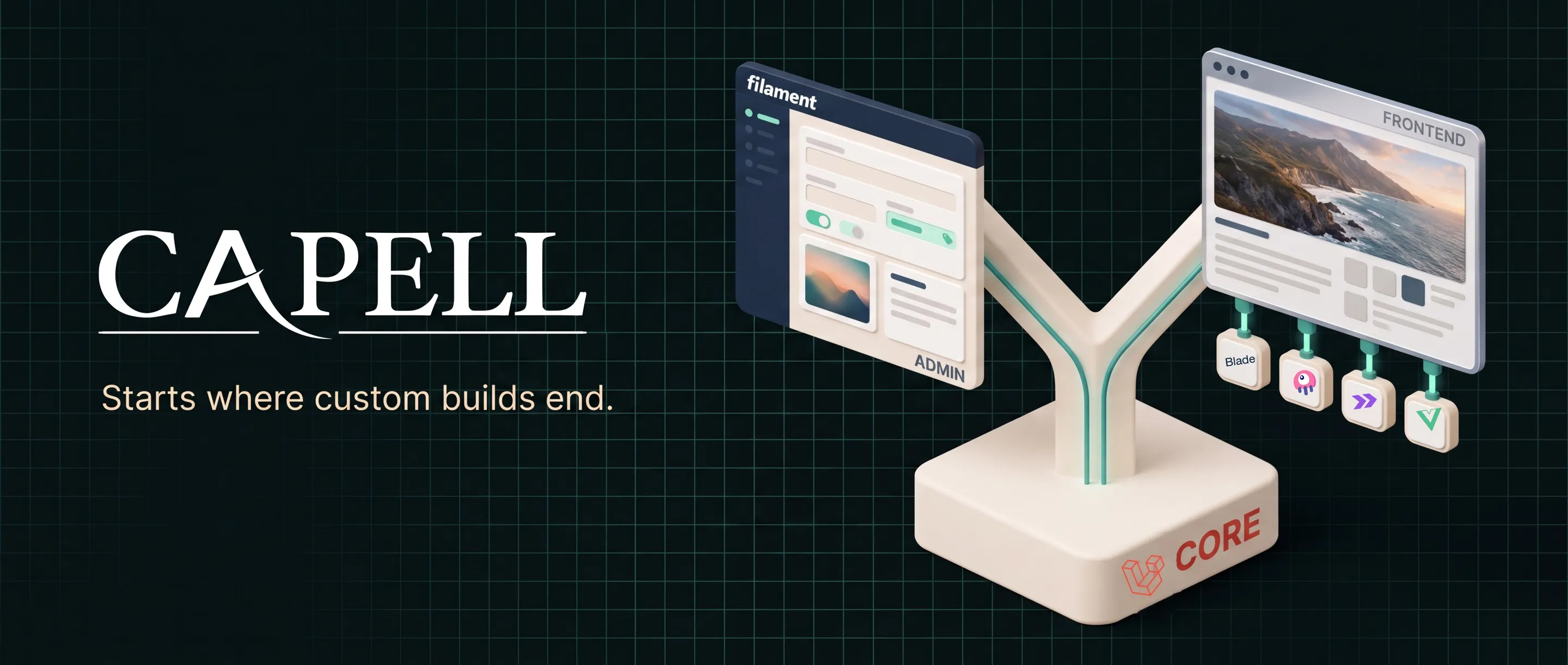






The first editable page is easy. Capell solves what comes next.
Capell is an open-source CMS for Laravel, built on Filament. A Page model and Filament resource are quick; the long-term work is reusable page blueprints, preview through the real theme, URL history, revision comparison, validated recovery and repeatable upgrades.
Capell Foundation turns that recurring work into one maintained, MIT-licensed contract. Editors preview, publish and recover pages in Filament; the Laravel application renders them with Blade, Livewire, Inertia, Vue.js or its own stack.
Install it into an existing Laravel application with two commands:
composer require capell-app/installerphp artisan capell:installOpen the guided demo · Decide if Capell fits · Follow the verified quickstart
Verified quickstart
Section titled “Verified quickstart”Start from a fresh supported Laravel application. The installer adds the selected foundation packages, runs each package lifecycle, creates the first site and administrator, generates frontend assets, synchronises permissions, and finishes only when its required health summary passes.
composer create-project laravel/laravel capell-sitecd capell-site
# Configure APP_URL and a supported database in .env first.composer require capell-app/installerphp artisan capell:install --demo
The guided command asks for the site URL and first administrator. A successful run ends with All checks passed followed by Installation complete. If a required step fails, the command exits non-zero and does not print the success message.
The canonical installation entry point for an existing Laravel application is capell-app/installer. The capell-app/capell package is the supported, version-aligned foundation aggregate for the Core, Admin, Frontend, Installer, and Marketplace code line; it does not replace the guided Installer workflow.
Then run the application using your normal Laravel development workflow and open:
/adminto sign in with the administrator created during installation;/to inspect the seeded public page;- Pages in Admin to make and publish the first change.
Do not run filament:install --panels before requiring Capell: the installer brings in and configures the selected Admin package. See the Quickstart for SQLite and queue setup, expected prompts, health checks, and first-run recovery.
Paid package install
Section titled “Paid package install”Paid packages are served from https://capell.app/composer with a short-lived credential that Capell issues for a purchase; the customer account lists and revokes issued credentials but does not reveal them. The site builder handoff lists the exact composer config, composer require and php artisan capell:install --spec=... commands to run, and installing from Marketplace in Admin passes the credential to Composer for you. To install a purchased package by hand, require that package and run php artisan capell:extension-install <vendor>/<purchased-package>.
The credential expires 30 minutes after it is issued, so request it immediately before use. Do not paste it into tickets, logs, source control, or shared shell history. See Paid package access for the details.
Capell is not a hosted CMS and does not ship a public content-delivery API. Your pages render inside your Laravel application through Blade, Livewire, Inertia, Vue, or your own stack.
From the first screen to a maintained CMS
Section titled “From the first screen to a maintained CMS”Custom Filament resources are a good fit for a few stable records. Capell earns its place when Pages, URLs, previews, history, upgrades and extensions need one maintained contract.
| Recurring CMS work | Custom Laravel and Filament build | With Capell Foundation |
|---|---|---|
| Page families | Design fields, forms, URLs, redirects and templates again for every new family. | Define one blueprint and URL contract, then let the application render every page of that type. |
| Preview | Build and maintain a second rendering path that can drift from the public site. | Preview unsaved content through the application’s real theme and templates. |
| Recovery | Decide how revisions, comparison, conflicts and restore should work after an editor needs them. | Compare any saved Page version, validate the target, then roll backward or forward without erasing history. |
| Upgrades | Maintain project-specific migration notes, health checks and recovery steps. | Run repeatable install and upgrade commands with durable logs, diagnostics and declared rollback rules. |
| Extension | Accumulate application glue or patch the CMS whenever the project grows. | Add Composer packages through typed extension points instead of changing core. |
See it running a real site
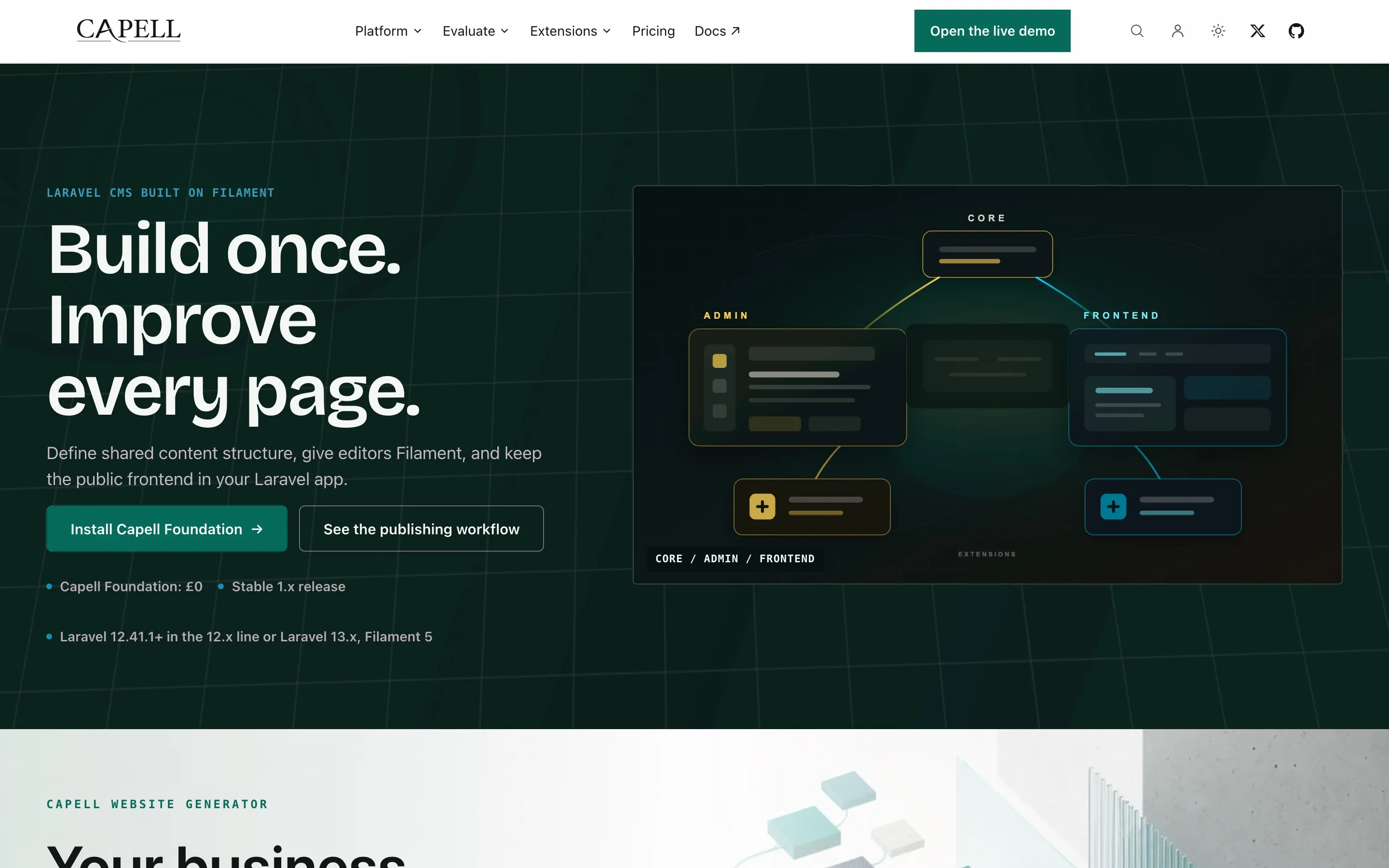
Section titled “See it running a real site”These captures show Capell administering capell.app — the Capell website is itself a Capell site, so what you see below is the product managing real production pages.
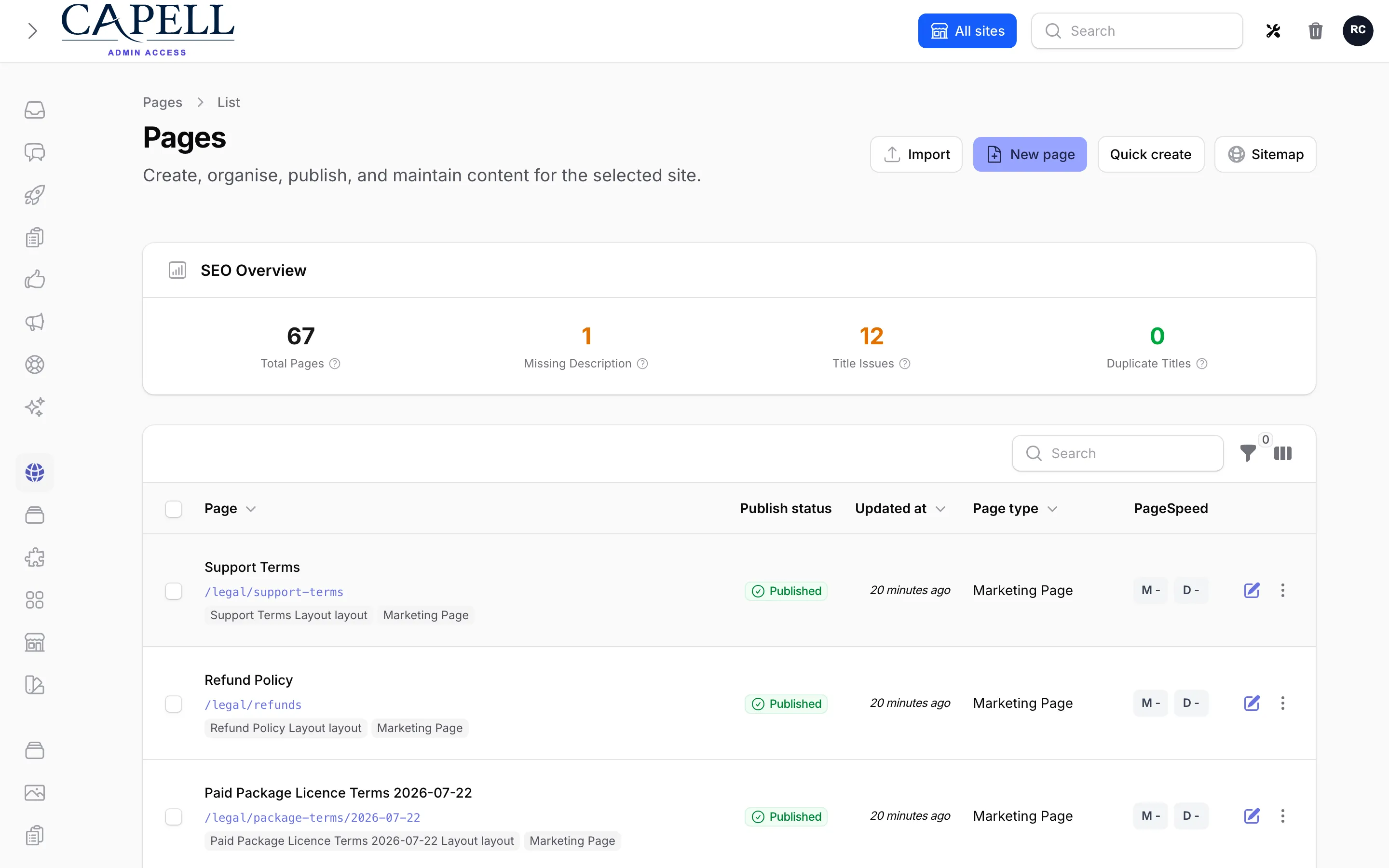
| Editing a page | What visitors see |
|---|---|
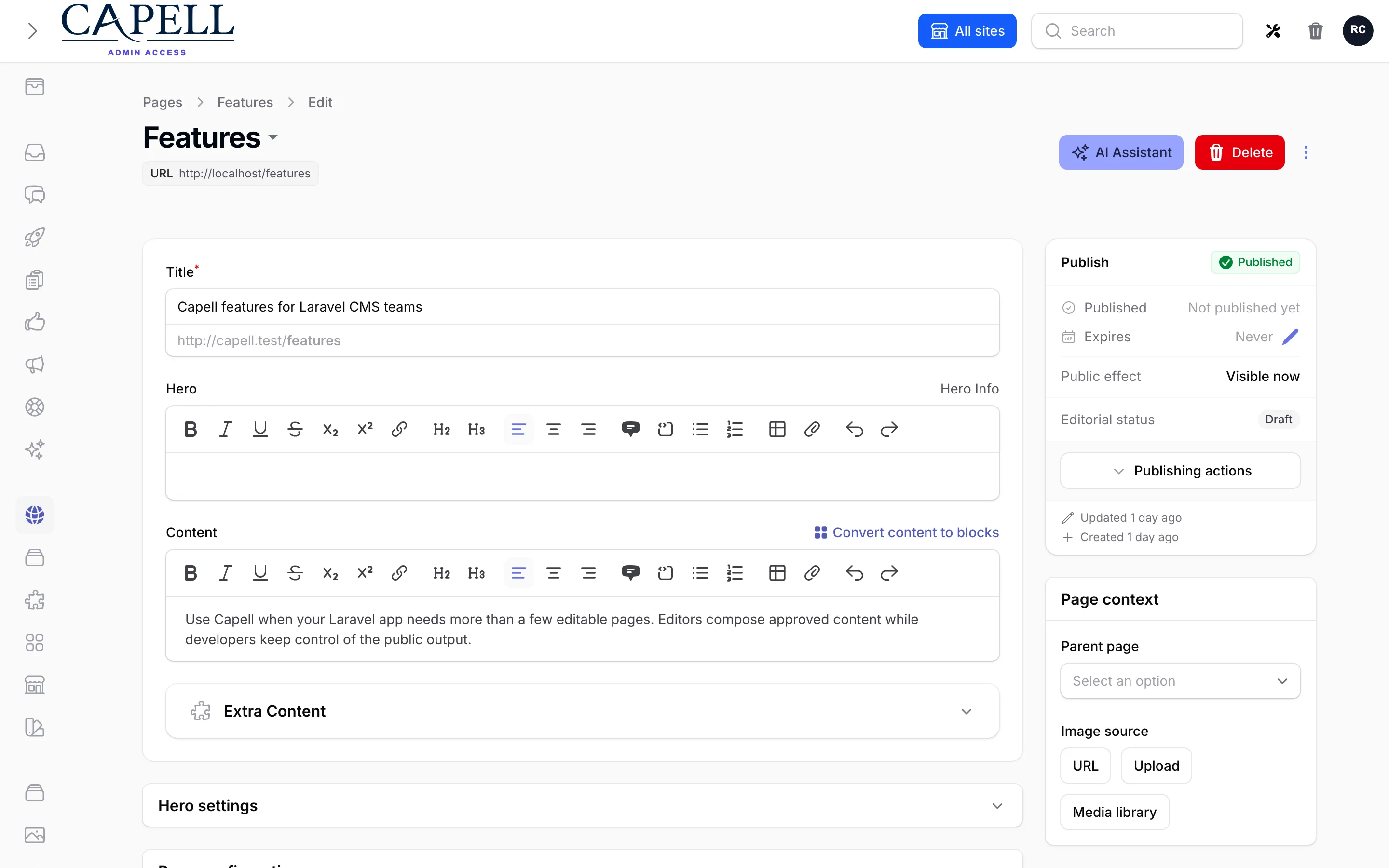 |  |
The guided demo explains its reset and read-only boundaries before sending you to the shared environment. Continue with Create your first page for the full field-by-field journey.
Where an edit goes
Section titled “Where an edit goes”
Editing, recovery drafts, private previews and saved page content are distinct states. Public visibility determines which saved content visitors can access.
The panels follow the same editor state: scratch recovery restores the form, optional Peek previews an unsaved snapshot, and explicit Save validates and checks the lock before persistence. History is recorded after the write; a save can change content already visible to visitors. Publishing Studio is a separate optional workflow. Source: Admin save gates, revision listener and Peek snapshot renderer.
Canonical Mermaid source · Page history and rollback
Compact site metrics
Section titled “Compact site metrics”
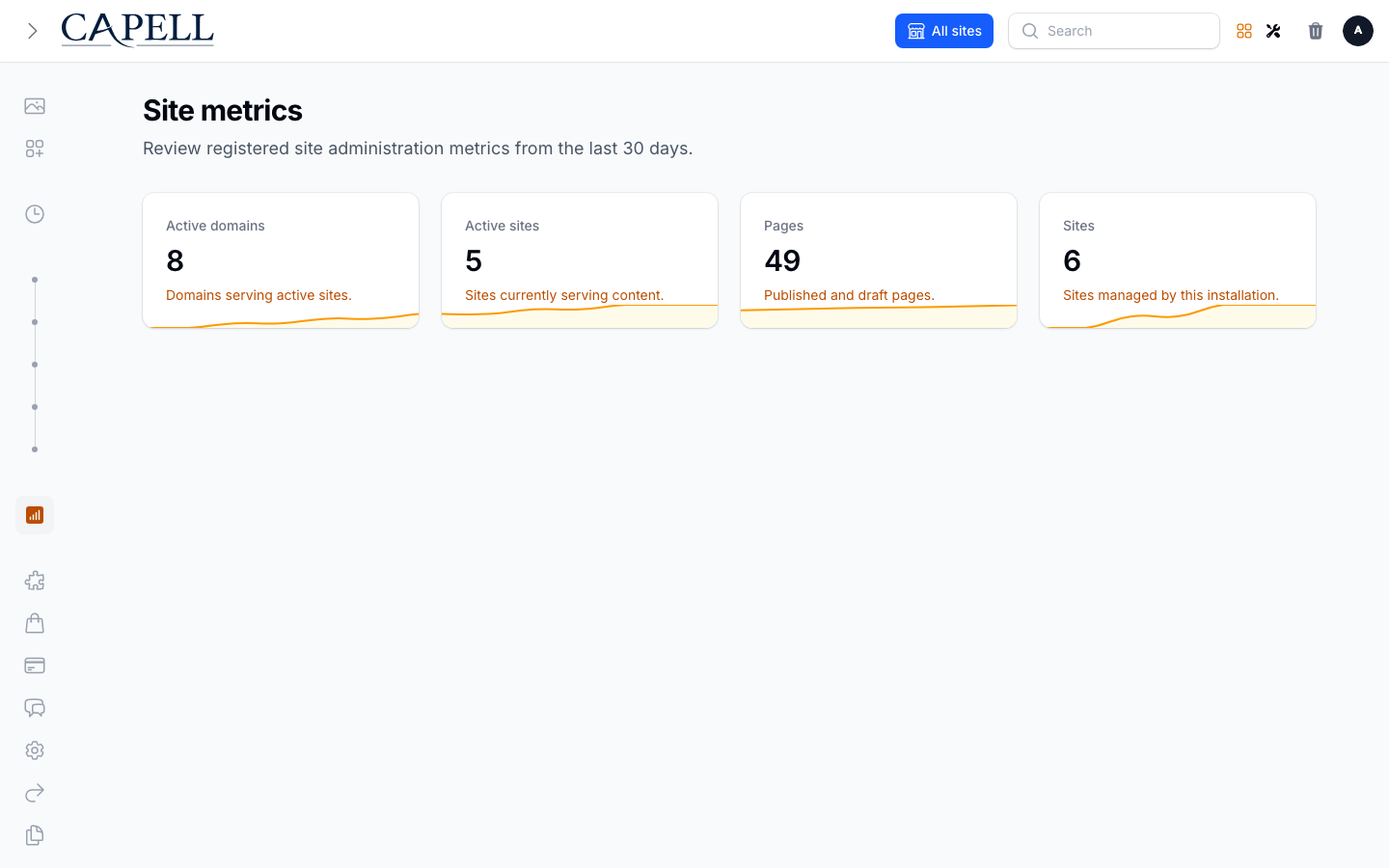
This capture shows the Admin package’s registered site metrics surface running in the Capell workbench. The compact cards and daily sparklines shipped in Core PR #370. The Capell homepage is the real site represented by the product captures above.
Grow through packages, not core patches
Section titled “Grow through packages, not core patches”Capell keeps Foundation lean and grows through packages, so the CMS can expand with the application instead of arriving as a monolith. The free core stands on its own; optional packages add focused capabilities when the project earns the need for them. Browse the current feature catalogue.
Optional capabilities arrive as Laravel packages you add when the work needs them. Before installing one, verify its distribution channel, maturity, supported Capell/Laravel/Filament versions, data access, migrations, support terms, and removal path — the package catalogue distinguishes foundation contracts from optional package documentation, and the live extensions directory is the authority for what is currently installable.
Package authors should start with the extension-point chooser and package authoring guide. Capell packages extend registries and lifecycle contracts instead of patching host classes.
Add behaviour through contracts
Section titled “Add behaviour through contracts”An extension package owns its feature code and contributes through its manifest-scoped providers. The Foundation registrars compose Core, Admin/editor, and Frontend/public surfaces; the Extension Cookbook is a concrete example of a page-schema extension and typed frontend registrations.

A package contributes to the host through contracts; it does not copy a Core resource. Package-owned models, migrations, routes, and views remain package-owned.
The three branches are selected by the Cookbook’s provider buckets. Its Admin bridge registers the page-schema extender, which adds translated sidebar help. Its widget contribution uses optional Layout Builder, an explicit Cookbook dependency.
Canonical Mermaid source · Package extension platform guide
Built as a standard Laravel package
Section titled “Built as a standard Laravel package”There is no separate runtime and no parallel framework to learn. Capell is plain Laravel — Eloquent models, Actions, events, queues, and Filament resources — developed in this open monorepo and published to Packagist as ordinary Composer packages.
Page schemas are defined by blueprints: define a page type’s fields once, then extend the schema per project instead of writing another bespoke resource. Underneath is a slim, strictly typed and well-tested core. Filament editing and public rendering stay completely separate, while new capabilities plug in through normal Laravel packages instead of core patches.

The Page holds identity and hierarchy. Its blueprint defines structure, its translations hold localised content, its URLs locate it, and its layout connects content to presentation.
Canonical Mermaid source · Detailed Core relationship map
Capell Foundation is MIT-licensed and installs from public Packagist repositories without a Capell account. Paid marketplace packages remain commercially licensed and use separate commercial terms and entitlement-scoped Composer access; the licensing page explains the split.
The public foundation is five packages:
| Package | Composer name | Responsibility |
|---|---|---|
| Core | capell-app/core | Sites, languages, pages, URLs, layouts, themes, media, translations, settings, revision history, upgrade foundations, and registries |
| Admin | capell-app/admin | Filament resources, editor workflows, page recovery UI, settings, users, diagnostics, and admin extension points |
| Frontend | capell-app/frontend | Public routing, site context, themes, typed resources, render hooks, and response delivery |
| Installer | capell-app/installer | Guided browser and CLI installation, health review, and installer cleanup |
| Marketplace | capell-app/marketplace | Extension discovery, install authorisation, and package acquisition contracts |
Theme it
Section titled “Theme it”Installed themes use one Admin path: Theme Library → Customize → Preview → Apply. Preview a change against real content before making it active, and keep theme presentation in the Laravel application rather than in page records.
Read Theme Library to operate installed themes or Creating custom themes to own the Blade, assets, settings, and compatibility contract yourself. Marketplace themes are only installable when their listing states a released distribution path and compatible Capell line; the theme gallery shows what each ships on the public web.
Operate it
Section titled “Operate it”Preview upgrades before applying them:
php artisan capell:upgrade --dry-runphp artisan capell:upgradephp artisan capell:doctorRollback is available only for recorded upgrade steps that implement a safe rollback:
php artisan capell:rollback --step=<step-id> --dry-runphp artisan capell:rollback --step=<step-id> --forceBackups are a separate operational contract. Configure database and media backups, offsite retention, monitoring, and scratch restores in the host application; then use Capell’s backup health and restore tooling to verify that configuration. Page history does not recover a lost database or media store.
Read these before production:
- Upgrading and rollback
- Database and media backups
- Site health
- Lockdown and break-glass access
- Export and exit
Requirements
Section titled “Requirements”| Tool | Supported versions |
|---|---|
| PHP | 8.4+ |
| Laravel | 13.x |
| Filament | 5.7.6+ (^5.7.6) |
| Database | MySQL 8+, MariaDB 10.5+, PostgreSQL 16+, or SQLite |
| Node.js | 20+ |
| Composer | 2.7+ |
| Runtime | PHP-FPM or Laravel Octane (Swoole, RoadRunner, or FrankenPHP) |
Required PHP extensions and writable paths are listed in the Install guide. The shipped product line is 1.x; use the latest compatible tag rather than a branch name in customer applications.
For the shipped 1.x line, each minor receives security fixes for 24 months from its release date, and the latest 1.x minor is always supported. See the security policy and Core support policy for the exact contract.
Pricing, support, security, and licence
Section titled “Pricing, support, security, and licence”- Current pricing and commercial availability
- Licensing and package access
- Support boundaries
- Security policy
- MIT licence
Commercial facts live on the Capell website so this README does not preserve stale prices, package counts, discounts, or checkout claims. Capell Foundation is MIT-licensed. Paid marketplace packages remain commercially licensed under their separate terms; public visibility never grants protected package access. See LICENSE.md for the Foundation terms.
Contributing to this repository
Section titled “Contributing to this repository”



This source monorepo contains the five foundation packages and their release-contract tests. It is not the package name installed into customer applications.
composer testcomposer lintcomposer analyzecomposer preflightSee CONTRIBUTING.md for repository setup, Docker harness use, path repositories, release checks, and pull-request expectations.