
Site Health
Use Site Health before serving a Capell site from production domains and after any deployment that changes frontend rendering, cache behaviour, static output, optimizer jobs, queues, or server configuration.
Admin diagnostics
Section titled “Admin diagnostics”Open Insights & health → Site Health in the Capell admin before launch and after deployments that change public rendering, queues, cache, static output, or frontend assets.


The aggregate page is the release-oriented view; focused reports below explain individual cache and URL findings.
The page aggregates operational checks that affect whether public traffic can be served safely:
- Public HTML cache status for each cacheable page URL:
HIT,MISS, orBYPASS, with the cache file path and generated timestamp where available. - Public-output safety checks for cached HTML that contains authoring markers or signed admin URLs.
- Static generation checks, including the current generation lock, the latest generated cache timestamp, and failed static generation jobs.
- Optimizer readiness for Node, Playwright, generated optimizer artifacts, and failed critical CSS jobs.
- Server checks for Laravel runtime basics:
APP_URL,APP_KEY,APP_ENV,APP_DEBUG, cache/session/queue drivers, database-backed cache and queue tables, scheduler visibility, failed-jobs table, trusted proxy config, and writable paths.
Treat red checks as release blockers. Treat amber checks as deployment risks that need either remediation or an explicit operational decision.
Focused health pages
Section titled “Focused health pages”Site Health is the sidebar entry point for operational checks. Enabled extensions add focused subpages while keeping their own access permissions:
- Cached pages: inspect cached URLs and the content they depend on, and clear an outdated saved copy.
- Maintenance cache: prepare maintenance pages and control global or per-site maintenance mode.
- Site monitor: inspect public URL checks, certificate and domain expiry, and open incidents.
- Media Health: investigate missing or unhealthy media.
- System Health: review setup, alerts, content integrity, migrations, configuration drift, cache and asset-build widgets.
- Queue Health: inspect pending work and failed background jobs.
If an operator can access a focused page but lacks permission for the overview, its navigation link remains available independently.
Status meanings
Section titled “Status meanings”| Status | Meaning | Action |
|---|---|---|
GREEN or HIT | The check is healthy or the cache file exists. | No action needed beyond normal release verification. |
AMBER or MISS | The site can usually keep serving traffic, but a dependency, cache file, generated artifact, or runtime signal needs attention. | Review the remediation text and decide whether to fix before release. |
RED or BYPASS | A safety guard, failed job, writable path, or cacheability issue can affect public delivery. | Treat as a blocker unless there is a deliberate operational exception. |
Feature areas
Section titled “Feature areas”Cache status lists every enabled, non-redirect page URL with its site, layout, public URL, cache status, cache file path, and generated timestamp. Use it to spot URLs that are expected to be cacheable but are missing files, bypassing cache, or tied to an uncached domain.
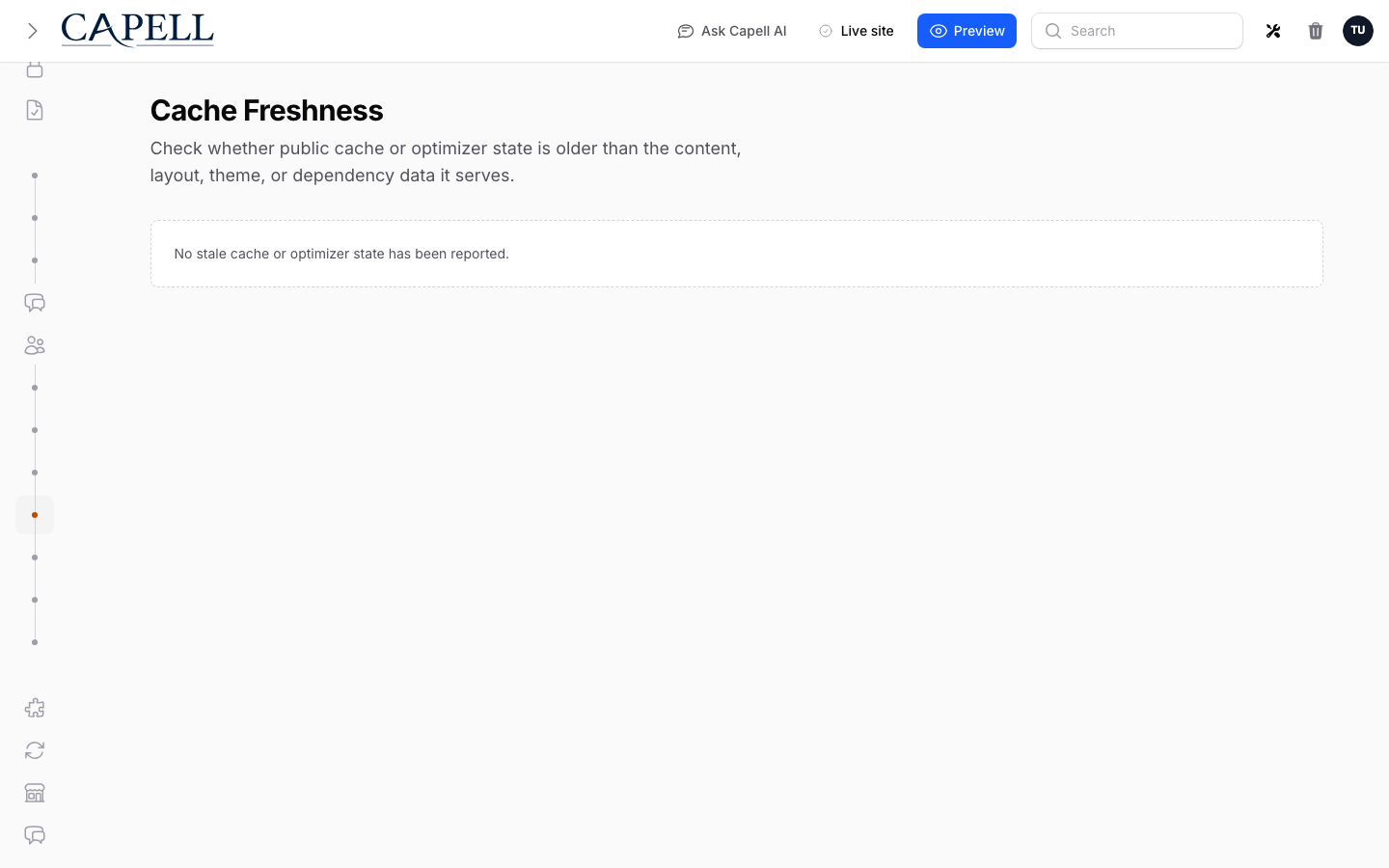
Healthy looks like no cache or optimizer state older than the content, layout, theme, or dependency data it serves.
Public-output safety scans cached public HTML for authoring markers and signed admin URLs. A red result means unsafe admin/editor details reached cacheable output and the affected cache file should be cleared after the source leak is fixed.
URL health checks for missing routes, duplicate paths, bad redirects, stale targets, and domain mismatches. It is the URL-specific report; SEO Audit remains a separate companion-package concern.
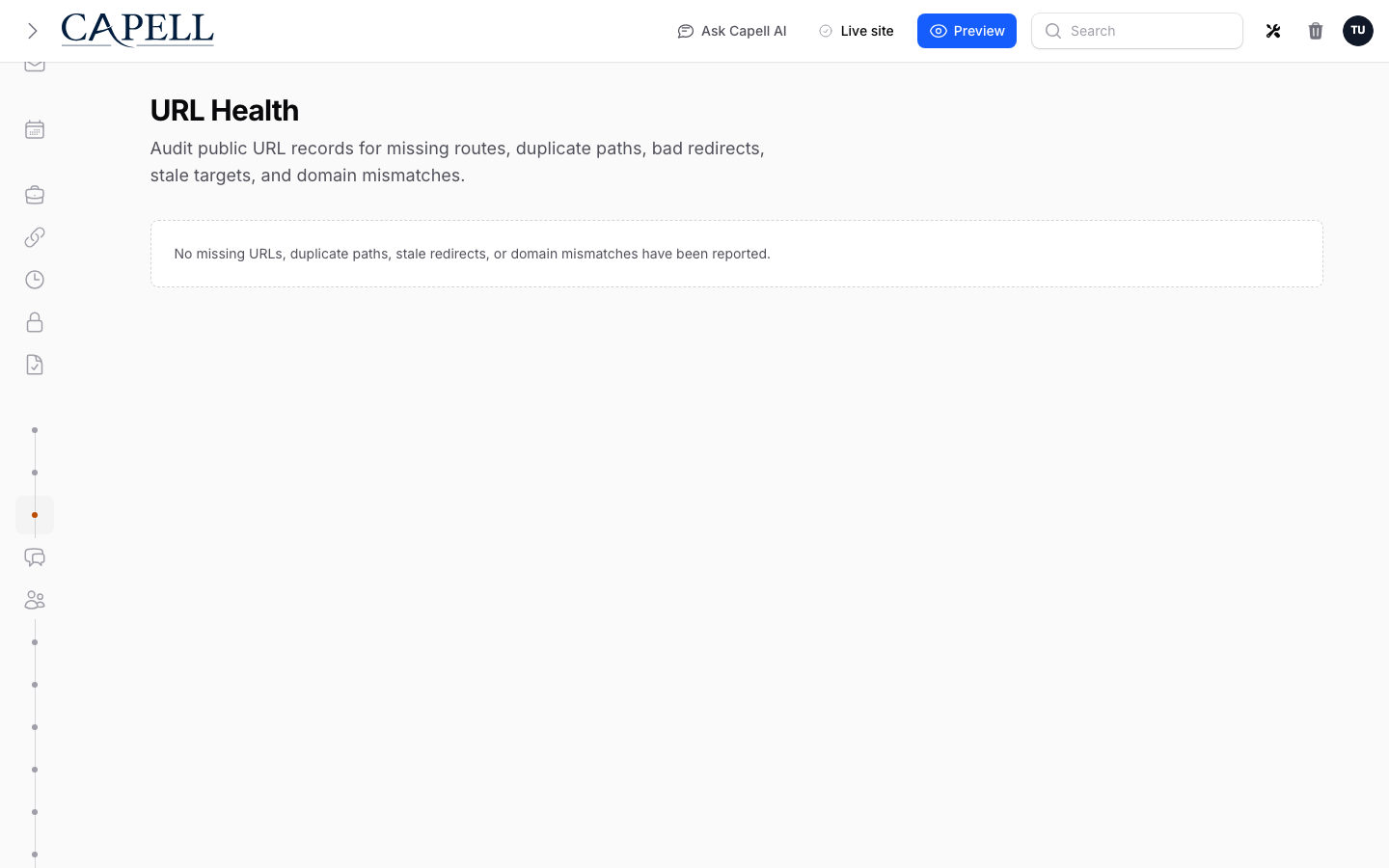
Healthy looks like an empty report: every public URL resolves uniquely, redirects point at current targets, and domains match their site records.
Static generation reports the static-site generation lock, newest generated public cache timestamp, and failed jobs related to static generation. Use it after cache clears, full static builds, or failed deployment jobs.
Optimizer readiness checks Node, Playwright, optimizer artifacts, and failed critical CSS jobs. Missing optimizer tooling is amber when the site can still serve normal CSS and JavaScript, but failed critical CSS jobs should be investigated before relying on generated assets.
Server checks cover the Laravel and filesystem basics Site Health can inspect locally: APP_URL, APP_KEY, APP_ENV, APP_DEBUG, cache store, session driver, queue connection, scheduler visibility, database-backed cache and queue tables, failed-jobs table, trusted proxy config, writable storage, and writable bootstrap/cache.
A failing trusted proxy check on a site behind a CDN or load balancer means Laravel is reading the proxy’s address and scheme instead of the visitor’s, which breaks generated HTTPS URLs and collapses every visitor into one IP for rate limiting. Fix it in bootstrap/app.php — see Behind a proxy or CDN.
Screenshot coverage
Section titled “Screenshot coverage”The Site Health page is included in the admin screenshot manifest as site-health-page. Regenerate admin screenshots after UI changes so the operations docs show the current cache table and health sections:
npm run screenshotsPublic frontend safety
Section titled “Public frontend safety”- Keep frontend authoring as a post-load admin feature. Public Blade, theme output, cached HTML, and static-site output must not contain edit controls, editor JavaScript, signed admin URLs, model IDs, field paths, permission names, package names, or authoring selectors.
- Capell blocks static HTML cache writes when a rendered HTML response contains explicit authoring markers such as
data-capell-authoring,data-field-path,data-model-id,data-capell-editor-url, or a signed/admin/...signature=URL. - Responses blocked by that guard are returned with
Cache-Control: private, no-storeandX-Frontend-Cache: BYPASS, so a CDN or browser should not store the unsafe output. - If a package adds its own authoring attributes, append them to
capell-frontend.public_html_authoring_markers.
Cache and static output
Section titled “Cache and static output”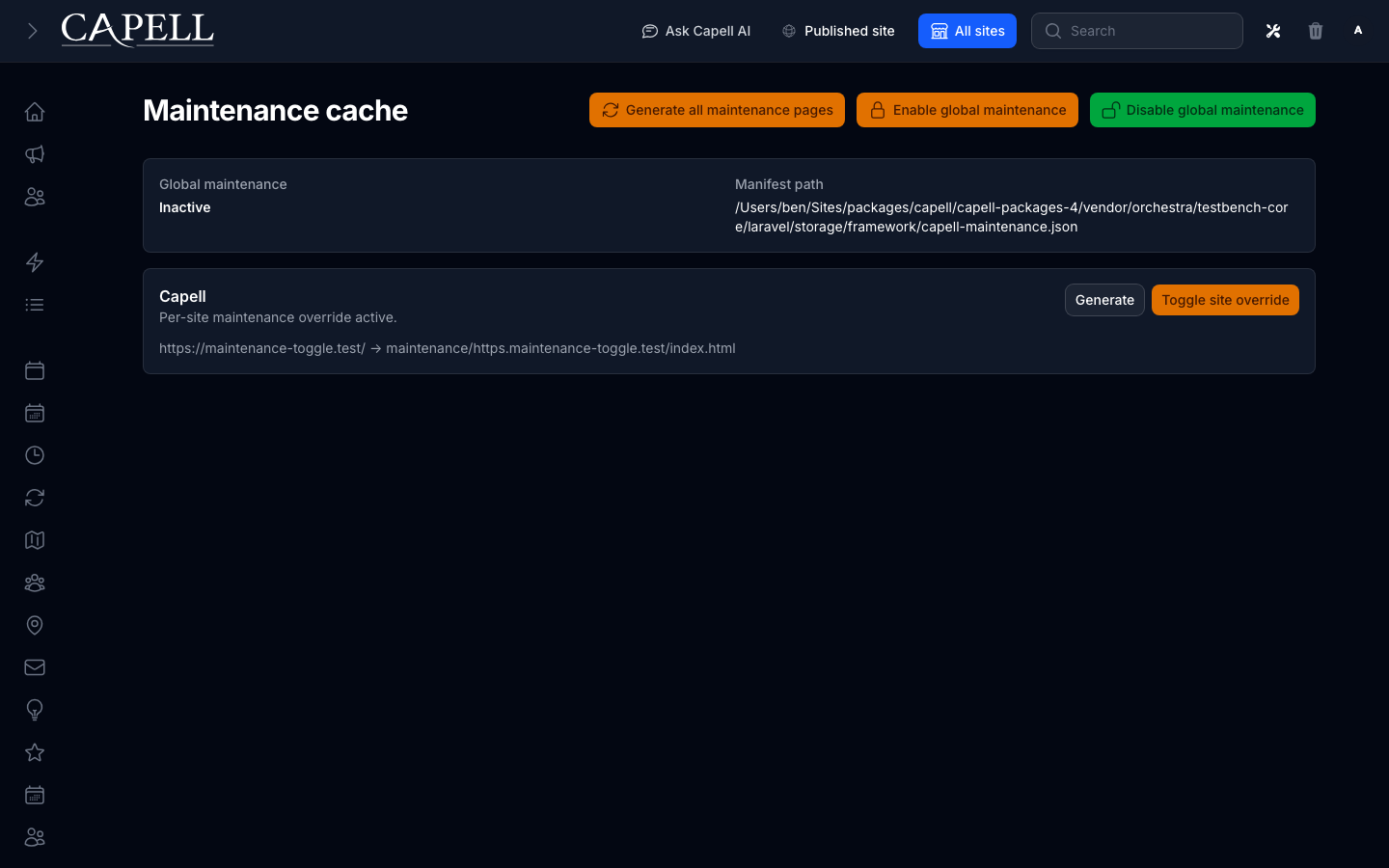
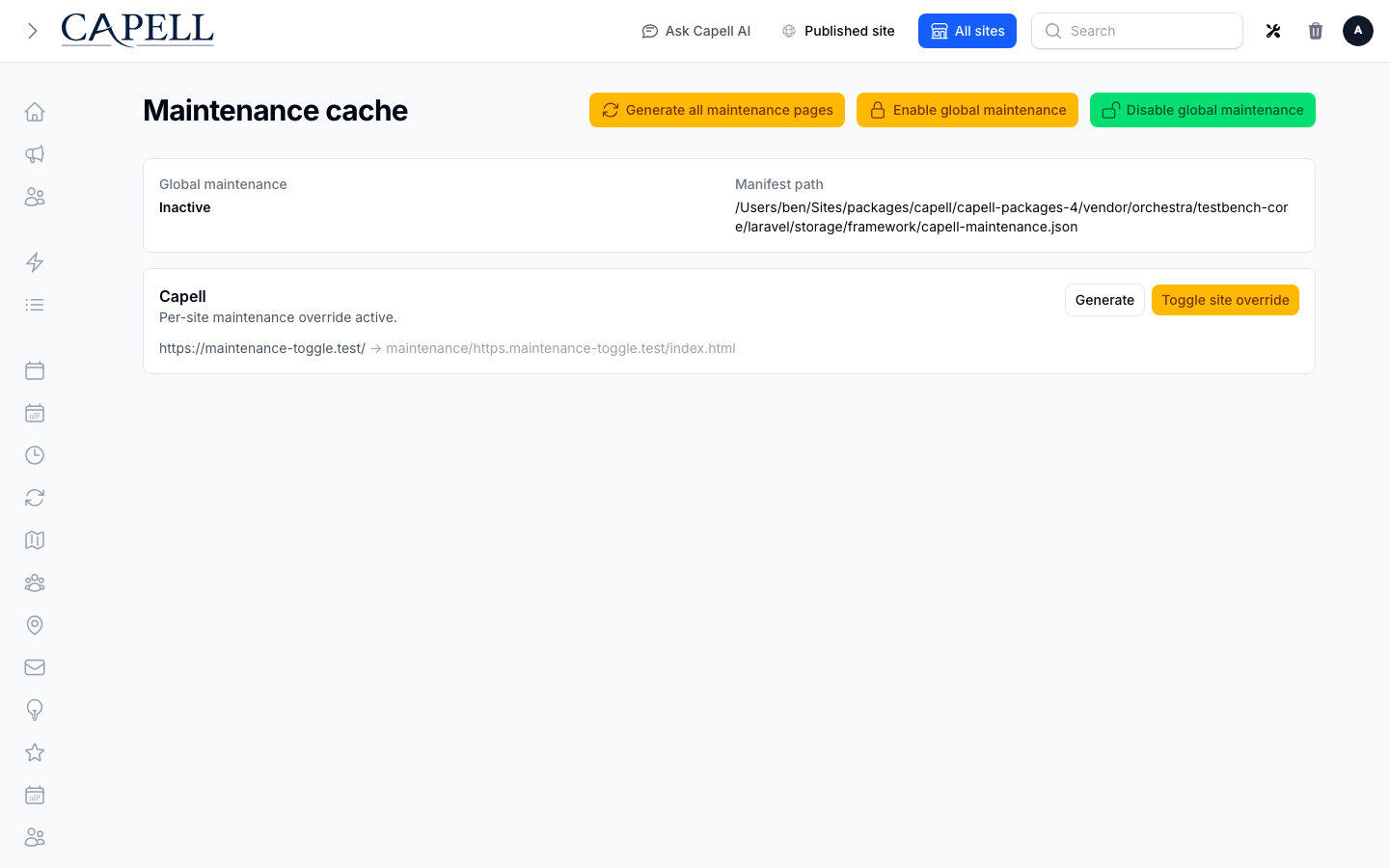
Healthy looks like deliberate global and per-site maintenance state, with generated paths matching the site being operated. This screen belongs to the optional HTML Cache package rather than Core.
- Set
CAPELL_HTML_CACHE=trueandCAPELL_WRITE_HTML_CACHE=trueonly when the installed HTML-cache/static package owns and documents a writable cache disk. - Configure the web server to serve generated static HTML only after the installed cache package documents the path and the safety tests pass for the site and installed packages.
- With
capell-app/html-cacheinstalled, follow the stale public HTML refresh procedure after changes to public Blade, themes, layouts or frontend assets: mark stale, process stale URLs, verify canonical origin bytes, then purge an edge cache only if configured. - Static generation is a separate operation; an ordinary
capell:static-siterun can read existing cached HTML and does not establish freshness. - Keep queues running for package jobs that purge CDN cache, generate assets, or refresh static output.
Optimizer and assets
Section titled “Optimizer and assets”- Treat frontend optimization failures as job failures. Public pages should continue to load normal CSS and JavaScript rather than falling back to generated critical CSS.
- Install the Node and Playwright runtime required by the frontend optimizer on workers that generate critical CSS.
- Prefer small, relevant CSS and JavaScript files for HTTP/3. Add profile bundling only when production metrics show it is necessary.
Verification
Section titled “Verification”Run the narrow safety checks before release:
vendor/bin/pest packages/frontend/tests/Unit/Security/PublicHtmlSafetyInspectorTest.php packages/frontend/tests/Unit/Loader/PageCachePolicyTest.php packages/frontend/tests/Feature/Cache/PageCacheInvalidatorTest.php --configuration=phpunit.xmlThen run package-level or full-suite checks based on the release scope:
vendor/bin/pest packages/frontend/tests --configuration=phpunit.xmlcomposer preflight