
Media management


Manage images and files for your sites from Media in the admin sidebar.
Upload a file
Section titled “Upload a file”- Open Media.
- Choose Upload files, select a file, and choose its site in Attach to site.
- Submit the action and wait for the upload success notification. The file is now available to attach to pages and components; uploading alone does not place it on a public page.
Add alt text and captions (per language)
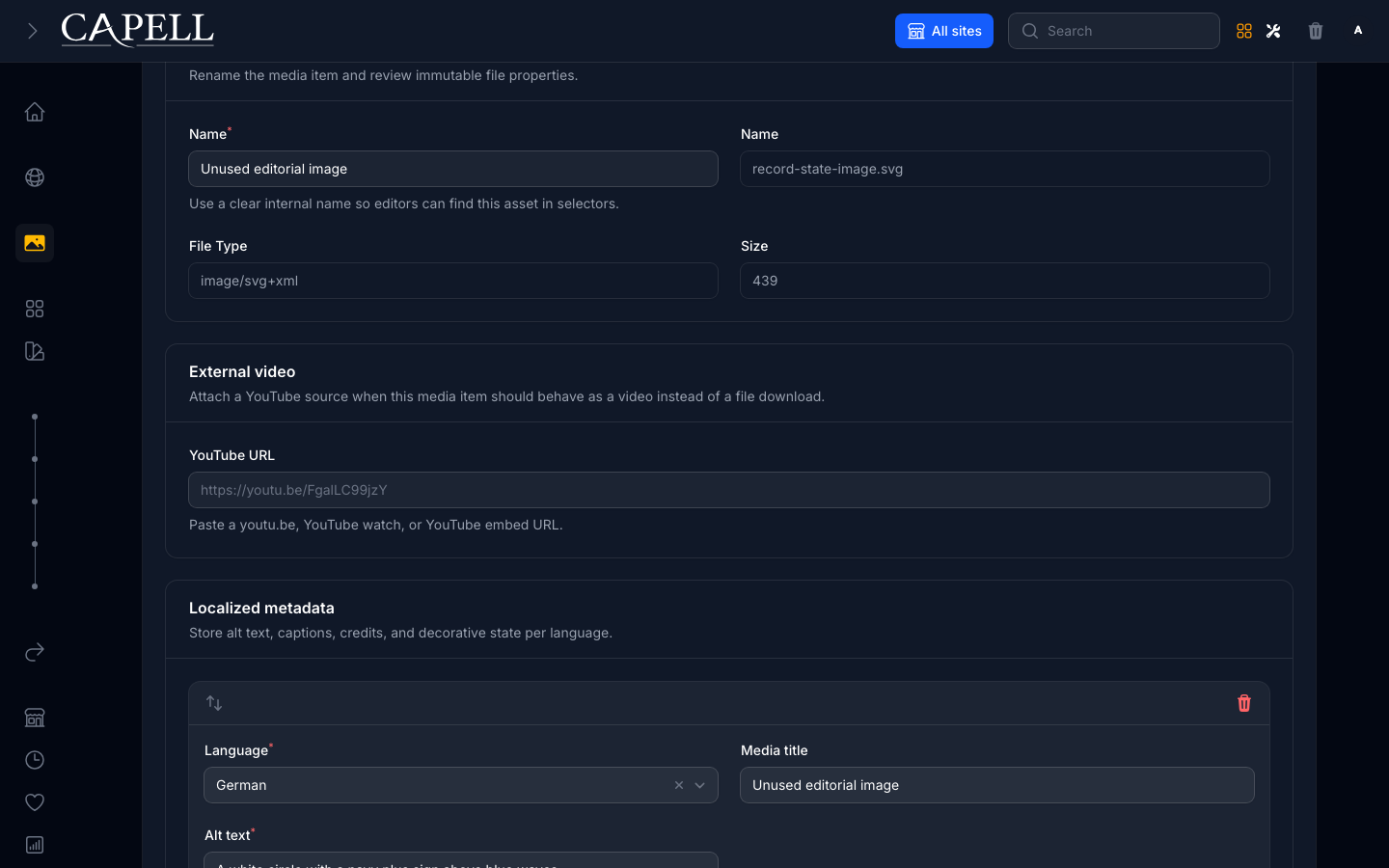
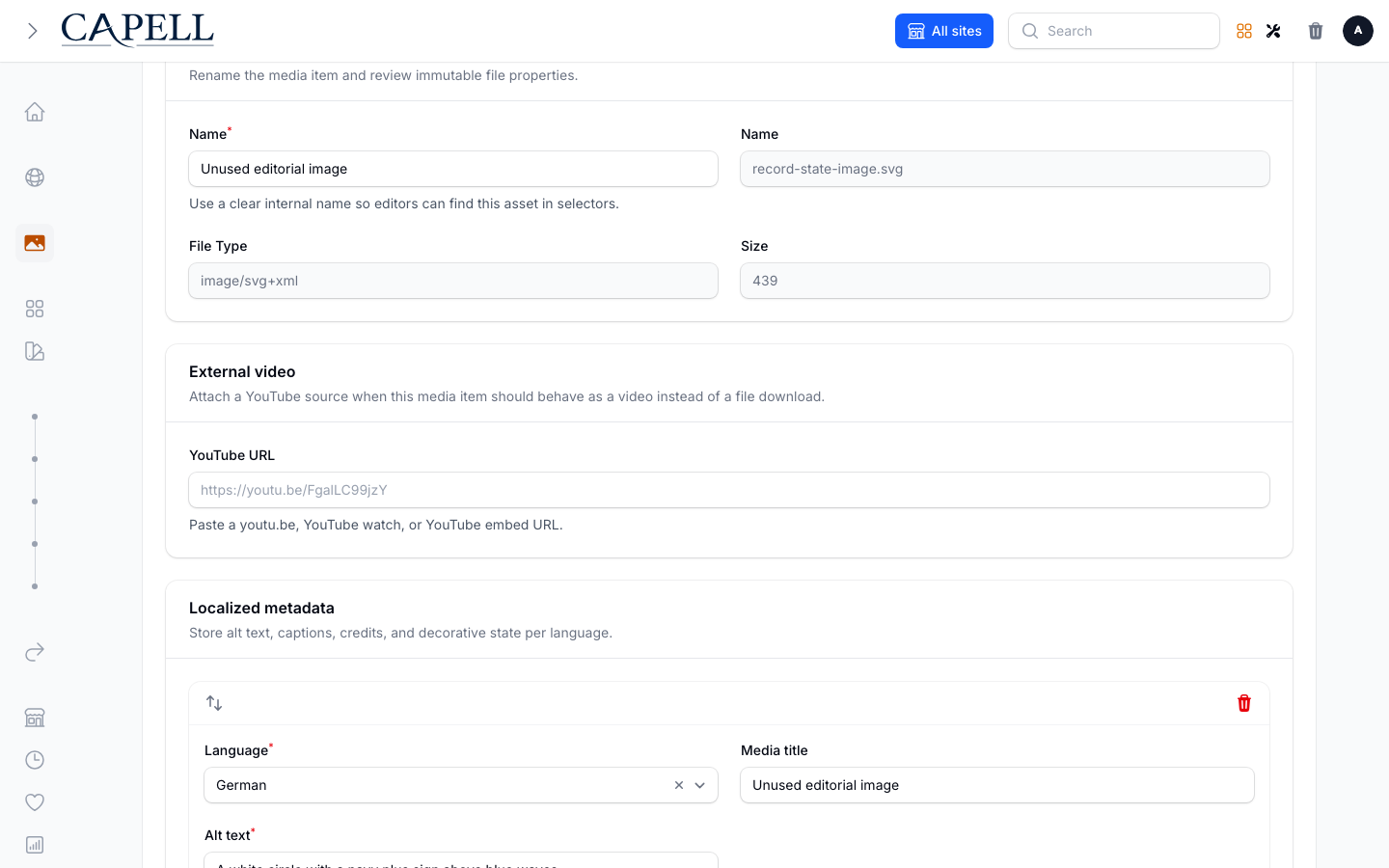
Section titled “Add alt text and captions (per language)”- Open a media item using Manage media.
- In Localized metadata, choose Add locale metadata if needed and select a Language for each entry.
- Fill Alt text (a short description of the image), and optionally caption and credit.
- Mark an image Decorative image only when it adds no information — this leaves the alt text empty on purpose so screen readers skip it.
- Repeat for each language you will publish, then save.
Set a focal point or crop
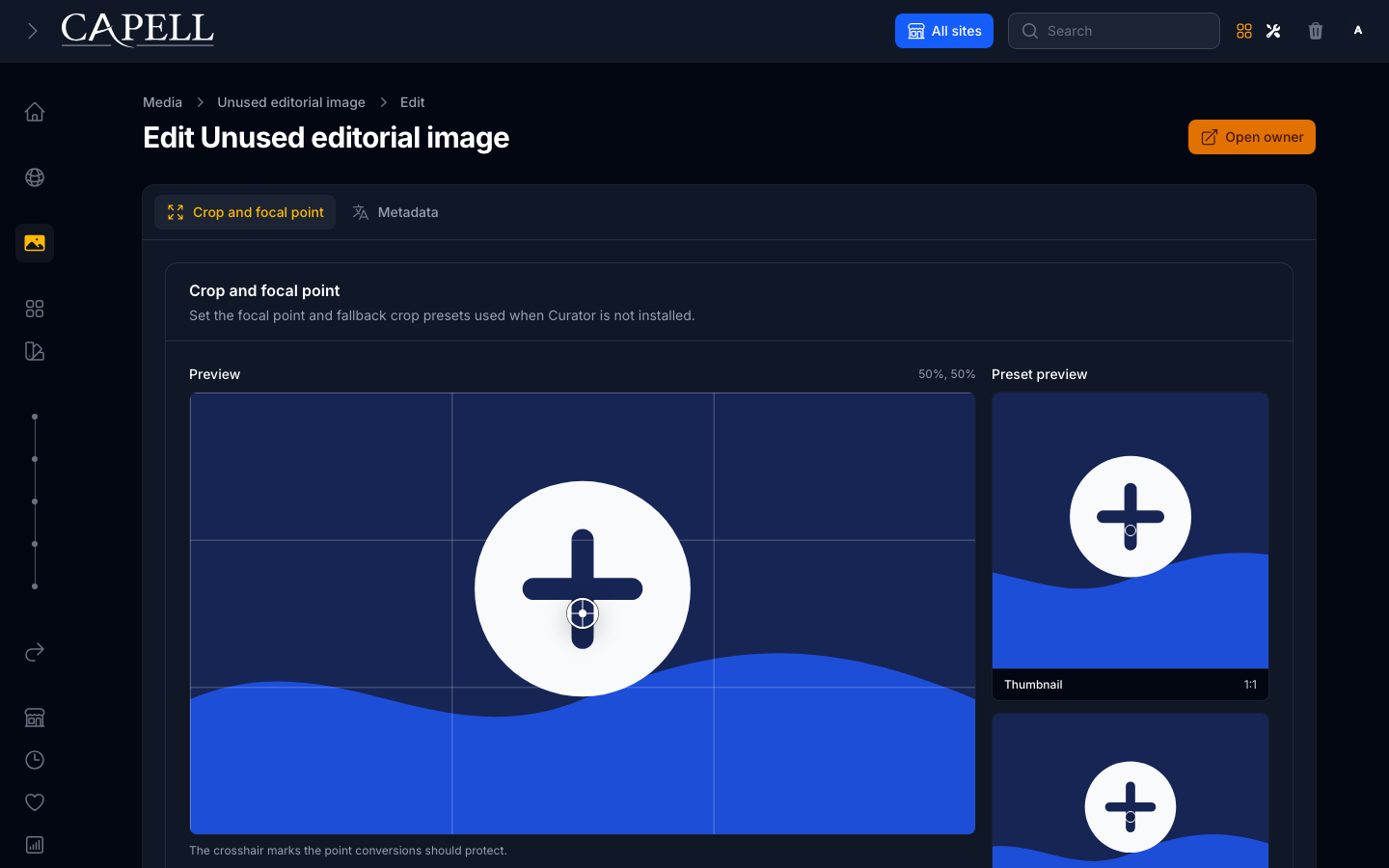
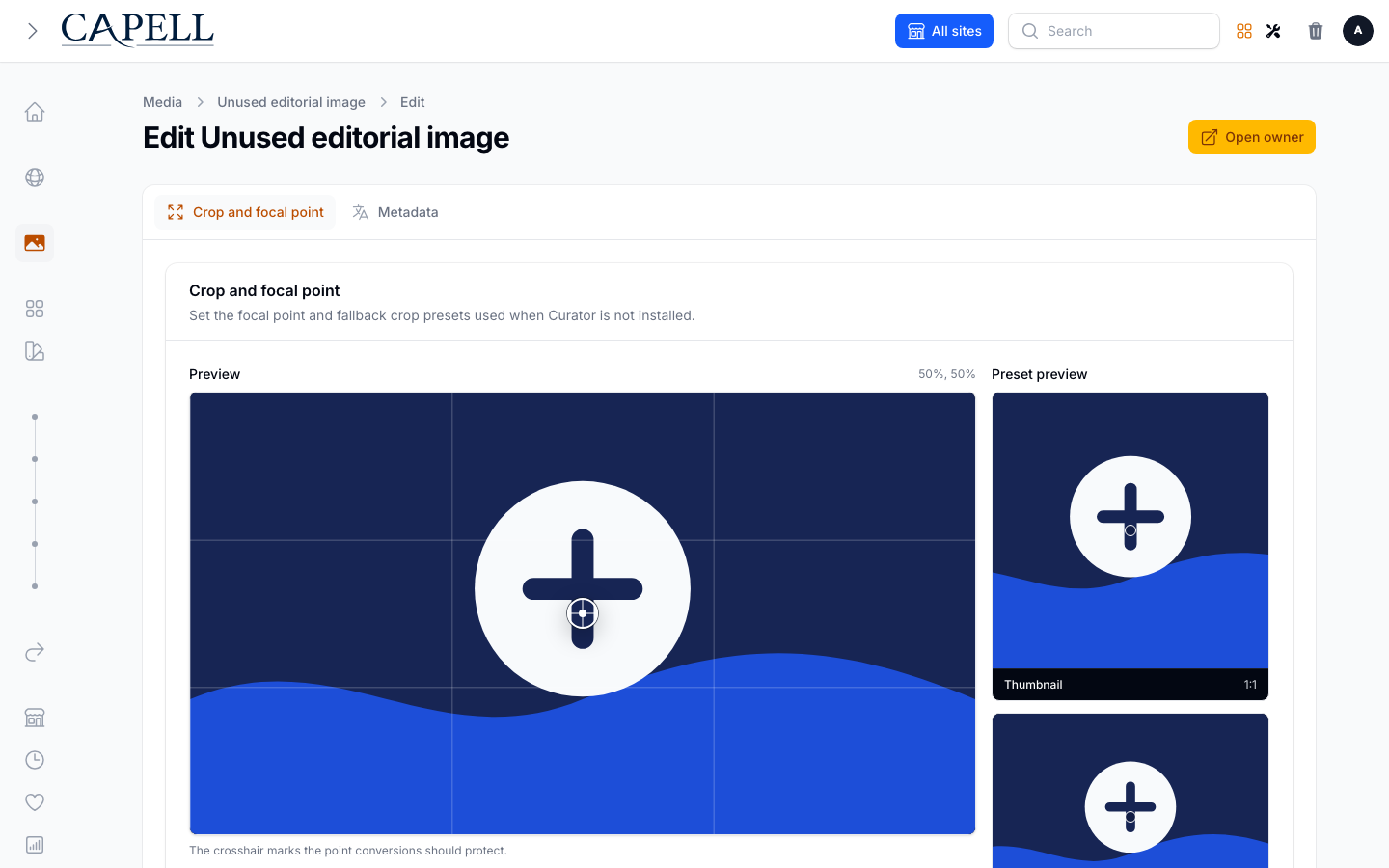
Section titled “Set a focal point or crop”- When the active media backend supports it, open the item and drag the focal point so automatic crops keep the important part of the image in frame. (The backend is set by
CAPELL_MEDIA_BACKEND; the default backend may not expose cropping.)
AI Media Tools
Section titled “AI Media Tools”When media AI tools are installed, media actions can inspect or improve images from the same admin workflow. Keep those tools package-owned; the default media surface should still work without them.
The action is contributed by the optional Media AI package; Admin only supplies the extension surface. Package documentation should show the action only after its capture contract opens or waits for that action explicitly.
Replace or delete a file
Section titled “Replace or delete a file”- Open the existing media record and choose the replace-upload action.
- Select the replacement file and confirm the action.
- Verify the success notification, then review the existing metadata and uses before leaving the record.
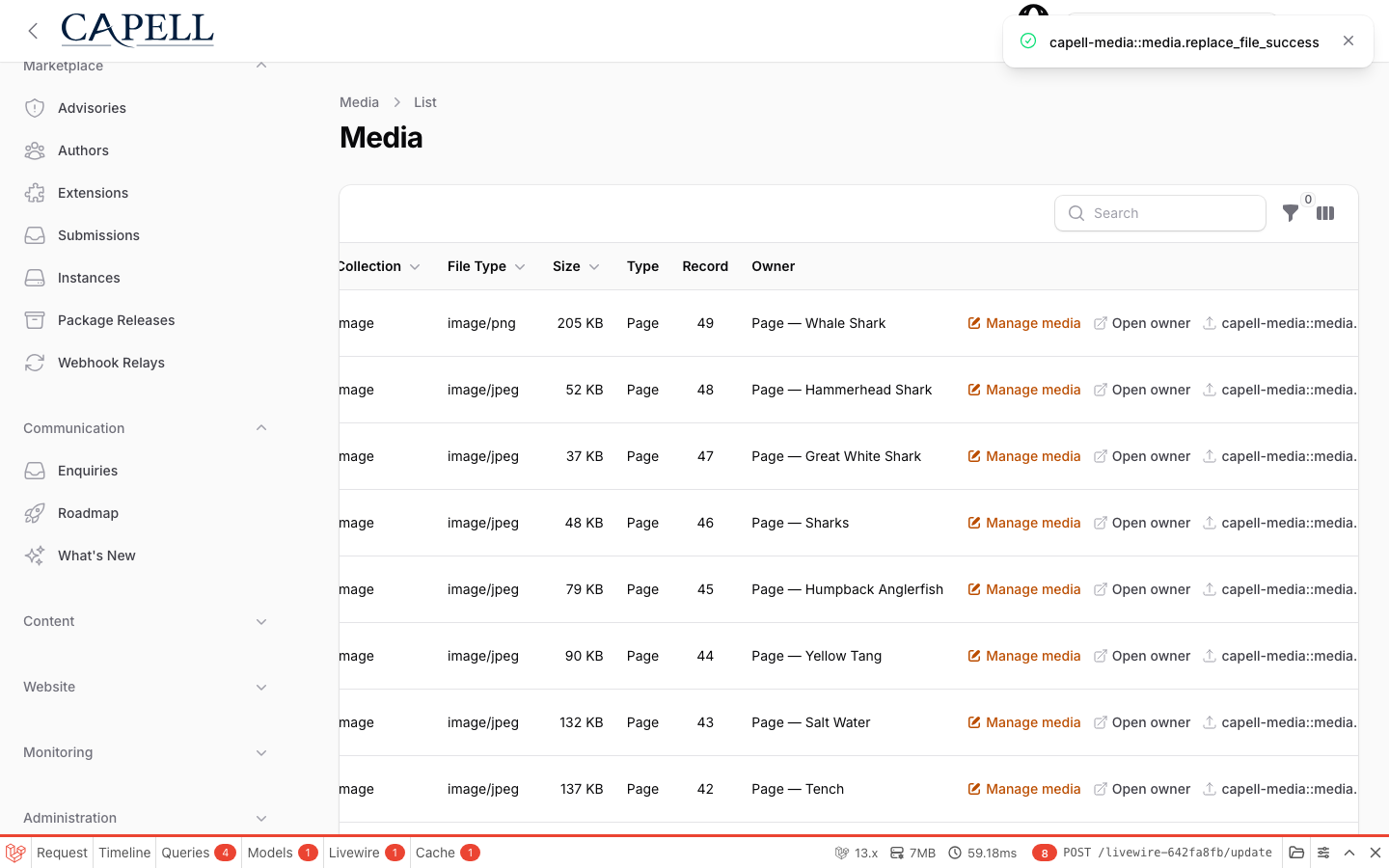
Replacement keeps the media record and its relationships while swapping the underlying file; the success notification confirms the upload completed.
Replacement also keeps the original filename and public URLs, even if the upload has a different name. Choose a file with the same MIME type; a different media type requires a new asset so existing URLs retain their content-type contract. Bytes and conversions are staged in a private workspace before the original files change, and a failed write or metadata save restores the previous file set. If storage also prevents recovery, the failure report identifies the private backups and recovery manifest for an operator to restore before retrying. If database rollback fails, file recovery still runs and the private backups are retained so an operator can check the database outcome before retrying. The original replacement failure and the rollback failure are both reported.
A cleanup warning after a successful replacement means the replacement is already live. Do not replace it again: an administrator should remove the retained private workspace after checking the failure report. Cleanup errors never replace the original exception from a failed replacement.
- Deleting media removes it from the library. Check where an image is used before deleting, because pages referencing it will lose the image.
Limits
Section titled “Limits”- Allowed file types and size limits come from your media configuration and host upload limits (
upload_max_filesize,post_max_size). Ask your developer if an upload is rejected.
How it works (developers)
Section titled “How it works (developers)”Localized media metadata (alt text, captions, credits, decorative flag) is stored on the shared polymorphic translations table in the translation meta JSON column. The active backend is resolved from capell.media.backend (CAPELL_MEDIA_BACKEND, default spatie). Render media in Blade with <x-capell::media> so output stays on the public-safety contract.