
Frontend Themes
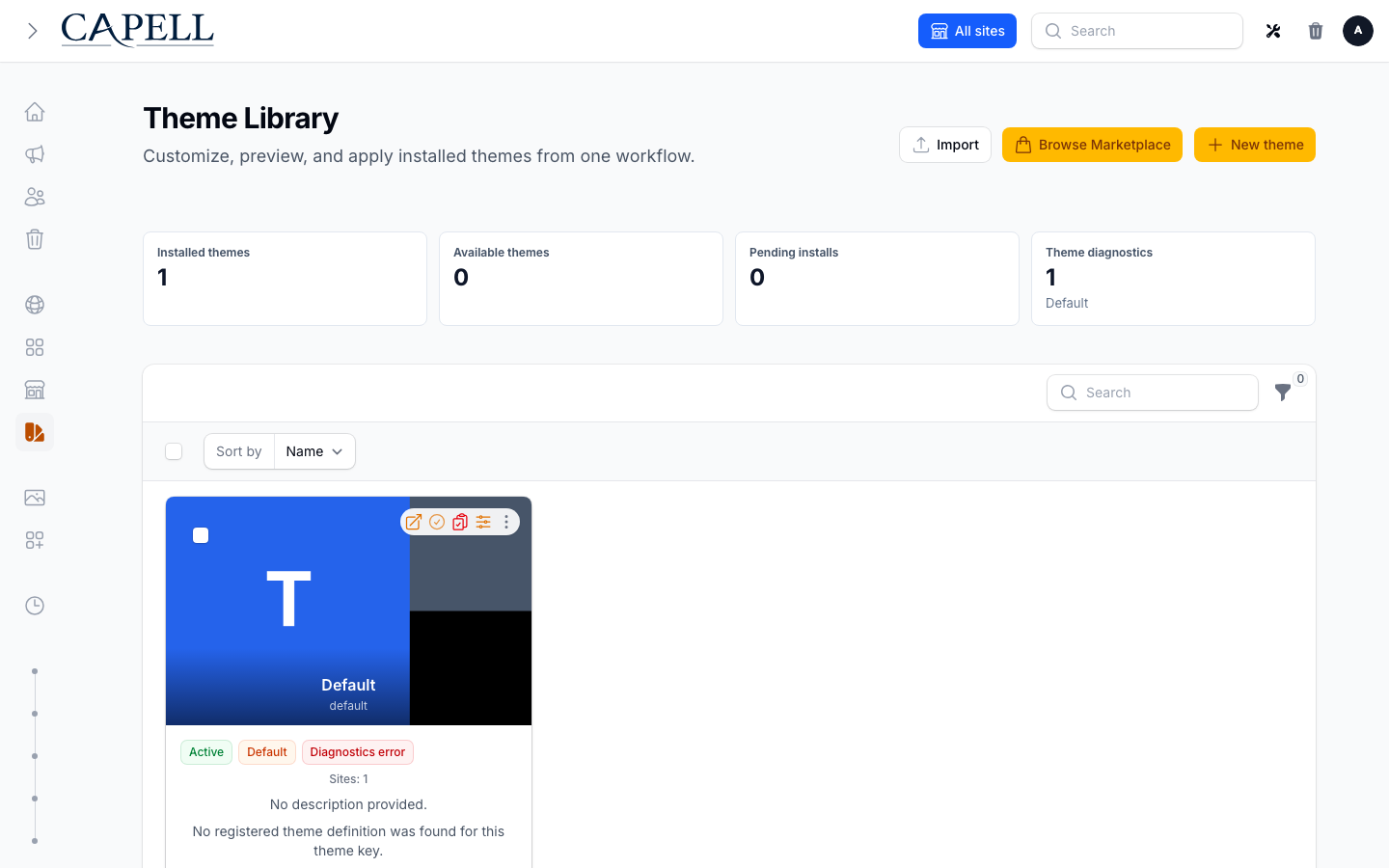
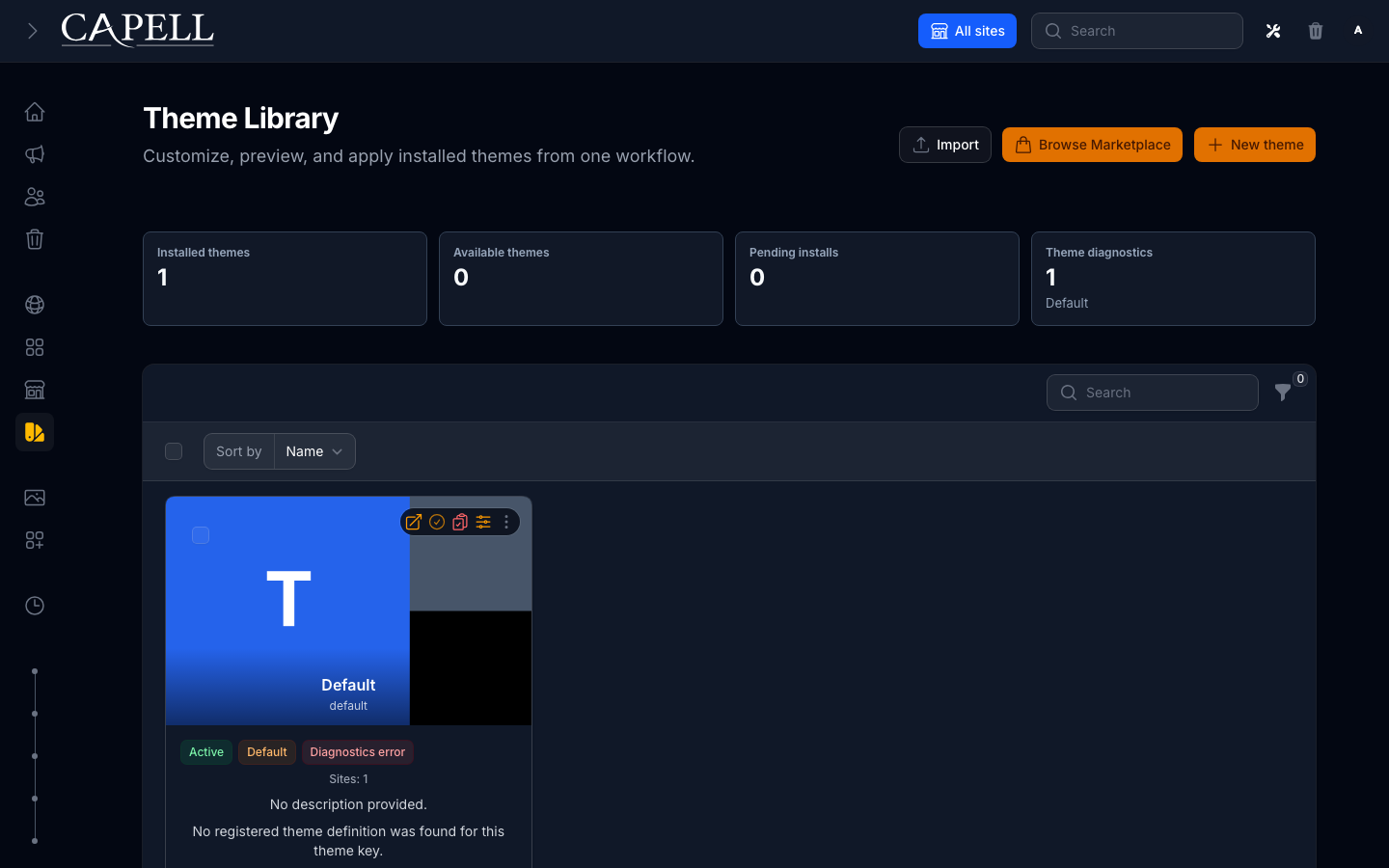
Capell themes connect installed admin theme records to public rendering. The admin owns selection and customization; the frontend receives a resolved runtime with a theme definition, preset, brand tokens, and safe assets.
Layouts are the editorial bridge between page records and public templates. Theme records then decide the presentation runtime used when those layouts render.
The optional Layout Builder package owns its editor UI and screenshot evidence.
Runtime Path
Section titled “Runtime Path”- Admin installs a package, creates an available theme definition, or creates a custom theme record.
- The package registers
ThemeDefinitionDatawithThemeRegistry. - The installed
themes.keypoints at the registered definition key. - Sites either use the global default theme or an explicit
sites.theme_id. - Frontend context resolves the current site, page, layout, and theme before Blade renders.
- The
RenderHookLocation::HeadClosehook resolves the active preset throughResolveThemeRuntimeActionand adds the theme-token stylesheet when available. - The frontend response pipeline builds hydrated public render data and produces public HTML through the configured response renderer.
The public page does not need to know that Theme Library, Customize, or Preview exist.
Active Preset
Section titled “Active Preset”Theme Studio settings still provide the fallback active preset. Installed theme records can override that through meta.editor.preset.active, which is set from the admin Customize slide-over or initialized from the first preset when an available theme definition is created.
Resolution order:
- preview token preset from
ThemePreviewContext - installed theme
meta.editor.preset.active ThemeRuntimeSettings::activePreset()- first preset in the theme definition when the configured preset is missing
If a preview token names a missing preset, runtime throws ThemePresetNotFoundException. Normal public rendering falls back to the first registered preset so public pages continue loading.
Brand Tokens
Section titled “Brand Tokens”Presets should use this vocabulary for shared brand values:
| Token | Purpose |
|---|---|
primaryColor | main action and link colour |
accentColor | highlights, badges, and small visual emphasis |
neutralColor | borders, dividers, and quiet surfaces |
surfaceColor | default page surface colour |
foregroundColor | default text colour |
headingFont | heading font family key |
bodyFont | body font family key |
radius | default public component radius: none, sm, md, lg, or xl |
headingScale | heading scale: compact, balanced, or expressive |
cardDensity | component density: compact, comfortable, or spacious |
overlayTreatment | media overlay treatment: none, subtle, or strong |
spacing, alignment, cardStyle, navigationStyle, layoutPresentation, motionIntensity, mediaTreatment | renderer-facing presentation choices |
Theme packages may include package-specific keys. Public theme code must tolerate unknown keys and continue with safe defaults.
Primary and accent backgrounds emit --theme-primary-contrast and --theme-accent-contrast for readable black or white labels. These values derive from the colours after sanitisation and runtime contrast repair. Use the paired token for a filled control; a fixed dark label can become unreadable when the runtime replaces a bright accent with a dark fallback. Editor previews derive the same pairs after extension token mappings.
Assets
Section titled “Assets”Theme definitions declare frontend assets in ThemeDefinitionData::assets. Package providers should register CSS/JS sources in PHP registration code instead of requiring every app to copy paths by hand.
Installed theme records can override package assets through clean editor state:
meta.editor.assets.pathsmeta.editor.assets.buildPath
Legacy meta.assets and blueprint asset meta are only compatibility fallbacks when no editor asset state exists.
Token CSS is generated through ThemeTokenStore. The frontend provider adds the token stylesheet at RenderHookLocation::HeadClose when a registered theme and token path are available.
Cache Invalidation
Section titled “Cache Invalidation”Theme changes touch public cache in two ways:
- applying a global default saves the selected
Theme, which letsThemeObserverinvalidate affected site surrogate keys - applying to selected sites saves each
Site, which letsSiteObserverflush site/theme relation caches and invalidate those site keys
Do not bulk-update sites.theme_id from new code paths unless you also reproduce the observer cache behavior.
Public Output Contract
Section titled “Public Output Contract”Theme views and frontend contributions must not print admin/editor details into public output. Avoid:
- package names that only an admin should see
- model IDs, field paths, selectors, permissions, or signed editor URLs
- authoring markers or editor scripts
- lazy model queries from public Blade views
Use route-backed frontend tests when changing theme runtime. Assert expected public content and assert the absence of authoring surface.