
Frontend Guide
This guide explains the practical shape of Capell Frontend: how requests resolve, how cache behaviour works, how Tailwind inputs are aggregated, and which configuration points matter most in day-to-day site operations.
You can keep using the Laravel frontend stack already in the application: Blade and Livewire are supported alongside the first-party Inertia adapters for React and Vue. Pages are server-rendered by default; HTML caching and lazy fragments are optional layers that can be enabled and tuned when the request path needs them.
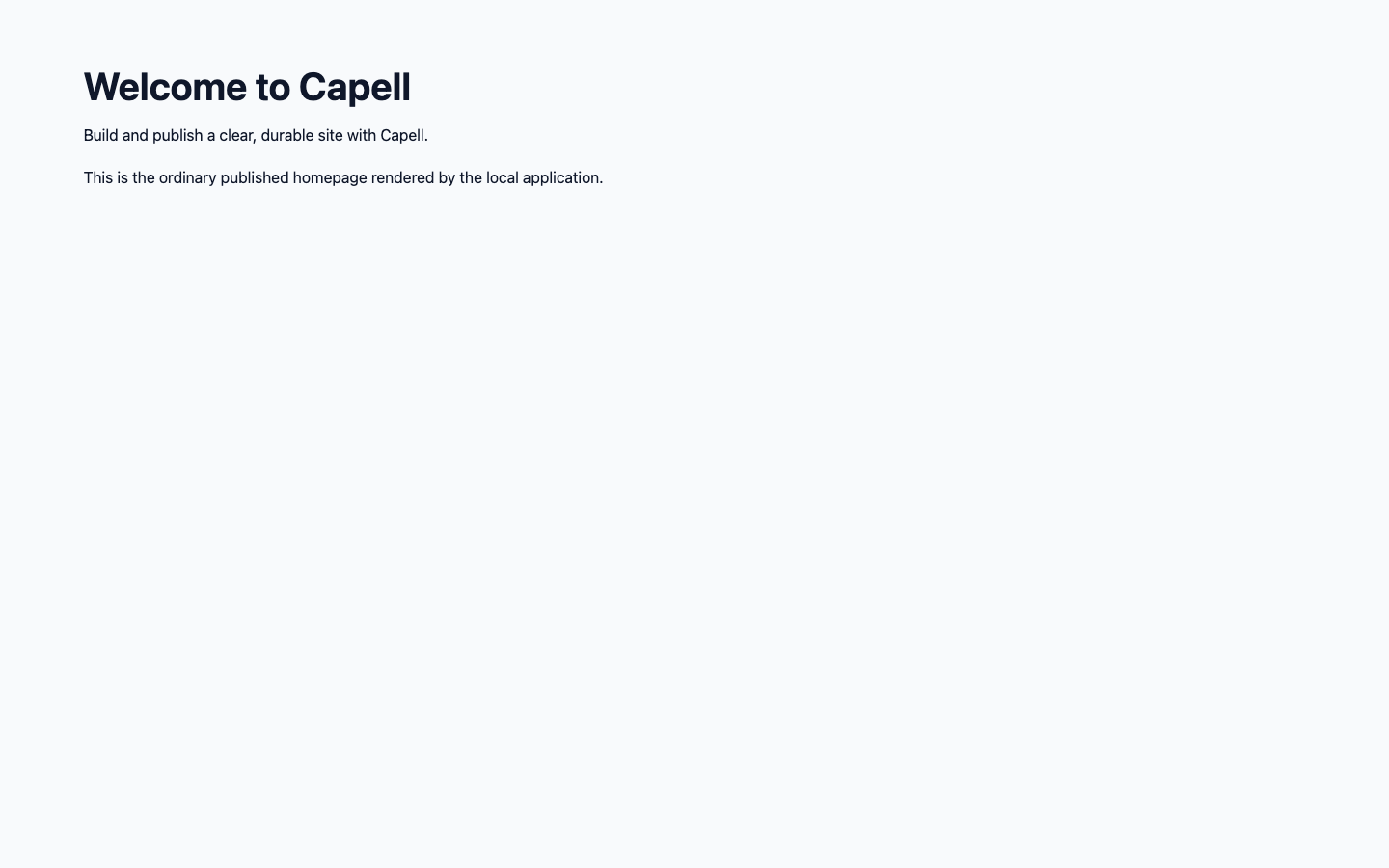
The published page is the output of the request, cache, theme, and asset pipeline described below; editor metadata is absent from the anonymous HTML.

Request Flow
Section titled “Request Flow”A frontend request moves through site resolution, page resolution, layout selection, theme selection, and context building before Capell returns a response. The frontend package owns that request pipeline and the middleware around it.
If you need the step-by-step kernel view, use Page and site loading.
HTML Cache Behaviour
Section titled “HTML Cache Behaviour”The mechanics of cache storage and invalidation live in page cache architecture. This section covers the parts that affect day-to-day frontend work.
When an HTML-cache/static package is installed and enabled, Capell can write rendered page output to that package’s configured static output path. Later requests can be served from cached HTML instead of re-rendering the whole page through PHP.
Use Server configuration with the installed cache package’s path before pointing Apache or Nginx at cached files. Without those rules Capell still works, but you lose the direct static-file benefit.
Public output rules
Section titled “Public output rules”The cache serves one file to everyone, so cached HTML has to be safe for anonymous visitors, signed-in non-admins, and admins alike. The rule of thumb is to keep it boring: the same public page markup for every audience, with authoring detail added later by the admin-only beacon (see Public HTML safety for the full policy).
| Rule | Why |
|---|---|
| Cached HTML is the same public page markup for anonymous users, signed-in non-admin users, and admins. | One cached file is served to everyone. |
| Do not add in-page authoring attributes, hidden model IDs, field paths, labels, selectors, editor URLs, or package hints to Blade or theme output. | These leak authoring internals into anonymous output. |
| Only an authenticated admin beacon response may add edit controls or signed Filament editor URLs. | The beacon runs after page load, so the editor appears only when an admin is present and the static file stays shareable. |
Styling hooks (capell-component and file-oriented modifiers like capell-widgets-content, capell-page-results, or capell-media-index) must not expose absolute template paths, model IDs, field paths, package locations, or admin authoring state. | They identify the public component family for theme CSS without leaking structure. See Themes. |
| Public interaction triggers may contain labels, generic runtime attributes, and encrypted target URLs, but not target widget data, widget keys, component names, package names, model IDs, block keys, field paths, or signed editor URLs. | Triggers are public; targets resolve server-side. See Capell Interactions. |
When capell-app/frontend-authoring is installed, the browser calls the beacon after the page has loaded, and only the admin-only beacon response adds edit controls. Lazy widget targets load through /_capell/widgets/{reference} and Layout Builder lazy fragments load through /_capell/fragments/{reference}.
Render hooks that inject into public output follow the same rules. See Extending render hooks.
Commands
Section titled “Commands”Operations available when capell-app/html-cache is installed:
- generate static HTML for all sites with
php artisan capell:static-site; - generate static HTML for one site with
php artisan capell:static-site --site=1; - mark all cached URLs stale with
php artisan capell:html-cache:clear.
Static generation can read existing cached HTML. For stale content, follow the origin refresh and verification procedure before generating an export or purging a configured edge cache.
Tailwind Asset Setup
Section titled “Tailwind Asset Setup”Capell aggregates Tailwind imports, plugins, and source globs across installed packages. That keeps the frontend build aligned with package views and components instead of forcing each package to manage CSS discovery on its own.
The detailed generator and registry rules live in Tailwind assets. The vendor CSS edge cases for local package work live in Tailwind vendor CSS.
Multi-Site Settings
Section titled “Multi-Site Settings”Two settings matter often during frontend setup:
capell-frontend.redirect_default_sitecapell-frontend.use_site_domain_for_urls
redirect_default_site controls whether unknown domains are redirected to the default enabled site domain. use_site_domain_for_urls switches URL generation to site-aware domains instead of the base app URL.
Site Checks
Section titled “Site Checks”Use the admin Site Health page when you need to verify that site, domain, and language resolution are behaving correctly. This is a useful first check after installation, a domain change, or a multi-site configuration update.