
Capell Inertia React Adapter
Package docs status
Section titled “Package docs status”This page is generated from package source documentation in the Capell packages repository and the checked-in manifest. Source documentation is not distribution status. Before running a Composer command, verify that the exact package and compatible 1.x release are available through public Packagist or the authenticated marketplace account.
| Field | Value |
|---|---|
| Composer package | capell-app/inertia-react-adapter |
| Package slug | inertia-react-adapter |
| Product group | Capell Frontend |
| Tier | core |
| Bundle | frontend |
| Runtime contexts | frontend |
| Capell version | ^1.0 |
| Catalogue role | extension |
| Release channel | Beta |
| Source repository | capell-app/packages |
| Source path | packages/inertia-react-adapter |
| Docs source | packages/inertia-react-adapter/docs |
| Manifest | capell.json |
What This Plugin Adds
Section titled “What This Plugin Adds”Capell Inertia React Adapter is an Available, No schema impact Capell plugin in the Capell Frontend product group. It ships as capell-app/inertia-react-adapter and extends these surfaces: frontend.
The React adapter registers a React client runtime with the shared Capell Inertia bridge.
It adds no admin screen. React-based Inertia themes can use the registered entrypoint and client runtime when they render public pages.
Status details:
- Status: Available
- Tier: core
- Bundle: frontend
- Composer package:
capell-app/inertia-react-adapter - Namespace:
Capell\InertiaReactAdapter - Theme key: not applicable
Why It Matters
Section titled “Why It Matters”For developers: The provider supplies the adapter definition and assets expected by Capell Inertia, so themes do not need their own bridge wiring.
For teams: Teams can choose a React Inertia theme without changing how editors manage Capell content.
Screens And Workflow
Section titled “Screens And Workflow”Screenshot contract: docs/screenshots.json.
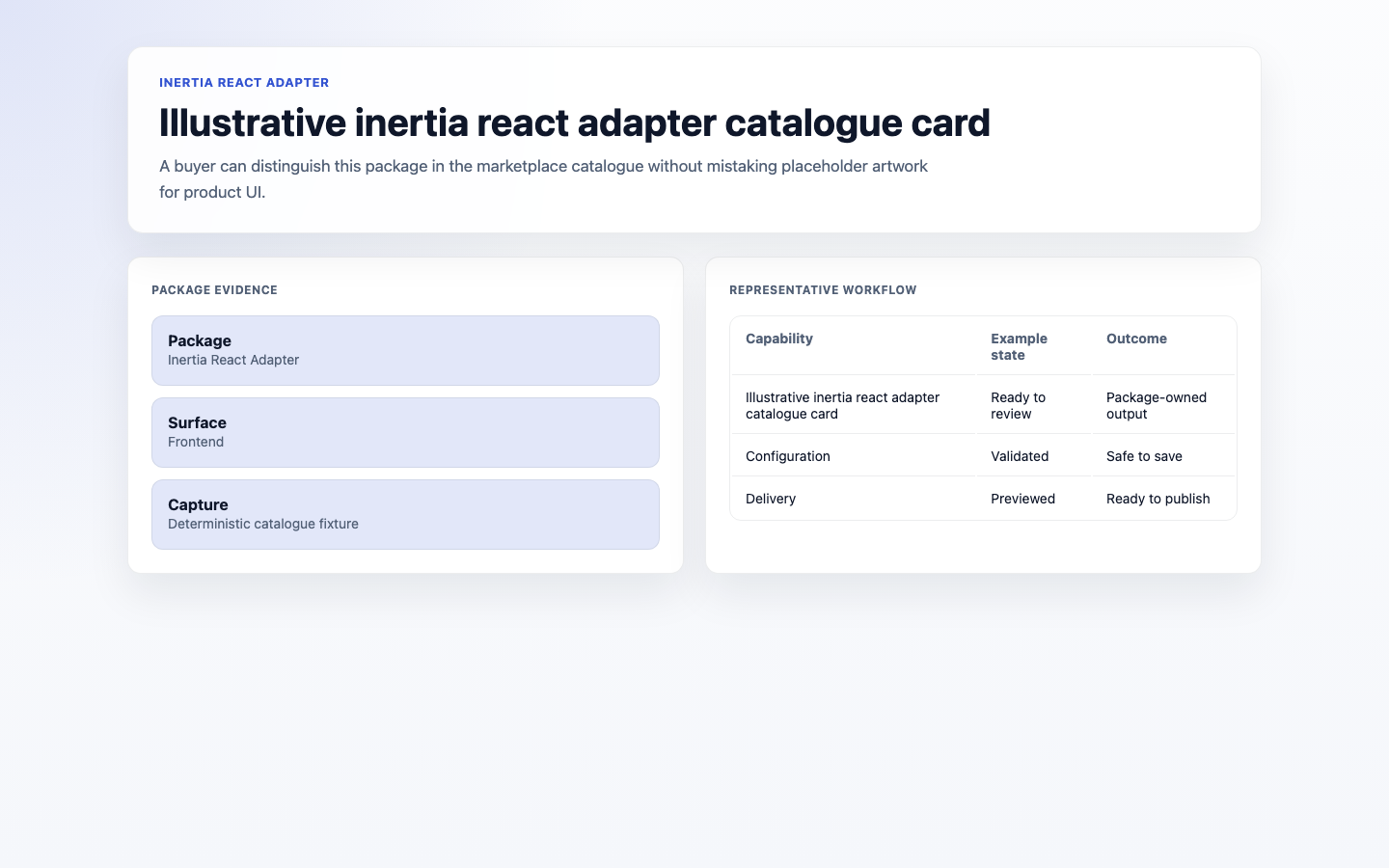
- Illustrative inertia react adapter catalogue card (frontend, required evidence).
Technical Shape
Section titled “Technical Shape”Service providers
Section titled “Service providers”Capell\InertiaReactAdapter\Providers\InertiaReactAdapterServiceProvider
Health checks
Section titled “Health checks”Capell\InertiaReactAdapter\Health\InertiaReactAdapterHealthCheck
Cache tags
Section titled “Cache tags”inertia-react
Data Model
Section titled “Data Model”This package has no schema impact. It registers runtime behaviour through Capell\InertiaReactAdapter\Providers\InertiaReactAdapterServiceProvider while persistence remains with Capell core or required packages.
Install Impact
Section titled “Install Impact”- Required packages:
capell-app/core,capell-app/frontend,capell-app/inertia. - Admin navigation: no admin page or resource contribution is declared.
- Admin/editor extensions: none declared.
- Permissions: no package permission declarations or Shield gates detected; host access rules still apply.
- Public routes: none declared.
- Database changes: no package migrations declared.
- Config: no package config files.
- Settings: no package settings declared.
- Queues or schedules: none declared.
- Cache tags:
inertia-react. - Commands: none declared.
Common Pitfalls
Section titled “Common Pitfalls”- Keep required Capell packages on compatible v4 releases:
capell-app/core,capell-app/frontend,capell-app/inertia. - Keep public Blade and cached HTML free of authoring markers, model IDs, permissions, signed editor URLs, and lazy database queries.
- Custom write integrations must preserve invalidation for
inertia-reactcache tags.
Troubleshooting
Section titled “Troubleshooting”| Symptom | Likely cause | Check | Fix |
|---|---|---|---|
| Package surface is missing after install | Provider or manifest is not loaded | Confirm capell.json, package composer.json, and provider registration | Reinstall the package, refresh Composer autoload, and clear host caches |
| Public output leaks unexpected state | Render data, cache variation, or authoring boundary has regressed | Check public Blade, cache tags, and public-output safety tests | Move data loading out of Blade and rerun the package public-output tests |
Quick Start
Section titled “Quick Start”- Install the package:
composer require capell-app/inertia-react-adapter. - Verify the package provider and manifest contributions are registered in the host app.