
Live Chat
Package docs status
Section titled “Package docs status”This page is generated from package source documentation in the Capell packages repository and the checked-in manifest. Source documentation is not distribution status. Before running a Composer command, verify that the exact package and compatible 1.x release are available through public Packagist or the authenticated marketplace account.
| Field | Value |
|---|---|
| Composer package | capell-app/live-chat |
| Package slug | live-chat |
| Product group | Capell Engagement & CRM |
| Tier | paid |
| Bundle | engagement-crm |
| Runtime contexts | admin, frontend |
| Capell version | ^1.0 |
| Catalogue role | extension |
| Release channel | Beta |
| Docs source | packages/live-chat/docs |
| Manifest | capell.json |
Plenty of people who’d never pick up the phone will happily type a question. This puts a chat window on every page of your site and handles the first exchange, so nobody has to sit by a screen all day.
During staffed hours, a visitor who asks about prices gets an instant reply asking whether they want a quick overview or a proper quote. These first replies are built in and work from the words a visitor types. If you also run Knowledge Base and switch it on for the chat, they can quote your help articles too. Visitors can press Ask a person, and replies you send from the admin reach them within seconds.
New chats are announced in the admin only, never by email or text. Staffed hours start as weekdays 9 to 5, UK time, until you set your own hours in the admin, which replace them. You can mark days off too. Outside those hours, every message gets a short note asking the visitor for their contact details.
Messages and visitor details are stored encrypted. A daily task deletes chats closed for more than a year by default. Your host or developer must run scheduled tasks. Names and emails visitors leave go into your contacts with the chat, so next morning you see who asked what.
- Price and availability: Check current availability and price on the Capell Marketplace listing.
- Licence: Check the licence terms on the Capell Marketplace listing.
- Requires:
PHP ^8.4,capell-app/admin ^1.0.78,capell-app/contacts ^1.0,capell-app/core ^1.0.79,capell-app/frontend ^1.0.72,filament/filament ^5.7.6,filament/support ^5.7.6,laravel/framework ^12.61.1|^13.12.0,lorisleiva/laravel-actions ^2.8,spatie/laravel-data ^4.5,spatie/laravel-package-tools ^1.14.1. - Install:
composer require capell-app/live-chat.
Quick Start
Section titled “Quick Start”- Install the package:
composer require capell-app/live-chat. - For Chat operators and site owners: Permission to manage Chat sites and a developer-installed widget render hook or embed route; an active installation alone does not place the widget.
- Open
/admin/live-chat/installations. Create an active Chat site for the authorised Capell site, configure staffed availability, then open its installed public widget and send a test message. - Check the result: The test conversation appears in Conversations and an operator can reply. Next: Check the offline message and staffed hours before offering chat to visitors.
For Developers
Section titled “For Developers”Responder, knowledge-provider, and widget-renderer contracts keep AI, retrieval, and frontend delivery replaceable behind domain Actions; apply all package migrations before deployment. Failed attachment writes reject the message, and failed cleanup is retained for retry by capell:live-chat:prune, scheduled daily when retention scheduling is enabled; failed deletions retain transcript references while unrelated expired conversations are still pruned. The widget supports Escape, launcher focus restoration, named inputs, mode state and live announcements; see the attachment cleanup and keyboard notes.
Configure
Section titled “Configure”- Configuration files:
config/capell-live-chat.php. - Commands:
php artisan capell:live-chat-screenshot-fixture,php artisan capell:live-chat:prune.
Limits And Pitfalls
Section titled “Limits And Pitfalls”- Install the required Capell packages at the versions in
composer.json:capell-app/admin ^1.0.78,capell-app/contacts ^1.0,capell-app/core ^1.0.79,capell-app/frontend ^1.0.72. - Run migrations before opening package resources or public routes.
- Review middleware, throttling, signatures, and public-output safety in
routes/web.phpbefore exposing routes. - Keep the host Laravel scheduler running so package-registered schedules can execute:
capell:live-chat:prune (daily; package registered). - Keep public Blade and cached HTML free of authoring markers, model IDs, permissions, signed editor URLs, and lazy database queries.
- Custom write integrations must preserve invalidation for
live-chatcache tags.
Screens And Workflow
Section titled “Screens And Workflow”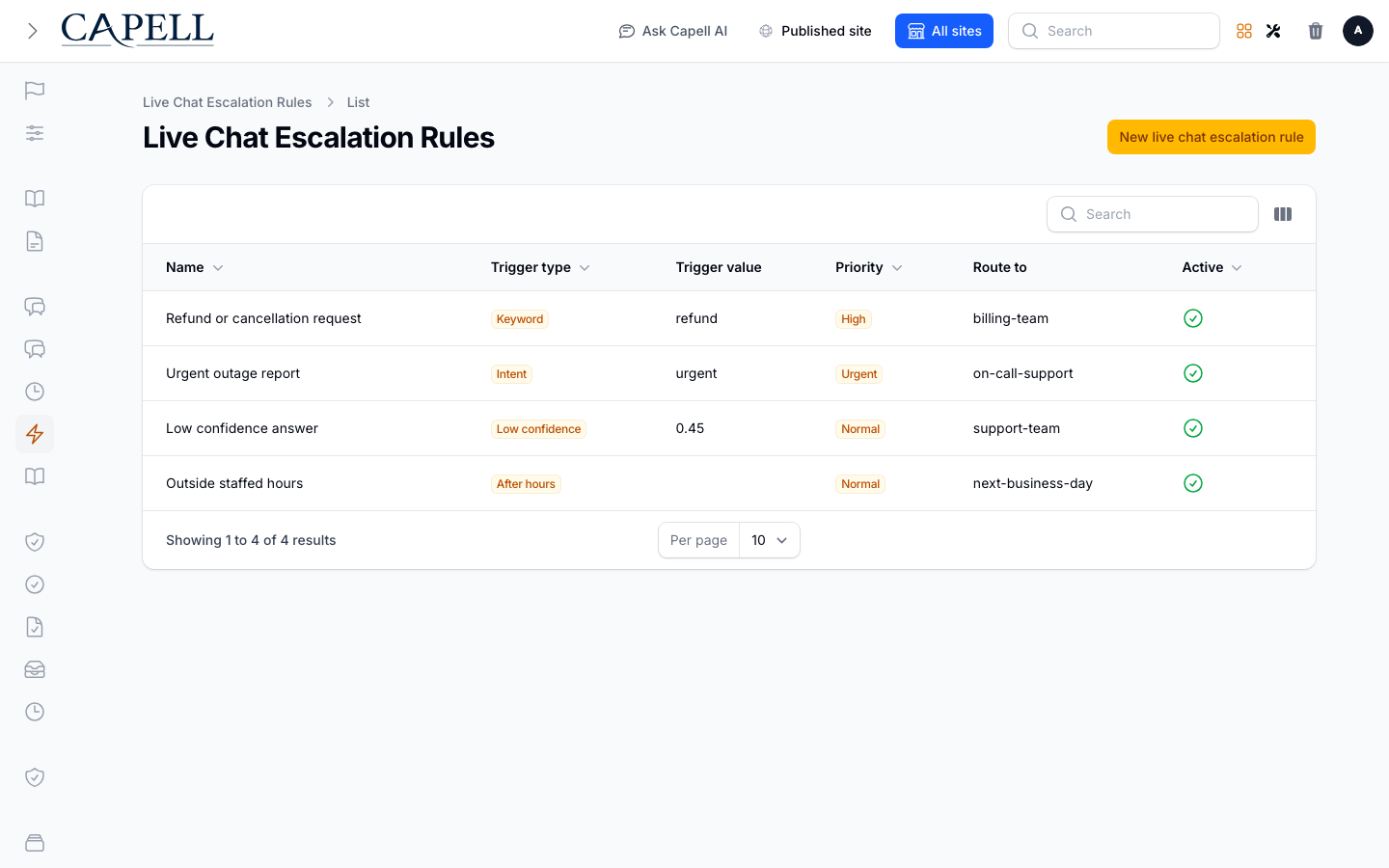
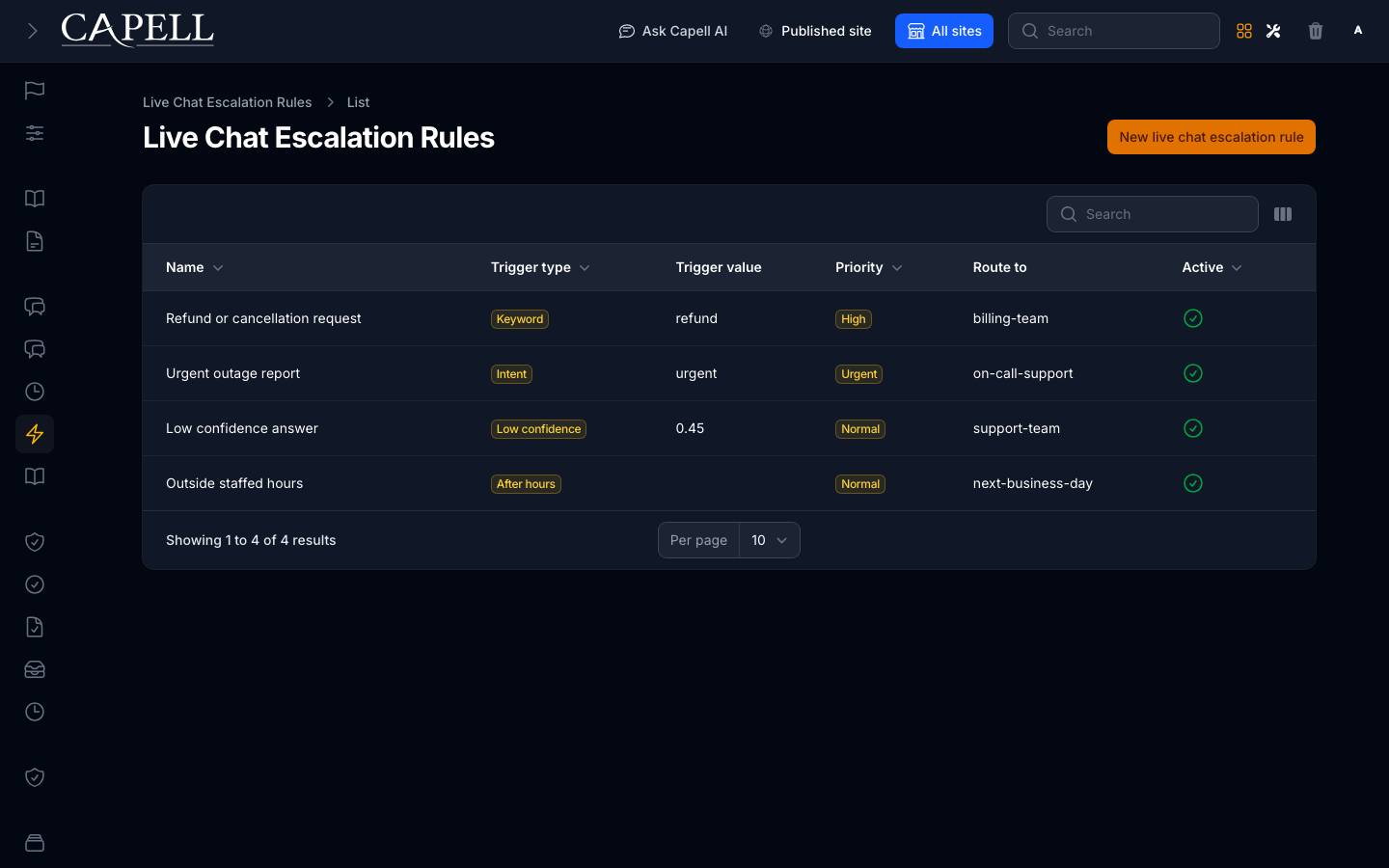
- Live Chat widget (frontend).
- Live Chat conversation inbox (admin).
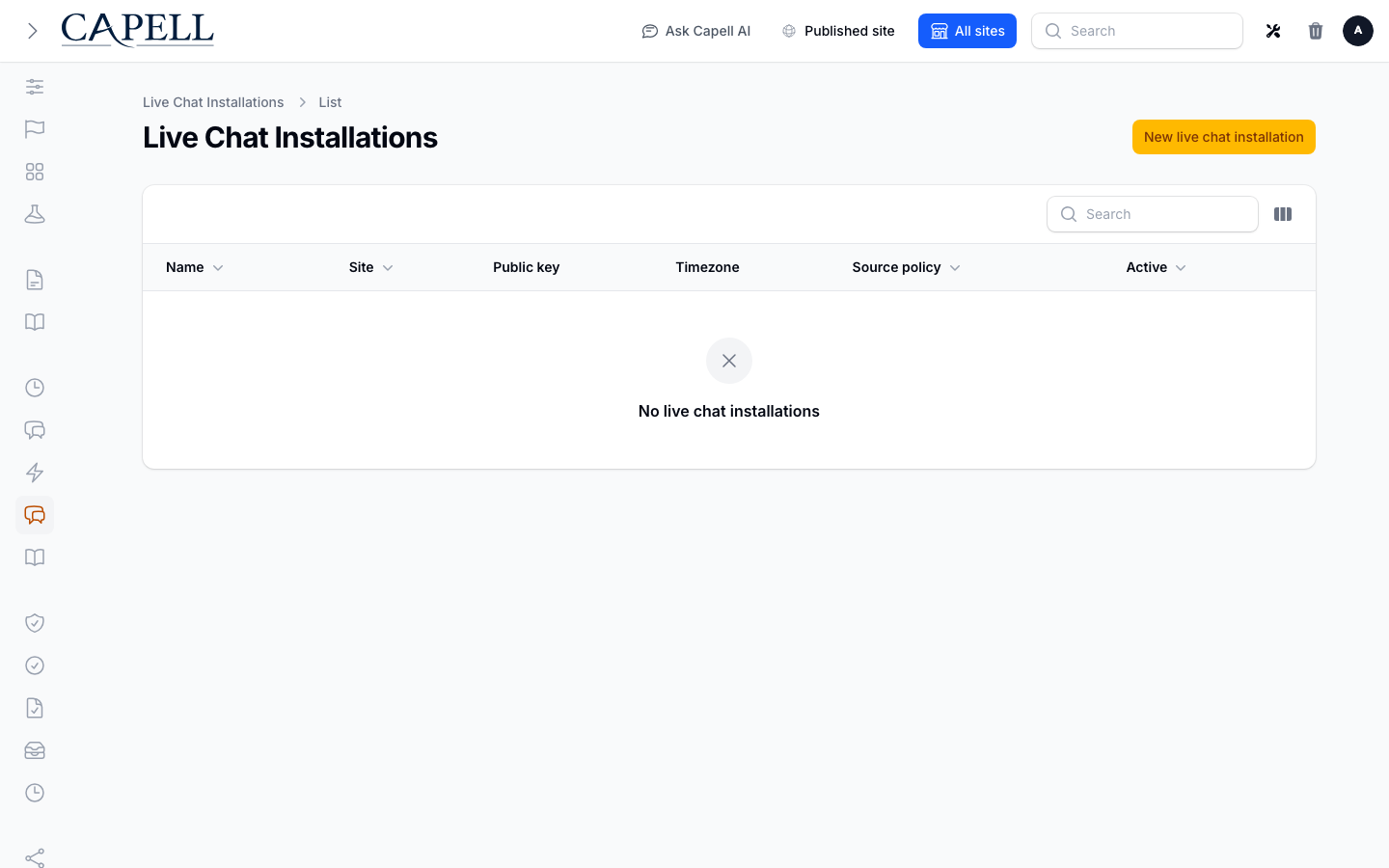
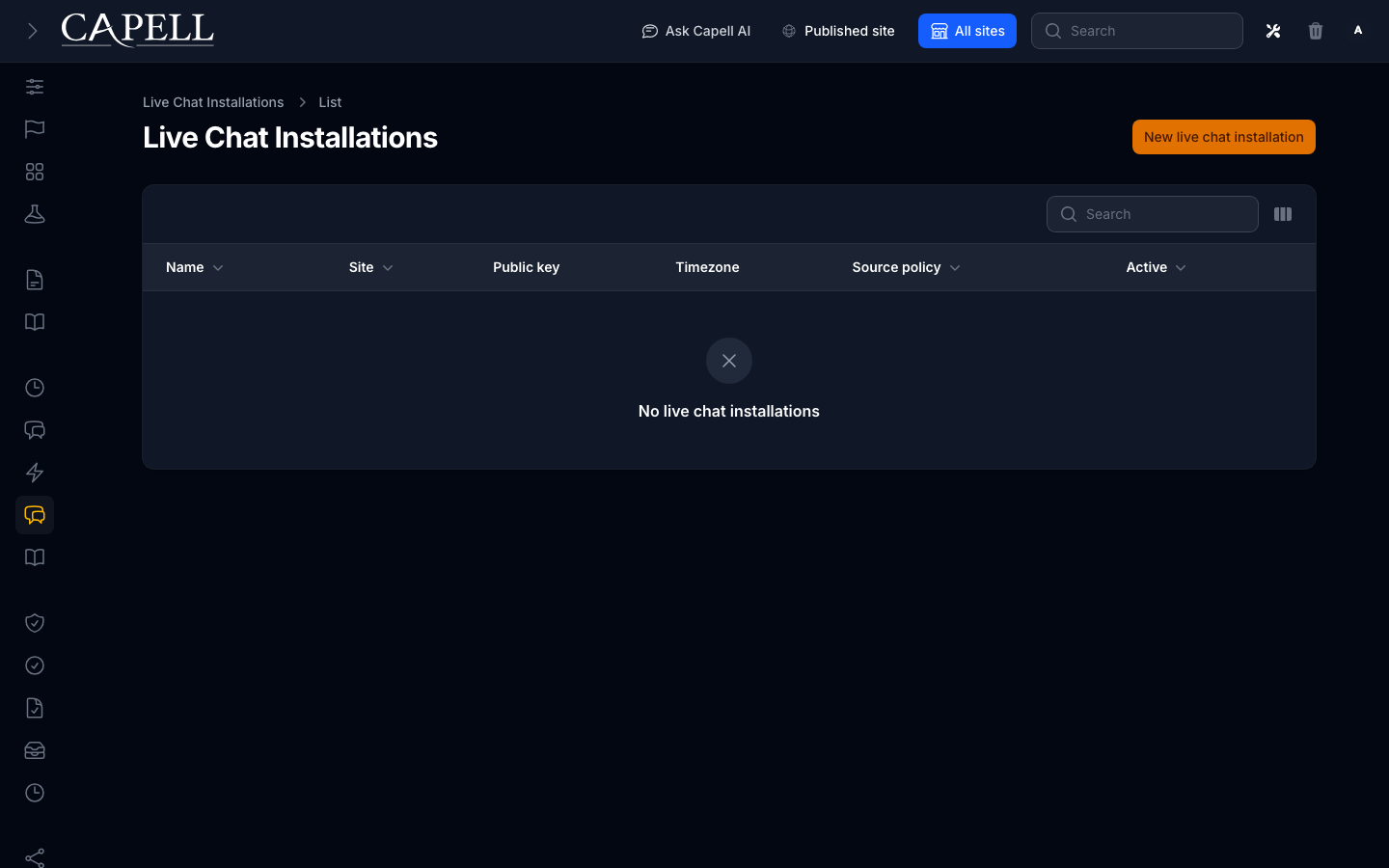
- Live Chat chat sites and installation settings (admin).
- Live Chat conversation context, handoff routing and AI fields (admin).
- Live Chat staffed availability windows (admin).
- Live Chat escalation rules (admin).
- Live Chat widget after-hours state (frontend).
- Live Chat chat sites and installation settings with admin sidebar menu open (admin).
Install Impact
Section titled “Install Impact”- Required packages:
capell-app/admin,capell-app/contacts,capell-app/core,capell-app/frontend. - Admin navigation: declares
admin-page: LiveChatClusterContribution,admin-resource: LiveChatAdminResourcesContribution; each Filament page or resource controls its own navigation visibility. - Admin/editor extensions: none declared.
- Permissions:
View:LiveChatInstallation,Create:LiveChatInstallation,Update:LiveChatInstallation,Delete:LiveChatInstallation,View:LiveChatAIRun,View:LiveChatKnowledgeDocument,Create:LiveChatKnowledgeDocument,Update:LiveChatKnowledgeDocument,Delete:LiveChatKnowledgeDocument,View:LiveChatKnowledgeGap,Update:LiveChatKnowledgeGap,View:LiveChatConversation,Update:LiveChatConversation,View:LiveChatAvailabilityWindow,Create:LiveChatAvailabilityWindow,Update:LiveChatAvailabilityWindow,Delete:LiveChatAvailabilityWindow,View:LiveChatAvailabilityException,Create:LiveChatAvailabilityException,Update:LiveChatAvailabilityException,Delete:LiveChatAvailabilityException,View:LiveChatEscalationRule,Create:LiveChatEscalationRule,Update:LiveChatEscalationRule,Delete:LiveChatEscalationRule,View:LiveChatKnowledgeSource,Create:LiveChatKnowledgeSource,Update:LiveChatKnowledgeSource,Delete:LiveChatKnowledgeSource; access also governed by package policies:AbstractLiveChatResourcePolicy,LiveChatAIRunPolicy,LiveChatAvailabilityExceptionPolicy,LiveChatAvailabilityWindowPolicy,LiveChatConversationPolicy,LiveChatEscalationRulePolicy,LiveChatInstallationPolicy,LiveChatKnowledgeDocumentPolicy,LiveChatKnowledgeGapPolicy,LiveChatKnowledgeSourcePolicy. - Public routes: loads
routes/web.php; registersLiveChatFrontendRoutesContribution. - Database changes: package migrations are declared.
- Config:
config/capell-live-chat.php. - Settings: no package settings declared.
- Queues or schedules: scheduled commands
capell:live-chat:prune (daily; package registered). - Cache tags:
live-chat. - Commands:
capell:live-chat-screenshot-fixture,capell:live-chat:prune.
Troubleshooting
Section titled “Troubleshooting”| Symptom | Likely cause | Check | Fix |
|---|---|---|---|
| Package surface is missing after install | Provider or manifest is not loaded | Confirm capell.json, package composer.json, and provider registration | Reinstall the package, refresh Composer autoload, and clear host caches |
| Admin screen or command fails on missing table | Package migrations have not run | Check the tables listed in Data Model | Run host migrations and rerun the focused package test |
| Route returns unexpected output | Route cache, middleware, or signed URL setup does not match the package route file | Check the route files listed in Technical Shape | Clear route cache and verify middleware before exposing public routes |
| Background work does not run | Queue worker or declared schedule is not active | Check the jobs and scheduled commands listed in Technical Shape | Start the queue worker or host scheduler, then run the focused command or package test |
| Public output leaks unexpected state | Render data, cache variation, or authoring boundary has regressed | Check public Blade, cache tags, and public-output safety tests | Move data loading out of Blade and rerun the package public-output tests |
Upgrading
Section titled “Upgrading”No manual steps between minor versions.
Next Steps
Section titled “Next Steps”- Package docs
- Overview
- Worked extension examples
- Admin guide
- Configuration files:
config/capell-live-chat.php. - Troubleshooting
- Developer reference
- Marketplace assets
- Capell content language plan
- Capell documentation design system
- Capell and package ERD notes
- Related packages: Contacts, Agent Bridge, AI Orchestrator, Knowledge Base.