
Frontend Authoring
Package docs status
Section titled “Package docs status”This page is generated from package source documentation in the Capell packages repository and the checked-in manifest. Source documentation is not distribution status. Before running a Composer command, verify that the exact package and compatible 1.x release are available through public Packagist or the authenticated marketplace account.
| Field | Value |
|---|---|
| Composer package | capell-app/frontend-authoring |
| Package slug | frontend-authoring |
| Product group | Capell Essentials |
| Tier | free |
| Bundle | foundation |
| Runtime contexts | frontend, console |
| Capell version | ^1.0 |
| Catalogue role | extension |
| Release channel | Beta |
| Docs source | packages/frontend-authoring/docs |
| Manifest | capell.json |
Fix a typo in a page’s title or text where you spot it on the live page, without finding the page in the admin first. Signed-in staff see a small panel with the page name and an Edit page button. Switch it on and edit buttons appear beside the page title and main text. Click one, change the words in a pop-up editor, save, and the public page is refreshed.
You can edit a field if you could edit that page in the admin. Pages written as plain content offer the main text. Pages built from blocks offer only the title and page description. If someone else changed a field after you opened it, your save is refused with a message about the conflict.
For the panel to appear, open the admin first, signed in, in the same browser and on the same domain as the public site. Visitors see none of it, and nothing for it is added to the HTML they or your cache receive.
Click the page name on the panel to see when the page was last updated and by whom, and whether the public copy is cached.
- Price and availability: Check current availability and price on the Capell Marketplace listing.
- Licence: Check the licence terms on the Capell Marketplace listing.
- Requires:
PHP ^8.4,capell-app/admin ^1.0.66,capell-app/core ^1.0.79,capell-app/frontend ^1.0.72,capell-app/html-cache ^1.0,filament/filament ^5.7.6,spatie/laravel-package-tools ^1.14. - Install:
composer require capell-app/frontend-authoring.
Quick Start
Section titled “Quick Start”- Install the package:
composer require capell-app/frontend-authoring. - Run
php artisan route:listand verify the package routes are registered.
For Developers
Section titled “For Developers”Editable-region registries, authorisation and validation Actions, signed URLs, and targeted cache invalidation keep editing behaviour outside public rendering and cached HTML.
Configure
Section titled “Configure”- Configuration files:
config/capell-frontend-authoring.php.
Limits And Pitfalls
Section titled “Limits And Pitfalls”- Install the required Capell packages at the versions in
composer.json:capell-app/admin ^1.0.66,capell-app/core ^1.0.79,capell-app/frontend ^1.0.72,capell-app/html-cache ^1.0. - Run migrations before opening package resources or public routes.
- Review middleware, throttling, signatures, and public-output safety in
routes/web.phpbefore exposing routes. - Keep public Blade and cached HTML free of authoring markers, model IDs, permissions, signed editor URLs, and lazy database queries.
- Custom write integrations must preserve invalidation for
frontend-authoringcache tags.
Screens And Workflow
Section titled “Screens And Workflow”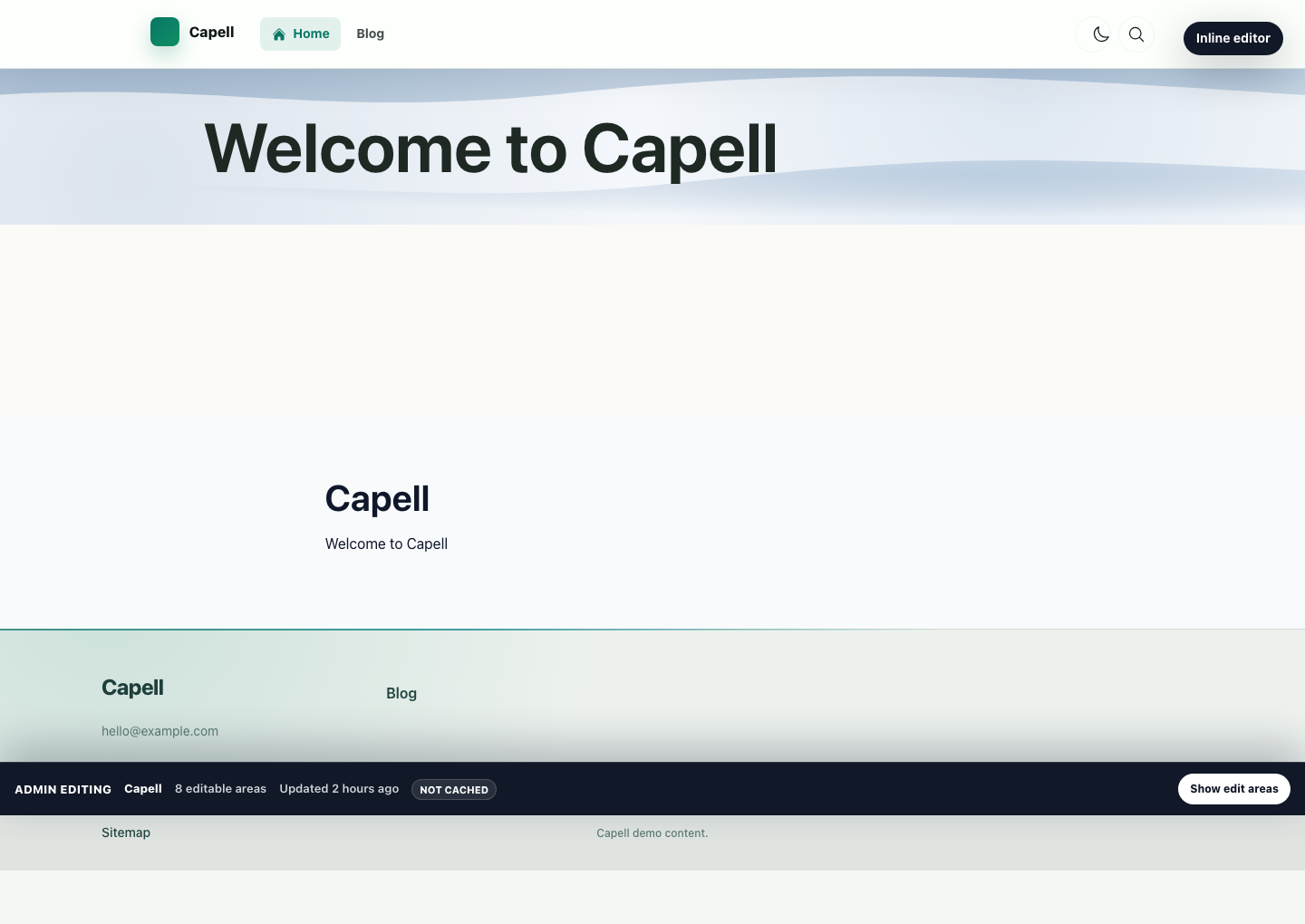
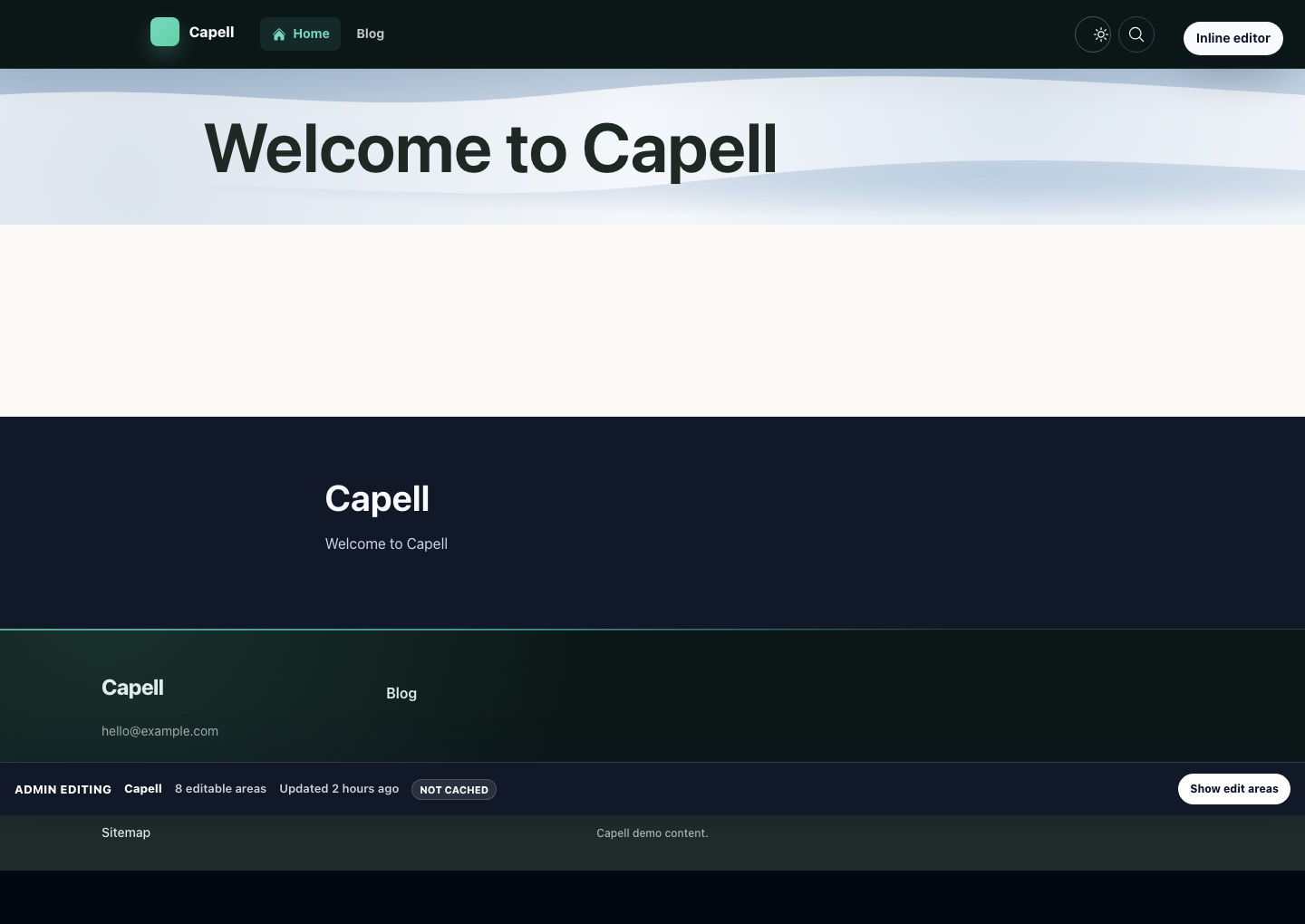
- Frontend page with authoring enabled for admins (frontend).
- Capell app frontend authoring working on the public homepage (frontend).
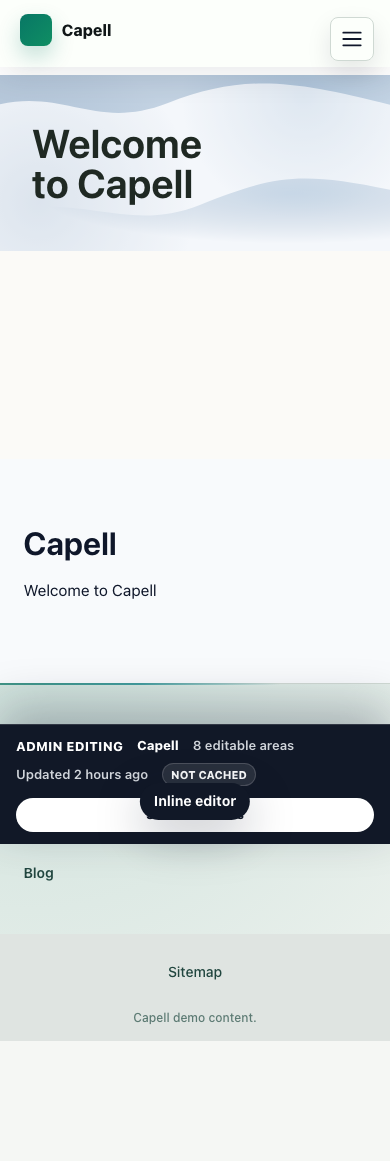
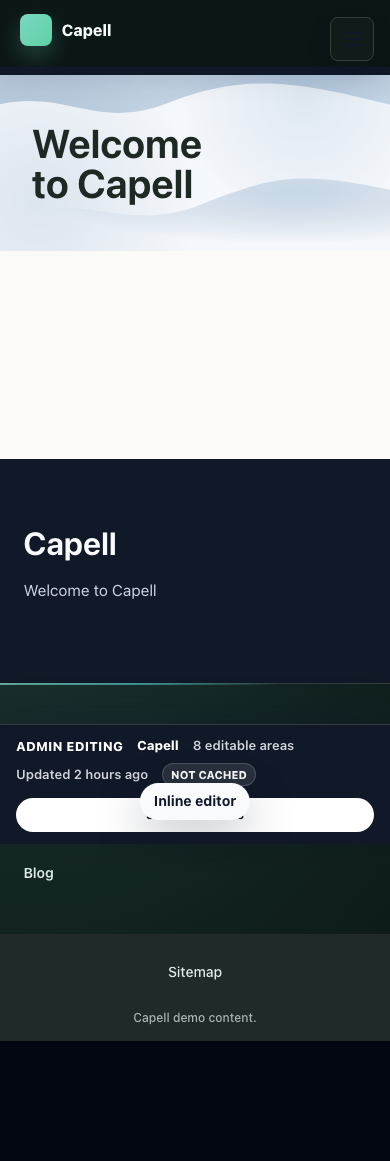
- Capell app frontend authoring working on mobile (frontend).
- Beacon network request with admin sidebar menu open (admin).
Install Impact
Section titled “Install Impact”- Required packages:
capell-app/admin,capell-app/core,capell-app/frontend,capell-app/html-cache. - Admin navigation: no admin page or resource contribution is declared.
- Admin/editor extensions: none declared.
- Permissions:
frontend-authoring.edit. - Public routes: loads
routes/web.php; registersFrontendAuthoringRoutesContribution. - Database changes: package migrations are declared.
- Config:
config/capell-frontend-authoring.php. - Settings: no package settings declared.
- Queues or schedules: none declared.
- Cache tags:
frontend-authoring. - Commands: none declared.
Troubleshooting
Section titled “Troubleshooting”| Symptom | Likely cause | Check | Fix |
|---|---|---|---|
| Package surface is missing after install | Provider or manifest is not loaded | Confirm capell.json, package composer.json, and provider registration | Reinstall the package, refresh Composer autoload, and clear host caches |
| Admin screen or command fails on missing table | Package migrations have not run | Check the tables listed in Data Model | Run host migrations and rerun the focused package test |
| Route returns unexpected output | Route cache, middleware, or signed URL setup does not match the package route file | Check the route files listed in Technical Shape | Clear route cache and verify middleware before exposing public routes |
| Public output leaks unexpected state | Render data, cache variation, or authoring boundary has regressed | Check public Blade, cache tags, and public-output safety tests | Move data loading out of Blade and rerun the package public-output tests |
Upgrading
Section titled “Upgrading”No manual steps between minor versions.
Read CHANGELOG.md before upgrading.
Next Steps
Section titled “Next Steps”- Package docs
- Overview
- Worked extension examples
- Admin guide
- Configuration files:
config/capell-frontend-authoring.php. - Troubleshooting
- Developer reference
- Marketplace assets
- Capell content language plan
- Capell documentation design system
- Capell and package ERD notes
- Related packages: HTML Cache.