
Media AI
Package docs status
Section titled “Package docs status”This page is generated from package source documentation in the Capell packages repository and the checked-in manifest. Source documentation is not distribution status. Before running a Composer command, verify that the exact package and compatible 1.x release are available through public Packagist or the authenticated marketplace account.
| Field | Value |
|---|---|
| Composer package | capell-app/media-ai |
| Package slug | media-ai |
| Product group | Capell AI |
| Tier | premium |
| Bundle | ai |
| Runtime contexts | admin, console |
| Capell version | ^1.0 |
| Catalogue role | extension |
| Release channel | Beta |
| Source repository | capell-app/packages |
| Source path | packages/media-ai |
| Docs source | packages/media-ai/docs |
| Manifest | capell.json |
What This Plugin Adds
Section titled “What This Plugin Adds”Media AI is an Available, No schema impact Capell package in the Capell AI product group. It ships as capell-app/media-ai and extends these surfaces: admin, console.
Media AI adds an Image Doctor seam that can generate replacement image output and apply approved metadata through a typed queued workflow.
When a real Image Doctor provider is bound, editors can run Doctor from media editing and review the generated result beside the original. The action stays hidden with the default null provider.
Status details:
- Status: Available
- Tier: premium
- Bundle: ai
- Composer package:
capell-app/media-ai - Namespace:
Capell\MediaAI - Theme key: not applicable
Why It Matters
Section titled “Why It Matters”For developers: The ImageDoctor contract isolates provider-specific image work, while the typed execution Action owns orchestration and keeps the queue job as a thin retry adapter.
For teams: Editors can request image corrections without overwriting the source asset, provided the site has an Image Doctor provider configured.
Screens And Workflow
Section titled “Screens And Workflow”Screenshot contract: docs/screenshots.json.
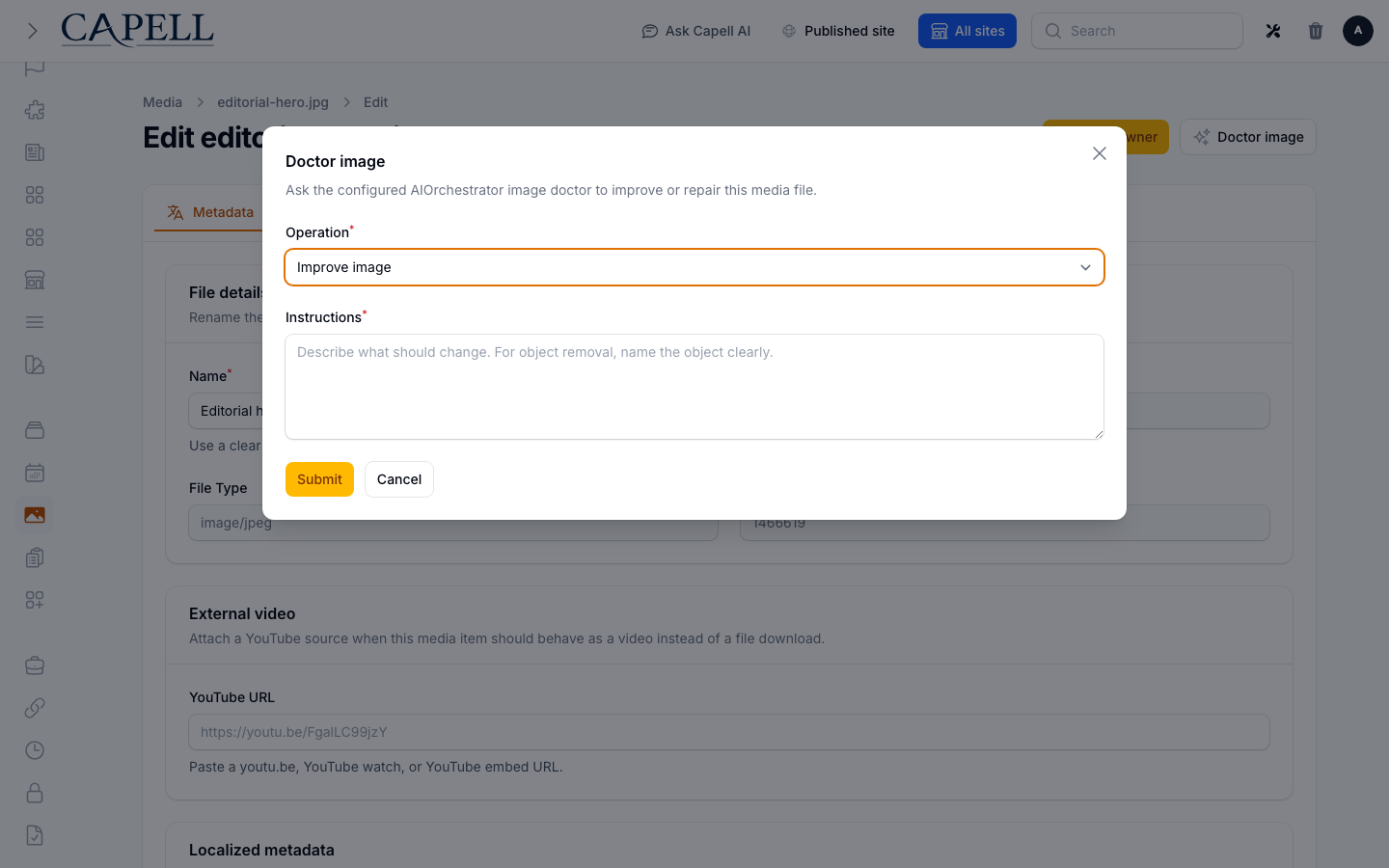
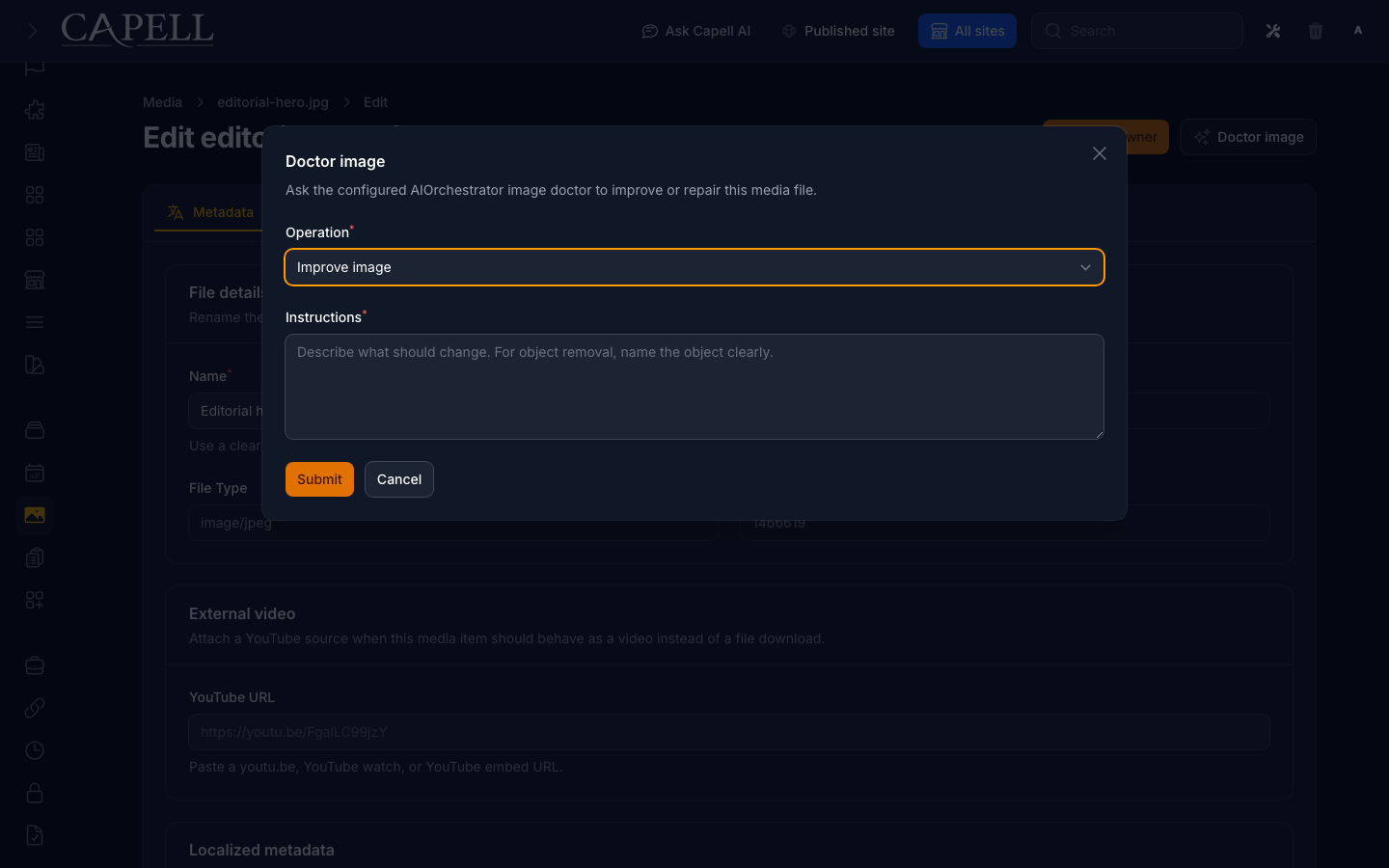
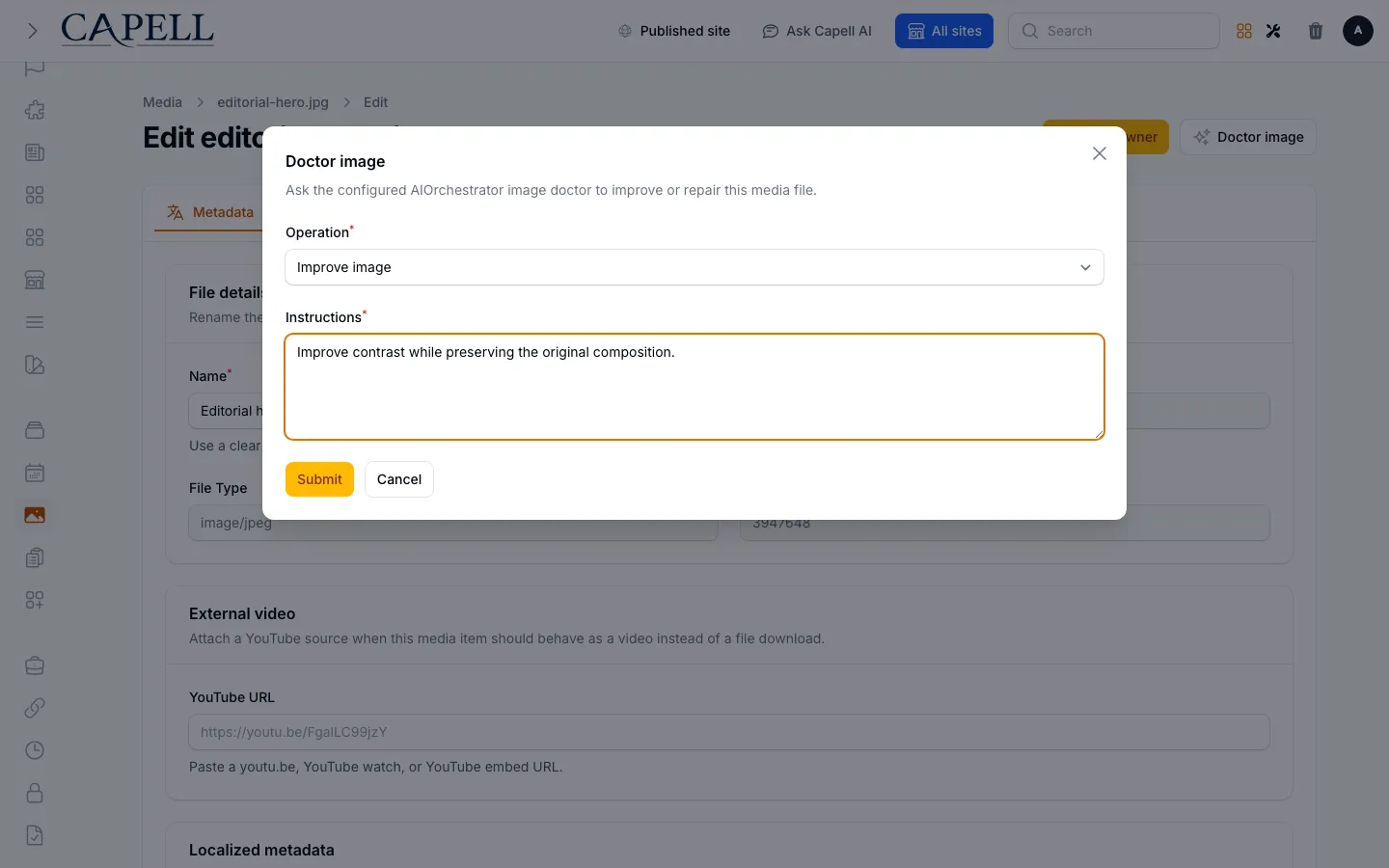
- Doctor image action on the installed media edit page (admin, required authentic evidence).
- Doctor image action modal with provider configured (admin, supplementary evidence).
- Media AI queued result notification (admin, supplementary evidence).
- Media AI batch doctor command output (frontend, supplementary evidence).
- Doctor image action modal with provider configured with admin sidebar menu open (admin, supplementary evidence).
Technical Shape
Section titled “Technical Shape”Service providers
Section titled “Service providers”Capell\MediaAI\Providers\MediaAIServiceProvider
Config files
Section titled “Config files”packages/media-ai/config/capell-media-ai.php
Filament classes
Section titled “Filament classes”MediaAIEditActionExtender
Extension contracts
Section titled “Extension contracts”ImageDoctorWebsiteMediaAcquisitionProviderWebsiteMediaAssetRepositoryWebsiteMediaProviderAttestationVerifier
Actions
Section titled “Actions”AcquireWebsiteMediaActionApplyImageDoctorMetadataActionBuildWebsiteMediaResultActionCaptureImageDoctorExecutionContextActionExecuteImageDoctorRequestActionQueueBatchImageDoctorRequestsActionQueueImageDoctorRequestActionResolveAuthorizedImageDoctorMediaAction
Data objects
Section titled “Data objects”ImageDoctorExecutionContextImageDoctorExecutionResultDataImageDoctorRequestImageDoctorResultWebsiteMediaAcquisitionResultDataWebsiteMediaAssetCandidateDataWebsiteMediaAssetEvidenceDataWebsiteMediaAssetReceiptDataWebsiteMediaLicencePolicyDataWebsiteMediaProviderAttestationDataWebsiteMediaProviderResponseDataWebsiteMediaRequestDataWebsiteMediaResultDataWebsiteMediaSigningKeyData
RunImageDoctorJob
Command signatures
Section titled “Command signatures”media-ai:doctor-batch
Console command classes
Section titled “Console command classes”QueueImageDoctorBatchCommand
Manifest contributions
Section titled “Manifest contributions”configurator: Capell\MediaAI\Manifest\MediaAIBatchCommandContributionconfigurator: Capell\MediaAI\Manifest\MediaAIEditActionContributionhealth-check: Capell\MediaAI\Manifest\MediaAIHealthContribution
Health checks
Section titled “Health checks”Capell\MediaAI\Health\MediaAIHealthCheck
Data Model
Section titled “Data Model”This package has no schema impact. It extends Capell through configurator contributions and health-check contributions instead of declaring package-owned tables.
Install Impact
Section titled “Install Impact”- Required packages:
capell-app/admin,capell-app/ai-orchestrator,capell-app/core. - Admin navigation: no admin page or resource contribution is declared.
- Admin/editor extensions:
configurator: MediaAIBatchCommandContribution,configurator: MediaAIEditActionContribution. - Permissions: no package permission declarations or Shield gates detected; host access rules still apply.
- Public routes: none declared.
- Database changes: no package migrations declared.
- Config:
config/capell-media-ai.php. - Settings: no package settings declared.
- Queues or schedules: queue jobs
RunImageDoctorJob. - Cache tags: none declared.
- Commands:
media-ai:doctor-batch.
Common Pitfalls
Section titled “Common Pitfalls”- Keep required Capell packages on compatible v4 releases:
capell-app/admin,capell-app/ai-orchestrator,capell-app/core. - Review package configuration before production-like verification:
config/capell-media-ai.php.
Troubleshooting
Section titled “Troubleshooting”| Symptom | Likely cause | Check | Fix |
|---|---|---|---|
| Package health check reports a problem | Package configuration or runtime dependencies are not ready | Run php artisan media-ai:doctor-batch | Follow the reported checks, then rerun the doctor command |
| Package surface is missing after install | Provider or manifest is not loaded | Confirm capell.json, package composer.json, and provider registration | Reinstall the package, refresh Composer autoload, and clear host caches |
| Background work does not run | Queue worker or declared schedule is not active | Check the jobs and scheduled commands listed in Technical Shape | Start the queue worker or host scheduler, then run the focused command or package test |
Quick Start
Section titled “Quick Start”- Install the package:
composer require capell-app/media-ai. - Open the package admin surface at
/admin/media/{first-record}/editand confirm Media AI is available.
Next Steps
Section titled “Next Steps”- Package docs
- Overview
- Worked extension examples
- Admin guide
- Configuration files:
config/capell-media-ai.php. - Troubleshooting
- Screenshot contract
- Marketplace assets
- Capell content language plan
- Capell documentation design system
- Capell and package ERD notes
- Related packages: Ai Orchestrator, Media Library, Seo Suite.