
Content Sections
Package docs status
Section titled “Package docs status”This page is generated from package source documentation in the Capell packages repository and the checked-in manifest. Source documentation is not distribution status. Before running a Composer command, verify that the exact package and compatible 1.x release are available through public Packagist or the authenticated marketplace account.
| Field | Value |
|---|---|
| Composer package | capell-app/content-sections |
| Package slug | content-sections |
| Product group | Capell Essentials |
| Tier | free |
| Bundle | foundation |
| Runtime contexts | admin, frontend |
| Capell version | ^1.0 |
| Catalogue role | extension |
| Release channel | Beta |
| Source repository | capell-app/content-sections |
| Docs source | packages/content-sections/docs |
| Manifest | capell.json |
Most sites repeat a few blocks on page after page, such as a FAQ or a row of client logos. Build each one once as a section and place it on every page that needs it. When an answer or a price changes, you edit it in one spot and every copy updates. Content that appears on only one page is better added to that page as an ordinary block.
There are 17 ready-made types to start from, among them a pricing table, a team grid, a timeline and customer testimonials. You fill in the words and pictures, and the design follows your site’s look. A pricing table is for showing prices, with buttons that link to another page, and nothing is paid for in the table itself. Sections are placed on pages in Layout Builder, the page builder, which has to be installed as well.
Before you change or delete a section, the admin tells you how many places use it, in words like “Used in 3 places”. A section deleted by mistake can be restored. Give a spring offer banner a start and end date, and it appears in March and goes away by itself.
- Price and availability: Check current availability and price on the Capell Marketplace listing.
- Licence: Check the licence terms on the Capell Marketplace listing.
- Requires:
PHP ^8.4,capell-app/admin ^1.0.78,capell-app/block-library ^1.0,capell-app/core ^1.0.79,capell-app/frontend ^1.0.70,capell-app/layout-builder ^1.0.50,capell-app/theme-foundation ^1.0. - Install:
composer require capell-app/content-sections.
Quick Start
Section titled “Quick Start”- Install the package:
composer require capell-app/content-sections. - Open the package admin surface at
/admin/content-sections/sectionsand confirm Content Sections is available.
For Developers
Section titled “For Developers”Section definitions are registered through a provider contract and resolved by Actions, so new section types can be added without placing queries or presentation logic in public views.
Configure
Section titled “Configure”- Configuration files:
config/capell-content-sections.php. - Commands:
php artisan content-sections:invalidate-due-caches.
Limits And Pitfalls
Section titled “Limits And Pitfalls”- Install the required Capell packages at the versions in
composer.json:capell-app/admin ^1.0.78,capell-app/block-library ^1.0,capell-app/core ^1.0.79,capell-app/frontend ^1.0.70,capell-app/layout-builder ^1.0.50,capell-app/theme-foundation ^1.0. - Run migrations before opening package resources or public routes.
- Review middleware, throttling, signatures, and public-output safety in
routes/web.phpbefore exposing routes. - Keep the host Laravel scheduler running so package-registered schedules can execute:
content-sections:invalidate-due-caches (everyMinute; package registered). - Keep public Blade and cached HTML free of authoring markers, model IDs, permissions, signed editor URLs, and lazy database queries.
- Custom write integrations must preserve invalidation for
content-sectionscache tags.
Screens And Workflow
Section titled “Screens And Workflow”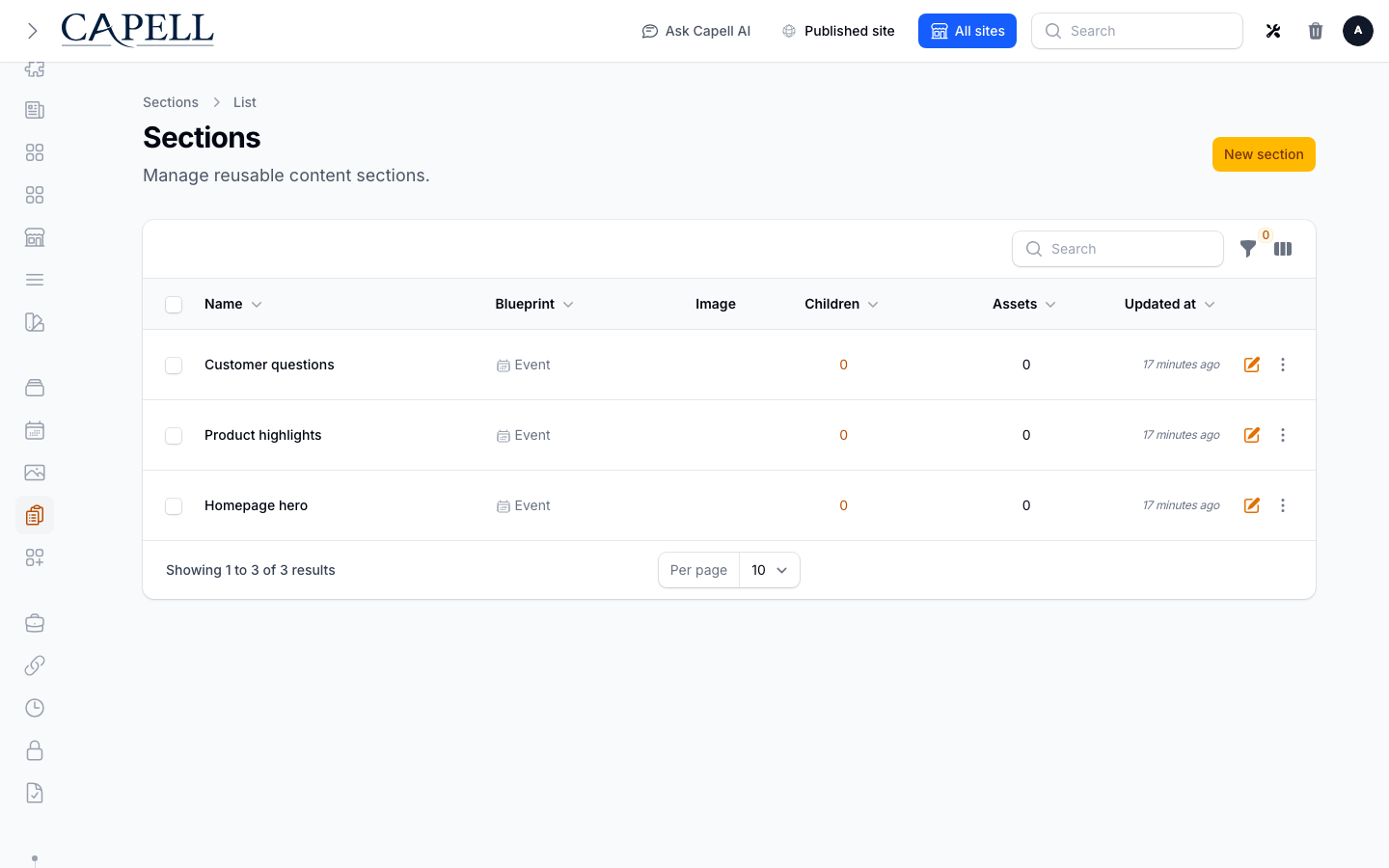
- Reusable sections index (admin).
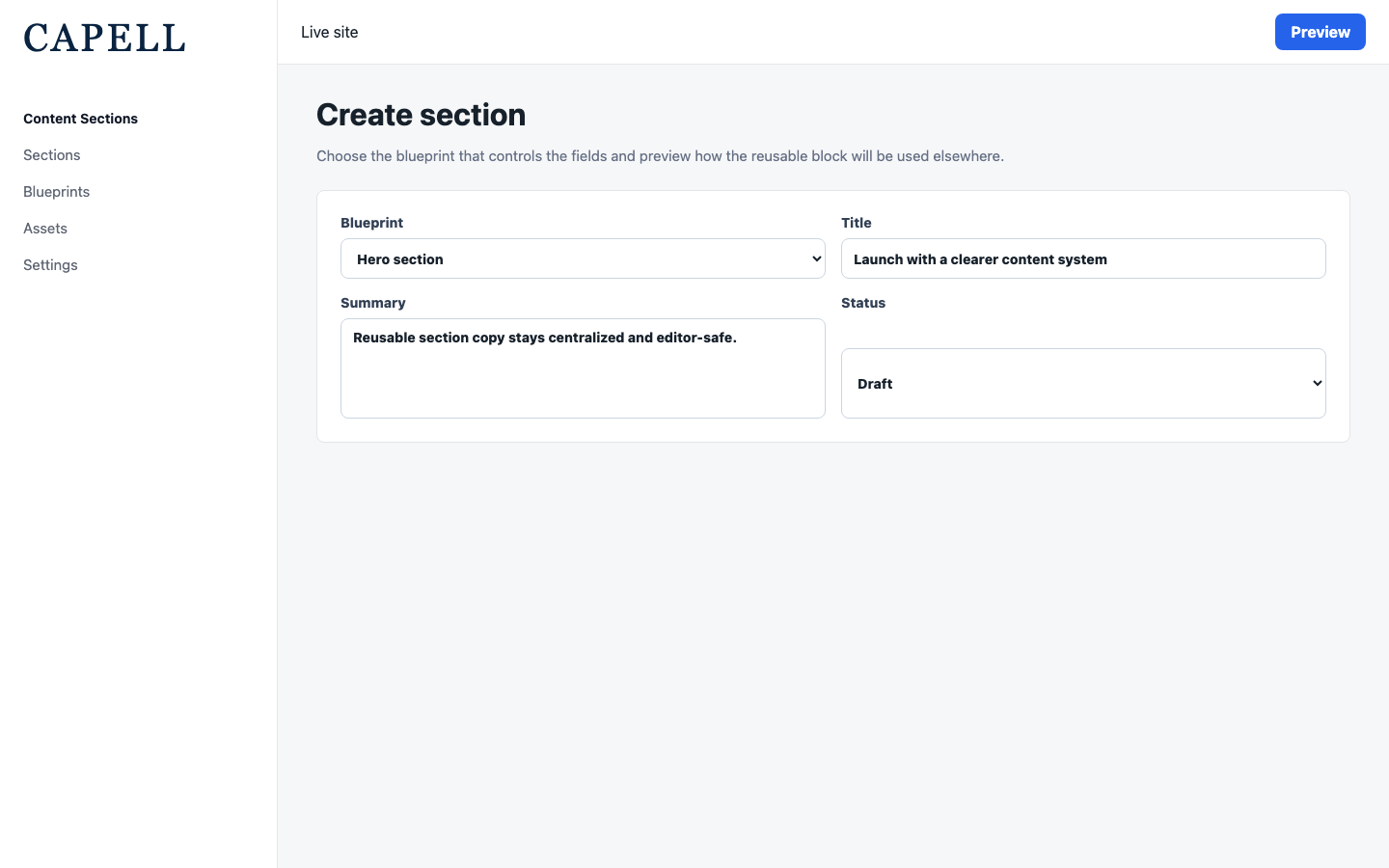
- Create reusable section form (admin).
- Edit reusable section with assets (admin).
- Section selector modal (frontend).
- Frontend section widget gallery (frontend).
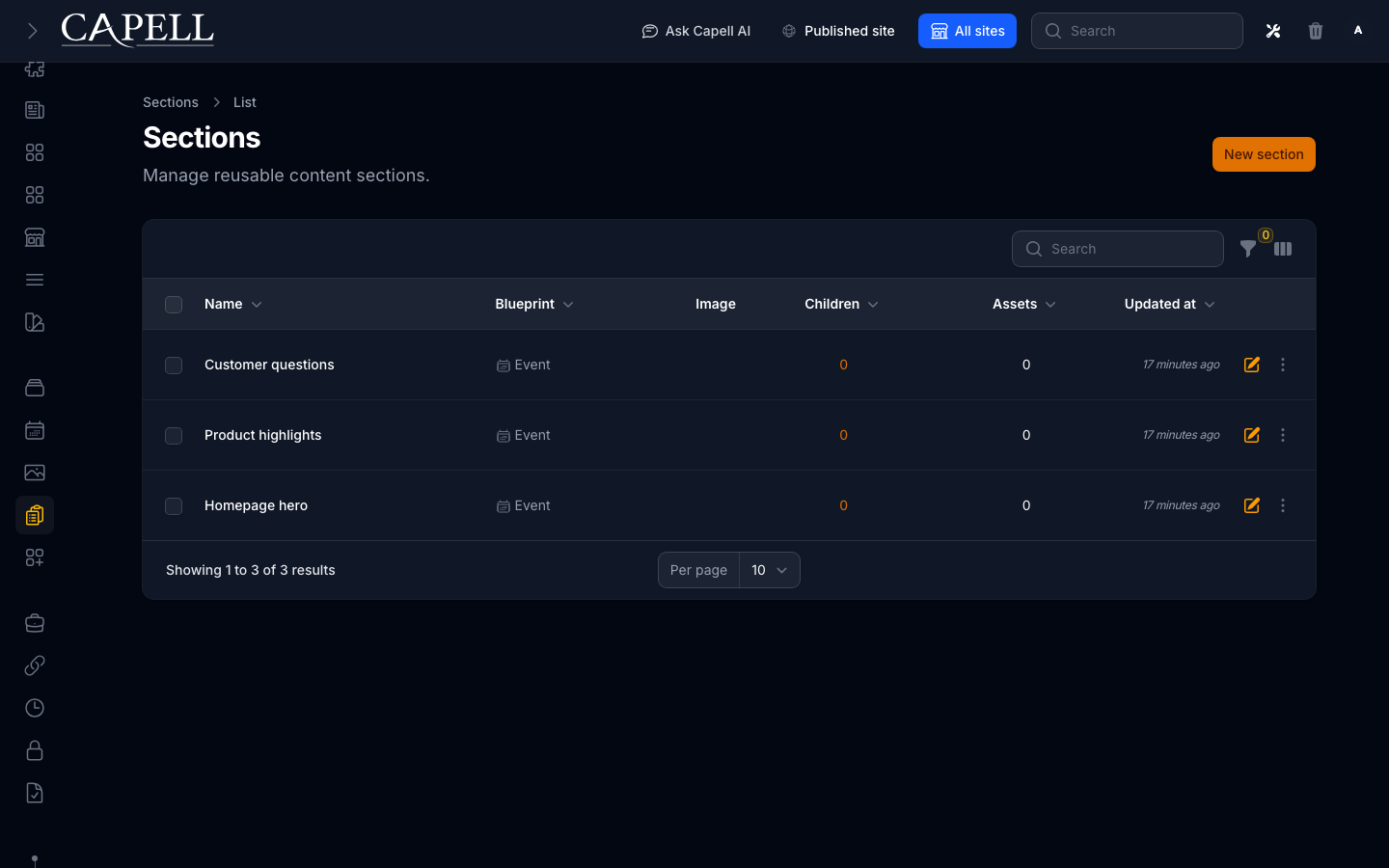
- Reusable sections index with admin sidebar menu open (admin).
Install Impact
Section titled “Install Impact”- Required packages:
capell-app/admin,capell-app/block-library,capell-app/core,capell-app/frontend,capell-app/layout-builder,capell-app/theme-foundation. - Admin navigation: declares
admin-resource: ContentSectionsPackageContribution; each Filament page or resource controls its own navigation visibility. - Admin/editor extensions:
configurator: ContentSectionsPackageContribution,schema-extender: ContentSectionsSchemaExtendersContribution. - Permissions:
ViewAny:Section,View:Section,Create:Section,Update:Section,Delete:Section,DeleteAny:Section,Restore:Section,RestoreAny:Section,ForceDelete:Section,ForceDeleteAny:Section,Replicate:Section,Reorder:Section; access also governed by package policies:SectionAssetAttachmentPolicy,SectionPolicy. - Public routes: loads
routes/web.php; registersContentSectionsRoutesContribution,PublicSectionFragmentsRoutesContribution. - Database changes: package migrations are declared.
- Config:
config/capell-content-sections.php. - Settings: no package settings declared.
- Queues or schedules: scheduled commands
content-sections:invalidate-due-caches (everyMinute; package registered). - Cache tags:
content-sections. - Commands:
content-sections:invalidate-due-caches.
Troubleshooting
Section titled “Troubleshooting”| Symptom | Likely cause | Check | Fix |
|---|---|---|---|
| Package surface is missing after install | Provider or manifest is not loaded | Confirm capell.json, package composer.json, and provider registration | Reinstall the package, refresh Composer autoload, and clear host caches |
| Admin screen or command fails on missing table | Package migrations have not run | Check the tables listed in Data Model | Run host migrations and rerun the focused package test |
| Route returns unexpected output | Route cache, middleware, or signed URL setup does not match the package route file | Check the route files listed in Technical Shape | Clear route cache and verify middleware before exposing public routes |
| Background work does not run | Queue worker or declared schedule is not active | Check the jobs and scheduled commands listed in Technical Shape | Start the queue worker or host scheduler, then run the focused command or package test |
| Public output leaks unexpected state | Render data, cache variation, or authoring boundary has regressed | Check public Blade, cache tags, and public-output safety tests | Move data loading out of Blade and rerun the package public-output tests |
Upgrading
Section titled “Upgrading”No manual steps between minor versions.
Read CHANGELOG.md before upgrading.
Next Steps
Section titled “Next Steps”- Package docs
- Overview
- Worked extension examples
- Admin guide
- Configuration files:
config/capell-content-sections.php. - Troubleshooting
- Developer reference
- Marketplace assets
- Capell content language plan
- Capell documentation design system
- Capell and package ERD notes
- Related packages: Block Library, Layout Builder, Foundation Theme, Publishing Studio, Public Actions.