
Login Audit
Package docs status
Section titled “Package docs status”This page is generated from package source documentation in the Capell packages repository and the checked-in manifest. Source documentation is not distribution status. Before running a Composer command, verify that the exact package and compatible 1.x release are available through public Packagist or the authenticated marketplace account.
| Field | Value |
|---|---|
| Composer package | capell-app/login-audit |
| Package slug | login-audit |
| Product group | Capell Security & Compliance |
| Tier | paid |
| Bundle | security-compliance |
| Runtime contexts | admin |
| Capell version | ^1.0 |
| Catalogue role | extension |
| Release channel | Beta |
| Docs source | packages/login-audit/docs |
| Manifest | capell.json |
Administrators get a list of sign-ins to the admin area and failed attempts on both existing and unknown accounts. Each line shows who signed in, on which device and whether it worked, and you can filter the list. A developer switches recording on once, and Diagnostics warns when that step is missing.
Capell marks an attempt as suspicious after repeated failures, or when a device that failed in the last 24 hours then gets in. A new device signing in raises a notification too. Administrators see these in the admin with a link to the list, and the number of failures and their time window are set on the settings screen.
Only global administrators with the right permission can open the list, which is read-only. By default, the address a sign-in came from is not stored. A code made from it is kept, so two sign-ins from the same address still match.
Records are kept for 90 days by default, and a daily clean-up removes older ones. That clean-up needs background jobs running on your server. Open any user in the admin and their sign-in history is listed below their details. Filtered results or the whole list download as a spreadsheet file.
- Price and availability: Check current availability and price on the Capell Marketplace listing.
- Licence: Check the licence terms on the Capell Marketplace listing.
- Requires:
PHP ^8.4,capell-app/admin ^1.0.78,capell-app/core ^1.0.79,rappasoft/laravel-authentication-log ^6.0 || ^5.0,tapp/filament-authentication-log ^4.0|^5.0. - Install:
composer require capell-app/login-audit.
Quick Start
Section titled “Quick Start”- Install the package:
composer require capell-app/login-audit. - Open the package admin surface at
/admin/login-audit/login-auditsand confirm Login Audit is available.
For Developers
Section titled “For Developers”Authentication events record exact audit rows; an after-commit observer delegates each created identity to focused detection and alert Actions. Privacy export, erasure, and retention also remain Action-owned.
Configure
Section titled “Configure”- Configuration files:
config/login-audit.php. - Admin settings:
Capell\LoginAudit\Settings\LoginAuditSettings. - Commands:
php artisan login-audit:hash-secrets.
Limits And Pitfalls
Section titled “Limits And Pitfalls”- Install the required Capell packages at the versions in
composer.json:capell-app/admin ^1.0.78,capell-app/core ^1.0.79. - Run migrations before opening package resources or public routes.
- Keep the host Laravel scheduler running so package-registered schedules can execute:
authentication-log:purge (daily; package registered).
Screens And Workflow
Section titled “Screens And Workflow”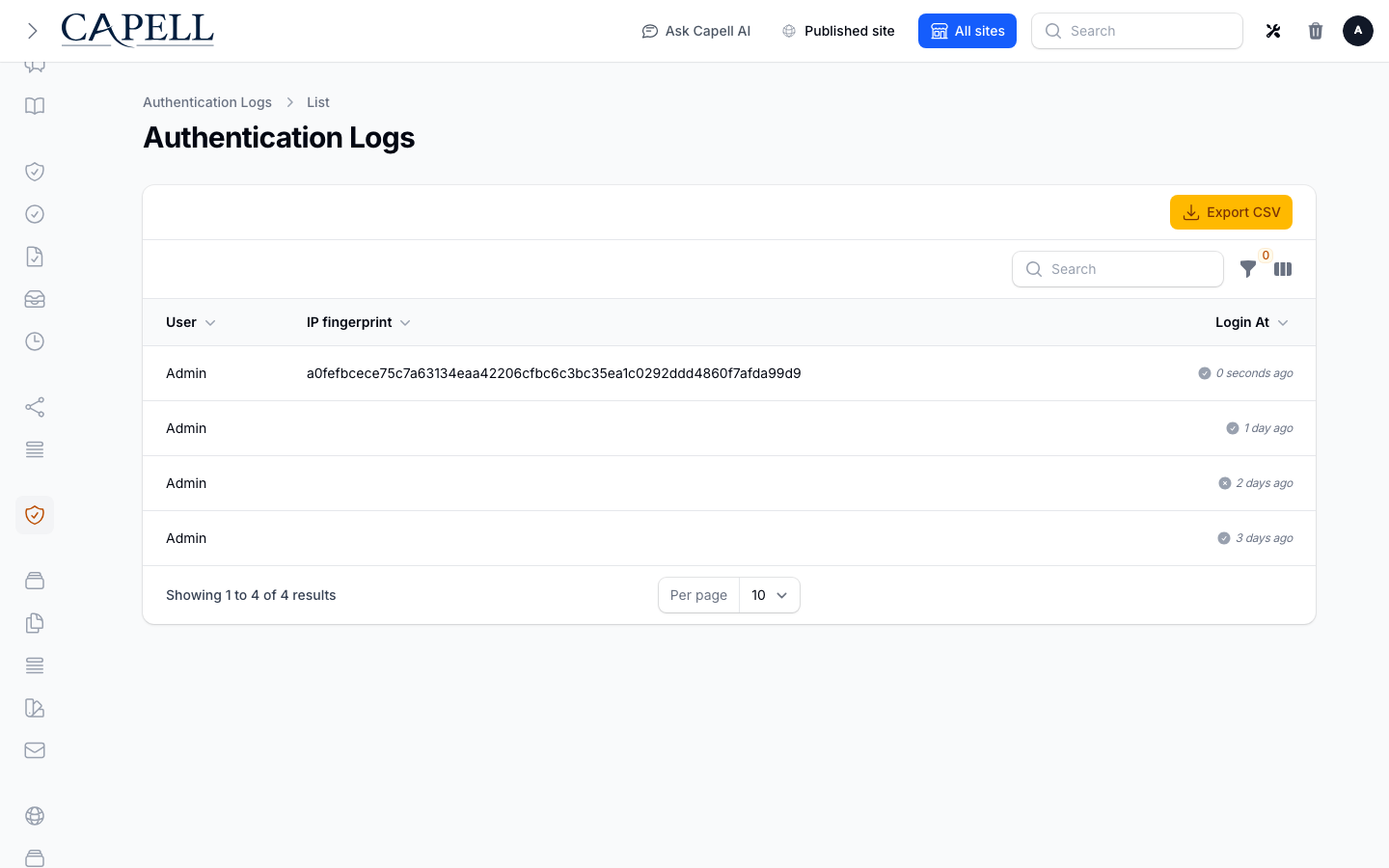
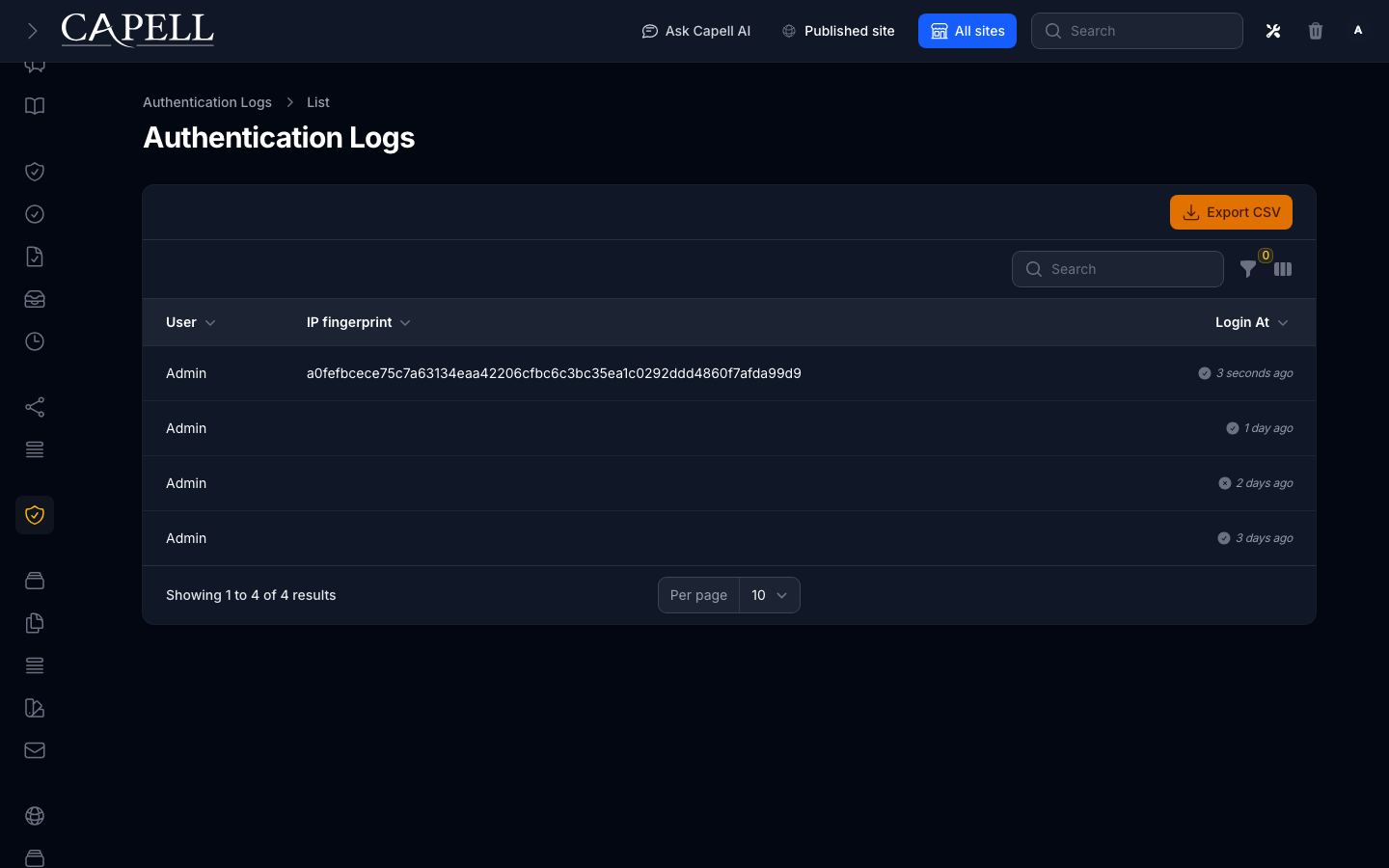
- Authentication logs admin index (admin).
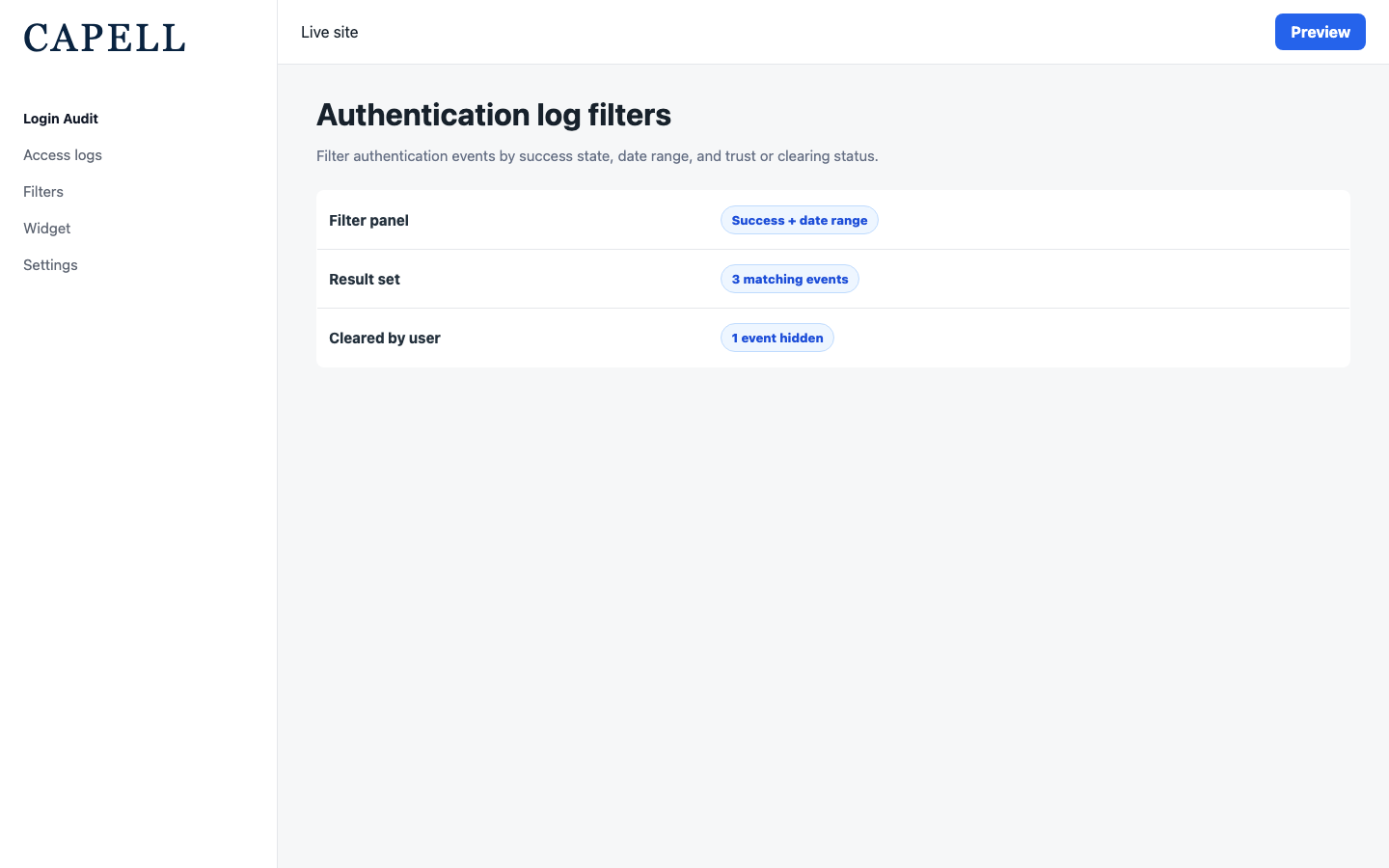
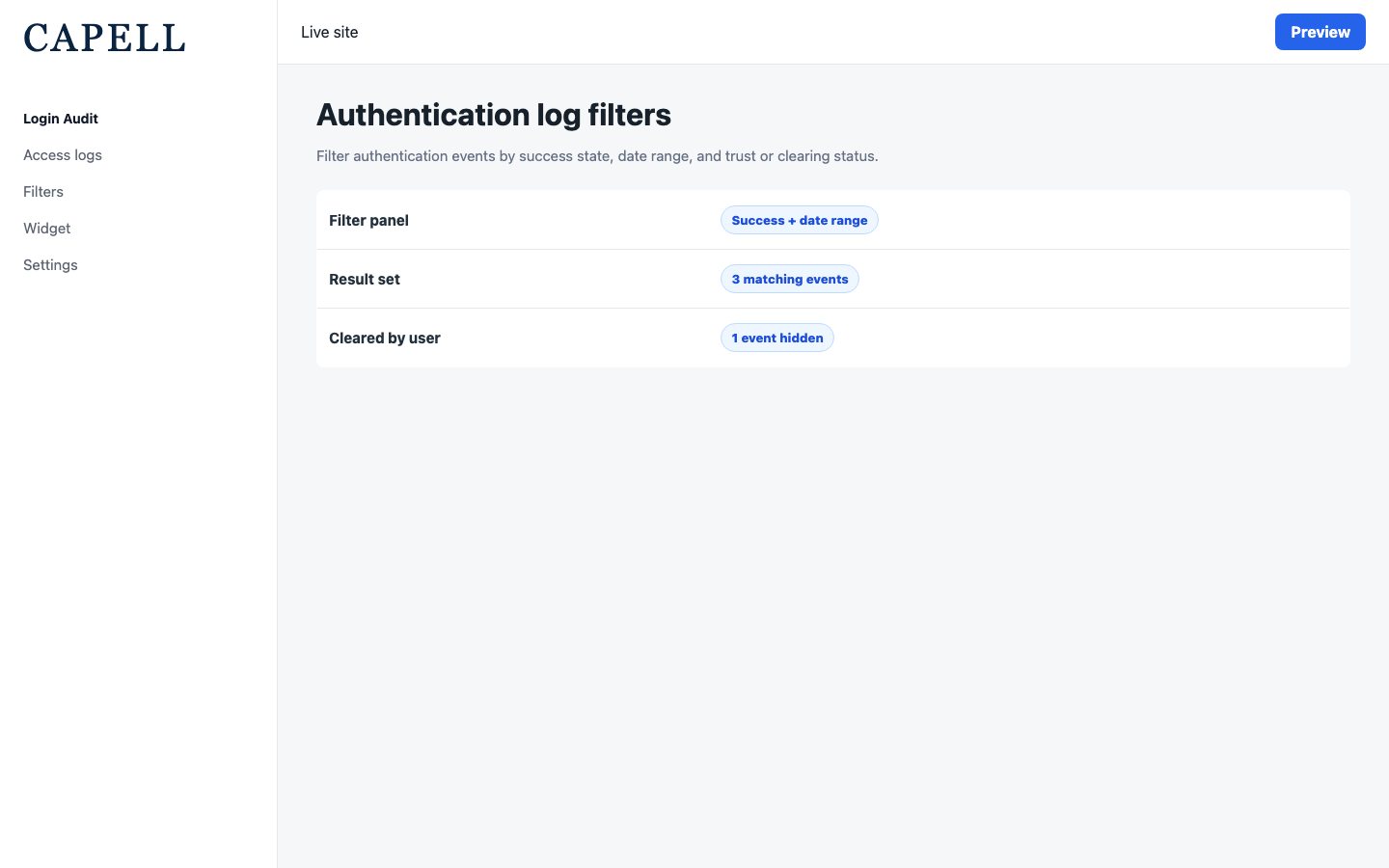
- Authentication log table filters (admin).
- Dashboard widget (admin).
- Authentication log settings screen (admin).
- User edit access summary (admin).
- User authentication logs relation manager (admin).
- Authentication logs admin index with admin sidebar menu open (admin).
Install Impact
Section titled “Install Impact”- Required packages:
capell-app/admin,capell-app/core. - Admin navigation: declares
admin-resource: LoginAuditAdminResourcesContribution; each Filament page or resource controls its own navigation visibility. - Admin/editor extensions:
dashboard-widget: LoginAuditDashboardFilamentWidgetContribution. - Permissions:
View:LoginAudit,Approve:TwoFactorReset; access also governed by package policies:LoginAuditPolicy. - Public routes: none declared.
- Database changes: package migrations are declared.
- Config:
config/login-audit.php. - Settings:
Capell\LoginAudit\Settings\LoginAuditSettings. - Queues or schedules: scheduled commands
authentication-log:purge (daily; package registered). - Cache tags: none declared.
- Commands:
login-audit:hash-secrets.
Troubleshooting
Section titled “Troubleshooting”| Symptom | Likely cause | Check | Fix |
|---|---|---|---|
| Package surface is missing after install | Provider or manifest is not loaded | Confirm capell.json, package composer.json, and provider registration | Reinstall the package, refresh Composer autoload, and clear host caches |
| Admin screen or command fails on missing table | Package migrations have not run | Check the tables listed in Data Model | Run host migrations and rerun the focused package test |
| Background work does not run | Queue worker or declared schedule is not active | Check the jobs and scheduled commands listed in Technical Shape | Start the queue worker or host scheduler, then run the focused command or package test |
Upgrading
Section titled “Upgrading”Read CHANGELOG.md before upgrading.
Unreleased: Upgrade: the User model needs no Login Audit code
Section titled “Unreleased: Upgrade: the User model needs no Login Audit code”Login Audit records every Eloquent user that signs in. Remove Rappasoft\LaravelAuthenticationLog\Traits\AuthenticationLoggable from the User model and any direct rappasoft/laravel-authentication-log requirement from the application if they were added only for Login Audit; keeping them is harmless. A custom notification template should extend the package’s NewDeviceNotification, FailedLoginNotification or SuspiciousActivityNotification.
Browsers are recognised by the capell_login_device cookie, so each browser is reported as a new device once after this upgrade. Add the cookie to the site’s cookie notice as strictly necessary for account security.
Verify a successful sign-in and an incorrect password for an existing account in Access Logs. Attempts for unknown identifiers are stored without a user and with only a keyed hash of the identifier, never the address that was typed. They follow the same retention and are included in a data subject’s export and erasure when the subject’s email matches. The default retention is 90 days in both configuration and settings; existing saved settings keep their configured retention.
Next Steps
Section titled “Next Steps”- Package docs
- Overview
- Worked extension examples
- Admin guide
- Configuration files:
config/login-audit.php. - Troubleshooting
- Developer reference
- Marketplace assets
- Capell content language plan
- Capell documentation design system
- Capell and package ERD notes
- Related packages: Password Policy, Privacy Centre, Diagnostics.