
Insights
Package docs status
Section titled “Package docs status”This page is generated from package source documentation in the Capell packages repository and the checked-in manifest. Source documentation is not distribution status. Before running a Composer command, verify that the exact package and compatible 1.x release are available through public Packagist or the authenticated marketplace account.
| Field | Value |
|---|---|
| Composer package | capell-app/insights |
| Package slug | insights |
| Product group | Capell Marketing & Growth |
| Tier | free |
| Bundle | marketing-growth |
| Runtime contexts | admin, frontend |
| Capell version | ^1.0 |
| Catalogue role | extension |
| Release channel | Beta |
| Source repository | capell-app/insights |
| Docs source | packages/insights/docs |
| Manifest | capell.json |
Your own site counts page views, clicks and the links that brought people in, and keeps them in its own database, with no outside analytics company involved. A site owner or marketing lead can then see which pages get read and which campaign link worked. Counting needs background jobs running on your server.
Visitors in the UK, the European Economic Area and Switzerland are asked first. A banner offers Accept all, Reject non-essential or Manage choices, and no page views or clicks are recorded for someone who says no. By default, the same goes for visitors whose country can’t be worked out. Browsers that send a Do Not Track or Global Privacy Control signal are never counted. So your totals run lower than your real visitor numbers.
The Insights page in the admin lets you pick a site, a language and a date range, and compare it with the period before. It shows popular and trending pages, where visitors came from and how many visitors took each action you name. Records older than a year are deleted for you, and you can change that.
- Price and availability: Check current availability and price on the Capell Marketplace listing.
- Licence: Check the licence terms on the Capell Marketplace listing.
- Requires:
PHP ^8.4,capell-app/admin ^1.0.78,capell-app/core ^1.0.79,capell-app/frontend ^1.0.72,lorisleiva/laravel-actions ^2.8,spatie/laravel-data ^4.5,spatie/laravel-package-tools ^1.14.1. - Install:
composer require capell-app/insights.
Quick Start
Section titled “Quick Start”- Install the package:
composer require capell-app/insights. - Open the package admin surface at
/admin/insightsand confirm Insights is available.
For Developers
Section titled “For Developers”Typed Actions handle beacon validation, event storage, rollups, consent, and retention instead of spreading analytics logic across controllers and views.
Configure
Section titled “Configure”- Configuration files:
config/capell-insights.php. - Admin settings:
Capell\Insights\Settings\InsightsSettings. - Commands:
php artisan insights:purge,php artisan insights:rollups:rebuild.
Limits And Pitfalls
Section titled “Limits And Pitfalls”- Install the required Capell packages at the versions in
composer.json:capell-app/admin ^1.0.78,capell-app/core ^1.0.79,capell-app/frontend ^1.0.72. - Run migrations before opening package resources or public routes.
- Review middleware, throttling, signatures, and public-output safety in
routes/web.phpbefore exposing routes. - Keep the host Laravel scheduler running so package-registered schedules can execute:
insights:purge (monthly; package registered),insights:rollups:rebuild (daily; package registered). - Keep public Blade and cached HTML free of authoring markers, model IDs, permissions, signed editor URLs, and lazy database queries.
- Custom write integrations must preserve invalidation for
insightscache tags.
Screens And Workflow
Section titled “Screens And Workflow”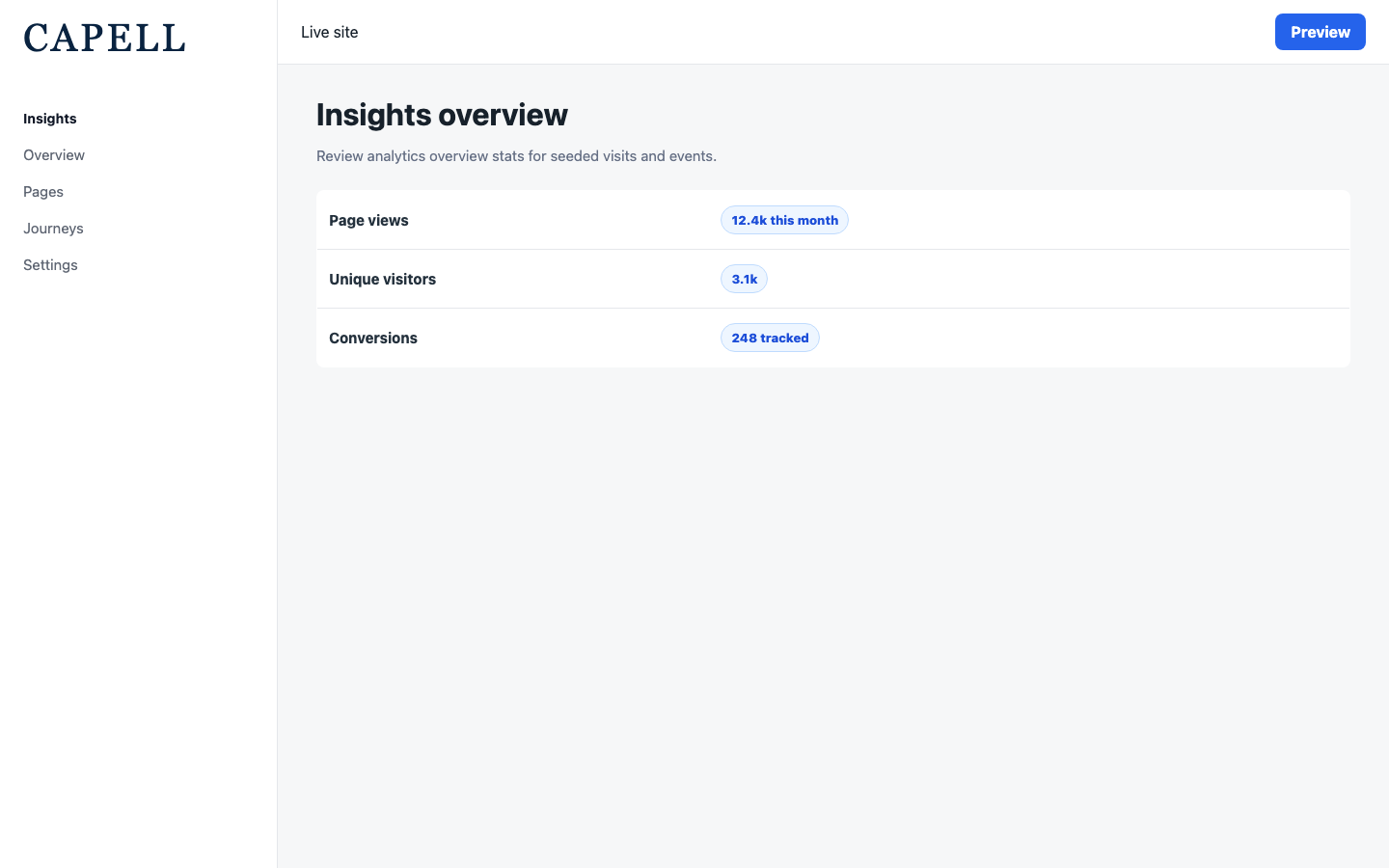
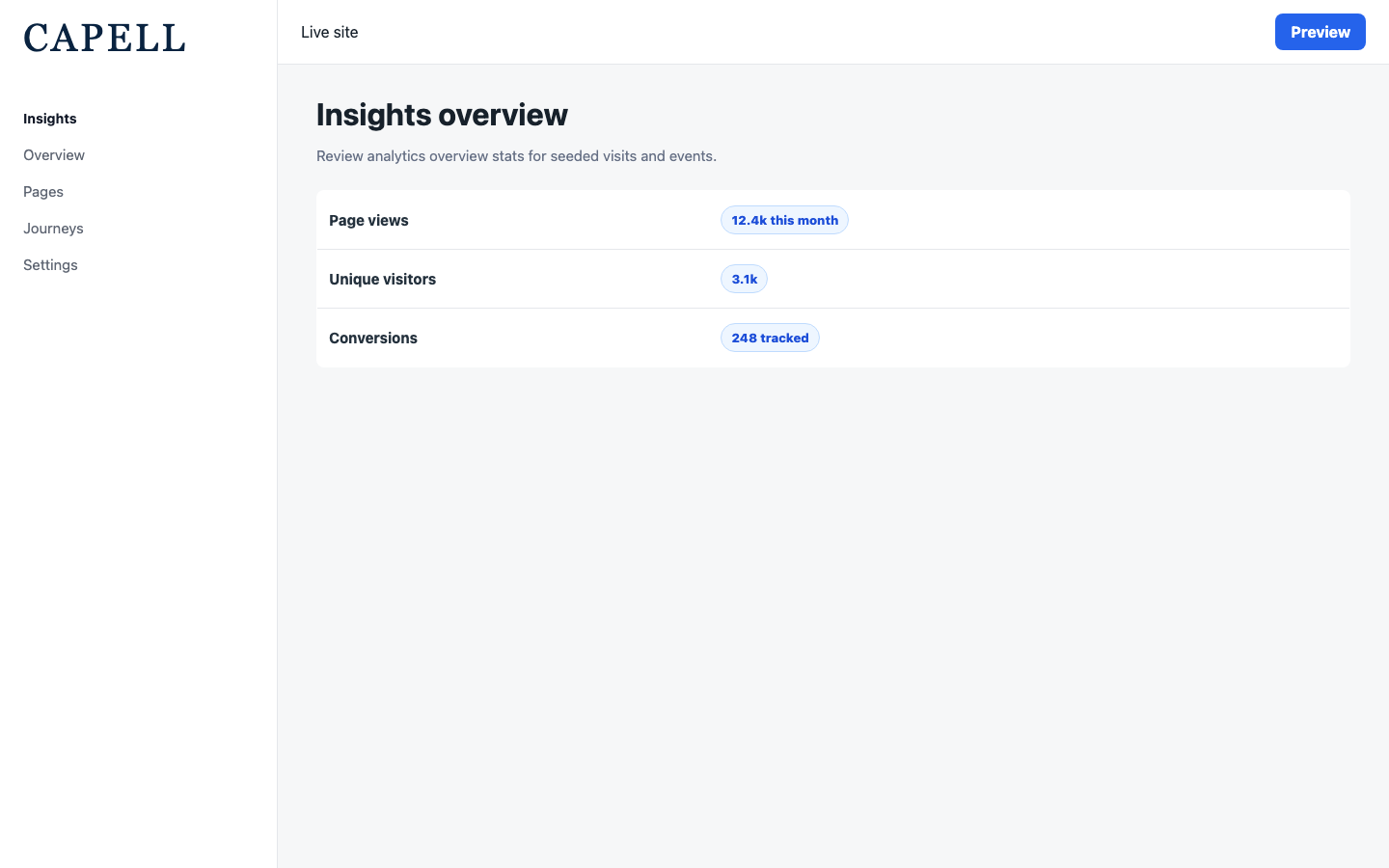
- Insights overview figures on the Insights page (admin).
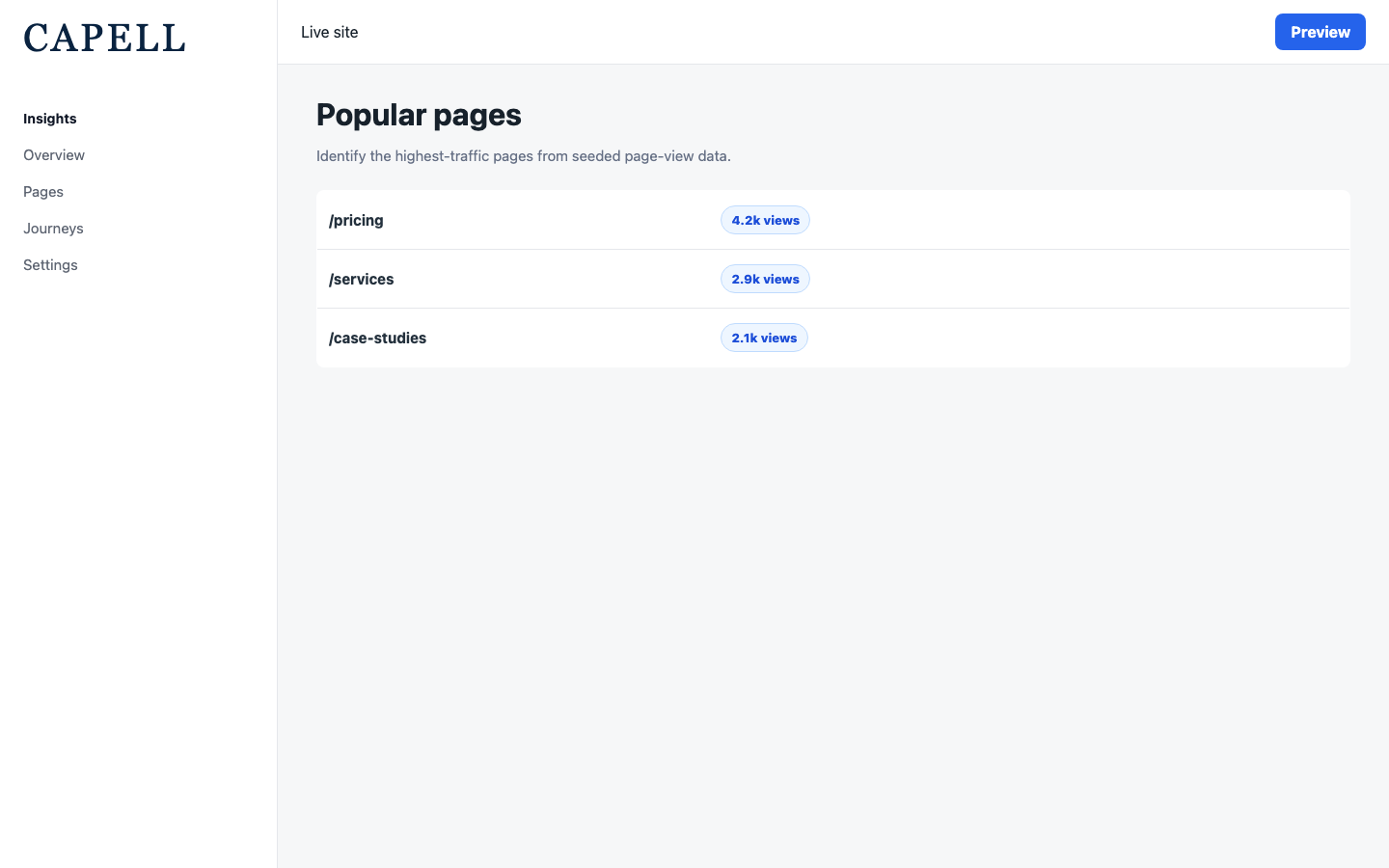
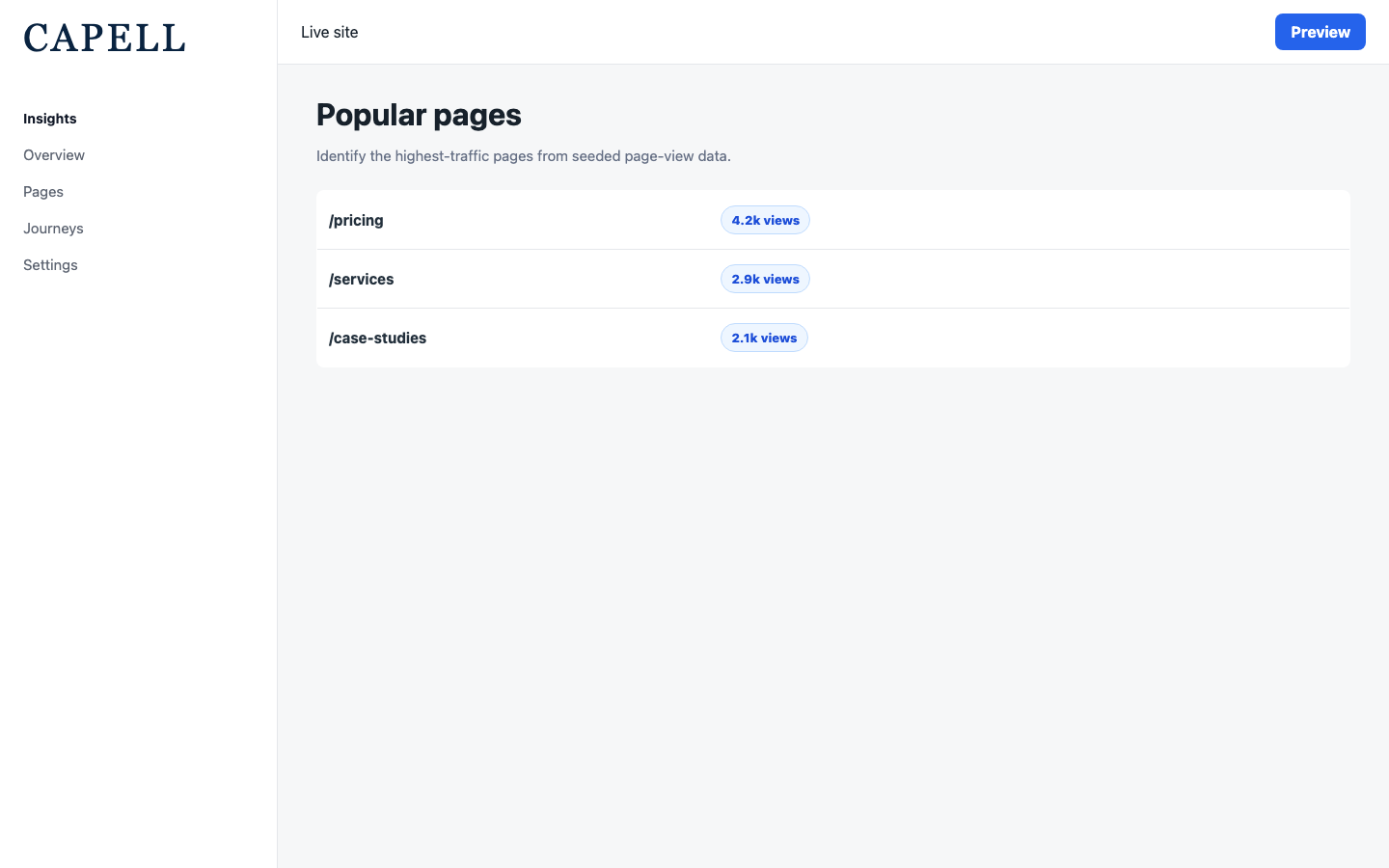
- Popular pages widget (admin).
- Recent journeys widget (admin).
- Insights settings screen (admin).
- Frontend page with tracker active (frontend).
- Consent banner flow (frontend).
- Public root page with the Insights tracker active (frontend).
- Insights overview dashboard widgets with admin sidebar menu open (admin).
Install Impact
Section titled “Install Impact”- Required packages:
capell-app/admin,capell-app/core,capell-app/frontend. - Admin navigation: declares
admin-page: InsightsAdminPageContribution; each Filament page or resource controls its own navigation visibility. - Admin/editor extensions:
dashboard-widget: InsightsDashboardFilamentWidgetsContribution,overview-stat: InsightsOverviewStatsContribution. - Permissions:
View:InsightsPage; Shield-generated page permissions forCapell\Insights\Filament\Pages\InsightsPage(names and grants depend on host Shield configuration). - Public routes: loads
routes/web.php; registersInsightsRoutesContribution. - Database changes: package migrations are declared.
- Config:
config/capell-insights.php. - Settings:
Capell\Insights\Settings\InsightsSettings. - Queues or schedules: scheduled commands
insights:purge (monthly; package registered),insights:rollups:rebuild (daily; package registered); queue jobsProcessInsightsBeaconJob. - Cache tags:
insights. - Commands:
insights:purge,insights:rollups:rebuild.
Troubleshooting
Section titled “Troubleshooting”| Symptom | Likely cause | Check | Fix |
|---|---|---|---|
| Package surface is missing after install | Provider or manifest is not loaded | Confirm capell.json, package composer.json, and provider registration | Reinstall the package, refresh Composer autoload, and clear host caches |
| Admin screen or command fails on missing table | Package migrations have not run | Check the tables listed in Data Model | Run host migrations and rerun the focused package test |
| Route returns unexpected output | Route cache, middleware, or signed URL setup does not match the package route file | Check the route files listed in Technical Shape | Clear route cache and verify middleware before exposing public routes |
| Background work does not run | Queue worker or declared schedule is not active | Check the jobs and scheduled commands listed in Technical Shape | Start the queue worker or host scheduler, then run the focused command or package test |
| Public output leaks unexpected state | Render data, cache variation, or authoring boundary has regressed | Check public Blade, cache tags, and public-output safety tests | Move data loading out of Blade and rerun the package public-output tests |
Upgrading
Section titled “Upgrading”No manual steps between minor versions.
Read CHANGELOG.md before upgrading.