
Hero
Package docs status
Section titled “Package docs status”This page is generated from package source documentation in the Capell packages repository and the checked-in manifest. Source documentation is not distribution status. Before running a Composer command, verify that the exact package and compatible 1.x release are available through public Packagist or the authenticated marketplace account.
| Field | Value |
|---|---|
| Composer package | capell-app/hero |
| Package slug | hero |
| Product group | Capell Essentials |
| Tier | free |
| Bundle | foundation |
| Runtime contexts | admin, frontend, console |
| Capell version | ^1.0 |
| Catalogue role | extension |
| Release channel | Released |
| Source repository | capell-app/hero |
| Docs source | packages/hero/docs |
| Manifest | capell.json |
Behind your headline, a video can play without sound. On a phone, visitors get a still photo if that’s what you uploaded for small screens. This is the big banner at the top of a page, often called a hero, and it works just as well with one picture or a few rotating slides.
Set a background for your theme, the overall look of your site, and every page’s banner follows it. One banner or one slide can still have its own picture, or none at all.
Videos are ordinary files you upload yourself (MP4 or WebM), with separate versions for big screens and phones. A YouTube or Vimeo link can’t be used. The editor’s defaults are that the video starts on its own, loops, stays silent and pauses by itself once someone scrolls past, and you can change each one. A pause button is there for anyone who’d like it still. If you upload a picture too, visitors see it while the video loads.
Slides change every eight seconds and wait while a mouse rests on them. With no slides added, the banner shows the hero title and text saved on the page itself.
- Price and availability: Check current availability and price on the Capell Marketplace listing.
- Licence: Check the licence terms on the Capell Marketplace listing.
- Requires:
PHP ^8.4,capell-app/admin ^1.0,capell-app/core ^1.0.66,capell-app/frontend ^1.0,capell-app/layout-builder ^1.0,capell-app/theme-foundation ^1.0,lorisleiva/laravel-actions ^2.8,spatie/laravel-package-tools ^1.0. - Install:
composer require capell-app/hero:@beta.
Quick Start
Section titled “Quick Start”- Install the package:
composer require capell-app/hero:@beta. - Run the package setup:
php artisan capell:hero-setup. - Run
php artisan listand verify the package command signatures are registered.
For Developers
Section titled “For Developers”Prepared Data objects and resolution Actions keep media and background decisions outside Blade, and tests enforce query-free public rendering without editor metadata.
Configure
Section titled “Configure”- Commands:
php artisan capell:hero-setup.
Limits And Pitfalls
Section titled “Limits And Pitfalls”- Install the required Capell packages at the versions in
composer.json:capell-app/admin ^1.0,capell-app/core ^1.0.66,capell-app/frontend ^1.0,capell-app/layout-builder ^1.0,capell-app/theme-foundation ^1.0. - Keep public Blade and cached HTML free of authoring markers, model IDs, permissions, signed editor URLs, and lazy database queries.
- Custom write integrations must preserve invalidation for
herocache tags.
Screens And Workflow
Section titled “Screens And Workflow”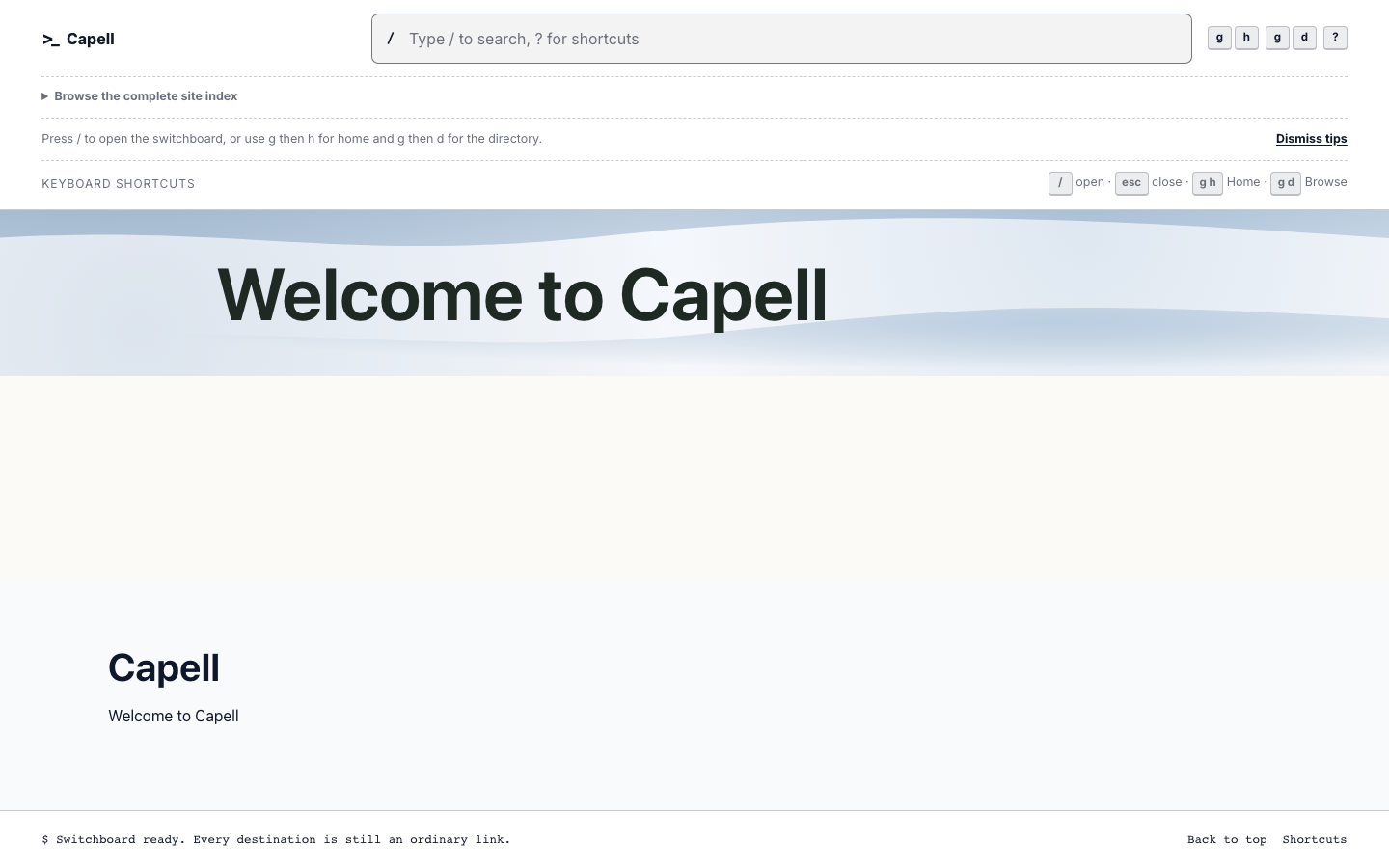
- Hero home widget rendered on a public page (frontend).
Install Impact
Section titled “Install Impact”- Required packages:
capell-app/admin,capell-app/core,capell-app/frontend,capell-app/layout-builder,capell-app/theme-foundation. - Admin navigation: no admin page or resource contribution is declared.
- Admin/editor extensions: none declared.
- Permissions: no package permission declarations or Shield gates detected; host access rules still apply.
- Public routes: none declared.
- Database changes: no package migrations declared.
- Config: no package config files.
- Settings: no package settings declared.
- Queues or schedules: none declared.
- Cache tags:
hero. - Commands:
capell:hero-setup.
Troubleshooting
Section titled “Troubleshooting”| Symptom | Likely cause | Check | Fix |
|---|---|---|---|
| Package surface is missing after install | Provider or manifest is not loaded | Confirm capell.json, package composer.json, and provider registration | Reinstall the package, refresh Composer autoload, and clear host caches |
| Public output leaks unexpected state | Render data, cache variation, or authoring boundary has regressed | Check public Blade, cache tags, and public-output safety tests | Move data loading out of Blade and rerun the package public-output tests |
Upgrading
Section titled “Upgrading”No manual steps between minor versions.
Read CHANGELOG.md before upgrading.