
Shopify Commerce
Package docs status
Section titled “Package docs status”This page is generated from package source documentation in the Capell packages repository and the checked-in manifest. Source documentation is not distribution status. Before running a Composer command, verify that the exact package and compatible 1.x release are available through public Packagist or the authenticated marketplace account.
| Field | Value |
|---|---|
| Composer package | capell-app/shopify-commerce |
| Package slug | shopify-commerce |
| Product group | Capell Commerce |
| Tier | premium |
| Bundle | commerce |
| Runtime contexts | admin, console |
| Capell version | ^1.0 |
| Catalogue role | extension |
| Release channel | Beta |
| Source repository | capell-app/packages |
| Source path | packages/shopify-commerce |
| Docs source | packages/shopify-commerce/docs |
| Manifest | capell.json |
What This Plugin Adds
Section titled “What This Plugin Adds”Shopify Commerce is an Available, Schema-owning Capell package in the Capell Commerce product group. It ships as capell-app/shopify-commerce and extends these surfaces: admin, console.
Shopify Commerce stores site-scoped Shopify OAuth connections and syncs products, variants, and customers into local records for Capell-side use.
Admins connect a Shopify store, inspect sync state, search the cached catalogue, and re-sync products from the Shopify Commerce page.
Status details:
- Status: Available
- Tier: premium
- Bundle: commerce
- Composer package:
capell-app/shopify-commerce - Namespace:
Capell\ShopifyCommerce - Theme key: not applicable
Why It Matters
Section titled “Why It Matters”For developers: Dedicated Actions own OAuth, Admin GraphQL, product persistence, webhook verification, and scheduled synchronization behind typed data objects.
For teams: Teams can find Shopify catalogue data inside Capell and see when the local copy was last synchronized.
Screens And Workflow
Section titled “Screens And Workflow”Screenshot contract: docs/screenshots.json.
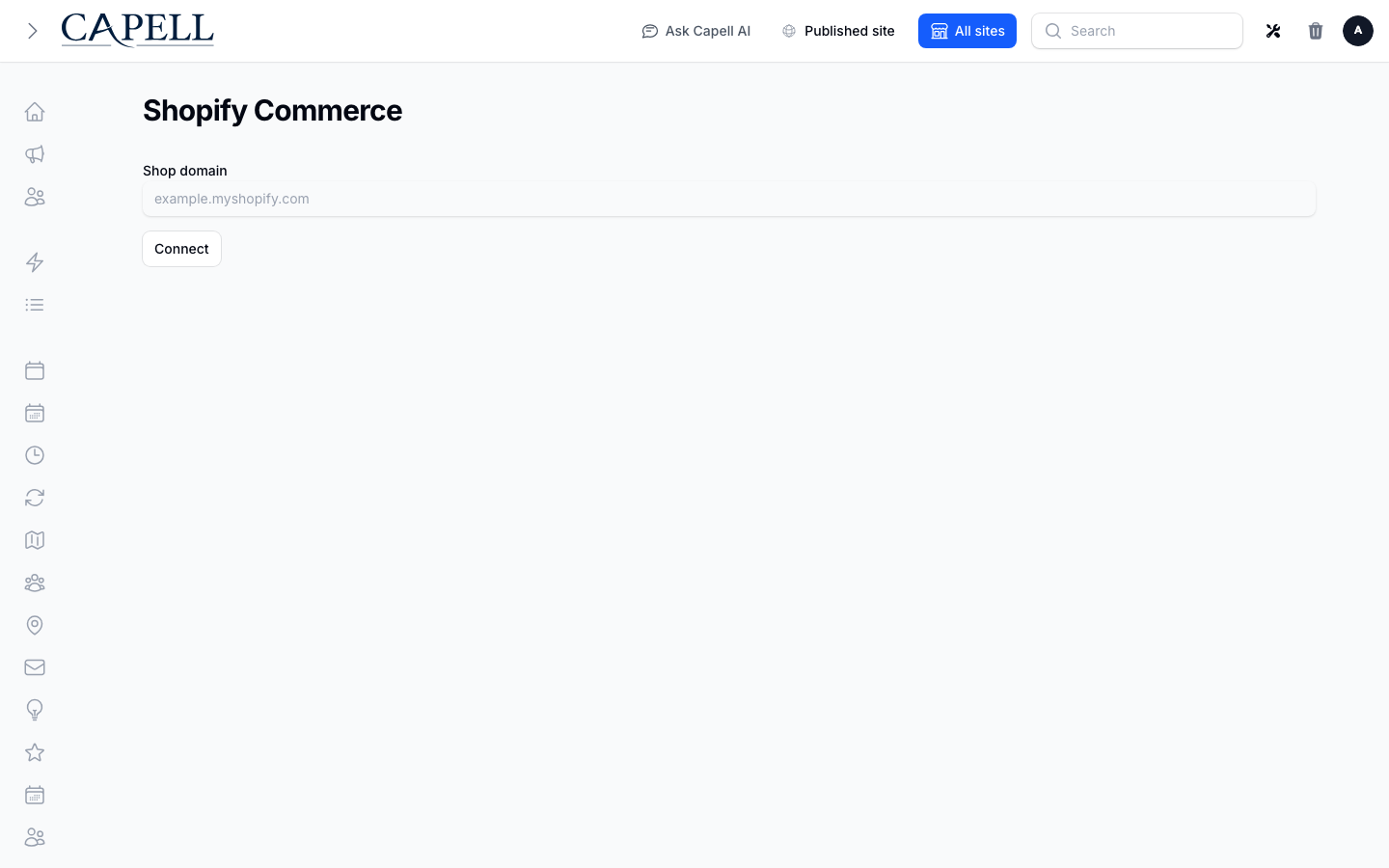
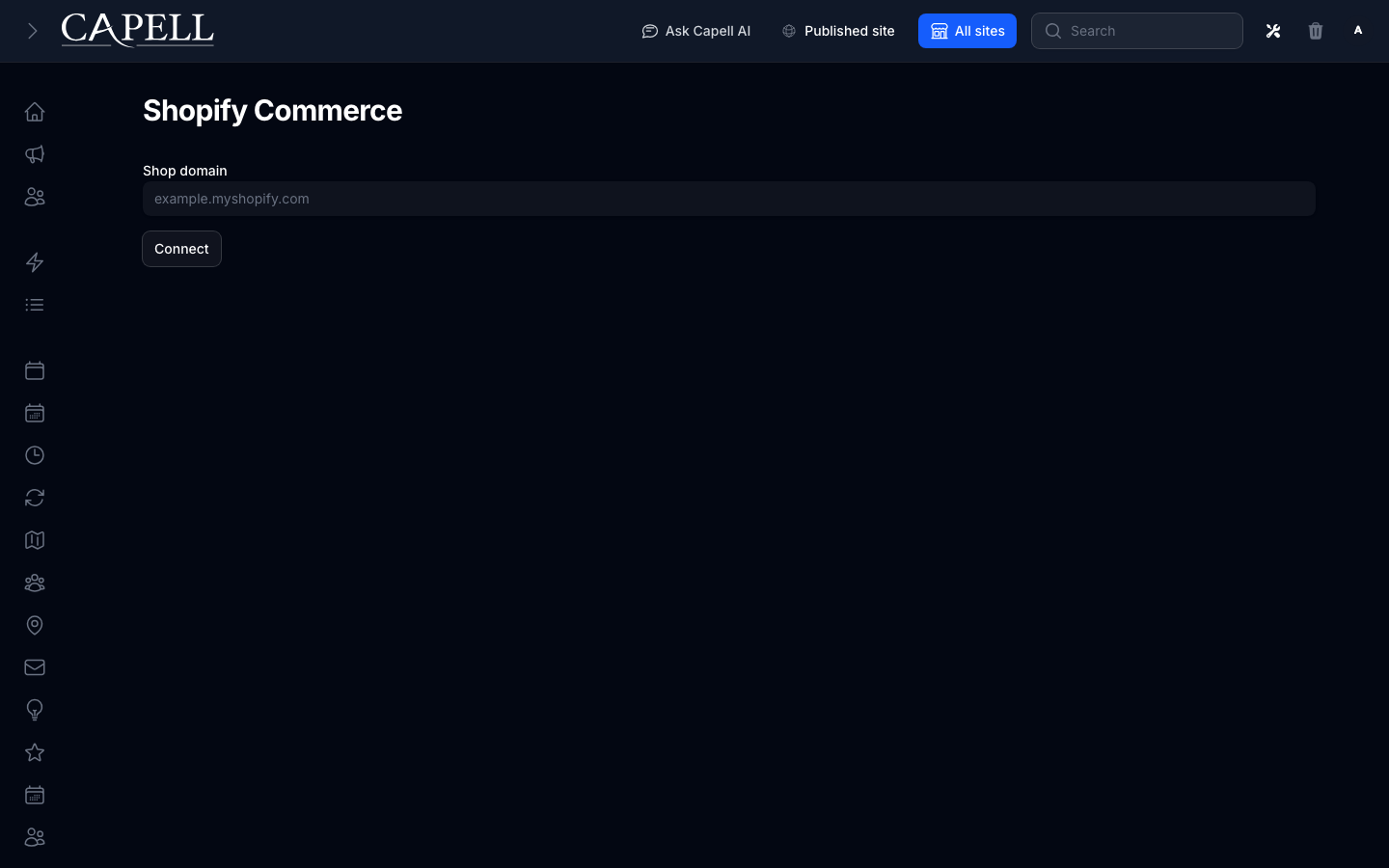
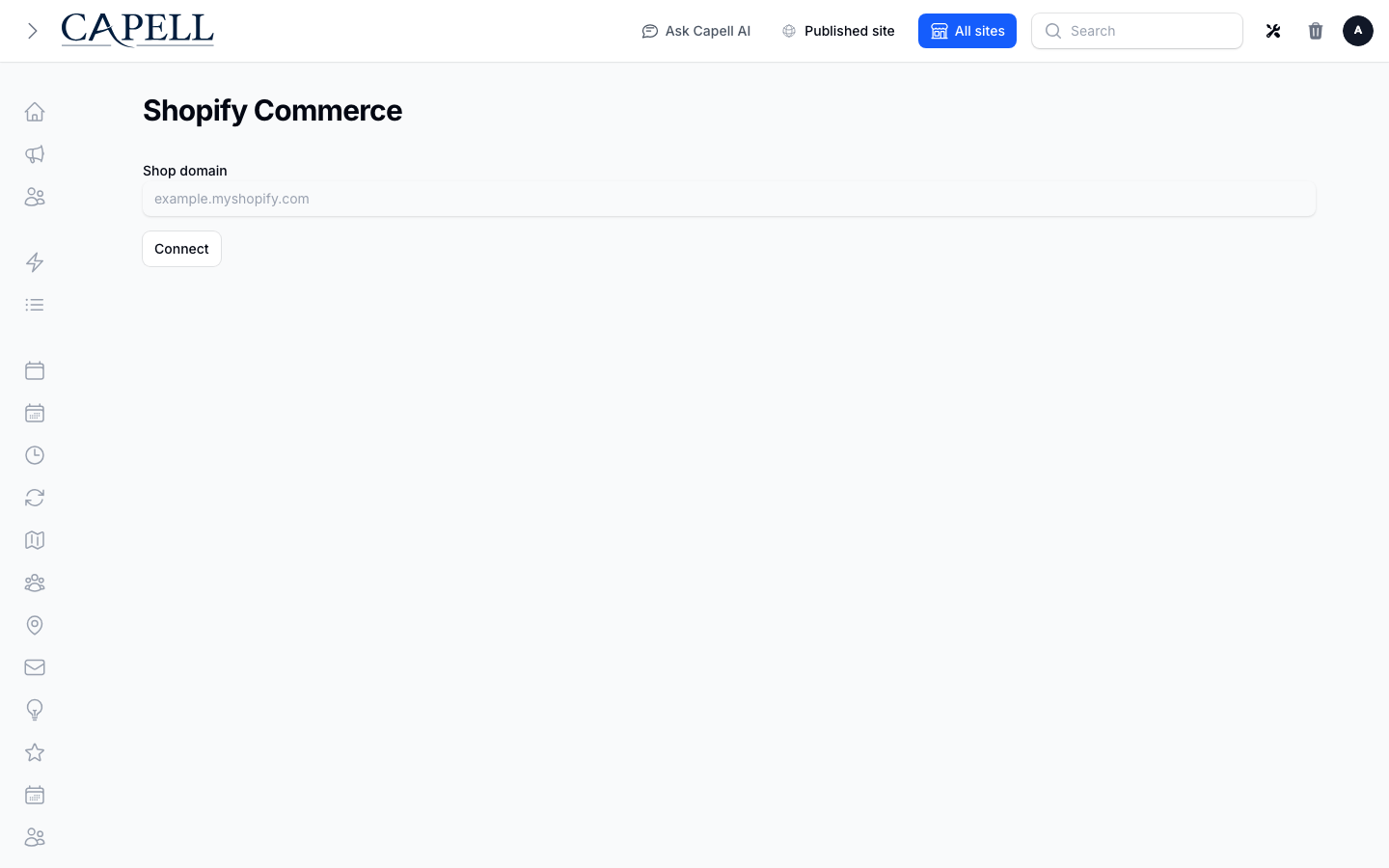
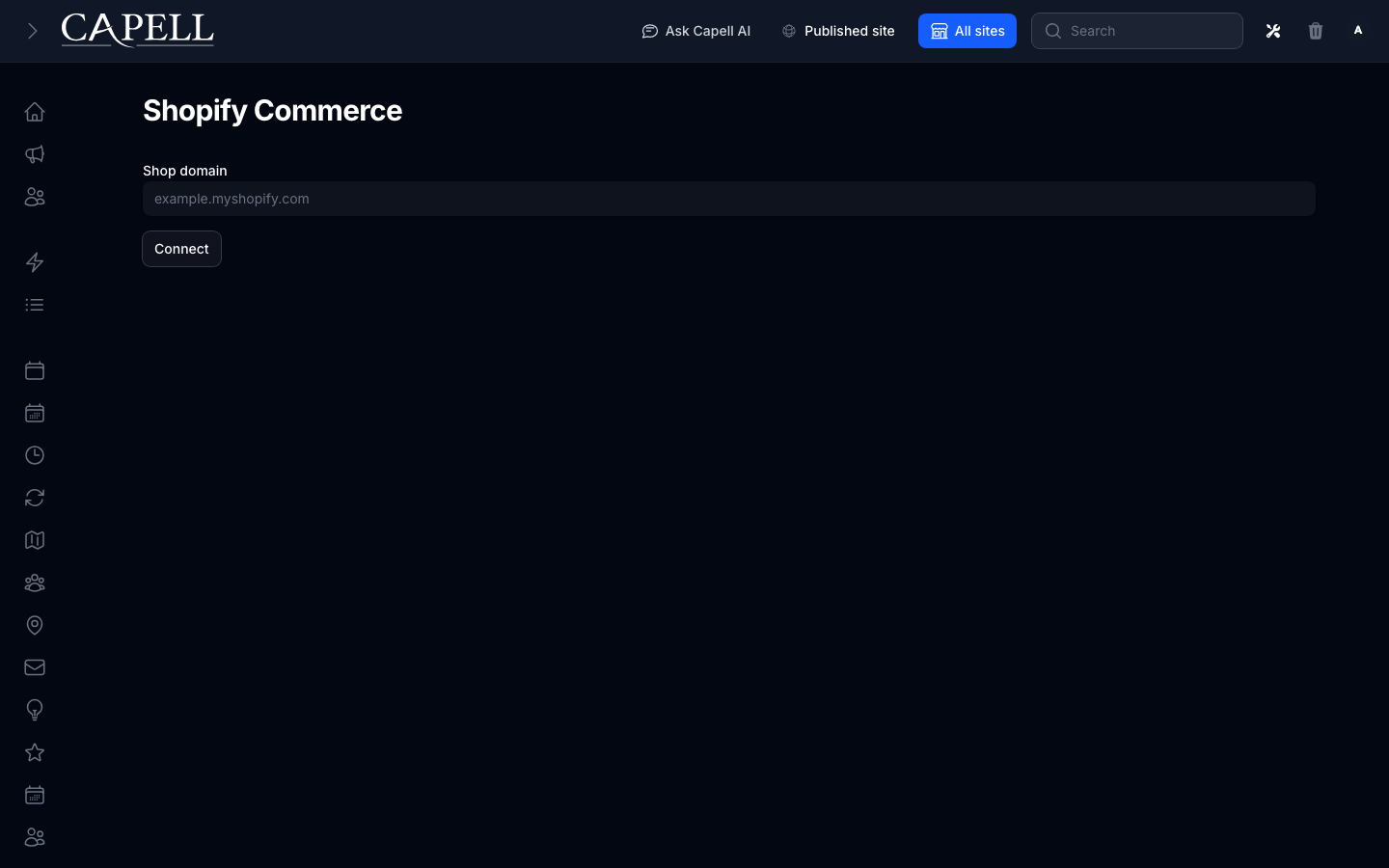
- Shopify connection page (admin, required evidence).
- Shopify catalog sync state (admin, supplementary evidence).
- Shopify product search (admin, supplementary evidence).
- Shopify connection confirmation (admin, supplementary evidence).
- Shopify sync error state (admin, supplementary evidence).
Technical Shape
Section titled “Technical Shape”Service providers
Section titled “Service providers”Capell\ShopifyCommerce\Providers\ShopifyCommerceServiceProviderCapell\ShopifyCommerce\Providers\AdminServiceProvider
Config files
Section titled “Config files”packages/shopify-commerce/config/capell-shopify-commerce.php
Migrations
Section titled “Migrations”packages/shopify-commerce/database/migrations/2026_05_22_000001_create_shopify_connections_table.phppackages/shopify-commerce/database/migrations/2026_05_22_000002_create_shopify_oauth_states_table.phppackages/shopify-commerce/database/migrations/2026_05_22_000003_create_shopify_products_table.phppackages/shopify-commerce/database/migrations/2026_05_22_000004_create_shopify_product_variants_table.phppackages/shopify-commerce/database/migrations/2026_06_01_000001_create_shopify_customers_table.phppackages/shopify-commerce/database/migrations/2026_06_18_000001_create_shopify_webhook_events_table.phppackages/shopify-commerce/database/migrations/2026_07_12_000001_add_processing_state_to_shopify_webhook_events.phppackages/shopify-commerce/database/migrations/2026_09_29_120000_remove_implicit_timestamp_updates_from_shopify_commerce.php
Settings migrations
Section titled “Settings migrations”packages/shopify-commerce/database/settings/2026_05_22_000001_create_shopify_commerce_settings.php
Settings classes
Section titled “Settings classes”ShopifyCommerceSettings
Models
Section titled “Models”ShopifyConnectionShopifyCustomerShopifyOAuthStateShopifyProductShopifyProductVariantShopifyWebhookEvent
Filament classes
Section titled “Filament classes”ShopifyConnectionPageShopifyCommerceSettingsSchema
Route files
Section titled “Route files”packages/shopify-commerce/routes/oauth.php
Events
Section titled “Events”ShopifyCustomerSynced
Actions
Section titled “Actions”BuildShopifyCatalogThemeDataActionContinueShopifyProductBulkSyncActionFetchShopifyProductActionImportShopifyProductBulkSyncActionInvalidateShopifyProductSearchCacheActionPersistShopifyProductActionPollShopifyProductBulkSyncActionSanitizeShopifySyncErrorActionSearchShopifyProductsActionStartShopifyProductBulkSyncActionSyncShopifyProductsActionBuildShopifyCustomerPrivacyExportActionEraseShopifyCustomerPrivacyDataActionResolveShopifyPrivacyRecordIdsActionSyncShopifyCustomersActionUpsertShopifyCustomerActionExecuteShopifyAdminGraphqlActionInstallShopifyCommercePackageActionInstallShopifyCommercePermissionsActionBuildShopifyAuthorizeUrlActionConnectShopifyStoreActionCreateShopifyOAuthStateActionDisconnectShopifyStoreActionExchangeShopifyAuthorizationCodeActionPruneExpiredShopifyOAuthStatesActionValidateShopifyHmacActionValidateShopifyOAuthStateActionValidateShopifyShopDomainActionVerifyShopifyConnectionTokenActionPrepareShopifyScreenshotStateActionIngestShopifyWebhookActionProcessShopifyWebhookActionRecordShopifyWebhookEventActionValidateShopifyWebhookHmacAction
Data objects
Section titled “Data objects”ShopifyCallbackQueryDataShopifyCatalogProductThemeDataShopifyCatalogSummaryThemeDataShopifyCatalogThemeDataShopifyCatalogVariantThemeDataShopifyPrivacyRecordIdsDataShopifyProductDataShopifyProductOptionDataShopifyProductVariantDataShopifyTokenExchangeResponseData
ProcessShopifyWebhookJob
Command signatures
Section titled “Command signatures”capell-shopify-commerce:installcapell-shopify-commerce:prune-oauth-statescapell-shopify-commerce:synccapell-shopify-commerce:sync-customers
Manifest action API
Section titled “Manifest action API”ingestShopifyWebhook: Capell\ShopifyCommerce\Actions\Webhooks\IngestShopifyWebhookActioninstall: Capell\ShopifyCommerce\Actions\InstallShopifyCommercePackageActionpersistShopifyProduct: Capell\ShopifyCommerce\Actions\Catalog\PersistShopifyProductActionpruneExpiredShopifyOAuthStates: Capell\ShopifyCommerce\Actions\OAuth\PruneExpiredShopifyOAuthStatesActionsyncShopifyCustomers: Capell\ShopifyCommerce\Actions\Customers\SyncShopifyCustomersActionupsertShopifyCustomer: Capell\ShopifyCommerce\Actions\Customers\UpsertShopifyCustomerAction
Scheduled commands
Section titled “Scheduled commands”capell-shopify-commerce:prune-oauth-states (hourly; package registered)capell-shopify-commerce:sync --all (everyFifteenMinutes; manifest declared)
Console command classes
Section titled “Console command classes”InstallShopifyCommerceCommandPruneExpiredShopifyOAuthStatesCommandSyncShopifyCustomersCommandSyncShopifyProductsCommand
Manifest contributions
Section titled “Manifest contributions”admin-page: Capell\ShopifyCommerce\Manifest\ShopifyConnectionPageContributionconsole-command: Capell\ShopifyCommerce\Manifest\ShopifyCommerceConsoleCommandsContributionhealth-check: Capell\ShopifyCommerce\Manifest\ShopifyCommerceHealthContributionmigration: Capell\ShopifyCommerce\Manifest\ShopifyCommerceMigrationsContributionmodel: Capell\ShopifyCommerce\Manifest\ShopifyCommerceModelsContributionroute: Capell\ShopifyCommerce\Manifest\ShopifyCommerceRoutesContributionscheduled-job: Capell\ShopifyCommerce\Manifest\ShopifyOAuthStatePruneScheduleContributionscheduled-job: Capell\ShopifyCommerce\Manifest\ShopifyProductSyncScheduleContributionsetting: Capell\ShopifyCommerce\Manifest\ShopifyCommerceSettingsContribution
Health checks
Section titled “Health checks”Capell\ShopifyCommerce\Health\ShopifyCommerceHealthCheck
Blade views
Section titled “Blade views”packages/shopify-commerce/resources/views/filament/pages/connection.blade.php
Cache tags
Section titled “Cache tags”shopify-commerce
Data Model
Section titled “Data Model”- Required tables:
shopify_connections,shopify_oauth_states,shopify_products,shopify_product_variants,shopify_customers,shopify_webhook_events. - Protected tables:
shopify_connections,shopify_oauth_states,shopify_products,shopify_product_variants,shopify_customers,shopify_webhook_events. - Models:
ShopifyConnection,ShopifyCustomer,ShopifyOAuthState,ShopifyProduct,ShopifyProductVariant,ShopifyWebhookEvent. - Core record references in migrations:
sites via site_id,users via user_id. - Migration files:
2026_05_22_000001_create_shopify_connections_table.php,2026_05_22_000002_create_shopify_oauth_states_table.php,2026_05_22_000003_create_shopify_products_table.php,2026_05_22_000004_create_shopify_product_variants_table.php,2026_06_01_000001_create_shopify_customers_table.php,2026_06_18_000001_create_shopify_webhook_events_table.php,2026_07_12_000001_add_processing_state_to_shopify_webhook_events.php,2026_09_29_120000_remove_implicit_timestamp_updates_from_shopify_commerce.php. - Migration impact: run host migrations through the package install flow before opening package surfaces.
- Deletion/retention behaviour: migrations declare cascade-on-delete relationships and null-on-delete relationships; retention is scheduled through
capell-shopify-commerce:prune-oauth-states(hourly; registered by the package provider).
Install Impact
Section titled “Install Impact”- Required packages:
capell-app/admin,capell-app/core. - Admin navigation: declares
admin-page: ShopifyConnectionPageContribution; each Filament page or resource controls its own navigation visibility. - Admin/editor extensions: none declared.
- Permissions:
shopify-commerce.manage. - Public routes: loads
routes/oauth.php; registersShopifyCommerceRoutesContribution. - Database changes: package migrations are declared.
- Config:
config/capell-shopify-commerce.php. - Settings:
Capell\ShopifyCommerce\Settings\ShopifyCommerceSettings. - Queues or schedules: scheduled commands
capell-shopify-commerce:prune-oauth-states (hourly; package registered),capell-shopify-commerce:sync --all (everyFifteenMinutes; manifest declared); queue jobsProcessShopifyWebhookJob. - Cache tags:
shopify-commerce. - Commands:
capell-shopify-commerce:install,capell-shopify-commerce:prune-oauth-states,capell-shopify-commerce:sync,capell-shopify-commerce:sync-customers.
Common Pitfalls
Section titled “Common Pitfalls”- Keep required Capell packages on compatible v4 releases:
capell-app/admin,capell-app/core. - Run migrations before opening package resources or public routes.
- Review package configuration before production-like verification:
config/capell-shopify-commerce.php,Capell\ShopifyCommerce\Settings\ShopifyCommerceSettings. - Review middleware, throttling, signatures, and public-output safety in
routes/oauth.phpbefore exposing routes. - Keep the host Laravel scheduler running so package-registered schedules can execute:
capell-shopify-commerce:prune-oauth-states (hourly; package registered),capell-shopify-commerce:sync --all (everyFifteenMinutes; manifest declared). - Custom write integrations must preserve invalidation for
shopify-commercecache tags.
Troubleshooting
Section titled “Troubleshooting”| Symptom | Likely cause | Check | Fix |
|---|---|---|---|
| Package surface is missing after install | Provider or manifest is not loaded | Confirm capell.json, package composer.json, and provider registration | Reinstall the package, refresh Composer autoload, and clear host caches |
| Admin screen or command fails on missing table | Package migrations have not run | Check the tables listed in Data Model | Run host migrations and rerun the focused package test |
| Route returns unexpected output | Route cache, middleware, or signed URL setup does not match the package route file | Check the route files listed in Technical Shape | Clear route cache and verify middleware before exposing public routes |
| Background work does not run | Queue worker or declared schedule is not active | Check the jobs and scheduled commands listed in Technical Shape | Start the queue worker or host scheduler, then run the focused command or package test |
Quick Start
Section titled “Quick Start”- Install the package:
composer require capell-app/shopify-commerce. - Run the package setup:
php artisan capell-shopify-commerce:install. - Open the package admin page or resource and verify Shopify Commerce is available.
Next Steps
Section titled “Next Steps”- Package docs
- Overview
- Worked extension examples
- Admin guide
- Configuration files:
config/capell-shopify-commerce.php. - Troubleshooting
- Screenshot contract
- Marketplace assets
- Capell content language plan
- Capell documentation design system
- Capell and package ERD notes
- Related packages: Contacts, Diagnostics, Media Library, Payments, Search.