
Notes
Package docs status
Section titled “Package docs status”This page is generated from package source documentation in the Capell packages repository and the checked-in manifest. Source documentation is not distribution status. Before running a Composer command, verify that the exact package and compatible 1.x release are available through public Packagist or the authenticated marketplace account.
| Field | Value |
|---|---|
| Composer package | capell-app/notes |
| Package slug | notes |
| Product group | Capell Engagement & CRM |
| Tier | free |
| Bundle | engagement-crm |
| Runtime contexts | admin |
| Capell version | ^1.0 |
| Catalogue role | extension |
| Release channel | Released |
| Source repository | capell-app/notes |
| Docs source | packages/notes/docs |
| Manifest | capell.json |
Leave a colleague a note on a page and it stays with that page instead of sitting in a chat thread. Add note is a button in the header of the page edit screen. You write the note, then pick who is responsible and who should be told. Anyone you pick must be able to edit that page, and note text is encrypted in the database.
The author can edit, resolve or reopen a note. Anyone who can see the note can also see its edit history. Whoever a note is assigned to can mark their own part complete, and can resolve or reopen the note until they do. In a standard install, notes work on pages only. Each note is a single message with no replies.
A colleague who opens their account menu sees Notes with a count of what needs their attention. The Notes page under Website lists what is assigned to them, where they are mentioned, and what is open or resolved.
- Price and availability: Check current availability and price on the Capell Marketplace listing.
- Licence: Check the licence terms on the Capell Marketplace listing.
- Requires:
PHP ^8.4,capell-app/admin ^1.0.78,capell-app/core ^1.0.75. - Install:
composer require capell-app/notes:@beta.
Quick Start
Section titled “Quick Start”- Install the package:
composer require capell-app/notes:@beta. - See it working: run
php artisan capell:notes-demo. - Open the package admin surface at
/admin/notesand confirm Notes is available.
For Developers
Section titled “For Developers”Note creation, visibility, assignment, reminders, and notifications are split into Actions behind a reusable Notes manager.
Configure
Section titled “Configure”- Configuration files:
config/capell-notes.php. - Commands:
php artisan capell:notes-demo,php artisan capell:notes:send-due-reminders.
Limits And Pitfalls
Section titled “Limits And Pitfalls”- Install the required Capell packages at the versions in
composer.json:capell-app/admin ^1.0.78,capell-app/core ^1.0.75. - Run migrations before opening package resources or public routes.
- Keep the host Laravel scheduler running so package-registered schedules can execute:
capell:notes:send-due-reminders (everyFiveMinutes; package registered).
Screens And Workflow
Section titled “Screens And Workflow”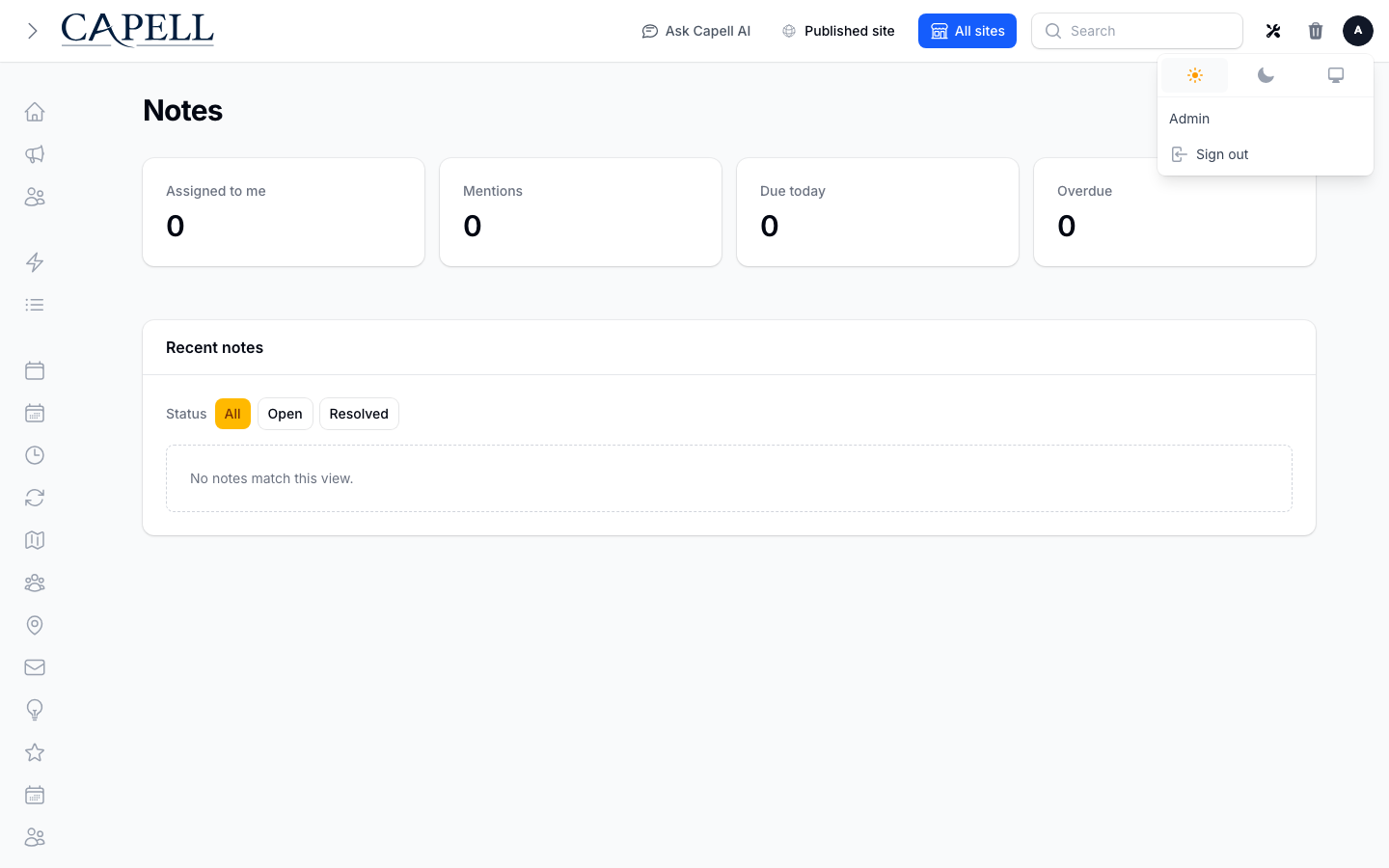
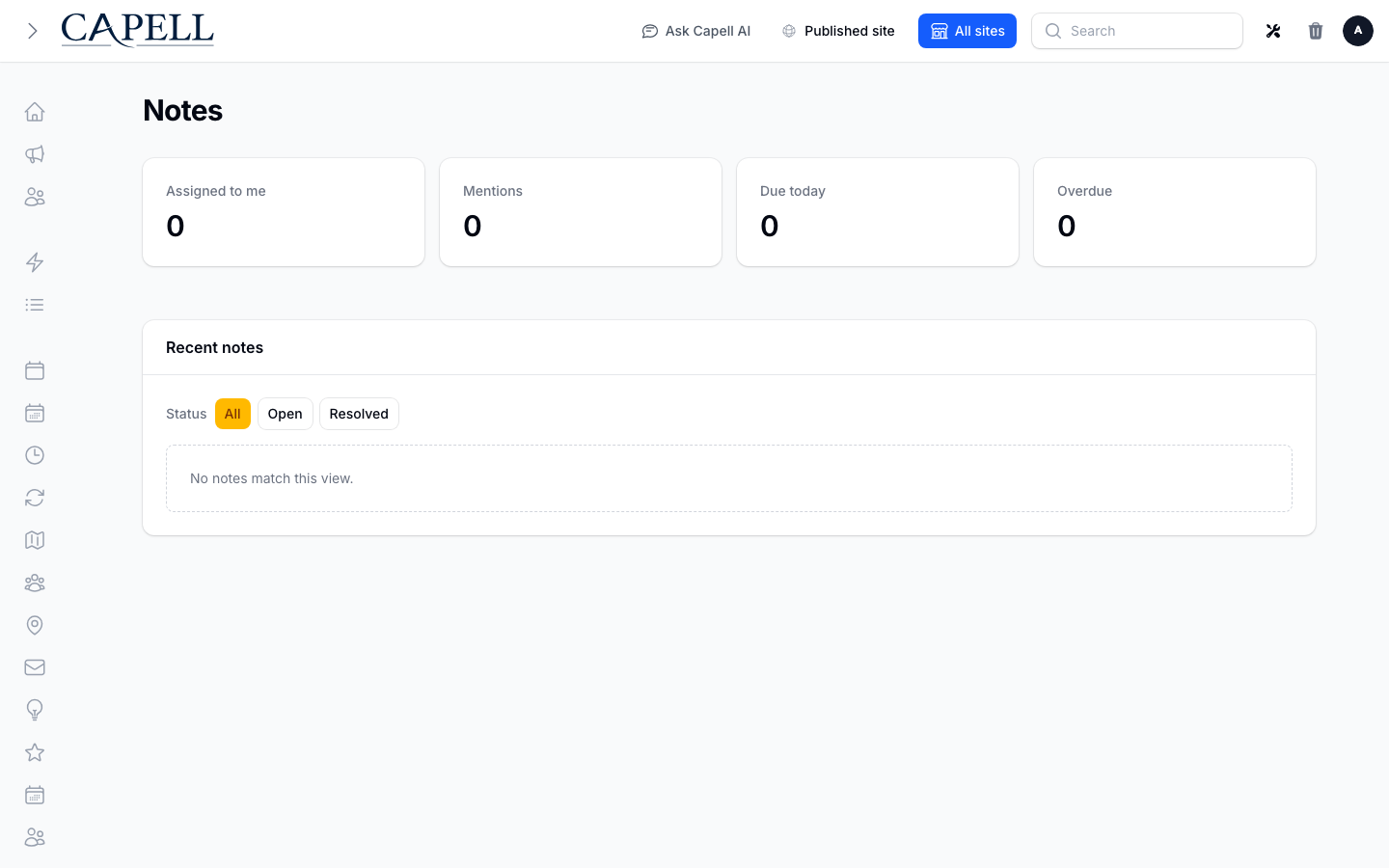
- User-menu notes item with attention badge (admin).
- Notes inbox page (admin).
- Record-level Add note modal (admin).
- Empty notes inbox state (admin).
- Notes inbox with assigned, mentioned, and lifecycle controls (admin).
- Notes inbox page with admin sidebar menu open (admin).
Install Impact
Section titled “Install Impact”- Required packages:
capell-app/admin,capell-app/core. - Admin navigation: declares
admin-page: NotesAdminPageContribution; each Filament page or resource controls its own navigation visibility. - Admin/editor extensions:
admin-action-extender: NotesAdminActionExtenderContribution. - Permissions:
View:Note,Resolve:Note,Reopen:Note,CompleteAssignment:Note; access also governed by package policies:NotePolicy. - Public routes: none declared.
- Database changes: package migrations are declared.
- Config:
config/capell-notes.php. - Settings: no package settings declared.
- Queues or schedules: scheduled commands
capell:notes:send-due-reminders (everyFiveMinutes; package registered). - Cache tags: none declared.
- Commands:
capell:notes-demo,capell:notes:send-due-reminders.
Troubleshooting
Section titled “Troubleshooting”| Symptom | Likely cause | Check | Fix |
|---|---|---|---|
| Package surface is missing after install | Provider or manifest is not loaded | Confirm capell.json, package composer.json, and provider registration | Reinstall the package, refresh Composer autoload, and clear host caches |
| Admin screen or command fails on missing table | Package migrations have not run | Check the tables listed in Data Model | Run host migrations and rerun the focused package test |
| Background work does not run | Queue worker or declared schedule is not active | Check the jobs and scheduled commands listed in Technical Shape | Start the queue worker or host scheduler, then run the focused command or package test |
Upgrading
Section titled “Upgrading”No manual steps between minor versions.
Read CHANGELOG.md before upgrading.