
Password Policy
Package docs status
Section titled “Package docs status”This page is generated from package source documentation in the Capell packages repository and the checked-in manifest. Source documentation is not distribution status. Before running a Composer command, verify that the exact package and compatible 1.x release are available through public Packagist or the authenticated marketplace account.
| Field | Value |
|---|---|
| Composer package | capell-app/password-policy |
| Package slug | password-policy |
| Product group | Capell Security & Compliance |
| Tier | paid |
| Bundle | security-compliance |
| Runtime contexts | admin, console |
| Capell version | ^1.0 |
| Catalogue role | extension |
| Release channel | Beta |
| Docs source | packages/password-policy/docs |
| Manifest | capell.json |
On one settings page you choose the rules that staff passwords for the Capell admin must meet. You set a minimum length of 8 characters or more, and can ask for mixed case, numbers and symbols. Leaked passwords are refused using a check that needs your server to reach the internet, and it is skipped if it can’t. You can also block recently used passwords.
The rules apply to passwords set on the Users screen and the change-password screen, including an administrator’s reset for someone else, which counts as a fresh change. A password set through the forgot-password page must meet the same strength rules, and the change is recorded. Reuse checks run only on the Users and change-password screens. Signing in is not checked, and existing passwords are never re-checked.
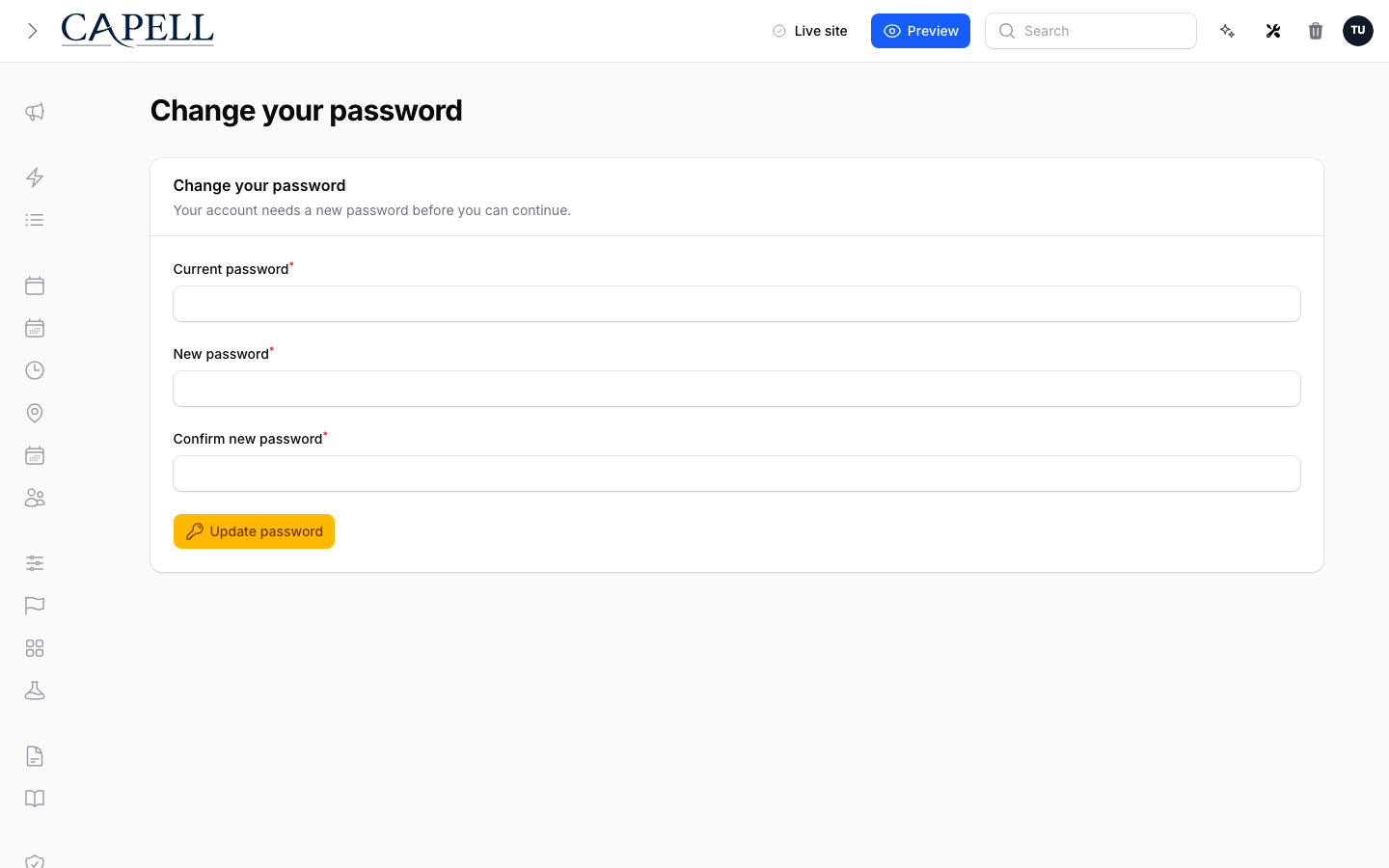
Passwords can also expire after a number of days. Existing accounts count from the day you install Password Policy, and staff are sent to the change screen on their next admin page. There they must give their current password, and wrong guesses are limited to five every 15 minutes. Warning emails need working mail and queued jobs. To force a change, turn on the forced-change setting, then use Require password change on chosen users. The Users table marks them, with filters for who must change and who has expired.
- Price and availability: Check current availability and price on the Capell Marketplace listing.
- Licence: Check the licence terms on the Capell Marketplace listing.
- Requires:
PHP ^8.4,capell-app/admin ^1.0.78,capell-app/core ^1.0.78,laravel/framework ^12.61.1|^13.12.0,lorisleiva/laravel-actions ^2.8,spatie/laravel-data ^4.5,spatie/laravel-package-tools ^1.14.1. - Install:
composer require capell-app/password-policy.
Quick Start
Section titled “Quick Start”- Install the package:
composer require capell-app/password-policy. - Open the package admin surface at
/admin/password-policy/settingsand confirm Password Policy is available.
For Developers
Section titled “For Developers”Policy evaluation and password updates live in typed Actions, while middleware enforces the result consistently across admin requests.
Configure
Section titled “Configure”- Configuration files:
config/capell-password-policy.php. - Admin settings:
Capell\PasswordPolicy\Settings\PasswordPolicySettings. - Commands:
php artisan capell:password-policy:doctor,php artisan capell:password-policy:expire-stale,php artisan capell:password-policy:prune-history,php artisan capell:password-policy:require-change,php artisan capell:password-policy:send-expiry-warnings.
Limits And Pitfalls
Section titled “Limits And Pitfalls”- Install the required Capell packages at the versions in
composer.json:capell-app/admin ^1.0.78,capell-app/core ^1.0.78. - Run migrations before opening package resources or public routes.
Screens And Workflow
Section titled “Screens And Workflow”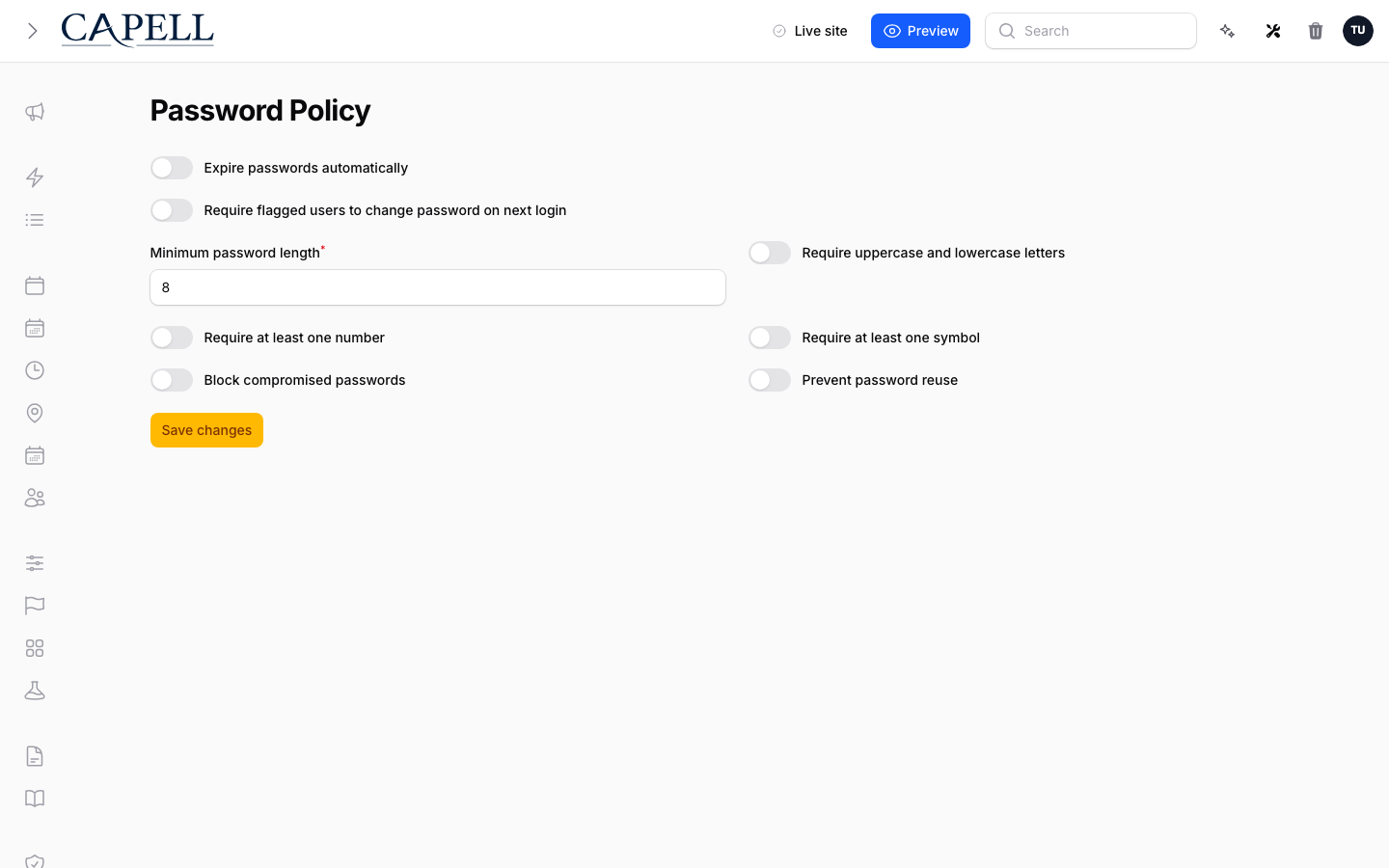
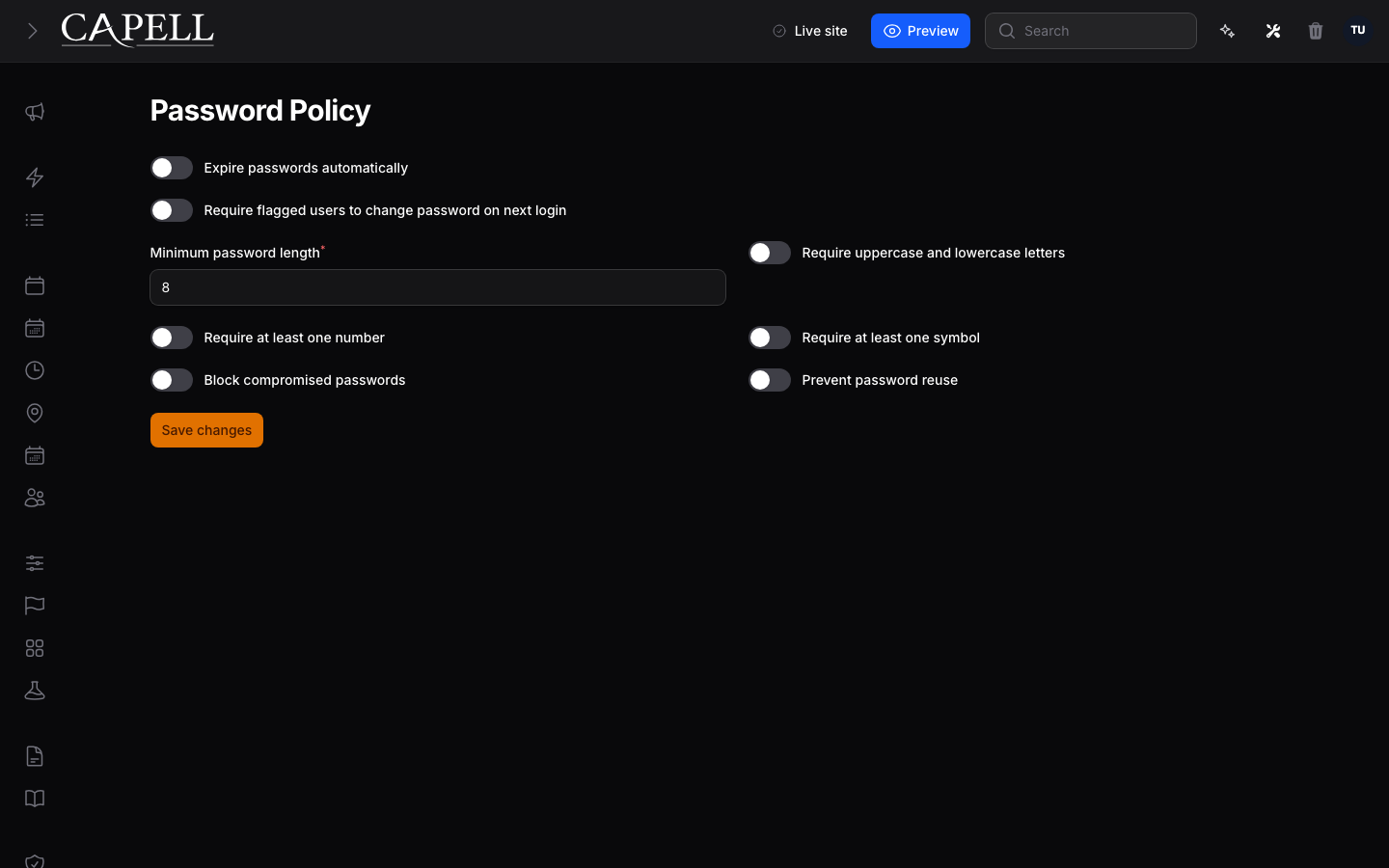
- Password Policy settings page (admin).
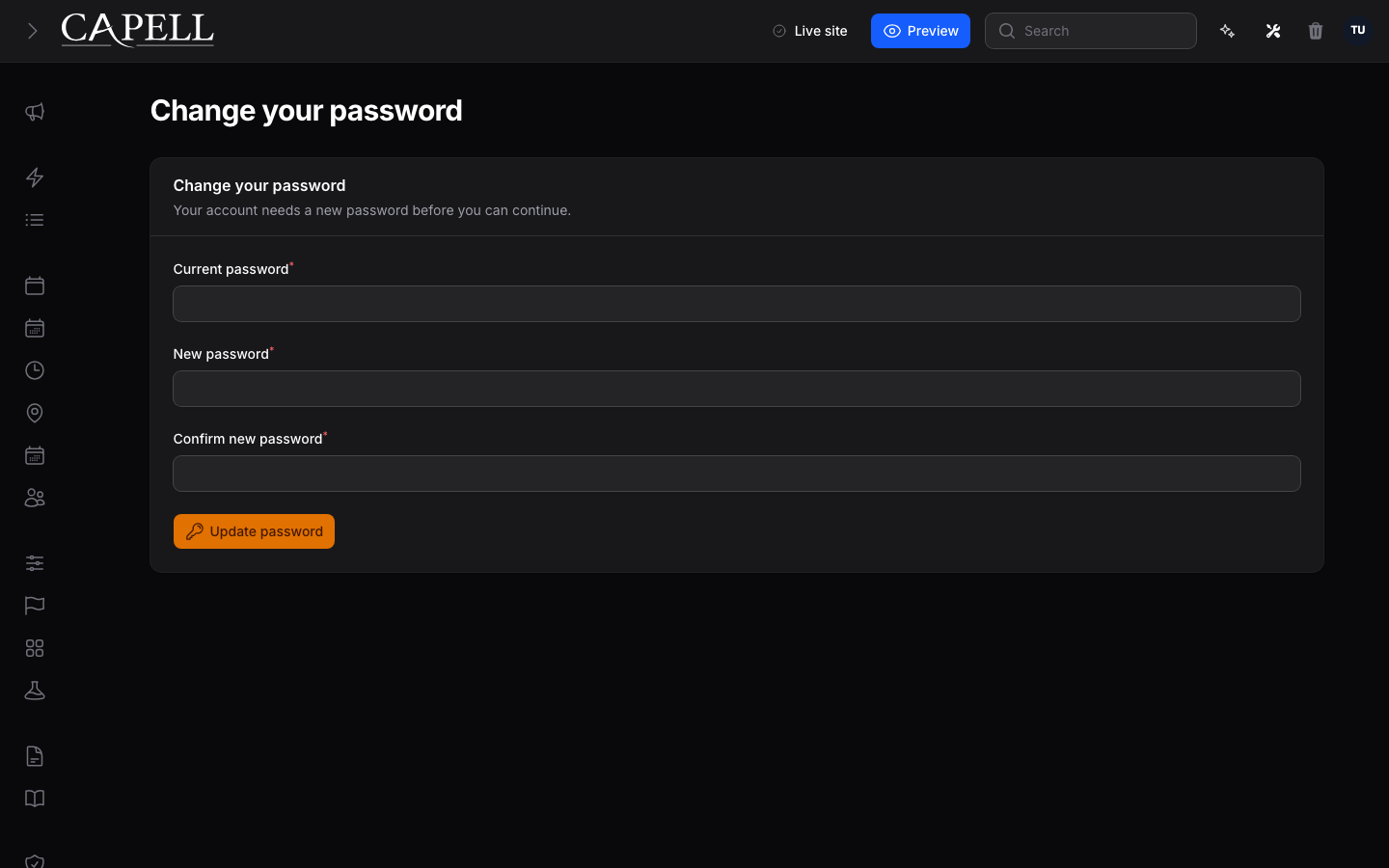
- Forced password change form (admin).
- User table password policy columns and filters (admin).
Install Impact
Section titled “Install Impact”- Required packages:
capell-app/admin,capell-app/core. - Admin navigation: declares
admin-page: PasswordPolicyAdminPagesContribution; each Filament page or resource controls its own navigation visibility. - Admin/editor extensions:
admin-action-extender: PasswordPolicyAdminExtendersContribution. - Permissions:
View:PasswordPolicySettingsPage; Shield-generated page permissions forCapell\PasswordPolicy\Filament\Pages\PasswordPolicySettingsPage(names and grants depend on host Shield configuration). - Public routes: none declared.
- Database changes: package migrations are declared.
- Config:
config/capell-password-policy.php. - Settings:
Capell\PasswordPolicy\Settings\PasswordPolicySettings. - Queues or schedules: none declared.
- Cache tags: none declared.
- Commands:
capell:password-policy:doctor,capell:password-policy:expire-stale,capell:password-policy:prune-history,capell:password-policy:require-change,capell:password-policy:send-expiry-warnings.
Troubleshooting
Section titled “Troubleshooting”| Symptom | Likely cause | Check | Fix |
|---|---|---|---|
| Package health check reports a problem | Package configuration or runtime dependencies are not ready | Run php artisan capell:password-policy:doctor | Follow the reported checks, then rerun the doctor command |
| Package surface is missing after install | Provider or manifest is not loaded | Confirm capell.json, package composer.json, and provider registration | Reinstall the package, refresh Composer autoload, and clear host caches |
| Admin screen or command fails on missing table | Package migrations have not run | Check the tables listed in Data Model | Run host migrations and rerun the focused package test |
Upgrading
Section titled “Upgrading”No manual steps between minor versions.
Read CHANGELOG.md before upgrading.
Next Steps
Section titled “Next Steps”- Package docs
- Overview
- Admin guide
- Configuration files:
config/capell-password-policy.php. - Troubleshooting
- Developer reference
- Marketplace assets
- Capell content language plan
- Capell documentation design system
- Capell and package ERD notes
- Related packages: Access Gate, Diagnostics, Login Audit, Privacy Centre.