
WordPress Importer
Package docs status
Section titled “Package docs status”This page is generated from package source documentation in the Capell packages repository and the checked-in manifest. Source documentation is not distribution status. Before running a Composer command, verify that the exact package and compatible 1.x release are available through public Packagist or the authenticated marketplace account.
| Field | Value |
|---|---|
| Composer package | capell-app/wordpress-importer |
| Package slug | wordpress-importer |
| Product group | Capell Operations |
| Tier | free |
| Bundle | operations |
| Runtime contexts | admin, console |
| Capell version | ^1.0 |
| Catalogue role | extension |
| Release channel | Beta |
| Source repository | capell-app/packages |
| Source path | packages/wordpress-importer |
| Docs source | packages/wordpress-importer/docs |
| Manifest | capell.json |
What This Plugin Adds
Section titled “What This Plugin Adds”WordPress Importer is an Available, No schema impact Capell package in the Capell Operations product group. It ships as capell-app/wordpress-importer and extends these surfaces: admin, console.
WordPress Importer reads WXR exports, builds an import preview, and imports WordPress content, authors, taxonomies, media references, and source metadata through Migration Assistant. It can also create old-permalink redirects when the URL Manager integration is available.
Operators can preview a WXR migration and run it from the package command, including supported media and permalink handling.
Status details:
- Status: Available
- Tier: free
- Bundle: operations
- Composer package:
capell-app/wordpress-importer - Namespace:
Capell\WordPressImporter - Theme key: not applicable
Why It Matters
Section titled “Why It Matters”For developers: WXR parsing, preview construction, execution, media import, and redirect creation are separated into testable services and Actions.
For teams: Migration teams can inspect the proposed move before execution and retain important source relationships and legacy URLs during the transition.
Screens And Workflow
Section titled “Screens And Workflow”Screenshot contract: docs/screenshots.json.
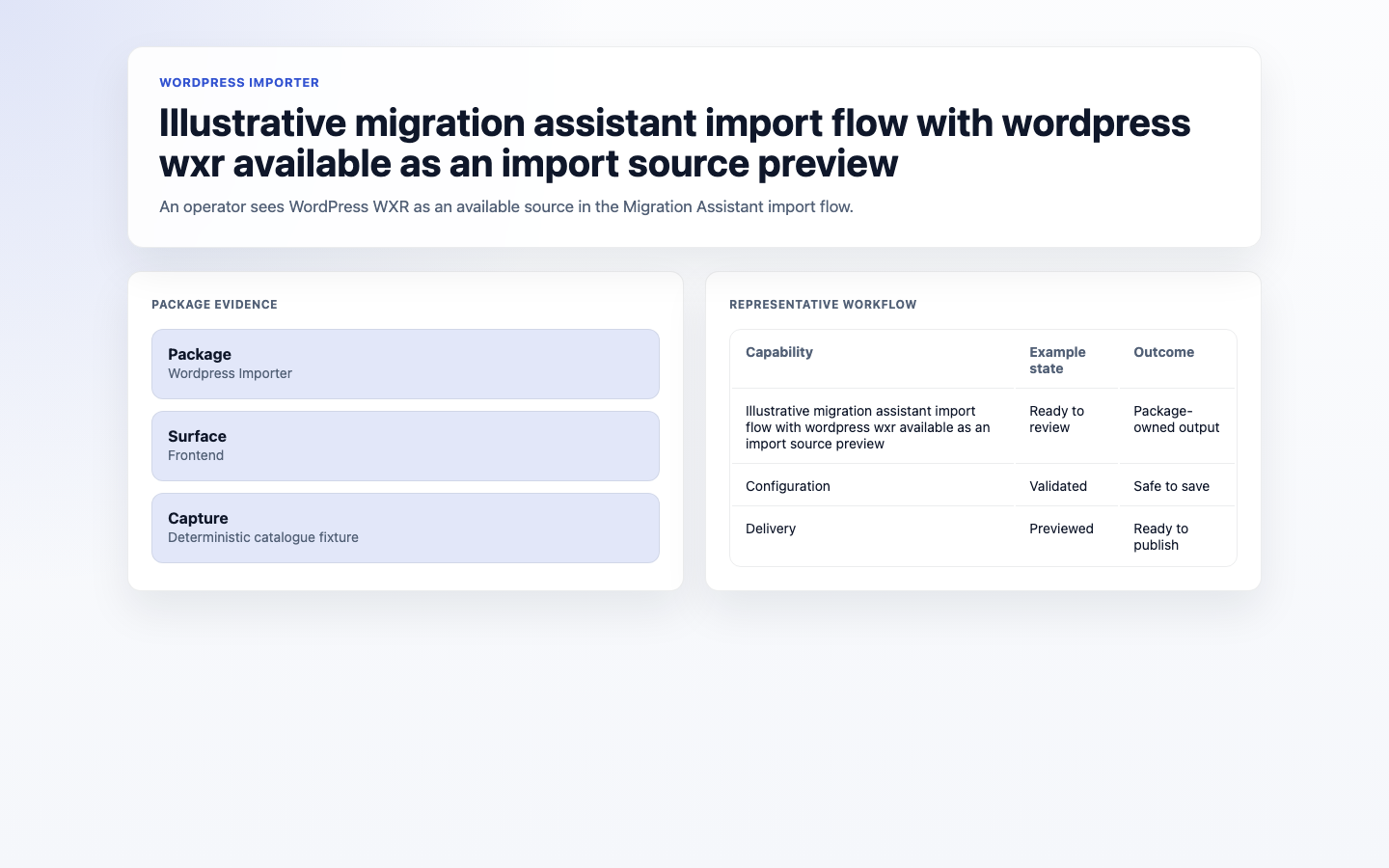
- Illustrative migration assistant import flow with wordpress wxr available as an import source preview (frontend, required evidence).
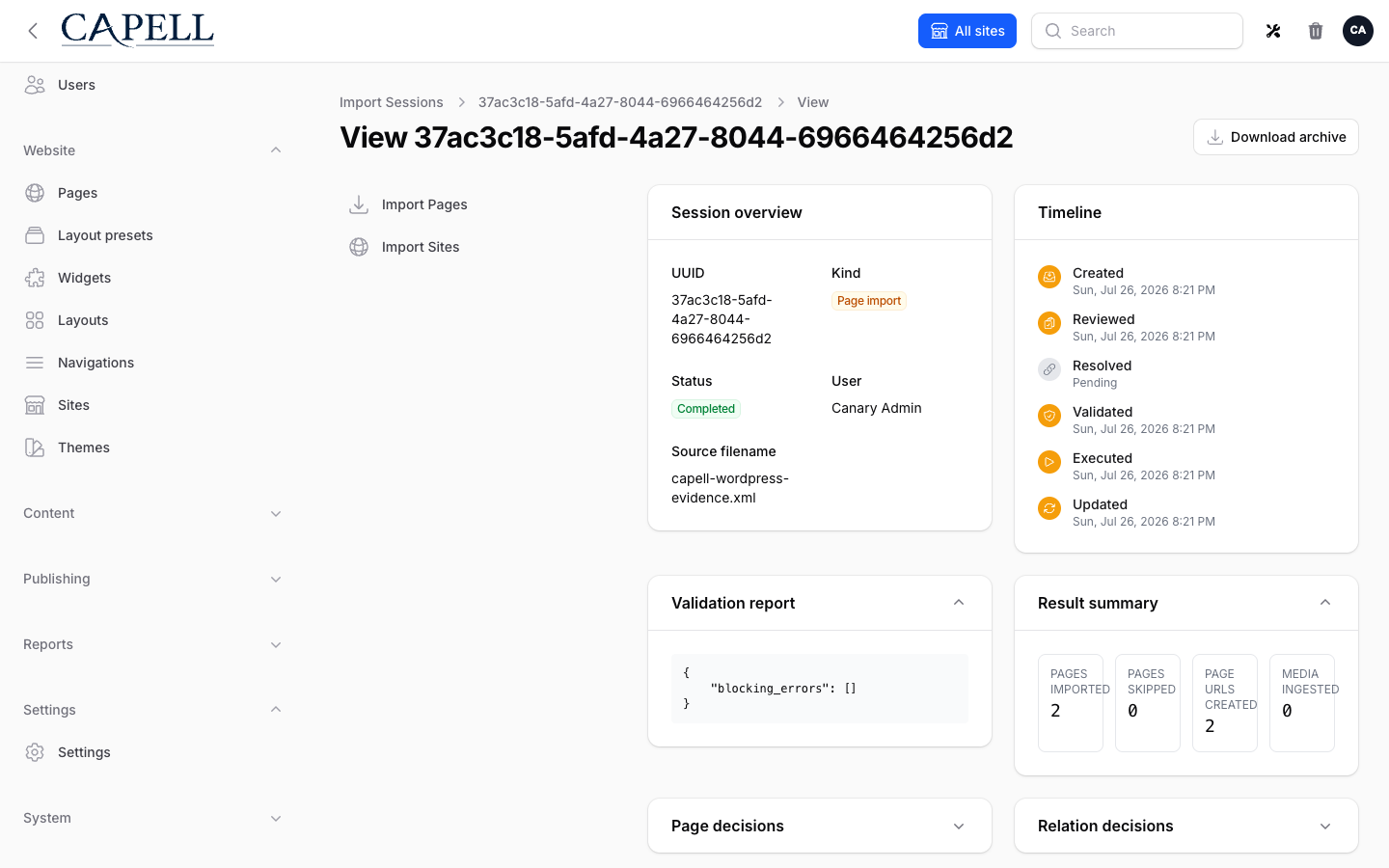
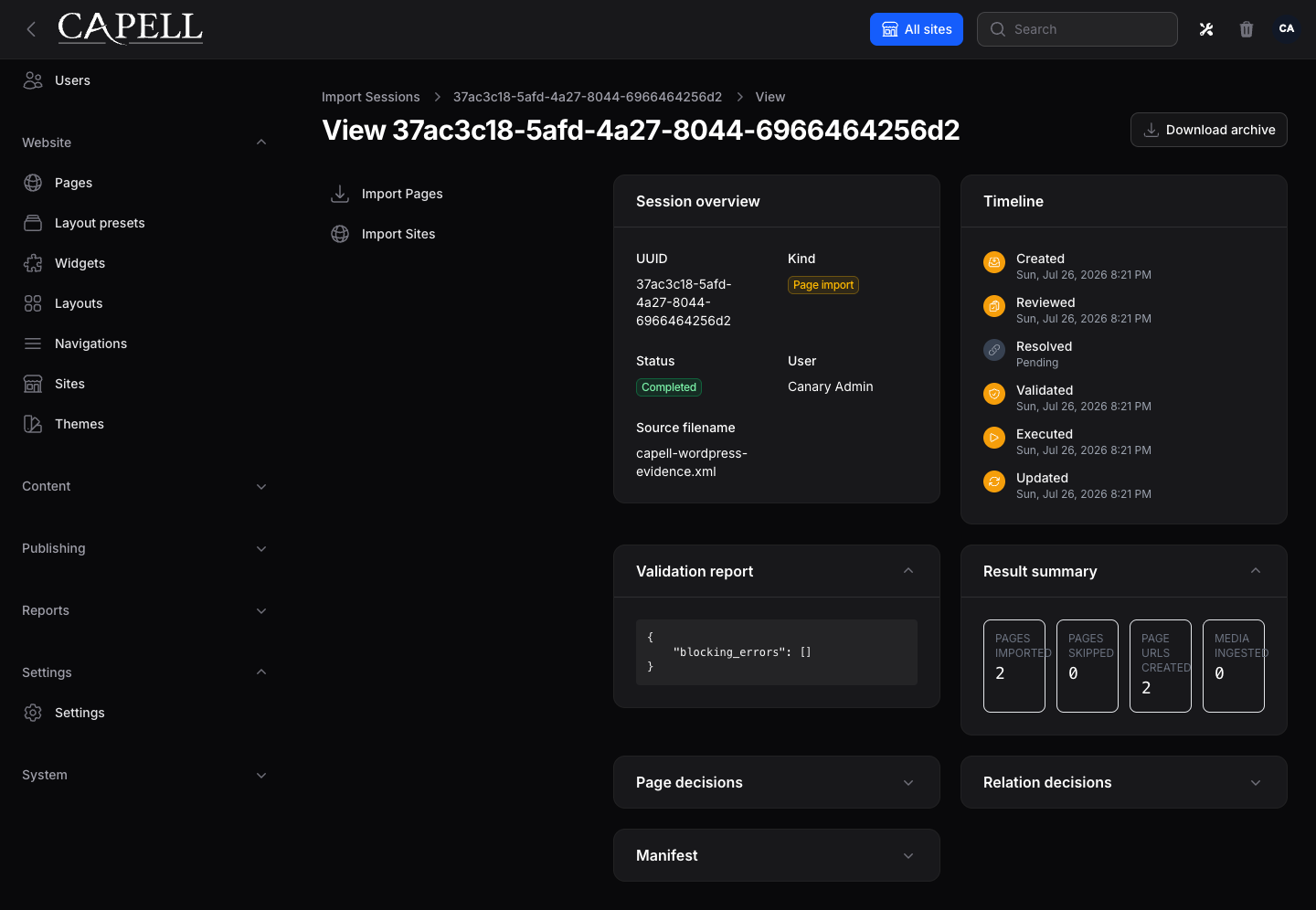
- Import session detail for a WordPress WXR import (admin, required evidence).
- Completed WordPress import report (frontend, supplementary evidence).
- WordPress import validation errors (frontend, supplementary evidence).
- WordPress import rollback state (frontend, supplementary evidence).
Technical Shape
Section titled “Technical Shape”Service providers
Section titled “Service providers”Capell\WordPressImporter\Providers\WordPressImporterServiceProvider
Config files
Section titled “Config files”packages/wordpress-importer/config/wordpress-importer.php
Extension contracts
Section titled “Extension contracts”WordPressMediaHostResolver
Listeners
Section titled “Listeners”CreateWordPressRedirectsForCompletingImportImportWordPressMediaForCompletingImport
Actions
Section titled “Actions”ApplyWordPressPreviewIdempotencyActionBuildWordPressImportPreviewActionCreateWordPressPermalinkRedirectsActionExecuteWordPressSpoolSessionActionExecuteWordPressWxrImportActionImportWordPressMediaForPagesActionReadWordPressWxrActionReauthorizeWordPressWxrSessionActionResolveWordPressImportedPageIdsActionResolveWordPressParentPagesActionSpoolWordPressWxrAction
Data objects
Section titled “Data objects”ResolvedWordPressMediaEndpointDataWordPressImportPreviewDataWordPressPermalinkRedirectReportDataWordPressWxrReadDataWordPressWxrSpoolData
Command signatures
Section titled “Command signatures”wordpress-importer:import
Console command classes
Section titled “Console command classes”ImportWordPressWxrCommand
Manifest contributions
Section titled “Manifest contributions”console-command: Capell\WordPressImporter\Manifest\WordPressImporterConsoleCommandContributionhealth-check: Capell\WordPressImporter\Health\WordpressImporterHealthCheck
Health checks
Section titled “Health checks”Capell\WordPressImporter\Health\WordpressImporterHealthCheck
Data Model
Section titled “Data Model”This package has no schema impact. It extends Capell through console-command contributions and health-check contributions instead of declaring package-owned tables.
Install Impact
Section titled “Install Impact”- Required packages:
capell-app/admin,capell-app/core,capell-app/migration-assistant. - Admin navigation: no admin page or resource contribution is declared.
- Admin/editor extensions: none declared.
- Permissions: no package permission declarations or Shield gates detected; host access rules still apply.
- Public routes: none declared.
- Database changes: no package migrations declared.
- Config:
config/wordpress-importer.php. - Settings: no package settings declared.
- Queues or schedules: none declared.
- Cache tags: none declared.
- Commands:
wordpress-importer:import.
Common Pitfalls
Section titled “Common Pitfalls”- Keep required Capell packages on compatible v4 releases:
capell-app/admin,capell-app/core,capell-app/migration-assistant. - Review package configuration before production-like verification:
config/wordpress-importer.php.
Troubleshooting
Section titled “Troubleshooting”| Symptom | Likely cause | Check | Fix |
|---|---|---|---|
| Package surface is missing after install | Provider or manifest is not loaded | Confirm capell.json, package composer.json, and provider registration | Reinstall the package, refresh Composer autoload, and clear host caches |
Quick Start
Section titled “Quick Start”- Install the package:
composer require capell-app/wordpress-importer. - Open a verified package admin surface and confirm WordPress Importer is available.
Next Steps
Section titled “Next Steps”- Package docs
- Overview
- Worked extension examples
- Admin guide
- Configuration files:
config/wordpress-importer.php. - Troubleshooting
- Screenshot contract
- Marketplace assets
- Capell content language plan
- Capell documentation design system
- Capell and package ERD notes
- Related packages: Migration Assistant, Url Manager, Seo Suite.