
Address
Package docs status
Section titled “Package docs status”This page is generated from package source documentation in the Capell packages repository and the checked-in manifest. Source documentation is not distribution status. Before running a Composer command, verify that the exact package and compatible 1.x release are available through public Packagist or the authenticated marketplace account.
| Field | Value |
|---|---|
| Composer package | capell-app/address |
| Package slug | address |
| Product group | Capell Foundation |
| Tier | free |
| Bundle | foundation |
| Runtime contexts | admin |
| Capell version | ^1.0 |
| Catalogue role | extension |
| Release channel | Beta |
| Source repository | capell-app/packages |
| Source path | packages/address |
| Docs source | packages/address/docs |
| Manifest | capell.json |
What This Plugin Adds
Section titled “What This Plugin Adds”Address is an Available, Schema-owning Capell package in the Capell Foundation product group. It ships as capell-app/address and extends these surfaces: admin.
Address adds site-scoped country and postal-address records, admin resources, and shared address selectors for other Capell packages.
Admins manage countries and reusable addresses, then select saved address data while editing a site.
Status details:
- Status: Available
- Tier: free
- Bundle: foundation
- Composer package:
capell-app/address - Namespace:
Capell\Address - Theme key: not applicable
Why It Matters
Section titled “Why It Matters”For developers: The package contributes AddressResource, CountryResource, reusable form fields, and a site schema extender instead of making each package model location fields again.
For teams: A postal address can be corrected once and reused wherever a Capell workflow references it.
Screens And Workflow
Section titled “Screens And Workflow”Screenshot contract: docs/screenshots.json.
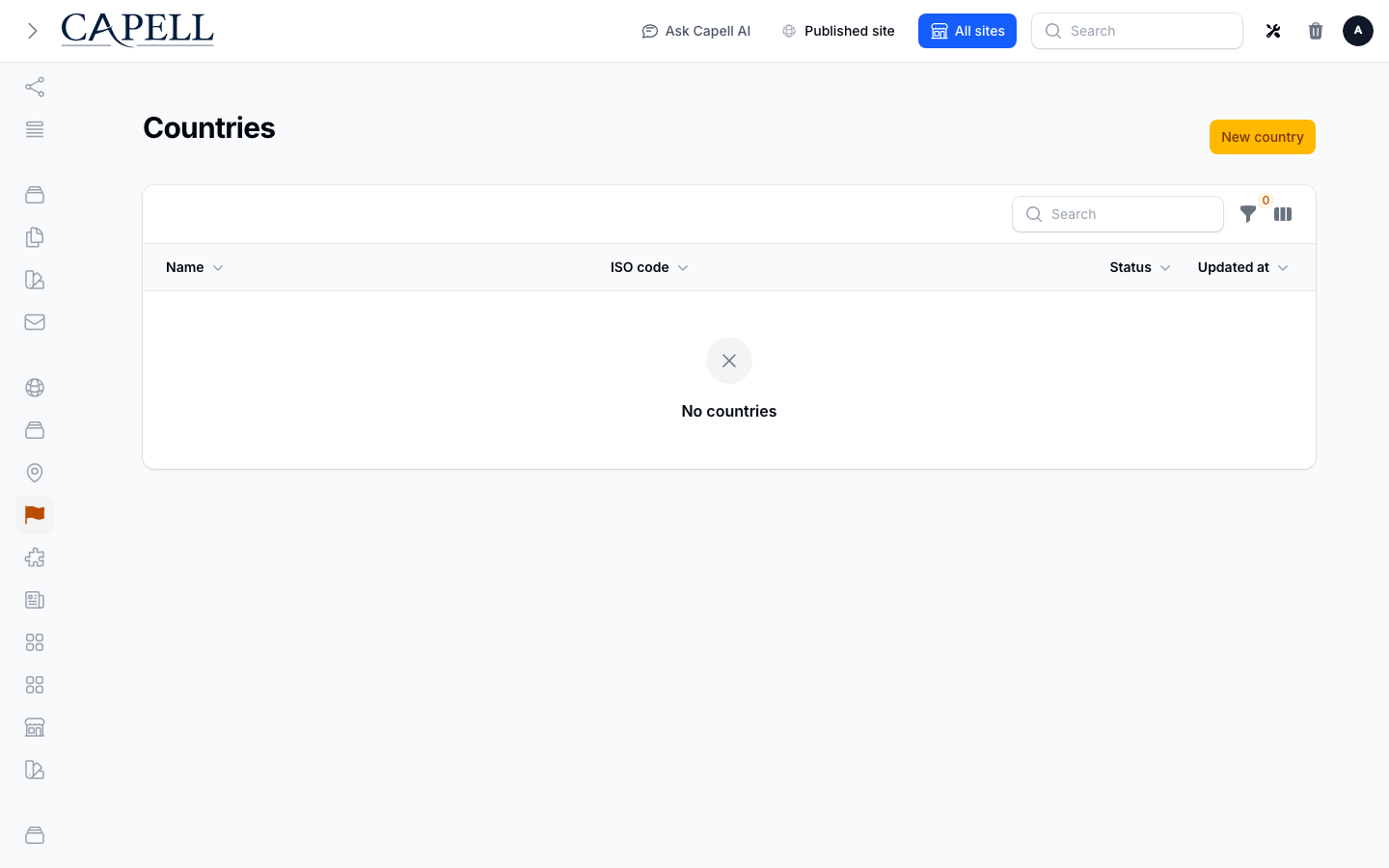
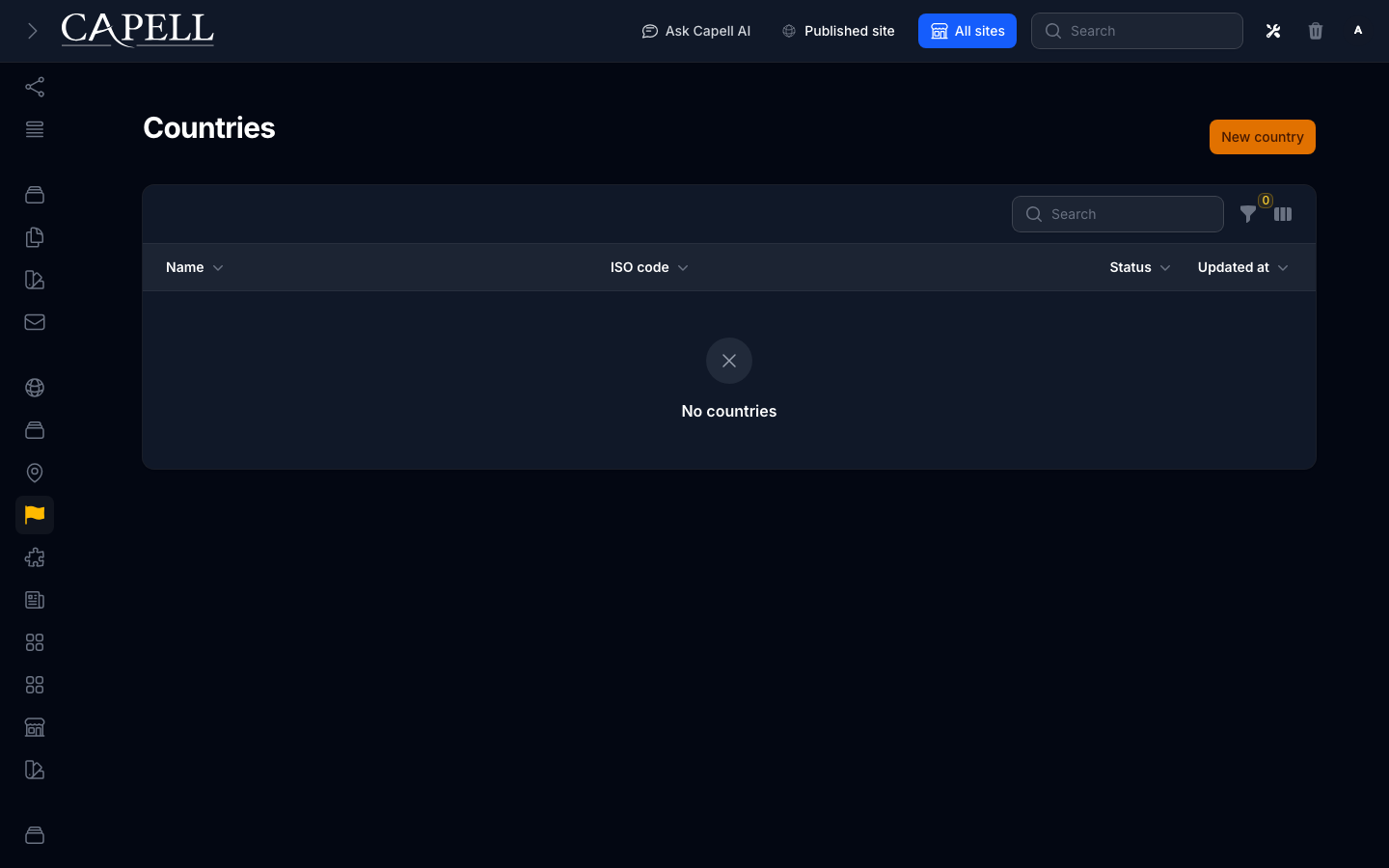
- Countries admin index (admin, required evidence).
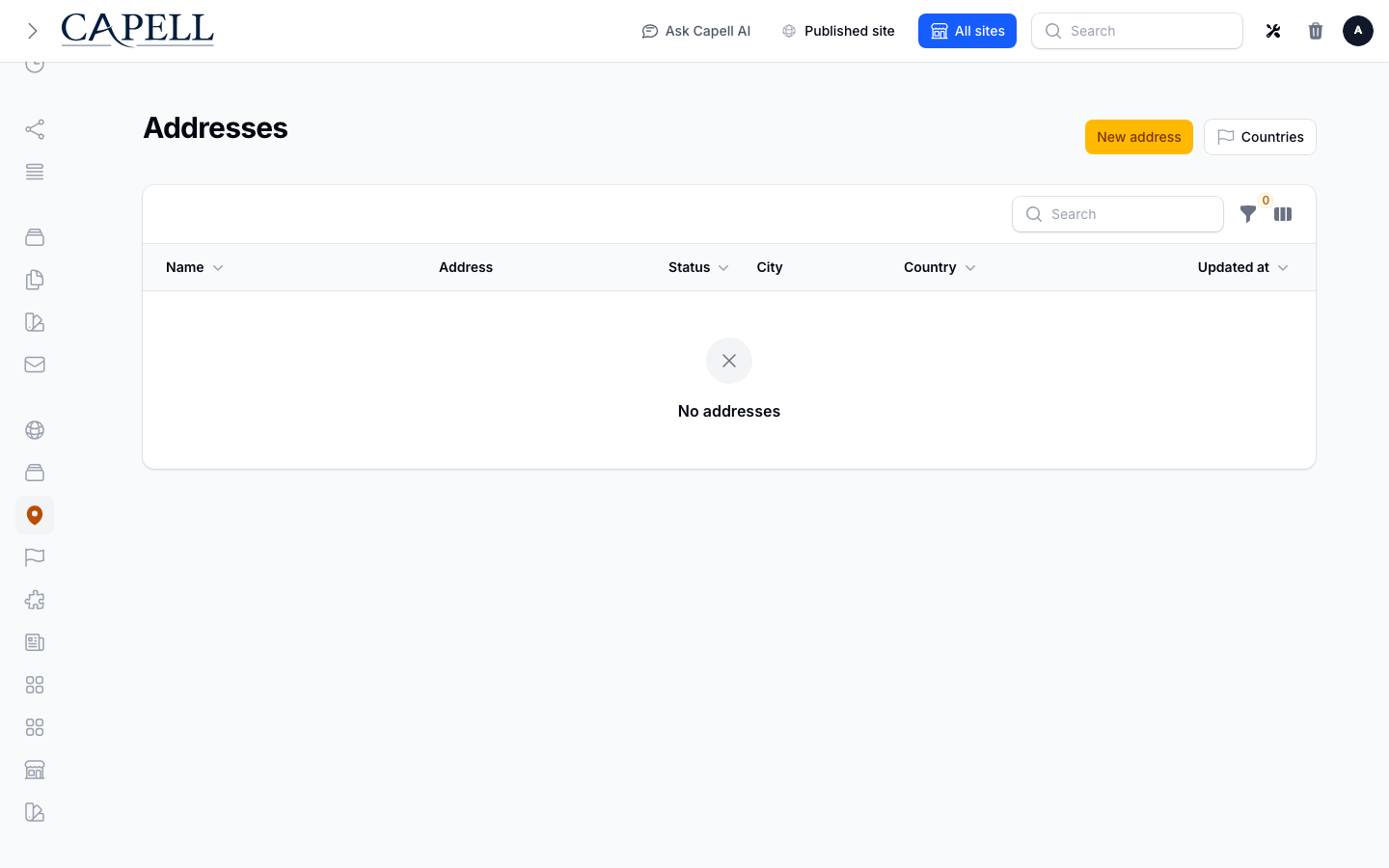
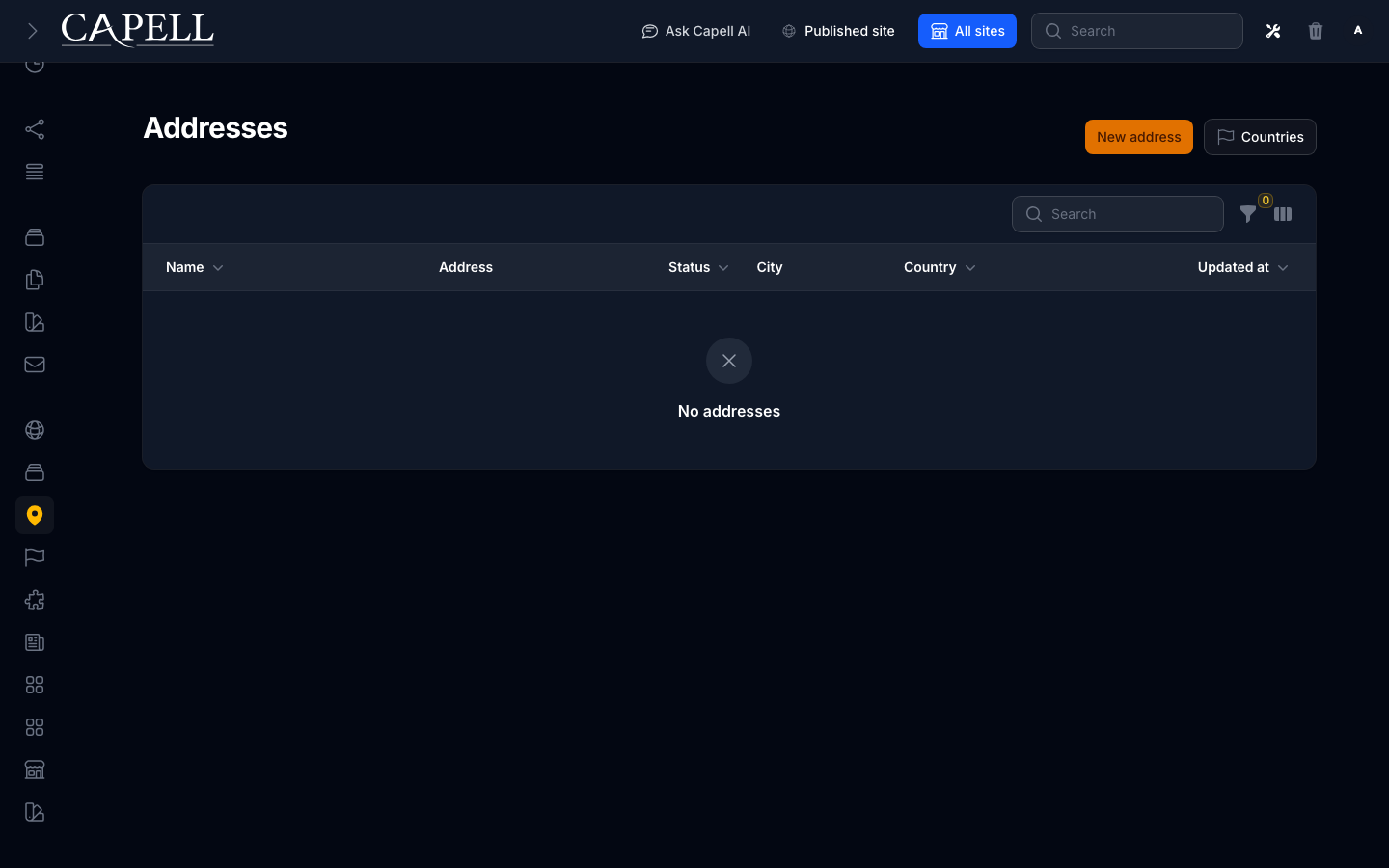
- Addresses admin index (admin, required evidence).
- Create/edit country form (admin, supplementary evidence).
- Create/edit address form (admin, supplementary evidence).
- Site settings fields where address data is injected (admin, supplementary evidence).
- Countries admin index with admin sidebar menu open (admin, supplementary evidence).
Technical Shape
Section titled “Technical Shape”Service providers
Section titled “Service providers”Capell\Address\Providers\AddressServiceProviderCapell\Address\Providers\ConsoleServiceProvider
Migrations
Section titled “Migrations”packages/address/database/migrations/2026_05_10_190839_01_create_countries_table.phppackages/address/database/migrations/2026_05_10_190839_02_create_addresses_table.phppackages/address/database/migrations/2026_07_12_000001_add_address_ownership_and_encrypt_meta.php
Models
Section titled “Models”AddressCountry
Filament classes
Section titled “Filament classes”AddressSelectCountrySelectFlagSelectDefaultAddressConfiguratorDefaultCountryConfiguratorDefaultLanguageConfiguratorAddressResourceManageAddressesAddressFormAddressesTableCountryResourceManageCountriesCountryFormCountriesTableSiteSchemaExtender
Policies
Section titled “Policies”AbstractAddressResourcePolicyAddressPolicyCountryPolicy
Extension contracts
Section titled “Extension contracts”AddressGeocodingProviderAddressValidationProvider
Actions
Section titled “Actions”BuildAddressPrivacyExportActionBuildAddressQualityHealthReportActionCloneSharedAddressForMutationActionEnsureSiteOwnsAddressActionEraseAddressPrivacyDataActionFindDuplicateAddressGroupsActionGetAddressNameActionGetAddressSelectRecordActionGetCountryNameActionImportCountriesActionInstallAddressPackageActionListAddressOptionsActionListCountryOptionsActionNormalizeAddressGeocodingActionReviewCountryUploadActionSeedAddressScreenshotFixtureAction
Data objects
Section titled “Data objects”AddressGeocodingResultDataAddressMetaDataAddressQualityHealthReportDataAddressValidationResultDataCountryImportReviewDataDuplicateAddressGroupDataImportCountriesResultDataNormalizeAddressGeocodingResultData
Command signatures
Section titled “Command signatures”capell:address-countries-importcapell:address-democapell:address-fakercapell:address-geocode-normalizecapell:address-install
Manifest action API
Section titled “Manifest action API”install: Capell\Address\Actions\InstallAddressPackageAction
Console command classes
Section titled “Console command classes”DemoCommandFakerCommandImportCountriesCommandInstallCommandNormalizeAddressGeocodingCommandSeedAddressScreenshotFixtureCommand
Manifest contributions
Section titled “Manifest contributions”admin-resource: Capell\Address\Manifest\AddressResourceContributionadmin-resource: Capell\Address\Manifest\CountryResourceContributionasset: Capell\Address\Manifest\AddressAdminAssetsContributionconfigurator: Capell\Address\Manifest\AddressConfiguratorsContributionconsole-command: Capell\Address\Manifest\AddressConsoleCommandsContributionhealth-check: Capell\Address\Health\AddressHealthCheckmigration: Capell\Address\Manifest\AddressMigrationsContributionmodel: Capell\Address\Manifest\AddressModelsContributionschema-extender: Capell\Address\Manifest\AddressSiteSchemaExtenderContribution
Health checks
Section titled “Health checks”Capell\Address\Health\AddressHealthCheck
Blade views
Section titled “Blade views”packages/address/resources/views/components/flag-icon.blade.php
Data Model
Section titled “Data Model”- Required tables:
countries,addresses. - Models:
Address,Country. - Core record references in migrations:
sites via site_id,languages via language_id. - Migration files:
2026_05_10_190839_01_create_countries_table.php,2026_05_10_190839_02_create_addresses_table.php,2026_07_12_000001_add_address_ownership_and_encrypt_meta.php. - Migration impact: run host migrations through the package install flow before opening package surfaces.
- Deletion/retention behaviour: migrations declare null-on-delete relationships; no timed pruning or retention schedule is declared in
capell.json.
Install Impact
Section titled “Install Impact”- Required packages:
capell-app/admin,capell-app/core. - Admin navigation: declares
admin-resource: AddressResourceContribution,admin-resource: CountryResourceContribution; each Filament page or resource controls its own navigation visibility. - Admin/editor extensions:
configurator: AddressConfiguratorsContribution,schema-extender: AddressSiteSchemaExtenderContribution. - Permissions: access also governed by package policies:
AbstractAddressResourcePolicy,AddressPolicy,CountryPolicy. - Public routes: none declared.
- Database changes: package migrations are declared.
- Config: no package config files.
- Settings: no package settings declared.
- Queues or schedules: none declared.
- Cache tags: none declared.
- Commands:
capell:address-countries-import,capell:address-demo,capell:address-faker,capell:address-geocode-normalize,capell:address-install.
Common Pitfalls
Section titled “Common Pitfalls”- Keep required Capell packages on compatible v4 releases:
capell-app/admin,capell-app/core. - Run migrations before opening package resources or public routes.
Troubleshooting
Section titled “Troubleshooting”| Symptom | Likely cause | Check | Fix |
|---|---|---|---|
| Package surface is missing after install | Provider or manifest is not loaded | Confirm capell.json, package composer.json, and provider registration | Reinstall the package, refresh Composer autoload, and clear host caches |
| Admin screen or command fails on missing table | Package migrations have not run | Check the tables listed in Data Model | Run host migrations and rerun the focused package test |
Quick Start
Section titled “Quick Start”- Install the package:
composer require capell-app/address. - Run the package setup:
php artisan capell:address-install. - See it working: run
php artisan capell:address-demo. - Open the package admin surface at
/admin/address/countriesand confirm Address is available.