
Migration Assistant
Package docs status
Section titled “Package docs status”This page is generated from package source documentation in the Capell packages repository and the checked-in manifest. Source documentation is not distribution status. Before running a Composer command, verify that the exact package and compatible 1.x release are available through public Packagist or the authenticated marketplace account.
| Field | Value |
|---|---|
| Composer package | capell-app/migration-assistant |
| Package slug | migration-assistant |
| Product group | Capell Operations |
| Tier | free |
| Bundle | operations |
| Runtime contexts | admin, console |
| Capell version | ^1.0 |
| Catalogue role | extension |
| Release channel | Released |
| Source repository | capell-app/migration-assistant |
| Docs source | packages/migration-assistant/docs |
| Manifest | capell.json |
If your team runs more than one Capell site, you move pages or a whole site between them in the admin. An import there goes through a review before anything is written.
You build a package file from a page or a whole site with a command, copy it across, and upload it in the admin under Import Pages or Import Sites. The review lists every page in the file. Where an address already exists on the target site, you choose what happens to that page. Layouts and images are matched to those already on the target, and you choose what happens to the rest. After a validation step you type a confirmation phrase and the import is queued.
The writing happens in background jobs, which your host or developer must have running. Before it writes, it checks again that the person who started the import is still allowed to. With Publishing Studio installed, imports land in a draft workspace you name.
Two commands undo an import. One lists the records it created, the other removes those nobody has edited since, and a preview run shows the result first. Each import then appears in the Import Sessions list in the admin with its status.
- Price and availability: Check current availability and price on the Capell Marketplace listing.
- Licence: Check the licence terms on the Capell Marketplace listing.
- Requires:
PHP ^8.4,capell-app/admin ^1.0.78,capell-app/core ^1.0.79,illuminate/database ^11.0|^12.0|^13.0,illuminate/support ^12.41.1|^13.0,lorisleiva/laravel-actions ^2.8,spatie/laravel-package-tools ^1.15. - Install:
composer require capell-app/migration-assistant.
Quick Start
Section titled “Quick Start”- Install the package:
composer require capell-app/migration-assistant. - Open the package admin surface at
/admin/migration-assistant/import-sessionsand confirm Migration Assistant is available.
For Developers
Section titled “For Developers”Source, target, and executor registries support file and database imports; database executors validate a previewed schema and track source keys for repeat imports.
Configure
Section titled “Configure”- Configuration files:
config/migration-assistant.php. - Commands:
php artisan migration-assistant:export,php artisan migration-assistant:import,php artisan migration-assistant:prune,php artisan migration-assistant:reclaim-stale,php artisan migration-assistant:rollback-execute,php artisan migration-assistant:rollback-report,php artisan migration-assistant:status.
Limits And Pitfalls
Section titled “Limits And Pitfalls”- Install the required Capell packages at the versions in
composer.json:capell-app/admin ^1.0.78,capell-app/core ^1.0.79. - Run migrations before opening package resources or public routes.
- Keep the host Laravel scheduler running so package-registered schedules can execute:
migration-assistant:reclaim-stale (everyTenMinutes; manifest declared).
Screens And Workflow
Section titled “Screens And Workflow”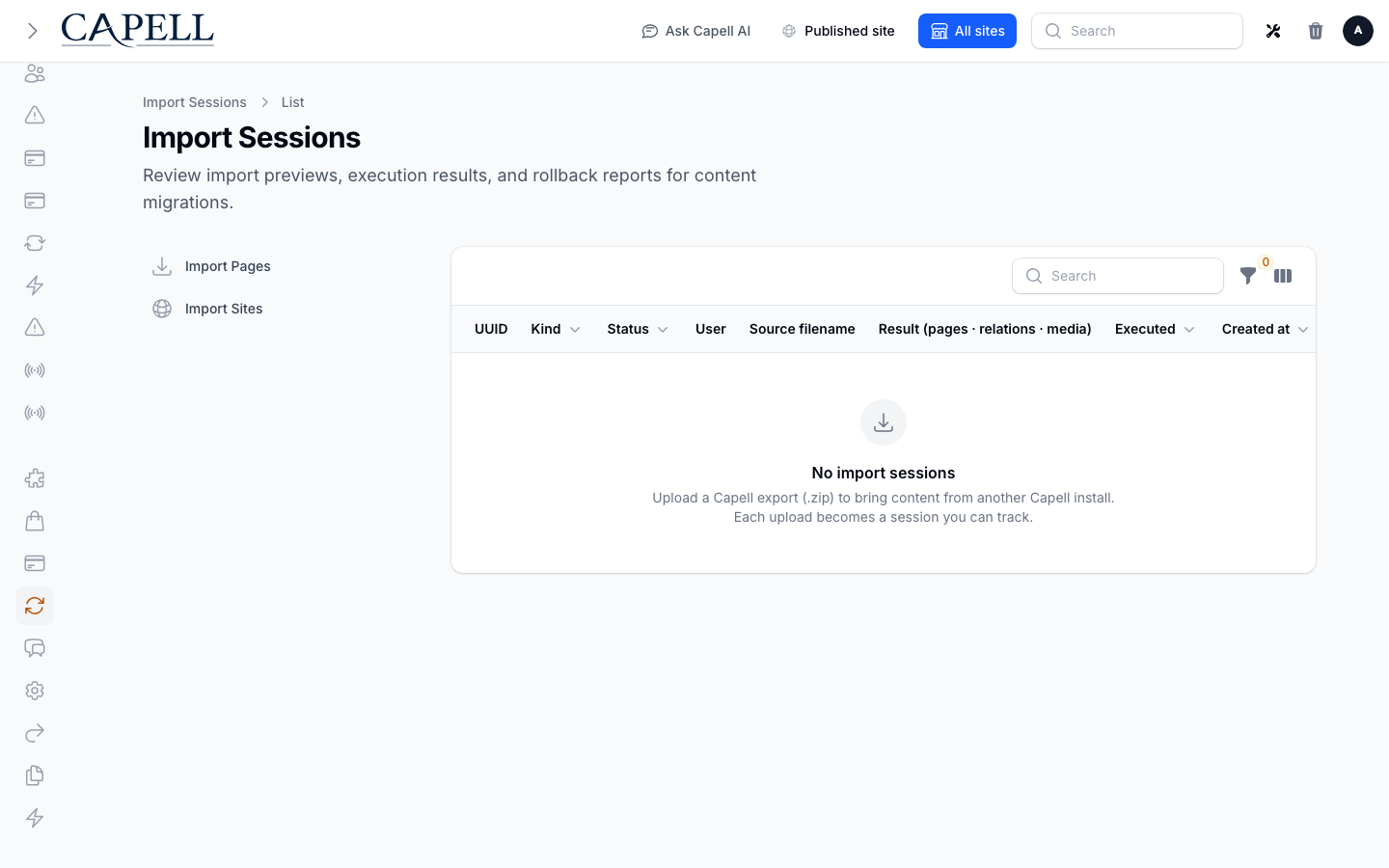
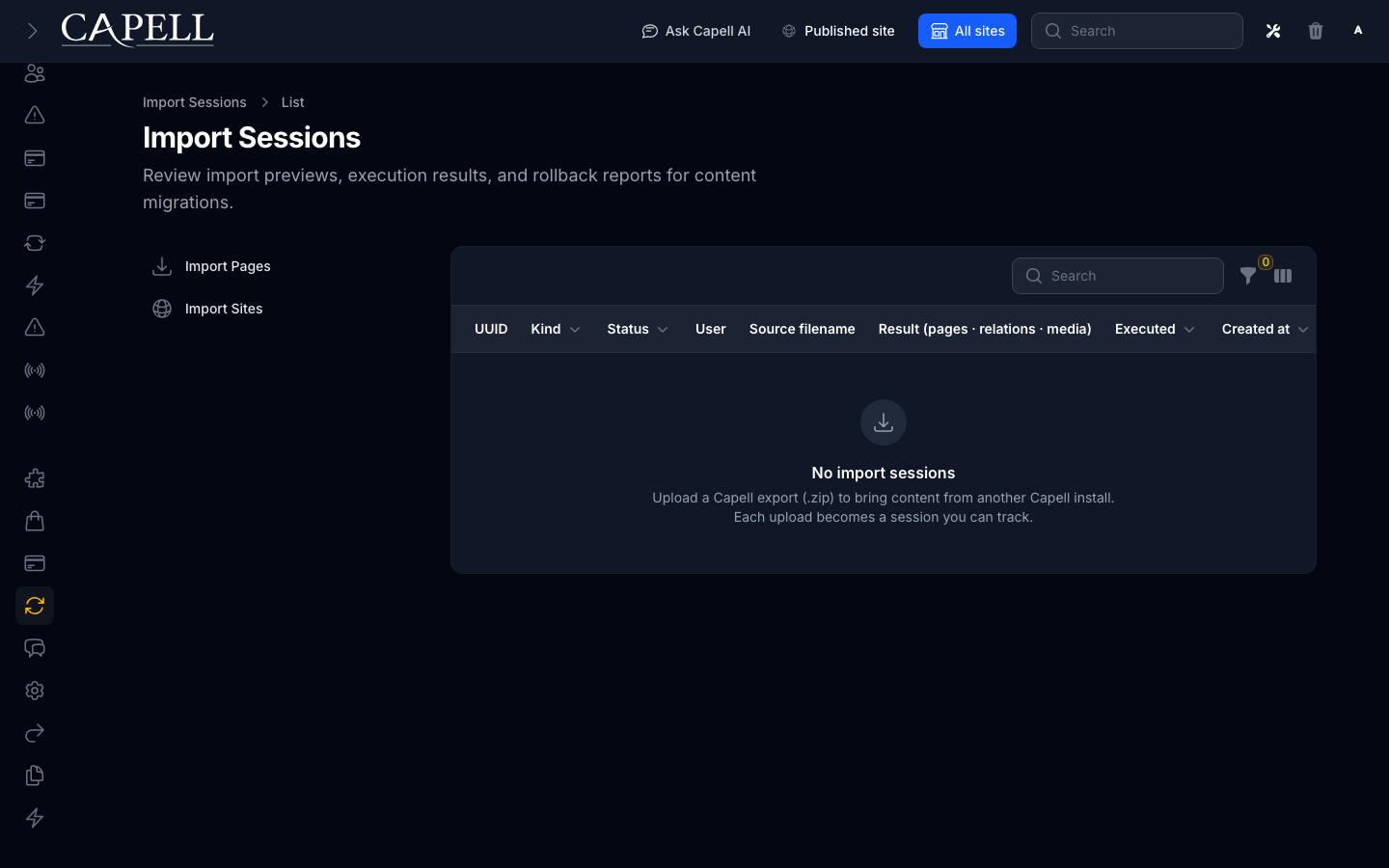
- Import session index or host admin surface (admin).
- Import validation summary (admin).
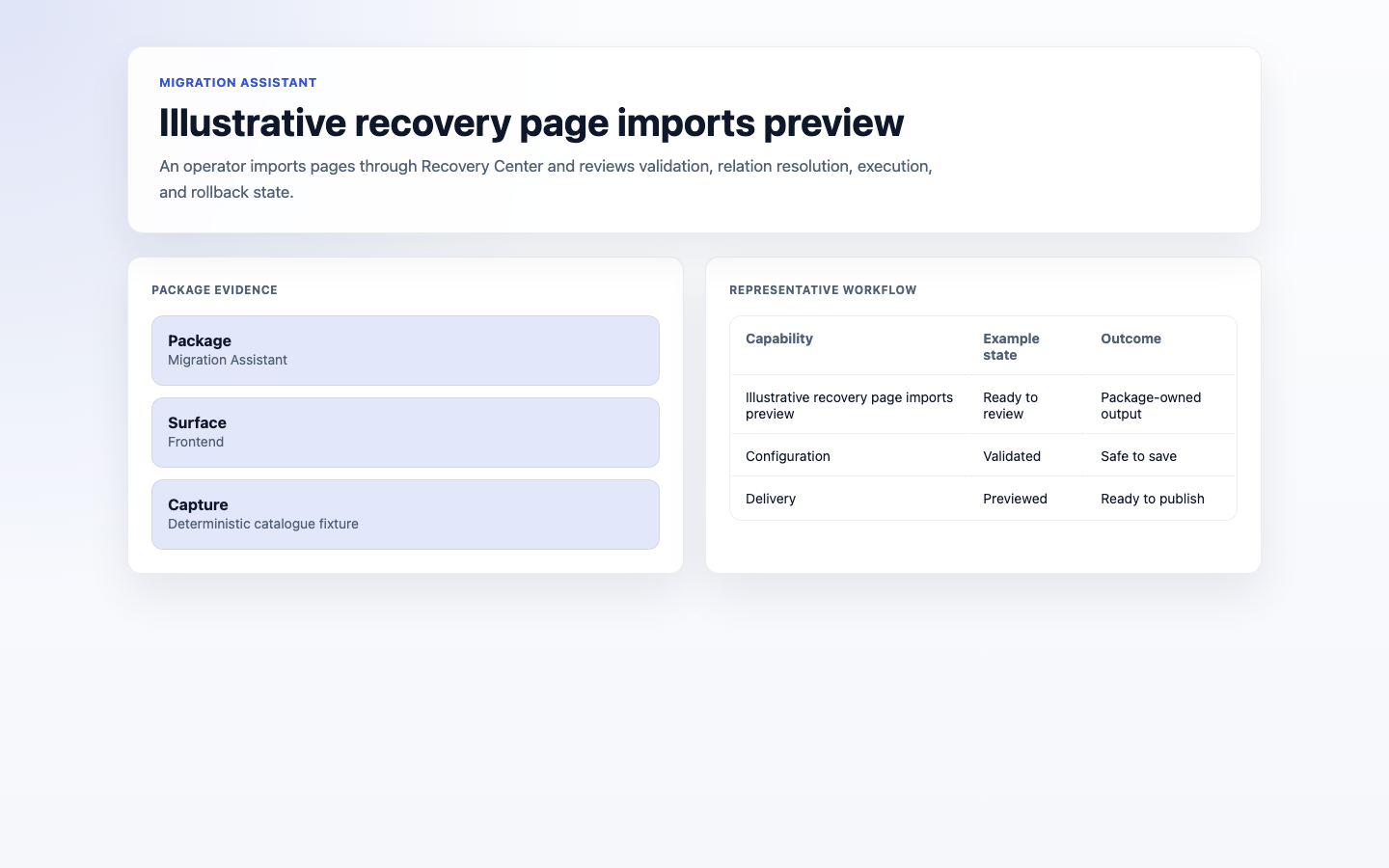
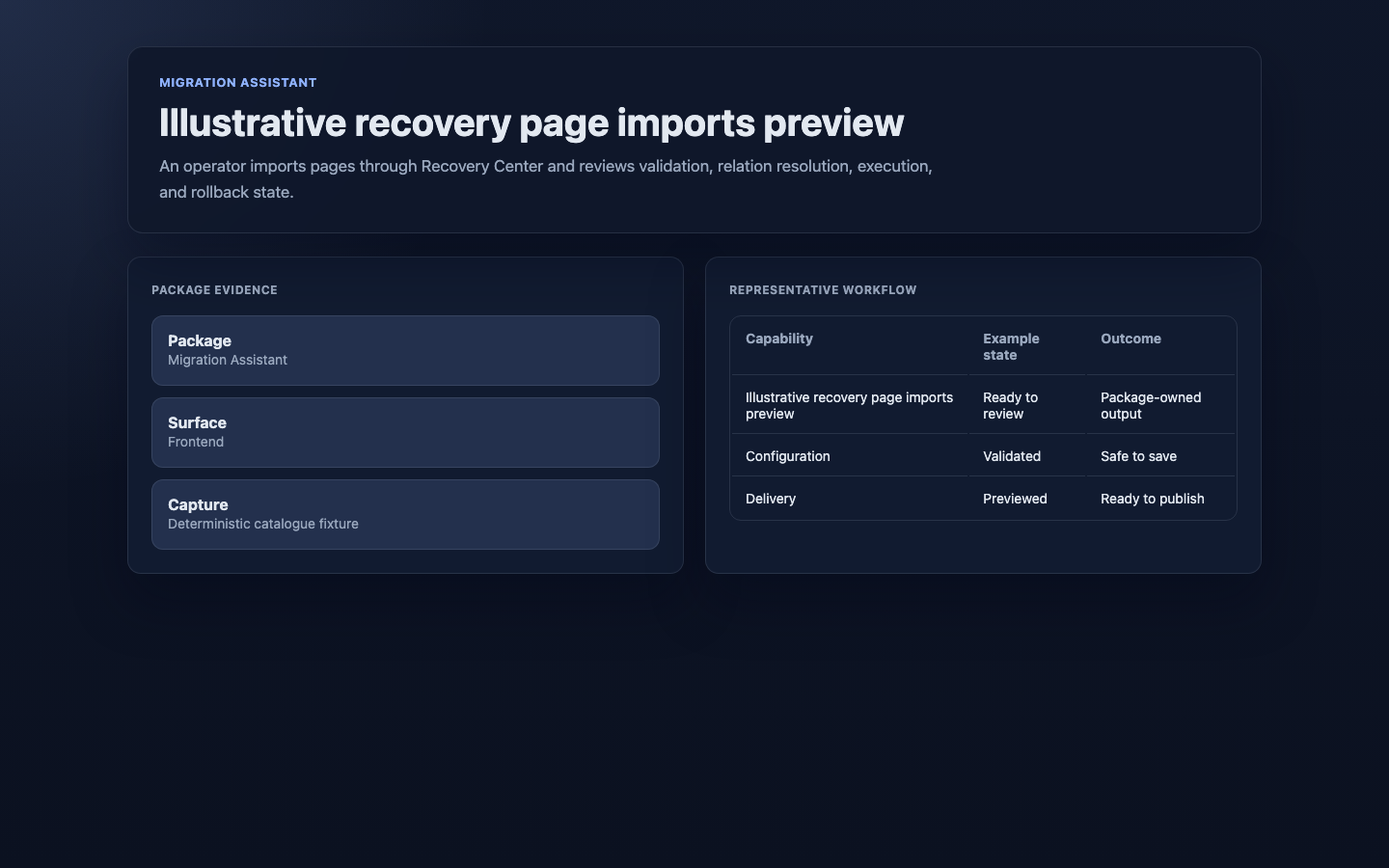
- Completed page import and recovery report (admin).
- Relation resolution review (admin).
- Rollback report view (admin).
- Import session index or host admin surface with admin sidebar menu open (admin).
Install Impact
Section titled “Install Impact”- Required packages:
capell-app/admin,capell-app/core. - Admin navigation: declares
admin-page: ImportPagesPageContribution,admin-page: ImportSitesPageContribution,admin-resource: ImportSessionResourceContribution; each Filament page or resource controls its own navigation visibility. - Admin/editor extensions: none declared.
- Permissions:
page.export,page.import,page.import.update-shared-relations,page.import.publish-live,import-session.view,import-session.cancel,import-session.retry,import-session.rollback,import-session.legal-hold; Shield-generated page permissions forCapell\MigrationAssistant\Filament\Pages\ImportPagesPage(names and grants depend on host Shield configuration); access also governed by package policies:ImportSessionPolicy. - Public routes: none declared.
- Database changes: package migrations are declared.
- Config:
config/migration-assistant.php. - Settings: no package settings declared.
- Queues or schedules: scheduled commands
migration-assistant:reclaim-stale (everyTenMinutes; manifest declared); queue jobsExecuteImportPlanJob. - Cache tags: none declared.
- Commands:
migration-assistant:export,migration-assistant:import,migration-assistant:prune,migration-assistant:reclaim-stale,migration-assistant:rollback-execute,migration-assistant:rollback-report,migration-assistant:status.
Troubleshooting
Section titled “Troubleshooting”| Symptom | Likely cause | Check | Fix |
|---|---|---|---|
| Package surface is missing after install | Provider or manifest is not loaded | Confirm capell.json, package composer.json, and provider registration | Reinstall the package, refresh Composer autoload, and clear host caches |
| Admin screen or command fails on missing table | Package migrations have not run | Check the tables listed in Data Model | Run host migrations and rerun the focused package test |
| Background work does not run | Queue worker or declared schedule is not active | Check the jobs and scheduled commands listed in Technical Shape | Start the queue worker or host scheduler, then run the focused command or package test |
| A package upload fails in the admin before the import review opens | Livewire checks every temporary upload against livewire.temporary_file_upload.rules, whose default limit (12 MB) is lower than the package limit | Compare the package size with the max: rule in config/livewire.php and with migration-assistant.limits.max_package_upload_kilobytes | Publish the Livewire config and raise the max: value in temporary_file_upload.rules to at least the package limit, or import the file with php artisan migration-assistant:import |
migration-assistant:import --execute or --sync stops before creating a session | An import that writes pages runs as a named user, and no --actor was given or that user cannot import pages | Read the error the command printed | Run the command again with --actor=<user id> for a user who holds the page import permission |
Upgrading
Section titled “Upgrading”No manual steps between minor versions.
Read CHANGELOG.md before upgrading.
Next Steps
Section titled “Next Steps”- Package docs
- Overview
- Worked extension examples
- Admin guide
- Configuration files:
config/migration-assistant.php. - Troubleshooting
- Developer reference
- Marketplace assets
- Capell content language plan
- Capell documentation design system
- Capell and package ERD notes
- Related packages: Blog, HTML Cache, Media Library, Navigation, SEO Checks, Site Discovery, Redirects, WordPress Importer.