
Welcome Tour
Package docs status
Section titled “Package docs status”This page is generated from package source documentation in the Capell packages repository and the checked-in manifest. Source documentation is not distribution status. Before running a Composer command, verify that the exact package and compatible 1.x release are available through public Packagist or the authenticated marketplace account.
| Field | Value |
|---|---|
| Composer package | capell-app/welcome-tour |
| Package slug | welcome-tour |
| Product group | Capell Foundation |
| Tier | free |
| Bundle | foundation |
| Runtime contexts | admin |
| Capell version | ^1.0 |
| Catalogue role | extension |
| Release channel | Beta |
| Source repository | capell-app/packages |
| Source path | packages/welcome-tour |
| Docs source | packages/welcome-tour/docs |
| Manifest | capell.json |
What This Plugin Adds
Section titled “What This Plugin Adds”Welcome Tour is an Available, Schema-owning Capell package in the Capell Foundation product group. It ships as capell-app/welcome-tour and extends these surfaces: admin.
Welcome Tour adds a contextual admin checklist with per-user step state, preferences, snoozing, and reset behavior. The checklist is exposed as a Filament dashboard widget.
Administrators see relevant setup steps on the dashboard and can complete, snooze, or reset their own tour state.
Status details:
- Status: Available
- Tier: free
- Bundle: foundation
- Composer package:
capell-app/welcome-tour - Namespace:
Capell\WelcomeTour - Theme key: not applicable
Why It Matters
Section titled “Why It Matters”For developers: A contextual registry and focused Actions keep checklist composition separate from the Filament widget and persisted user state.
For teams: Teams can give each administrator a repeatable setup path without forcing every user through the same uninterrupted sequence.
Screens And Workflow
Section titled “Screens And Workflow”Screenshot contract: docs/screenshots.json.
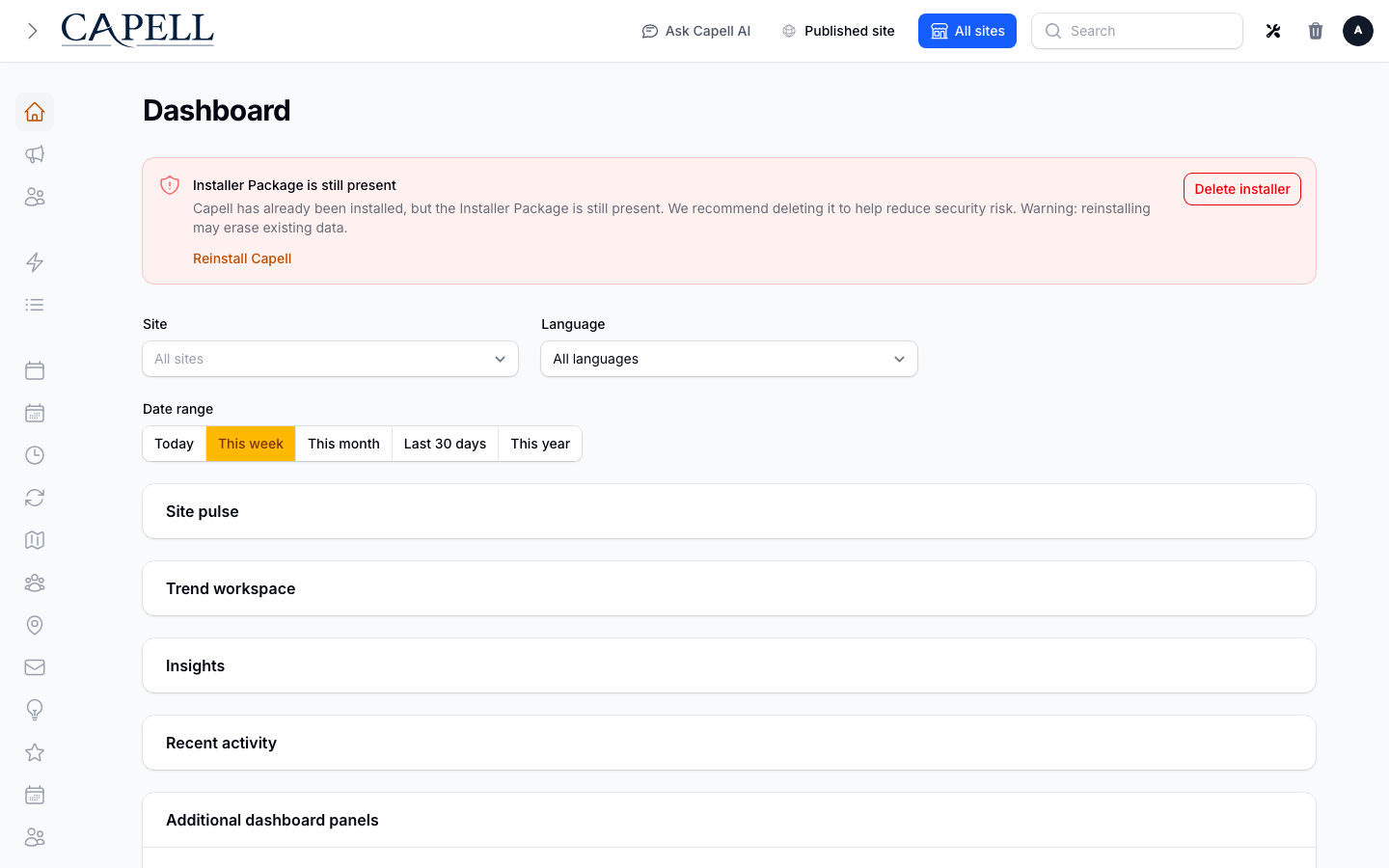
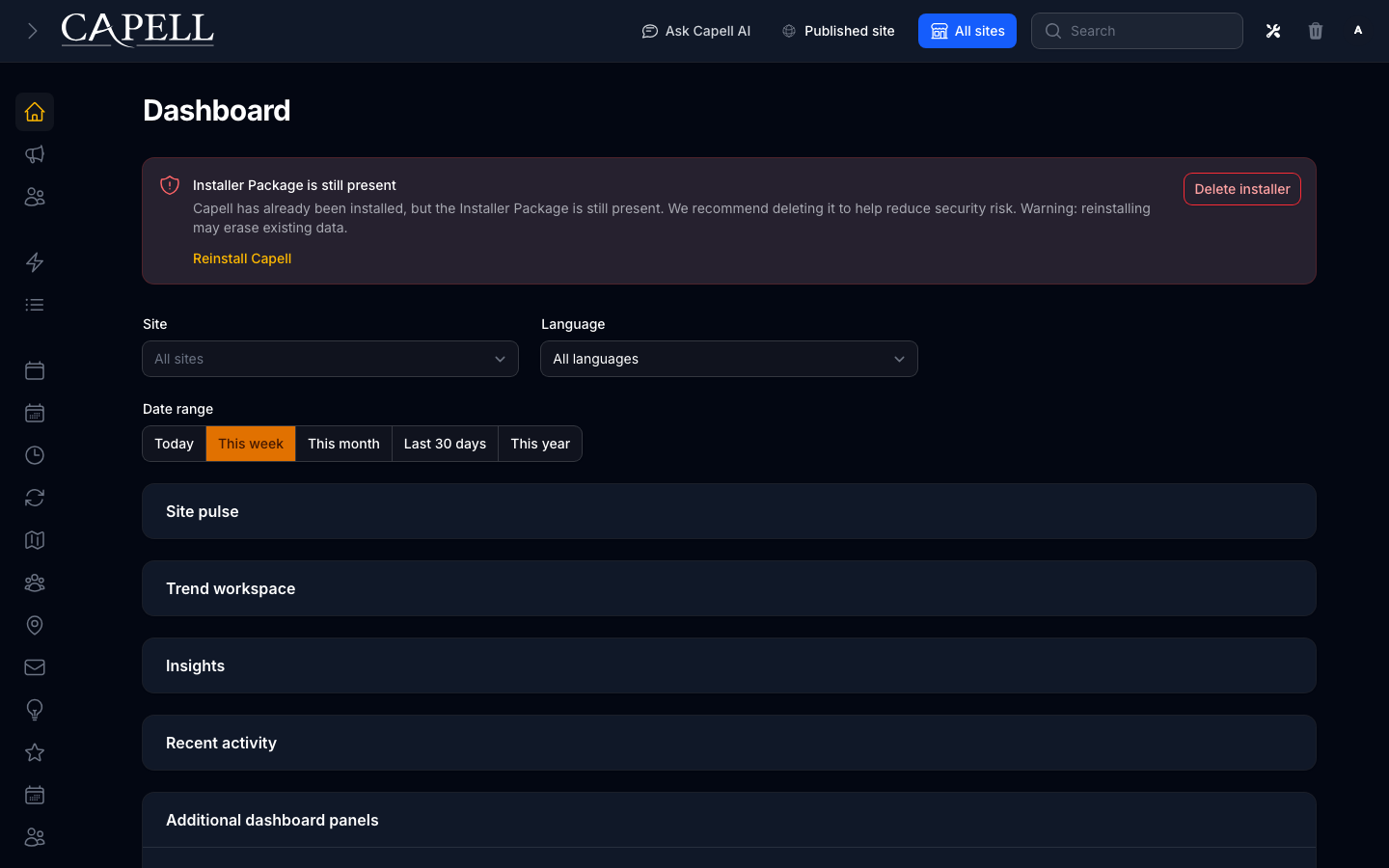
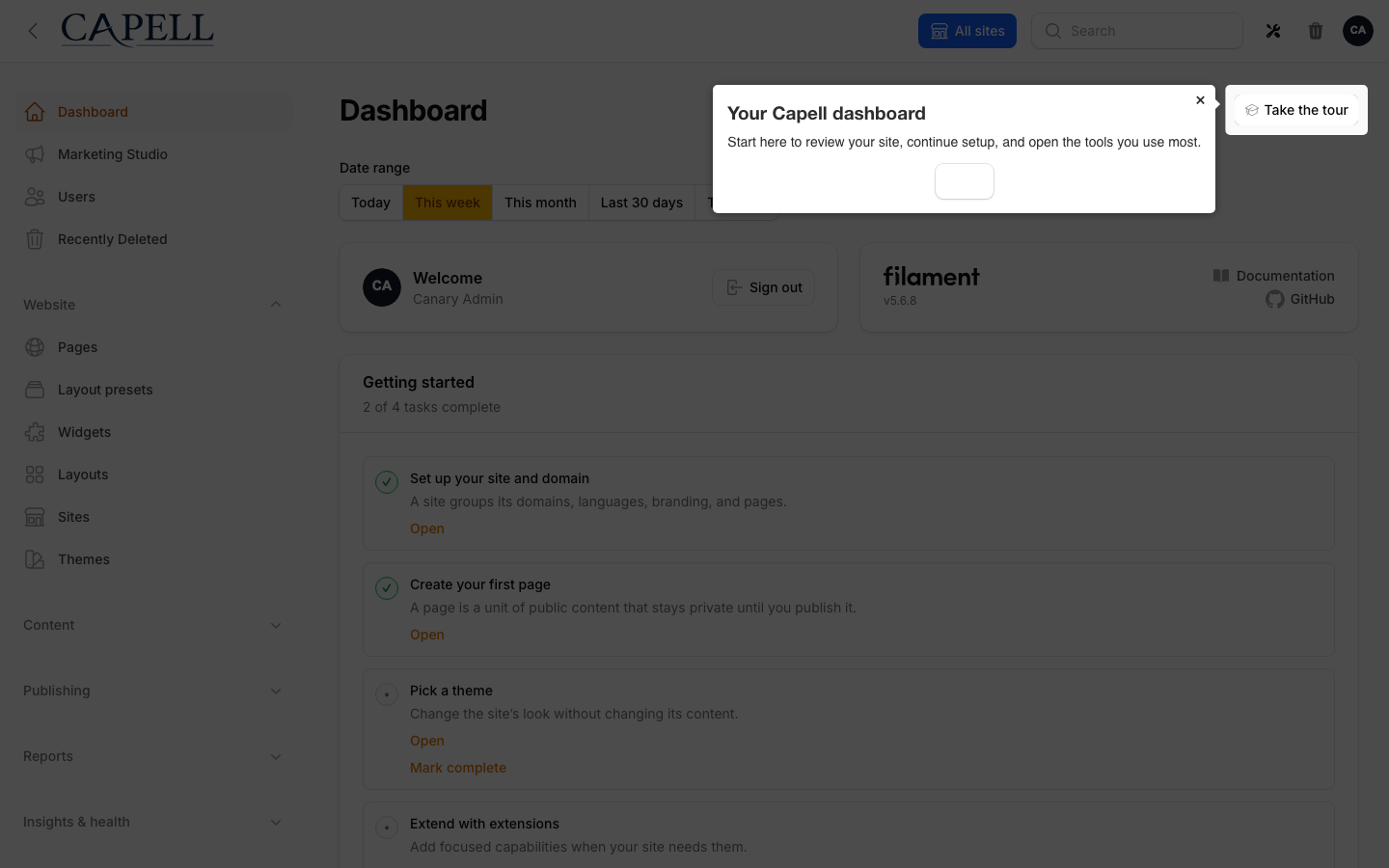
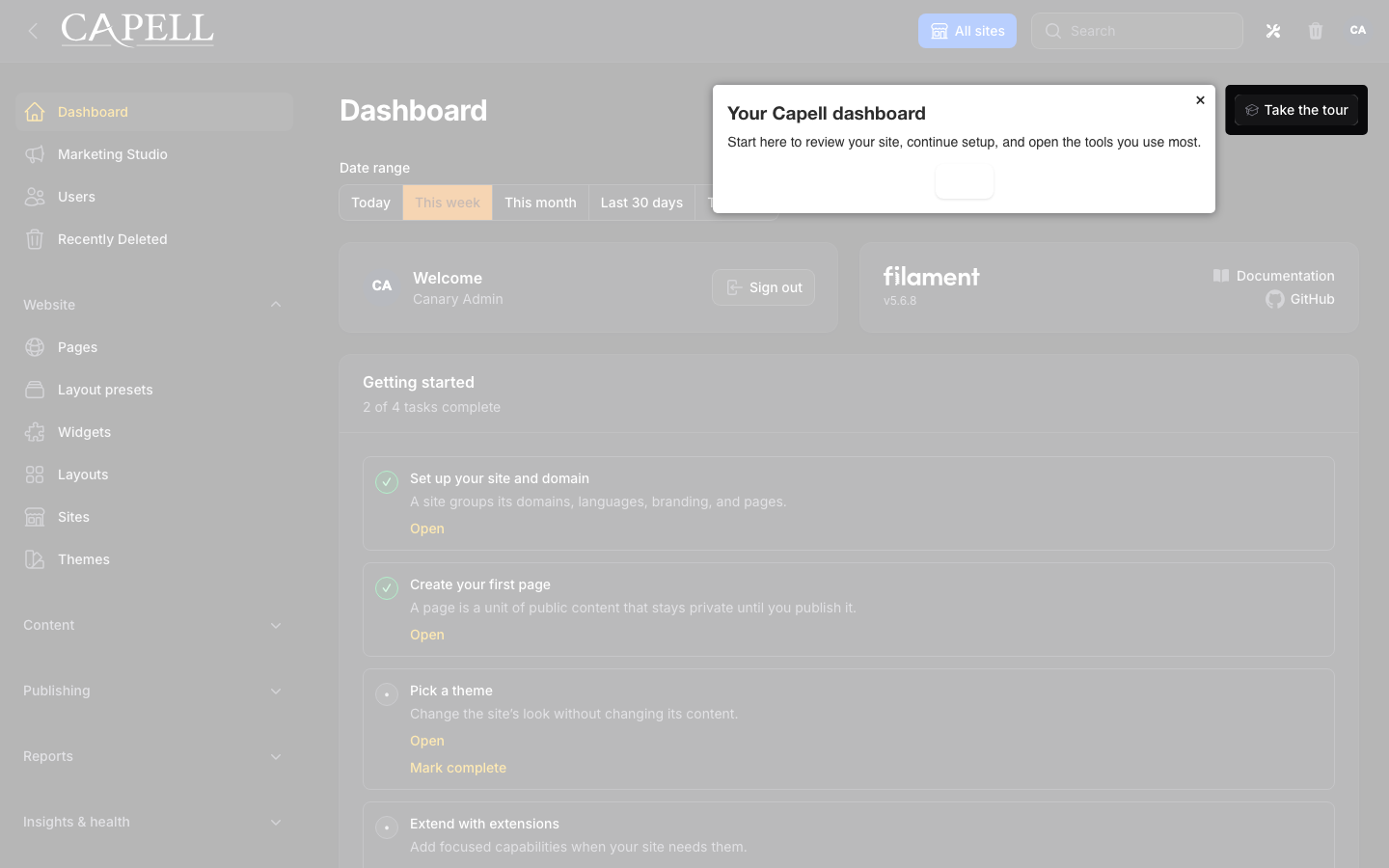
Desktop, tablet, and mobile variants remain defined in the screenshot contract; this list groups them by workflow.
- Capell admin dashboard with the Welcome Tour onboarding checklist (admin, required evidence).
- Welcome tour overlay showing the first configured onboarding step (admin, required evidence).
- Welcome Tour settings with ordinary onboarding controls and collapsed developer details (admin, required evidence).
- User edit form with Show welcome tour toggle (admin, required evidence).
- Capell admin dashboard with the Welcome Tour onboarding checklist with admin sidebar menu open (admin, supplementary evidence).
- Welcome Tour grouped developer authoring and destination validation (admin, required evidence).
- Welcome tour advancing between onboarding steps (admin, supplementary documentation fixture).
Technical Shape
Section titled “Technical Shape”Service providers
Section titled “Service providers”Capell\WelcomeTour\Providers\WelcomeTourServiceProvider
Config files
Section titled “Config files”packages/welcome-tour/config/capell-welcome-tour.php
Migrations
Section titled “Migrations”packages/welcome-tour/database/migrations/2026_06_04_000001_create_welcome_tour_user_states_table.phppackages/welcome-tour/database/migrations/2026_07_19_000001_add_checklist_state_to_welcome_tour_user_states_table.php
Settings migrations
Section titled “Settings migrations”packages/welcome-tour/database/settings/2026_05_10_190836_01_add_welcome_tour_settings.phppackages/welcome-tour/database/settings/2026_07_19_000001_upgrade_welcome_tour_chapter_steps.php
Settings classes
Section titled “Settings classes”WelcomeTourSettings
Filament classes
Section titled “Filament classes”HasContextualWelcomeTourWelcomeTourPanelExtenderWelcomeTourDashboardWelcomeTourSettingsSchemaWelcomeTourChecklistFilamentWidget
Livewire components
Section titled “Livewire components”WelcomeTourOrchestratorWelcomeTourSettingsControls
Extension contracts
Section titled “Extension contracts”WelcomeTourReadinessResolverWelcomeTourStateStore
Events
Section titled “Events”WelcomeTourCompletedWelcomeTourRestartedWelcomeTourSnoozedWelcomeTourStartedWelcomeTourStepCompleted
Actions
Section titled “Actions”BuildWelcomeTourChecklistActionBuildWelcomeTourSummaryActionCanShowWelcomeTourStepActionNormalizeWelcomeTourStepsActionPrepareWelcomeTourScreenshotActionResolveWelcomeTourChaptersActionResolveWelcomeTourDestinationActionResolveWelcomeTourEnabledActionAuthorizeWelcomeTourUserMutationActionCanShowWelcomeTourActionGetUserWelcomeTourStateActionRecordWelcomeTourStepActionResetUserWelcomeTourActionResolveWelcomeTourStepsForUserActionRestartWelcomeTourProgressActionSetUserWelcomeTourPreferenceActionSetWelcomeTourChecklistItemCompletionActionSetWelcomeTourChecklistVisibilityActionSnoozeUserWelcomeTourActionStartWelcomeTourForCurrentUserAction
Data objects
Section titled “Data objects”WelcomeTourChapterDataWelcomeTourChecklistItemDataWelcomeTourReadinessDataWelcomeTourSummaryDataWelcomeTourUserStateData
Manifest action API
Section titled “Manifest action API”buildWelcomeTourChecklist: Capell\WelcomeTour\Actions\BuildWelcomeTourChecklistActioncanShowWelcomeTour: Capell\WelcomeTour\Actions\Users\CanShowWelcomeTourActioncanShowWelcomeTourStep: Capell\WelcomeTour\Actions\CanShowWelcomeTourStepActiongetUserWelcomeTourState: Capell\WelcomeTour\Actions\Users\GetUserWelcomeTourStateActionrecordWelcomeTourStep: Capell\WelcomeTour\Actions\Users\RecordWelcomeTourStepActionresetUserWelcomeTour: Capell\WelcomeTour\Actions\Users\ResetUserWelcomeTourActionresolveWelcomeTourEnabled: Capell\WelcomeTour\Actions\ResolveWelcomeTourEnabledActionresolveWelcomeTourStepsForUser: Capell\WelcomeTour\Actions\Users\ResolveWelcomeTourStepsForUserActionsetUserWelcomeTourPreference: Capell\WelcomeTour\Actions\Users\SetUserWelcomeTourPreferenceActionsnoozeUserWelcomeTour: Capell\WelcomeTour\Actions\Users\SnoozeUserWelcomeTourAction
Manifest contributions
Section titled “Manifest contributions”dashboard-widget: Capell\WelcomeTour\Manifest\WelcomeTourChecklistWidgetContributionhealth-check: Capell\WelcomeTour\Manifest\WelcomeTourHealthContributionsetting: Capell\WelcomeTour\Manifest\WelcomeTourSettingsContribution
Health checks
Section titled “Health checks”Capell\WelcomeTour\Health\WelcomeTourHealthCheck
Blade views
Section titled “Blade views”packages/welcome-tour/resources/views/filament/actions/replay-tour.blade.phppackages/welcome-tour/resources/views/filament/settings/controls.blade.phppackages/welcome-tour/resources/views/filament/widgets/welcome-tour-checklist.blade.phppackages/welcome-tour/resources/views/livewire/welcome-tour-orchestrator.blade.php
Cache tags
Section titled “Cache tags”welcome-tour
Data Model
Section titled “Data Model”- Required tables:
welcome_tour_user_states. - Core record references in migrations:
users via user_id. - Migration files:
2026_06_04_000001_create_welcome_tour_user_states_table.php,2026_07_19_000001_add_checklist_state_to_welcome_tour_user_states_table.php. - Migration impact: run host migrations through the package install flow before opening package surfaces.
- Deletion/retention behaviour: Docs gap: migrations and manifest contributions do not prove a cascade, pruning command, or timed retention policy.
Install Impact
Section titled “Install Impact”- Required packages:
capell-app/admin,capell-app/core. - Admin navigation: no admin page or resource contribution is declared.
- Admin/editor extensions:
dashboard-widget: WelcomeTourChecklistWidgetContribution. - Permissions: no package permission declarations or Shield gates detected; host access rules still apply.
- Public routes: none declared.
- Database changes: package migrations are declared.
- Config:
config/capell-welcome-tour.php. - Settings:
Capell\WelcomeTour\Settings\WelcomeTourSettings. - Queues or schedules: none declared.
- Cache tags:
welcome-tour. - Commands: none declared.
Common Pitfalls
Section titled “Common Pitfalls”- Keep required Capell packages on compatible v4 releases:
capell-app/admin,capell-app/core. - Run migrations before opening package resources or public routes.
- Review package configuration before production-like verification:
config/capell-welcome-tour.php,Capell\WelcomeTour\Settings\WelcomeTourSettings. - Custom write integrations must preserve invalidation for
welcome-tourcache tags.
Troubleshooting
Section titled “Troubleshooting”| Symptom | Likely cause | Check | Fix |
|---|---|---|---|
| Package surface is missing after install | Provider or manifest is not loaded | Confirm capell.json, package composer.json, and provider registration | Reinstall the package, refresh Composer autoload, and clear host caches |
| Admin screen or command fails on missing table | Package migrations have not run | Check the tables listed in Data Model | Run host migrations and rerun the focused package test |
Quick Start
Section titled “Quick Start”- Install the package:
composer require capell-app/welcome-tour. - Open a host admin workflow that uses the package extension and verify Welcome Tour is available.