
Form Builder
Package docs status
Section titled “Package docs status”This page is generated from package source documentation in the Capell packages repository and the checked-in manifest. Source documentation is not distribution status. Before running a Composer command, verify that the exact package and compatible 1.x release are available through public Packagist or the authenticated marketplace account.
| Field | Value |
|---|---|
| Composer package | capell-app/form-builder |
| Package slug | form-builder |
| Product group | Capell Engagement & CRM |
| Tier | paid |
| Bundle | engagement-crm |
| Runtime contexts | admin, frontend |
| Capell version | ^1.0 |
| Catalogue role | extension |
| Release channel | Beta |
| Source repository | capell-app/form-builder |
| Docs source | packages/form-builder/docs |
| Manifest | capell.json |
Every enquiry that reaches your site should land where your team will see it. You build your own contact and quote forms, and the answers arrive in an inbox inside your admin. Each form can also email your staff and send the visitor an automatic thank-you.
Questions can change with earlier answers. On a kitchen fitter’s quote form, choosing “Kitchen” brings up the worktop questions and lets the customer attach photos. Longer forms can be split into steps, and a field can work out a total from other answers. A saved form still has to be put on a page. With Layout Builder you add it as a widget and choose the form. Otherwise your developer places it.
Each enquiry is scored for signs of spam such as too many links, repeated answers and blocked words. High scorers are moved to Spam, and you can add a hidden trap field to catch simple bots. The answers people type are stored encrypted, meaning your database holds them in scrambled form and not as plain text. They’re deleted after a year, unless you put an enquiry on legal hold to keep it longer.
From the inbox you reply to each enquiry by email, and archive it once it’s dealt with.
- Price and availability: Check current availability and price on the Capell Marketplace listing.
- Licence: Check the licence terms on the Capell Marketplace listing.
- Requires:
PHP ^8.4,capell-app/admin ^1.0.78,capell-app/core ^1.0.80,capell-app/frontend ^1.0. - Install:
composer require capell-app/form-builder.
Quick Start
Section titled “Quick Start”- Install the package:
composer require capell-app/form-builder. - For Editors: Permission to edit forms on an authorised site, a compatible page element or developer integration, and submission-view permission to check the inbox.
- Open
/admin/form-builder/forms. Save an active enquiry form and follow Put this form on a page. Preview same-site placement, publish explicitly and send a labelled public test enquiry. - Check the result: With Store submissions enabled, the enquiry appears in View submissions with the expected fields. Next: Check notifications and remove or archive the test enquiry according to your retention policy.
For Developers
Section titled “For Developers”Typed field data and Actions handle visibility, validation, calculations, spam scoring, rate limits, and persistence, with a contract for replacing the spam provider.
Configure
Section titled “Configure”- Configuration files:
config/capell-form-builder.php. - Commands:
php artisan capell:form-builder:export-submissions,php artisan capell:form-builder:prune,php artisan capell:form-builder:recover-deliveries.
Limits And Pitfalls
Section titled “Limits And Pitfalls”- Install the required Capell packages at the versions in
composer.json:capell-app/admin ^1.0.78,capell-app/core ^1.0.80,capell-app/frontend ^1.0. - Run migrations before opening package resources or public routes.
- Review middleware, throttling, signatures, and public-output safety in
routes/payments.phpbefore exposing routes. - Keep the host Laravel scheduler running so package-registered schedules can execute:
capell:form-builder:prune (daily; package registered),capell:form-builder:recover-deliveries (everyFiveMinutes; package registered). - Keep public Blade and cached HTML free of authoring markers, model IDs, permissions, signed editor URLs, and lazy database queries.
- Custom write integrations must preserve invalidation for
form-buildercache tags.
Screens And Workflow
Section titled “Screens And Workflow”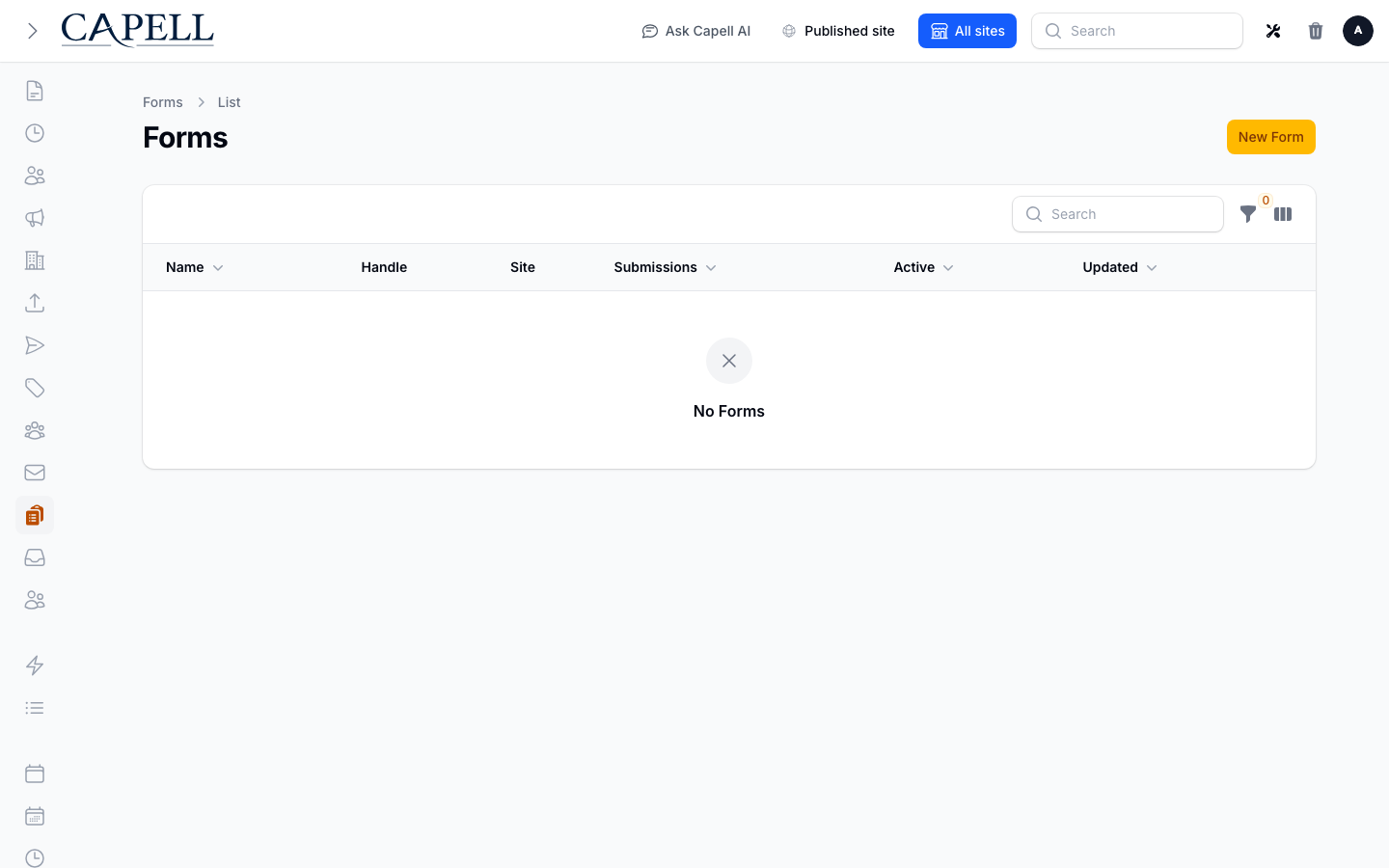
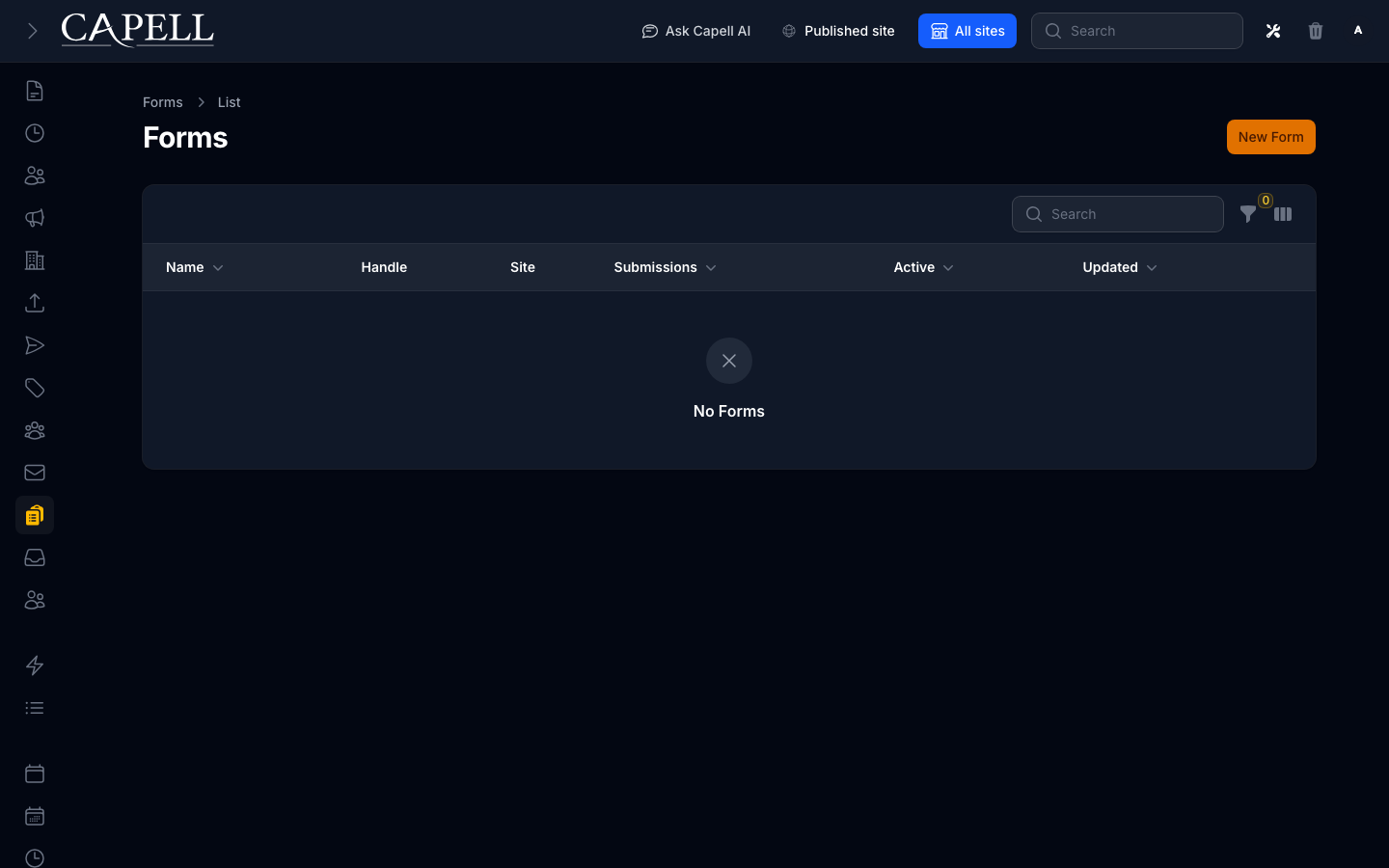
- FormBuilder admin index (admin).
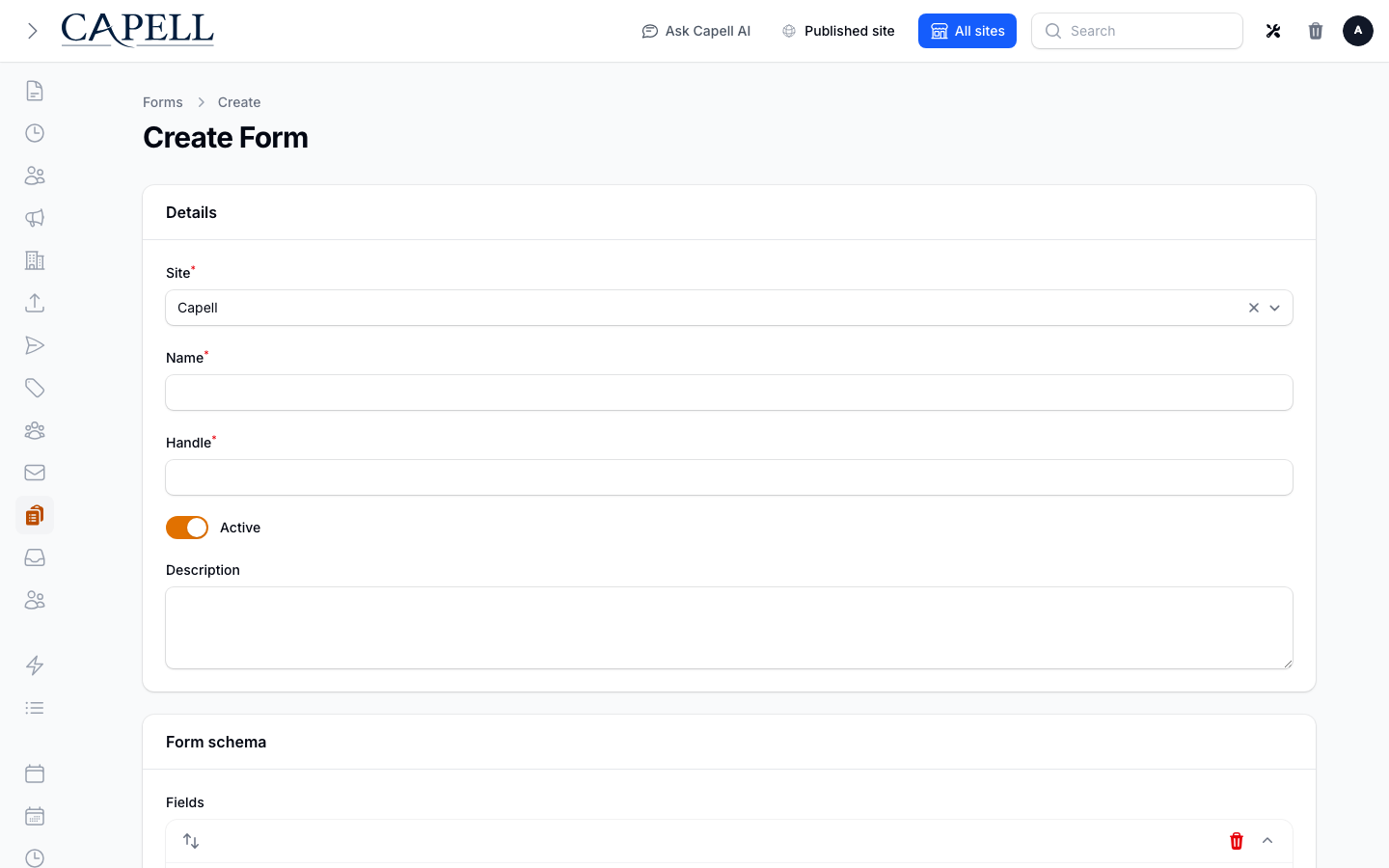
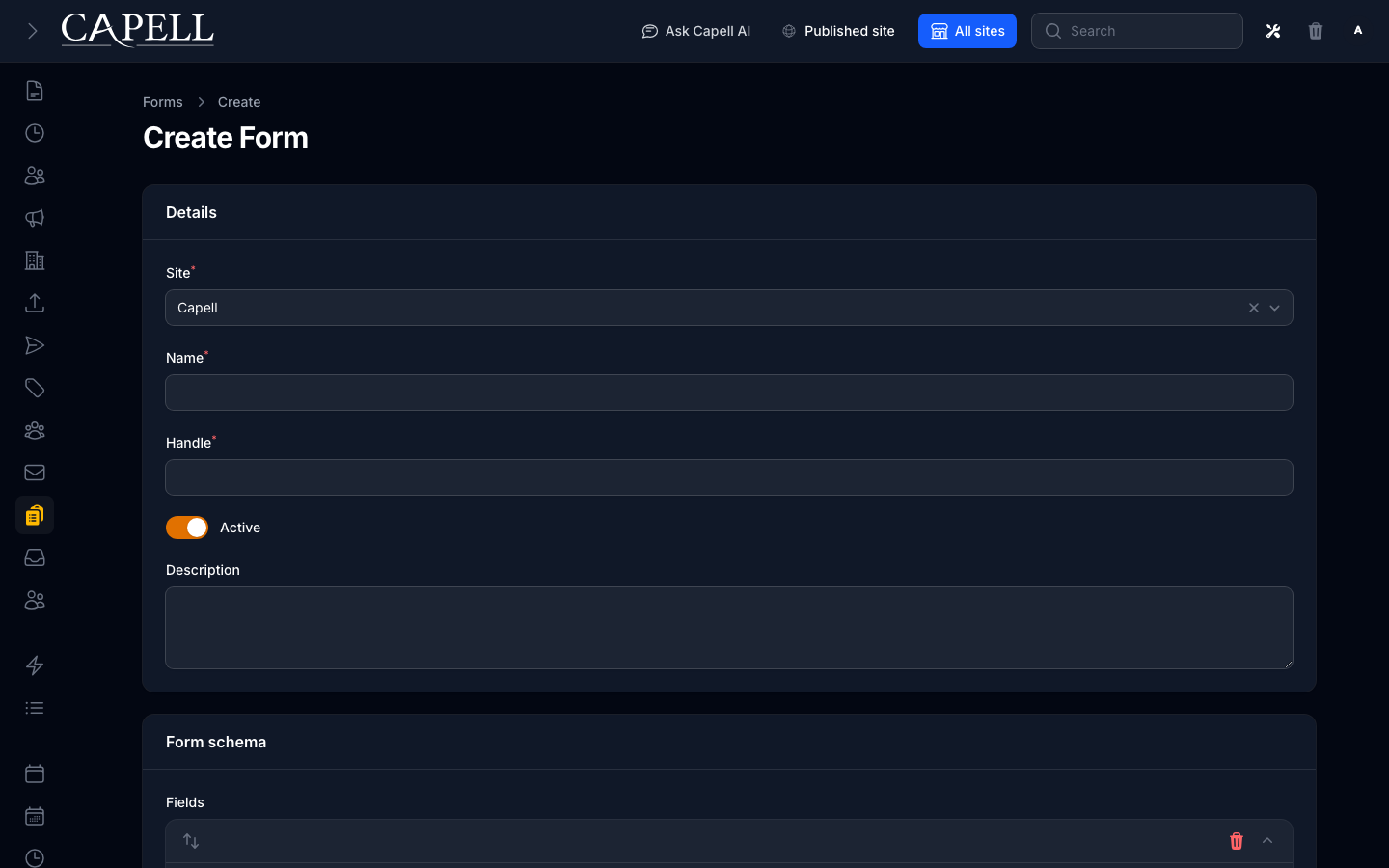
- Create/edit form schema screen (admin).
- Submissions index (admin).
- Frontend form output (frontend).
- Submission detail view (admin).
- FormBuilder admin index with admin sidebar menu open (admin).
Install Impact
Section titled “Install Impact”- Required packages:
capell-app/admin,capell-app/core,capell-app/frontend. - Admin navigation: declares
admin-resource: FormResourceContribution,admin-resource: SubmissionResourceContribution; each Filament page or resource controls its own navigation visibility. - Admin/editor extensions:
configurator: FormBuilderWidgetConfiguratorContribution. - Permissions:
ViewAny:Form,View:Form,Create:Form,Update:Form,Delete:Form,DeleteAny:Form,Restore:Form,RestoreAny:Form,ForceDelete:Form,ForceDeleteAny:Form,Reorder:Form,ViewAny:Submission,View:Submission,Reply:Submission,Update:Submission,Delete:Submission,DeleteAny:Submission,Export:Submission; access also governed by package policies:FormPolicy,SubmissionPolicy. - Public routes: loads
routes/payments.php; registersFormBuilderPaymentRoutesContribution. - Database changes: package migrations are declared.
- Config:
config/capell-form-builder.php. - Settings: no package settings declared.
- Queues or schedules: scheduled commands
capell:form-builder:prune (daily; package registered),capell:form-builder:recover-deliveries (everyFiveMinutes; package registered); queue jobsDispatchSubmissionWebhookJob. - Cache tags:
form-builder. - Commands:
capell:form-builder:export-submissions,capell:form-builder:prune,capell:form-builder:recover-deliveries.
Troubleshooting
Section titled “Troubleshooting”| Symptom | Likely cause | Check | Fix |
|---|---|---|---|
| Package surface is missing after install | Provider or manifest is not loaded | Confirm capell.json, package composer.json, and provider registration | Reinstall the package, refresh Composer autoload, and clear host caches |
| Admin screen or command fails on missing table | Package migrations have not run | Check the tables listed in Data Model | Run host migrations and rerun the focused package test |
| Route returns unexpected output | Route cache, middleware, or signed URL setup does not match the package route file | Check the route files listed in Technical Shape | Clear route cache and verify middleware before exposing public routes |
| Background work does not run | Queue worker or declared schedule is not active | Check the jobs and scheduled commands listed in Technical Shape | Start the queue worker or host scheduler, then run the focused command or package test |
| Public output leaks unexpected state | Render data, cache variation, or authoring boundary has regressed | Check public Blade, cache tags, and public-output safety tests | Move data loading out of Blade and rerun the package public-output tests |
Upgrading
Section titled “Upgrading”No manual steps between minor versions.
Read CHANGELOG.md before upgrading.
Next Steps
Section titled “Next Steps”- Package docs
- Overview
- Worked extension examples
- Worked action walkthroughs
- Admin guide
- Configuration files:
config/capell-form-builder.php. - Troubleshooting
- Developer reference
- Marketplace assets
- Capell content language plan
- Capell documentation design system
- Capell and package ERD notes
- Related packages: Layout Builder, Payments, Privacy Centre.