
Deployments
Package docs status
Section titled “Package docs status”This page is generated from package source documentation in the Capell packages repository and the checked-in manifest. Source documentation is not distribution status. Before running a Composer command, verify that the exact package and compatible 1.x release are available through public Packagist or the authenticated marketplace account.
| Field | Value |
|---|---|
| Composer package | capell-app/deployments |
| Package slug | deployments |
| Product group | Capell Operations |
| Tier | paid |
| Bundle | operations |
| Runtime contexts | admin |
| Capell version | ^1.0 |
| Catalogue role | extension |
| Release channel | Beta |
| Docs source | packages/deployments/docs |
| Manifest | capell.json |
Install a package from the Marketplace and the change turns up in your Git repository. That’s the place on GitHub, GitLab or Bitbucket where your developer keeps the site’s code.
Your developer first registers an OAuth app with your Git host, and an admin can then give Capell write access to the repository. The installing admin needs access to every site and the Deployment Repository permission. Your own build still installs packages and updates the live site, which Deployments does not do. Connect only one repository, because a second turns automatic publishing off and shows a warning. GitHub is asked for its broad repo permission, and self-hosted Git isn’t supported.
Only the Marketplace install and update screens start a change. It writes the package and its version into your repository’s package list, the file naming what your site needs. Every new install is written. An update is written only when the package comes with a repository address. When you connect, you pick a direct commit or a pull request. For GitHub and GitLab, auto-merge asks to merge once checks pass. Bitbucket pull requests need manual merging.
The Deployment Repository page lists your last five publishes. Each shows its package, its check status and either the commit’s short code or a link to its pull request.
- Price and availability: Check current availability and price on the Capell Marketplace listing.
- Licence: Check the licence terms on the Capell Marketplace listing.
- Requires:
PHP ^8.4,capell-app/admin ^1.0.78,capell-app/core ^1.0.79,capell-app/marketplace ^1.0.79,laravel/framework ^12.61.1|^13.12.0,lorisleiva/laravel-actions ^2.8,spatie/laravel-data ^4.5,spatie/laravel-package-tools ^1.14.1. - Install:
composer require capell-app/deployments.
Quick Start
Section titled “Quick Start”- Install the package:
composer require capell-app/deployments. - Open the package admin surface at
/admin/deployments/deployment-connectionand confirm Deployments is available.
For Developers
Section titled “For Developers”Provider adapters, OAuth state Actions, and typed publication data keep repository-specific behaviour behind a common contract.
Configure
Section titled “Configure”- Configuration files:
config/capell-deployments.php.
Limits And Pitfalls
Section titled “Limits And Pitfalls”- Install the required Capell packages at the versions in
composer.json:capell-app/admin ^1.0.78,capell-app/core ^1.0.79,capell-app/marketplace ^1.0.79. - Run migrations before opening package resources or public routes.
- Review middleware, throttling, signatures, and public-output safety in
routes/oauth.phpbefore exposing routes. - Keep the host Laravel scheduler running so package-registered schedules can execute:
capell:deployments:sync-marketplace-publications (everyFiveMinutes; package registered).
Screens And Workflow
Section titled “Screens And Workflow”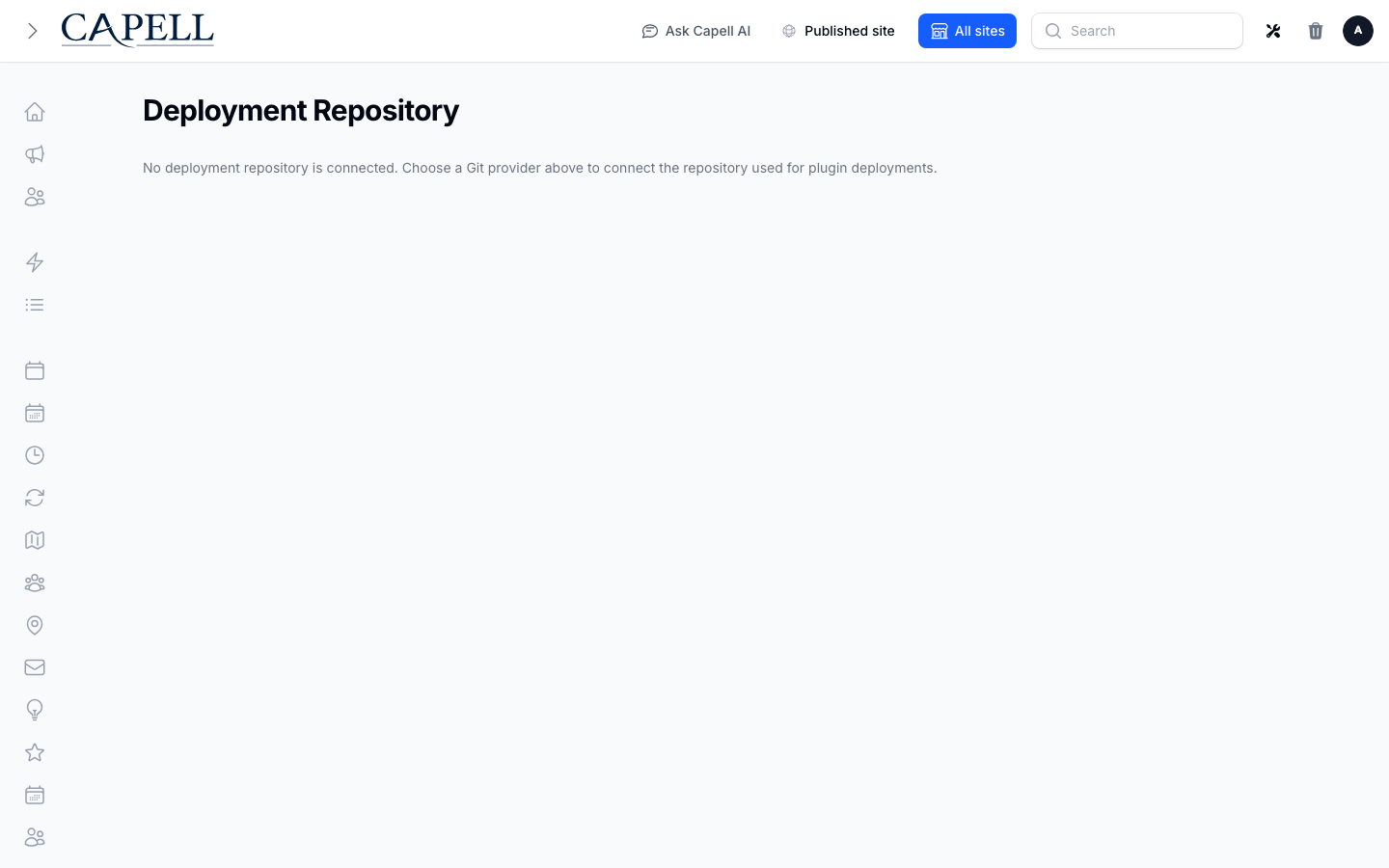
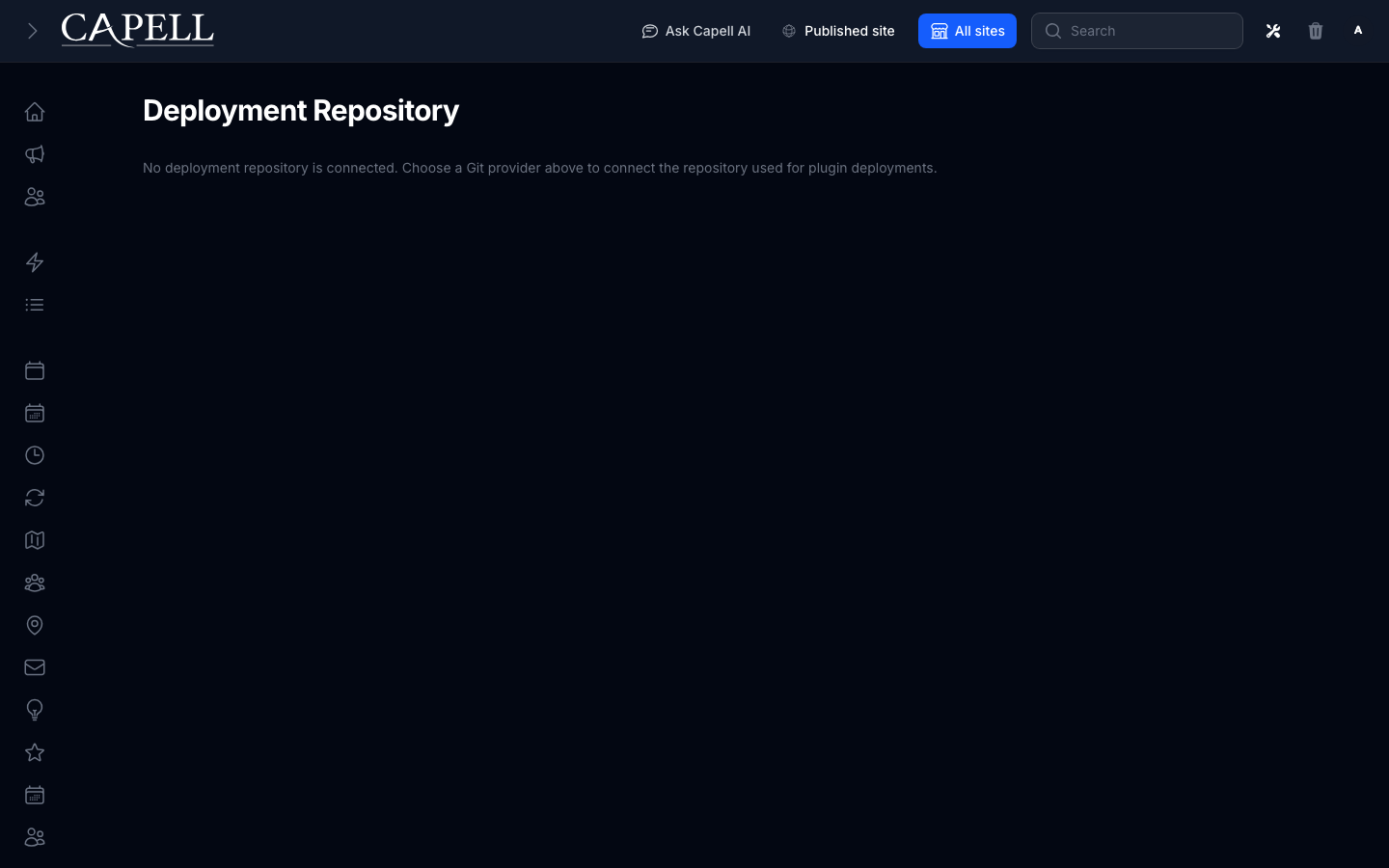
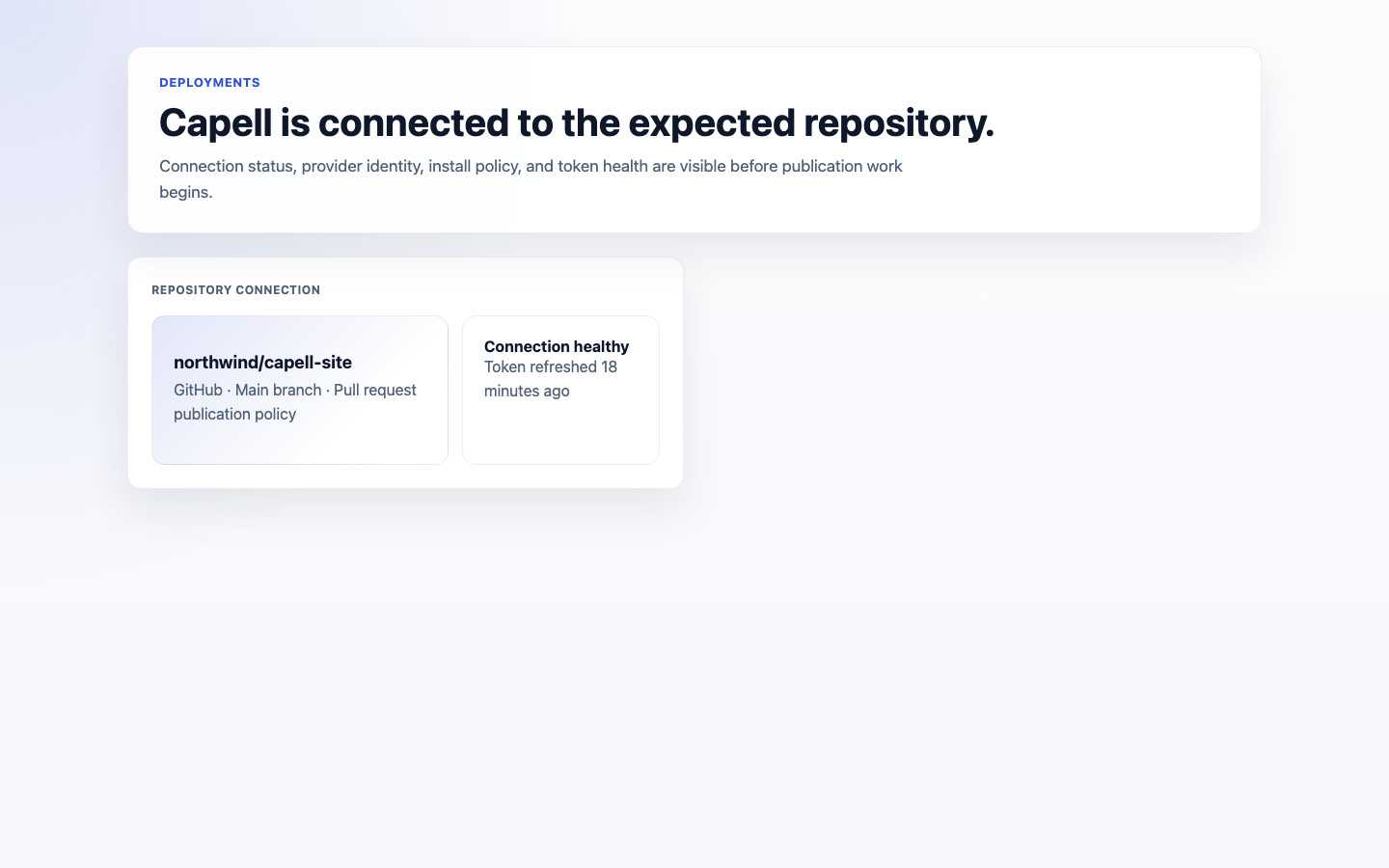
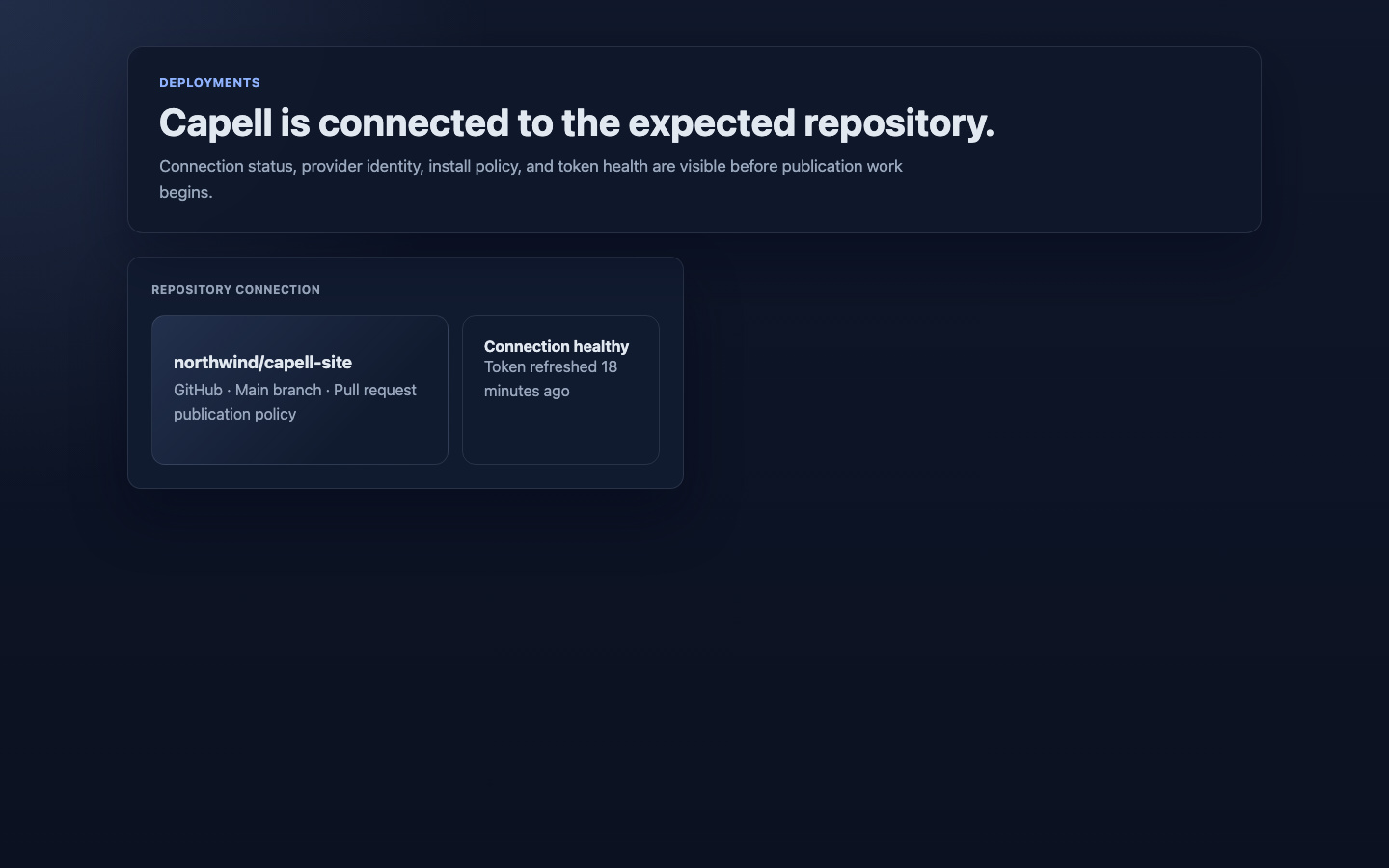
- Deployment connection page with a connected repository and recent publications (admin).
- Deployment connection page with a repository connected (admin).
- Deployment publication history (admin).
- Deployment connection dashboard widget (admin).
- Deployment connection page with a connected repository, recent publications, and admin sidebar menu open (admin).
Install Impact
Section titled “Install Impact”- Required packages:
capell-app/admin,capell-app/core,capell-app/marketplace. - Admin navigation: declares
admin-page: DeploymentsAdminPageContribution; each Filament page or resource controls its own navigation visibility. - Admin/editor extensions:
dashboard-widget: DeploymentsDashboardFilamentWidgetContribution. - Permissions:
View:DeploymentConnectionPage,Manage:DeploymentConnectionPage. - Public routes: loads
routes/oauth.php; registersDeploymentsRoutesContribution. - Database changes: package migrations are declared.
- Config:
config/capell-deployments.php. - Settings: no package settings declared.
- Queues or schedules: scheduled commands
capell:deployments:sync-marketplace-publications (everyFiveMinutes; package registered); queue jobsRefreshDeploymentPublicationStatusJob. - Cache tags: none declared.
- Commands: console command classes detected:
SeedDeploymentsScreenshotFixtureCommand,SyncMarketplaceAwaitedPublicationsCommand.
Troubleshooting
Section titled “Troubleshooting”| Symptom | Likely cause | Check | Fix |
|---|---|---|---|
| Package surface is missing after install | Provider or manifest is not loaded | Confirm capell.json, package composer.json, and provider registration | Reinstall the package, refresh Composer autoload, and clear host caches |
| Admin screen or command fails on missing table | Package migrations have not run | Check the tables listed in Data Model | Run host migrations and rerun the focused package test |
| Route returns unexpected output | Route cache, middleware, or signed URL setup does not match the package route file | Check the route files listed in Technical Shape | Clear route cache and verify middleware before exposing public routes |
| Background work does not run | Queue worker or declared schedule is not active | Check the jobs and scheduled commands listed in Technical Shape | Start the queue worker or host scheduler, then run the focused command or package test |
Upgrading
Section titled “Upgrading”Read CHANGELOG.md before upgrading.
Unreleased: Upgrade note: GitProviderContract changed
Section titled “Unreleased: Upgrade note: GitProviderContract changed”Custom Git providers must be updated before upgrading, because PHP refuses to load an implementation whose signatures no longer match:
getFile()takes an optional?string $ref = null(a branch name or commit SHA; the default branch when null).commitFiles()takes an optional?string $expectedHeadSha = null. When given, the provider must refuse the commit withDeploymentBranchMovedExceptionif the branch has moved past that SHA.findOpenPullRequestForBranch()must return an open pull request from the head branch whatever its base branch.RepoFilehas an optionallastCommitId, which GitLab uses to refuse a stale update.
Next Steps
Section titled “Next Steps”- Package docs
- Overview
- Worked extension examples
- Admin guide
- Configuration files:
config/capell-deployments.php. - Troubleshooting
- Developer reference
- Marketplace assets
- Capell content language plan
- Capell documentation design system
- Capell and package ERD notes