
Frontend Optimiser
Package docs status
Section titled “Package docs status”This page is generated from package source documentation in the Capell packages repository and the checked-in manifest. Source documentation is not distribution status. Before running a Composer command, verify that the exact package and compatible 1.x release are available through public Packagist or the authenticated marketplace account.
| Field | Value |
|---|---|
| Composer package | capell-app/frontend-optimizer |
| Package slug | frontend-optimizer |
| Product group | Capell Operations |
| Tier | paid |
| Bundle | operations |
| Runtime contexts | admin, console, frontend |
| Capell version | ^1.0 |
| Catalogue role | extension |
| Release channel | Beta |
| Docs source | packages/frontend-optimizer/docs |
| Manifest | capell.json |
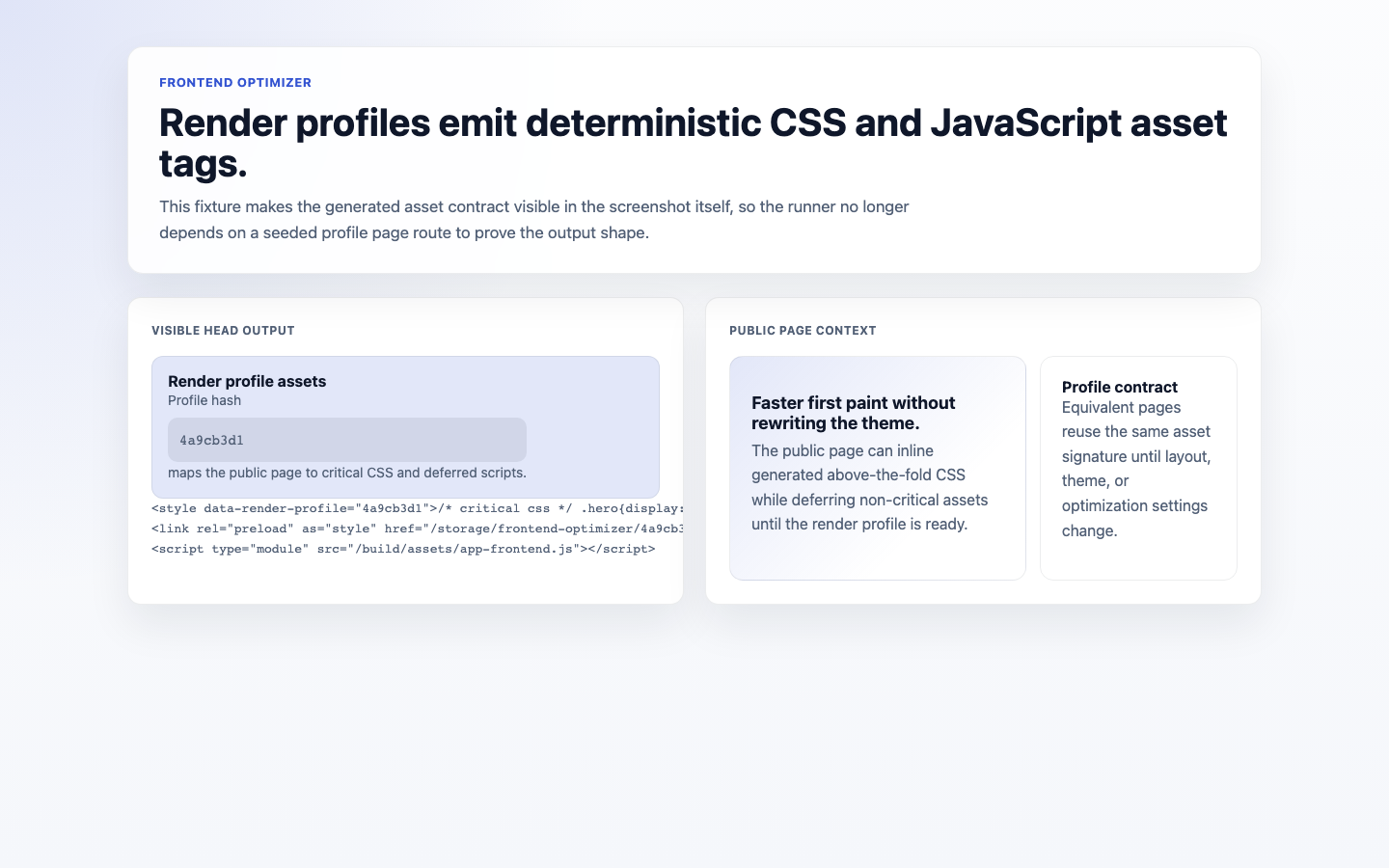
Visitors on any device see the top of each page drawn from a few styles already built into it. The full stylesheet, the file that sets how everything looks, downloads behind it. Without that, the browser holds the page back until the whole file has arrived.
The edit forms for a site, a layout or a page each get a Critical CSS tab, for the first-screen styles. It sets how pages are grouped when styles are built. A page without its own choice takes its layout’s, then its site’s. On any one page you can choose Disable above-the-fold CSS, and that page goes back to the ordinary stylesheet.
Building the styles needs Chromium, a browser engine, and Node, which runs JavaScript. Both must be on the server that runs your background jobs. The default queue must use the database, Redis, SQS or Beanstalkd, and Capell skips the work on any other. A developer installs Chromium once with a command the package provides. The first visit to a page gets the normal stylesheet while Chromium opens the page at three screen sizes, in light and dark, and saves the styles it finds. Later visits get those saved styles in the page itself.
- Price and availability: Check current availability and price on the Capell Marketplace listing.
- Licence: Check the licence terms on the Capell Marketplace listing.
- Requires:
PHP ^8.4,capell-app/admin ^1.0.66,capell-app/core ^1.0.79,capell-app/frontend ^1.0.79,lorisleiva/laravel-actions ^2.8,spatie/laravel-data ^4.5,spatie/laravel-package-tools ^1.14.1,symfony/process ^7.2|^8.0. - Install:
composer require capell-app/frontend-optimizer.
Quick Start
Section titled “Quick Start”- Install the package:
composer require capell-app/frontend-optimizer. - Open a host admin workflow that uses the package extension and verify Frontend Optimiser is available.
For Developers
Section titled “For Developers”Actions separate scope resolution, profile persistence, asset rendering, critical CSS generation, and retention, while the full stylesheet remains blocking until a fresh artifact exists.
Configure
Section titled “Configure”- Configuration files:
config/capell-frontend-optimizer.php. - Admin settings:
Capell\FrontendOptimizer\Settings\FrontendOptimizerSettings. - Commands:
php artisan capell:frontend-optimizer:generate-critical-css,php artisan capell:frontend-optimizer:pause-generation,php artisan capell:frontend-optimizer:prune-profiles,php artisan capell:frontend-optimizer:resume-generation,php artisan capell:frontend-optimizer:status.
Limits And Pitfalls
Section titled “Limits And Pitfalls”- Install the required Capell packages at the versions in
composer.json:capell-app/admin ^1.0.66,capell-app/core ^1.0.79,capell-app/frontend ^1.0.79. - Run migrations before opening package resources or public routes.
- Keep the host Laravel scheduler running so package-registered schedules can execute:
capell:frontend-optimizer:prune-profiles (daily; manifest declared),capell:frontend-optimizer:status --repair --probe-storage (everyThirtyMinutes; manifest declared). - Keep public Blade and cached HTML free of authoring markers, model IDs, permissions, signed editor URLs, and lazy database queries.
- Custom write integrations must preserve invalidation for
frontend-optimizercache tags.
Screens And Workflow
Section titled “Screens And Workflow”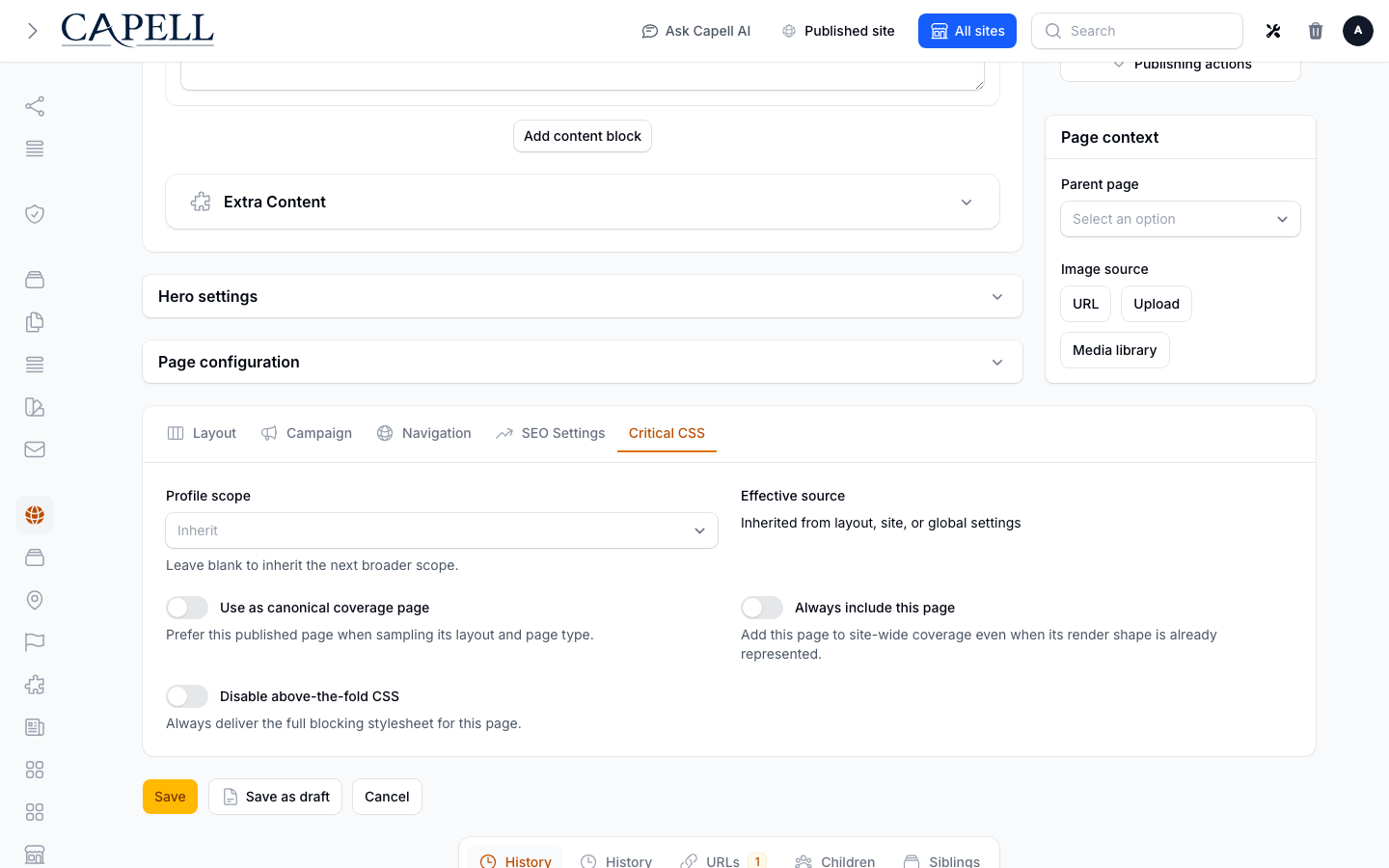
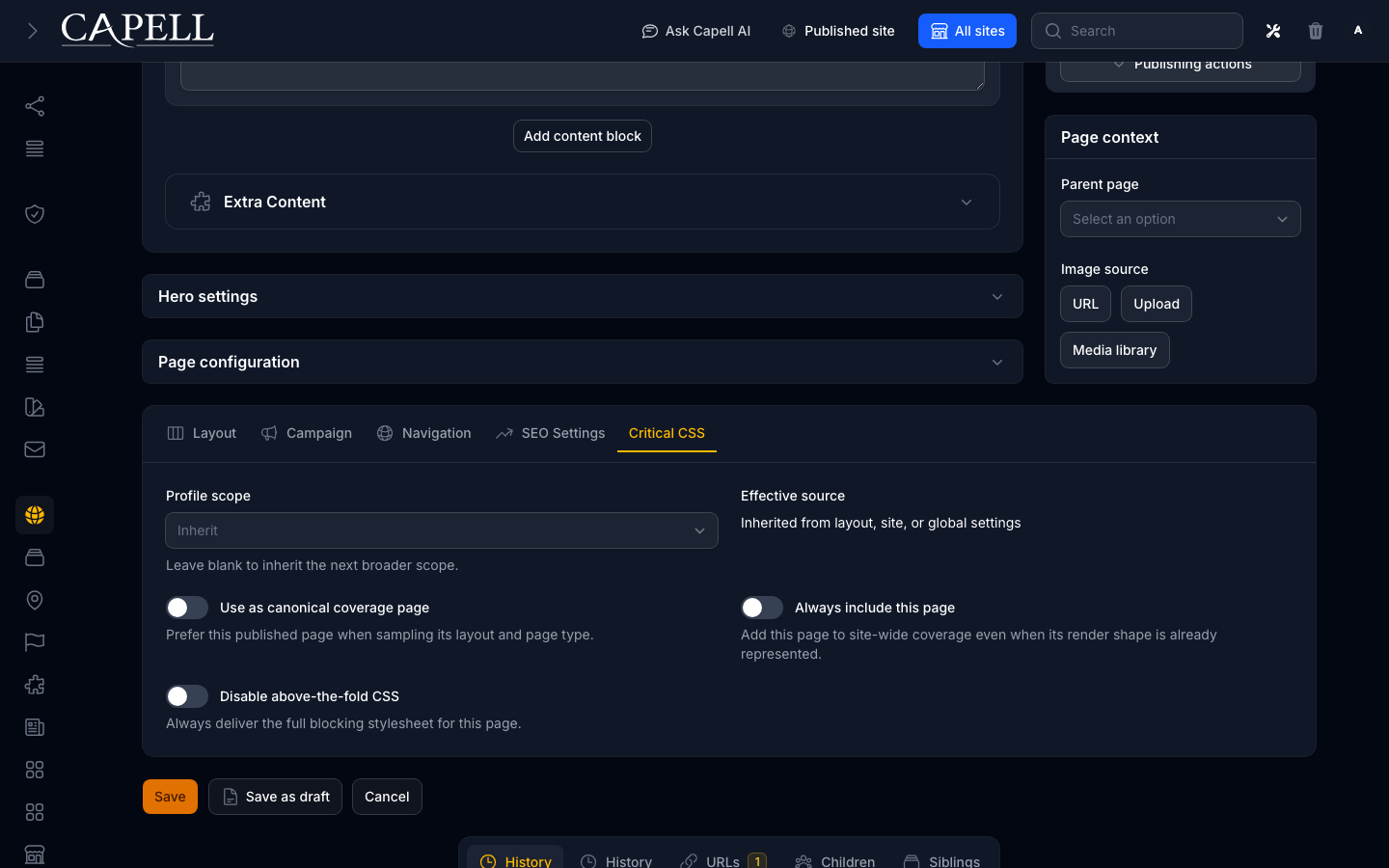
- Frontend Optimiser Critical CSS page settings (admin).
- Frontend Optimiser profile asset output (frontend).
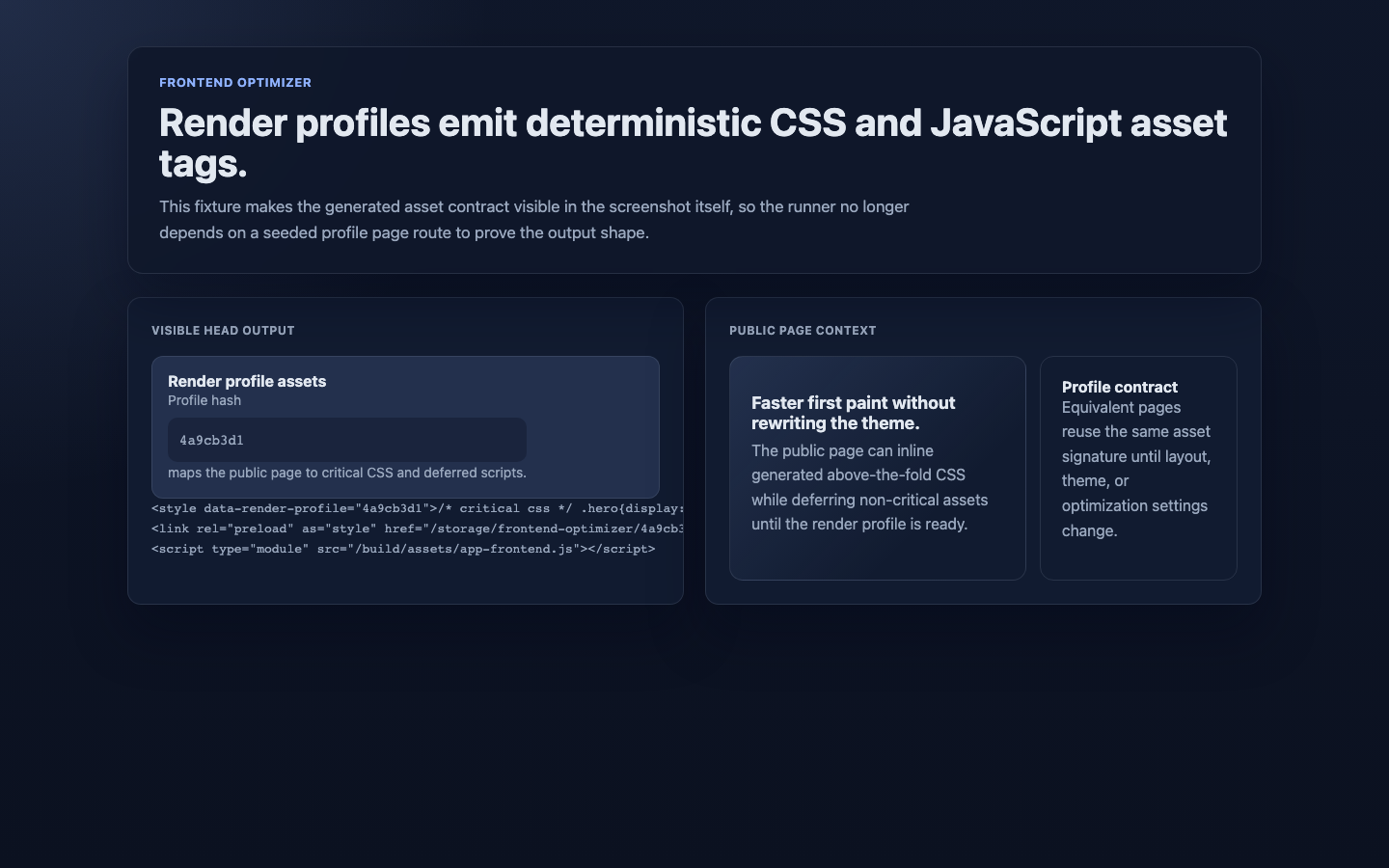
- Illustrative Frontend Optimiser critical CSS output preview (frontend).
- Frontend Optimiser settings (admin).
Install Impact
Section titled “Install Impact”- Required packages:
capell-app/admin,capell-app/core,capell-app/frontend. - Admin navigation: no admin page or resource contribution is declared.
- Admin/editor extensions:
configurator: FrontendOptimizerConfiguratorContribution,schema-extender: FrontendOptimizerSchemaExtendersContribution. - Permissions: no package permission declarations or Shield gates detected; host access rules still apply.
- Public routes: none declared.
- Database changes: package migrations are declared.
- Config:
config/capell-frontend-optimizer.php. - Settings:
Capell\FrontendOptimizer\Settings\FrontendOptimizerSettings. - Queues or schedules: scheduled commands
capell:frontend-optimizer:prune-profiles (daily; manifest declared),capell:frontend-optimizer:status --repair --probe-storage (everyThirtyMinutes; manifest declared); queue jobsGenerateCriticalCssJob. - Cache tags:
frontend-optimizer. - Commands:
capell:frontend-optimizer:generate-critical-css,capell:frontend-optimizer:pause-generation,capell:frontend-optimizer:prune-profiles,capell:frontend-optimizer:resume-generation,capell:frontend-optimizer:status.
Troubleshooting
Section titled “Troubleshooting”| Symptom | Likely cause | Check | Fix |
|---|---|---|---|
| Package health check reports a problem | Package configuration or runtime dependencies are not ready | Run php artisan capell:frontend-optimizer:status | Follow the reported checks, then rerun the doctor command |
| Package surface is missing after install | Provider or manifest is not loaded | Confirm capell.json, package composer.json, and provider registration | Reinstall the package, refresh Composer autoload, and clear host caches |
| Admin screen or command fails on missing table | Package migrations have not run | Check the tables listed in Data Model | Run host migrations and rerun the focused package test |
| Background work does not run | Queue worker or declared schedule is not active | Check the jobs and scheduled commands listed in Technical Shape | Start the queue worker or host scheduler, then run the focused command or package test |
| Public output leaks unexpected state | Render data, cache variation, or authoring boundary has regressed | Check public Blade, cache tags, and public-output safety tests | Move data loading out of Blade and rerun the package public-output tests |
Upgrading
Section titled “Upgrading”No manual steps between minor versions.
Read CHANGELOG.md before upgrading.
Next Steps
Section titled “Next Steps”- Package docs
- Overview
- Worked extension examples
- Admin guide
- Configuration files:
config/capell-frontend-optimizer.php. - Troubleshooting
- Developer reference
- Marketplace assets
- Capell content language plan
- Capell documentation design system
- Capell and package ERD notes
- Related packages: Media Library.