
Publishing Studio
Package docs status
Section titled “Package docs status”This page is generated from package source documentation in the Capell packages repository and the checked-in manifest. Source documentation is not distribution status. Before running a Composer command, verify that the exact package and compatible 1.x release are available through public Packagist or the authenticated marketplace account.
| Field | Value |
|---|---|
| Composer package | capell-app/publishing-studio |
| Package slug | publishing-studio |
| Product group | Capell Publishing |
| Tier | paid |
| Bundle | publishing |
| Runtime contexts | admin, console |
| Capell version | ^1.0 |
| Catalogue role | extension |
| Release channel | Beta |
| Docs source | packages/publishing-studio/docs |
| Manifest | capell.json |
Prepare changes to several pages in a workspace, a private draft area, and they stay off the live site until someone publishes them. An editor chooses Save as draft on a page, adds more pages to the same workspace, then submits it for approval. Reviewers compare the draft with the live pages, and a release manager publishes it all at once or picks a time.
After installing, run the publishing studio install command once. It creates three roles for editors, reviewers and release managers, each with permission to view and edit workspaces and to create new ones. Give people the one that fits. Reviewers and release managers get an email when work waits for them, which needs a queue worker, a program on your server that handles background jobs. Timed publishing also needs the Laravel scheduler, which runs timed tasks, running every minute.
Before a release goes out, checks look at the pages. Broken internal links stop it. Missing alt text or SEO details only warn, except that with SEO Checks installed a critical SEO problem stops it too.
To show a client the draft, create a preview link that works without a login for four hours. Whoever opens it sees the draft with a small bottom-right bar that names the workspace and has an Exit link.
- Price and availability: Check current availability and price on the Capell Marketplace listing.
- Licence: Check the licence terms on the Capell Marketplace listing.
- Requires:
PHP ^8.4,capell-app/admin ^1.0.78,capell-app/migration-assistant ^1.0,capell-app/core ^1.0.79,capell-app/html-cache ^1.0,capell-app/navigation ^1.0,jfcherng/php-diff ^7.0. - Install:
composer require capell-app/publishing-studio.
Quick Start
Section titled “Quick Start”- Install the package:
composer require capell-app/publishing-studio. Run the package setup:php artisan capell:publishing-studio-install. - For Editors and reviewers: An authorised editable page and the permissions to create a release workspace; publishing and approval require their own permissions.
- Open
/admin/publishing-studio/workspaces. Create a release workspace first, then edit a page inside it and inspect the staged changes. - Check the result: The workspace contains the draft changes while the live page remains unchanged. Next: Submit the workspace for review and publish only after the required approval.
For Developers
Section titled “For Developers”Custom draftable models plug into the same Actions through an extension contract; they remain outside the supported launch scope.
Configure
Section titled “Configure”- Configuration files:
config/publishing-studio.php. - Admin settings:
Capell\PublishingStudio\Settings\PublishingStudioSettings. - Commands:
php artisan capell:publishing-studio-install,php artisan capell:publishing-studio:load-test,php artisan capell:publishing-studio:prune.
Limits And Pitfalls
Section titled “Limits And Pitfalls”- Install the required Capell packages at the versions in
composer.json:capell-app/admin ^1.0.78,capell-app/migration-assistant ^1.0,capell-app/core ^1.0.79,capell-app/html-cache ^1.0,capell-app/navigation ^1.0. - Run migrations before opening package resources or public routes.
- Review middleware, throttling, signatures, and public-output safety in
routes/web.phpbefore exposing routes. - Keep the host Laravel scheduler running so package-registered schedules can execute:
Capell\PublishingStudio\Manifest\ScheduledPublishingJobContribution (everyMinute; manifest declared),capell:publishing-studio:prune (package registered).
Screens And Workflow
Section titled “Screens And Workflow”Watch the captioned 20-second workflow proof, read its captions, or inspect the proof manifest.
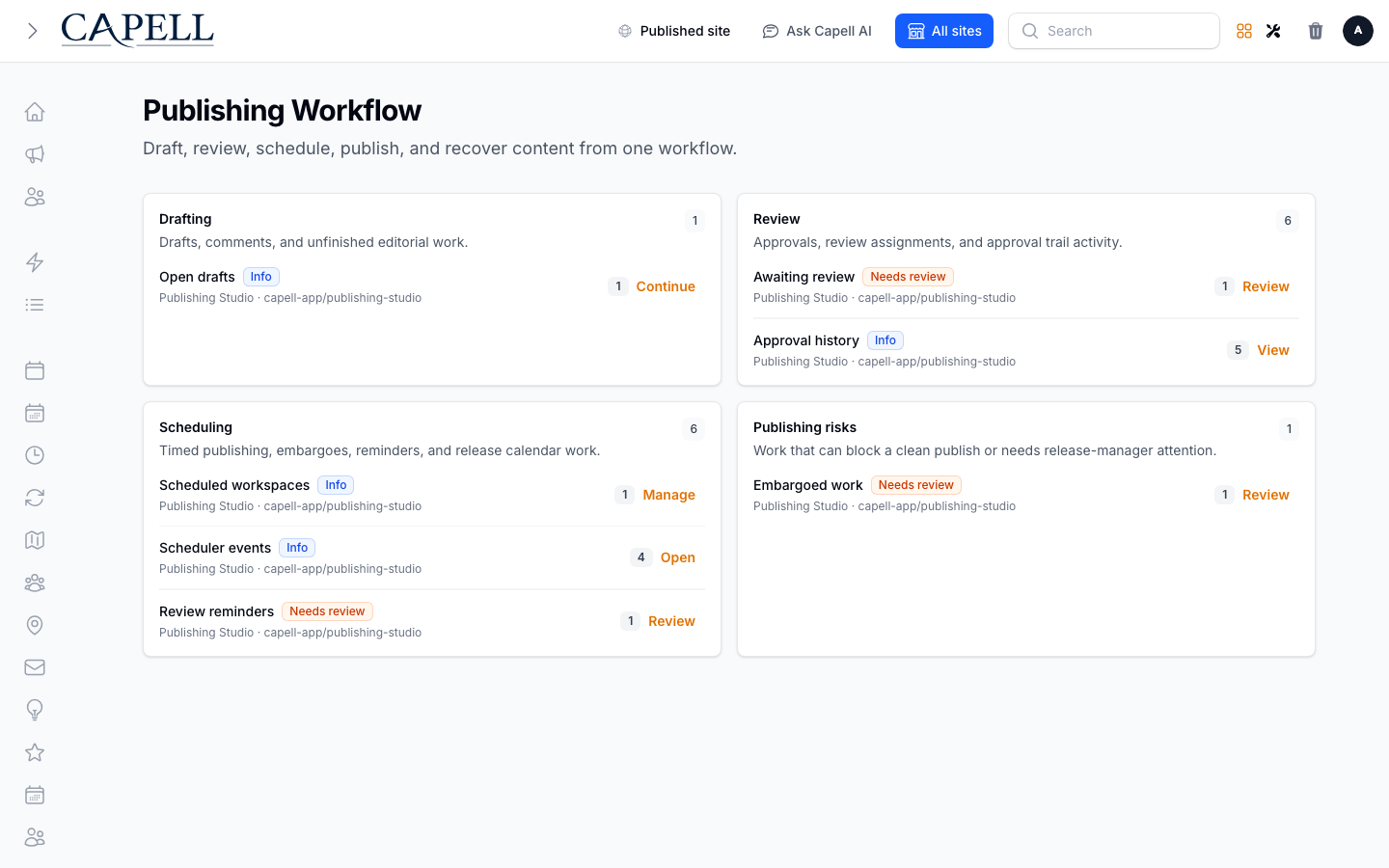
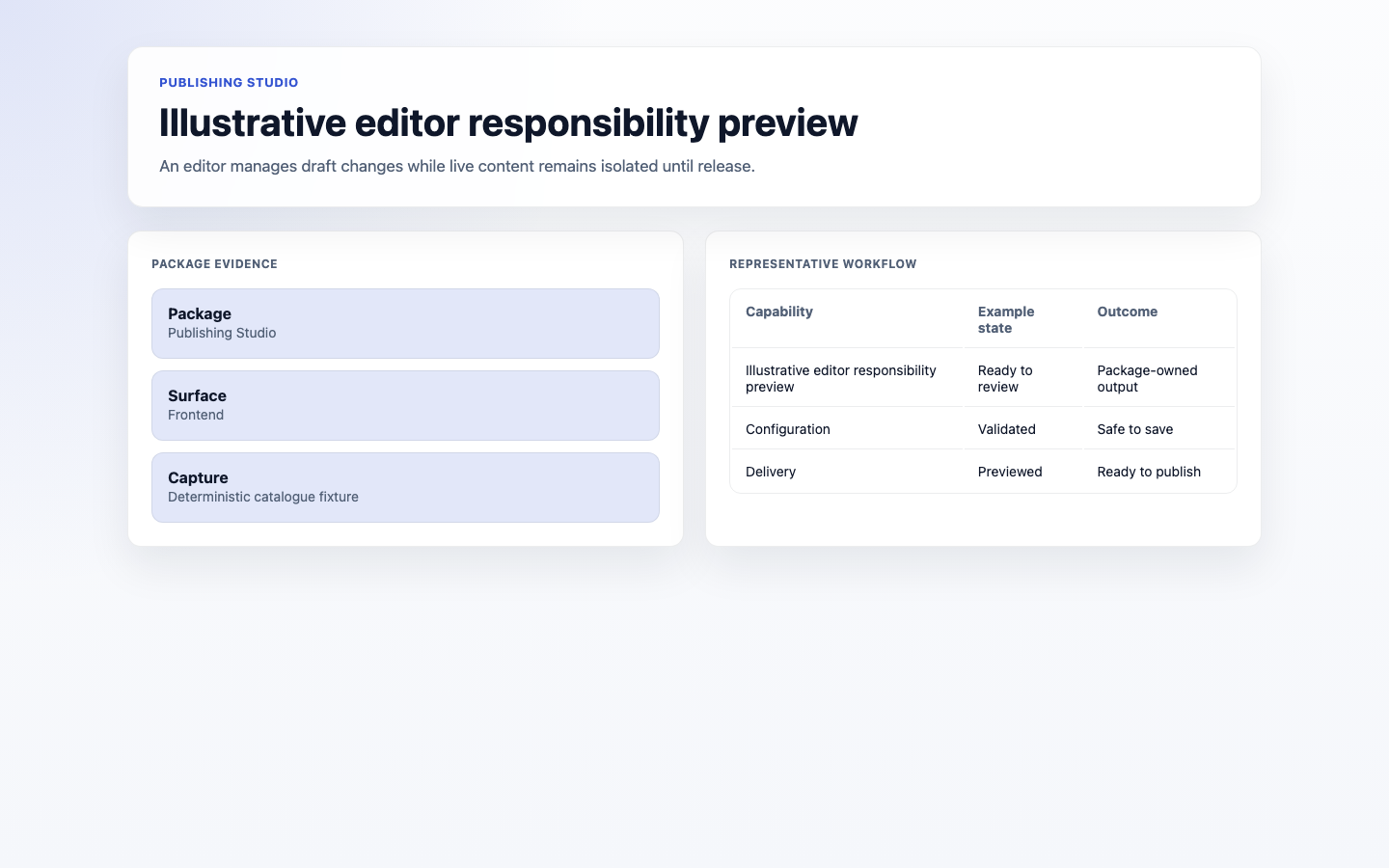
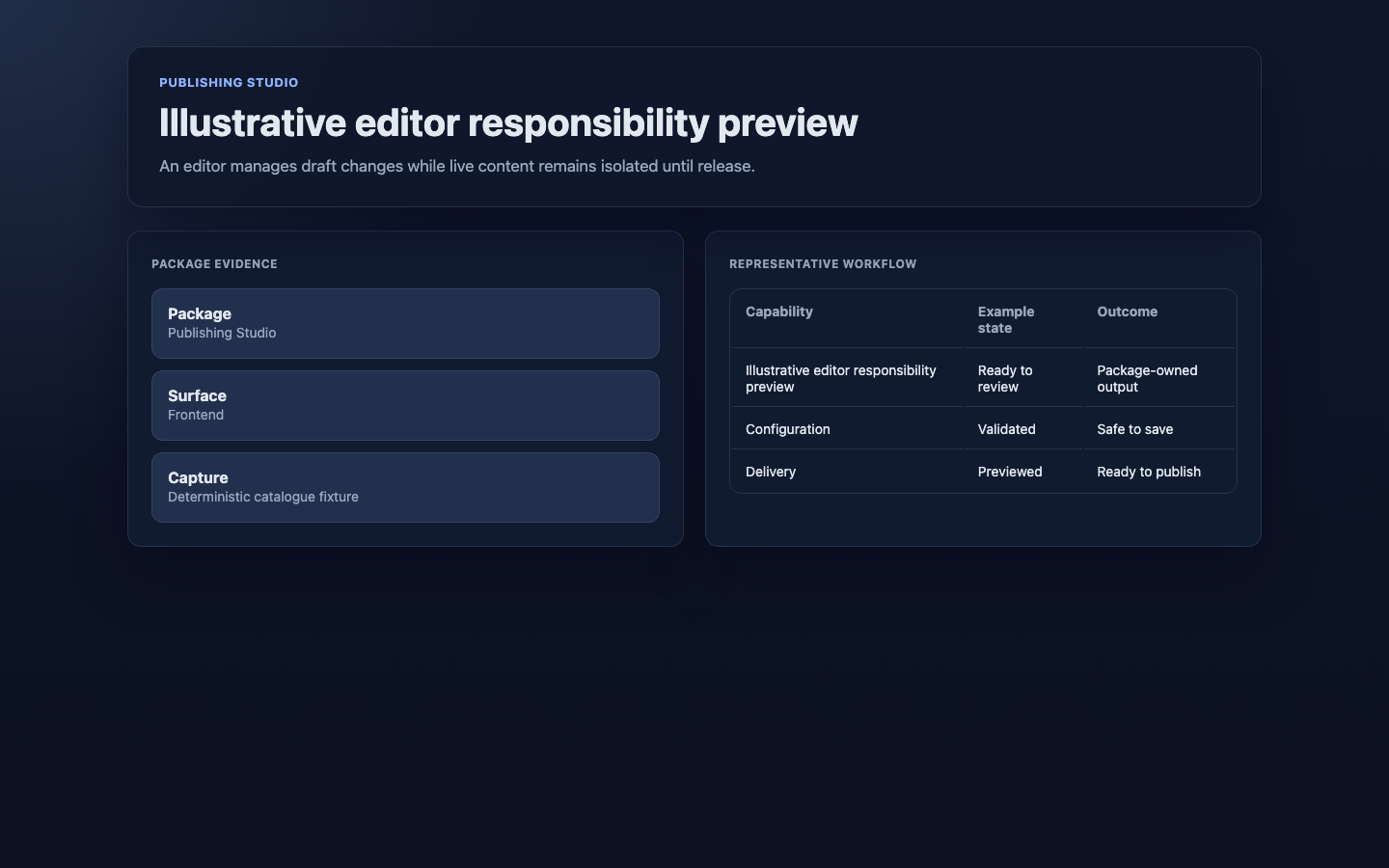
- Editorial timeline dashboard (admin).
- Editor draft responsibility in Publishing Studio (admin).
- Reviewer responsibility (admin).
- Live preview (frontend).
- Preview link management (admin).
- Compare and publish readiness (admin).
- Approval history (admin).
- Scheduled publishing (admin).
- Scheduler metadata (admin).
- Stale drafts (admin).
- Activity history (admin).
- Rollback and restore (admin).
- Preview banner (frontend).
- Editorial workspaces with the admin sidebar open (admin).
Install Impact
Section titled “Install Impact”- Required packages:
capell-app/admin,capell-app/core,capell-app/html-cache,capell-app/migration-assistant,capell-app/navigation. - Admin navigation: declares
admin-page: ActivityTrailPageContribution,admin-page: PageReviewQueuePageContribution,admin-page: PublishingStudioClusterContribution,admin-page: PublishingWorkflowPageContribution,admin-page: ScheduledPublishingPageContribution,admin-page: StaleDraftsPageContribution,admin-resource: PublishingStudioAdminResourcesContribution; each Filament page or resource controls its own navigation visibility. - Admin/editor extensions:
dashboard-widget: PublishingStudioDashboardFilamentWidgetsContribution,overview-stat: ContentSchedulerOverviewStatsContribution,workflow-attention: BuildPublishingWorkflowAttentionItemsAction. - Permissions:
submit_workspace_for_approval,approve_workspace,publish_workspace,rollback_workspace,publish_outside_release_window,View:ActivityTrailPage,View:PageReviewQueuePage,View:PublishingWorkflowPage,View:ScheduledPublishingPage,View:StaleDraftsPage; Shield-generated page permissions forCapell\PublishingStudio\Filament\Pages\PageReviewQueuePage,Capell\PublishingStudio\Filament\Pages\PublishingWorkflowPage,Capell\PublishingStudio\Filament\Pages\ScheduledPublishingPage,Capell\PublishingStudio\Filament\Pages\StaleDraftsPage(names and grants depend on host Shield configuration); access also governed by package policies:PreviewLinkPolicy,WorkspacePolicy. - Public routes: loads
routes/web.php; registersPublishingStudioRoutesContribution. - Database changes: package migrations are declared.
- Config:
config/publishing-studio.php. - Settings:
Capell\PublishingStudio\Settings\PublishingStudioSettings. - Queues or schedules: scheduled commands
Capell\PublishingStudio\Manifest\ScheduledPublishingJobContribution (everyMinute; manifest declared),capell:publishing-studio:prune (package registered). - Cache tags: none declared.
- Commands:
capell:publishing-studio-install,capell:publishing-studio:load-test,capell:publishing-studio:prune.
Troubleshooting
Section titled “Troubleshooting”| Symptom | Likely cause | Check | Fix |
|---|---|---|---|
| Package surface is missing after install | Provider or manifest is not loaded | Confirm capell.json, package composer.json, and provider registration | Reinstall the package, refresh Composer autoload, and clear host caches |
| Admin screen or command fails on missing table | Package migrations have not run | Check the tables listed in Data Model | Run host migrations and rerun the focused package test |
| Route returns unexpected output | Route cache, middleware, or signed URL setup does not match the package route file | Check the route files listed in Technical Shape | Clear route cache and verify middleware before exposing public routes |
| Background work does not run | Queue worker or declared schedule is not active | Check the jobs and scheduled commands listed in Technical Shape | Start the queue worker or host scheduler, then run the focused command or package test |
Upgrading
Section titled “Upgrading”No manual steps between minor versions.
Read CHANGELOG.md before upgrading.
Next Steps
Section titled “Next Steps”- Package docs
- Overview
- Worked extension examples
- Admin guide
- Configuration files:
config/publishing-studio.php. - Troubleshooting
- Developer reference
- Marketplace assets
- Capell content language plan
- Capell documentation design system
- Capell and package ERD notes
- Related packages: HTML Cache, Migration Assistant, Navigation, Blog, Campaign Studio, Events, Frontend Authoring, Newsletter.