
Site Monitor
Package docs status
Section titled “Package docs status”This page is generated from package source documentation in the Capell packages repository and the checked-in manifest. Source documentation is not distribution status. Before running a Composer command, verify that the exact package and compatible 1.x release are available through public Packagist or the authenticated marketplace account.
| Field | Value |
|---|---|
| Composer package | capell-app/site-monitor |
| Package slug | site-monitor |
| Product group | Capell Operations |
| Tier | free |
| Bundle | operations |
| Runtime contexts | admin, console, shared |
| Capell version | ^1.0 |
| Catalogue role | extension |
| Release channel | Released |
| Source repository | capell-app/site-monitor |
| Docs source | packages/site-monitor/docs |
| Manifest | capell.json |
The Site monitor dashboard counts how many of your listed web addresses are passing, showing a warning or failing. Each address you add is called a target, and your own server checks it every five minutes by default. The checks run as background jobs, which your host or developer must have running. Only global administrators see the dashboard, and the Monitor targets list shows each target’s latest result.
There are three kinds of check. A page check passes when the site answers with a status you choose, and anything slower than one and a half seconds shows as a warning. A certificate check warns 30 days before expiry. A domain check looks the domain up in its public registration record and warns 45 days before renewal, for .com, .org, .co.uk and a few other common endings.
By default, two failed checks in a row open an incident. A pass closes it. Staff can close or reopen it. Warnings open none. Page checks support keywords and response time limits. Maintenance records failures without opening incidents or sending alerts. Flapping triggers one alert. Your developer can configure email, Slack or webhook alerts and switch recovery alerts off. No destination means no alerts. Results stay 30 days and resolved outages a year by default, both configurable. Find outages under Monitor incidents.
- Price and availability: Check current availability and price on the Capell Marketplace listing.
- Licence: Check the licence terms on the Capell Marketplace listing.
- Requires:
PHP ^8.4,capell-app/admin ^1.0.78,capell-app/core ^1.0.79,capell-app/discovery-foundation ^1.0,capell-app/frontend ^1.0,filament/filament ^5.7.6,filament/support ^5.7.6,laravel/framework ^12.61.1|^13.12.0,lorisleiva/laravel-actions ^2.8,spatie/laravel-data ^4.5,spatie/laravel-package-tools ^1.14.1. - Install:
composer require capell-app/site-monitor.
Quick Start
Section titled “Quick Start”- Install the package:
composer require capell-app/site-monitor. - Open the package admin page or resource and verify Site Monitor is available.
For Developers
Section titled “For Developers”Run checks outside the public render path, inspect typed results, connect incident events to your alerting system and retain operator-owned target settings during automatic discovery.
Configure
Section titled “Configure”- Configuration files:
config/capell-site-monitor.php. - Commands:
php artisan capell:site-monitor-screenshot-fixture,php artisan capell:site-monitor:doctor,php artisan capell:site-monitor:run.
Limits And Pitfalls
Section titled “Limits And Pitfalls”- Install the required Capell packages at the versions in
composer.json:capell-app/admin ^1.0.78,capell-app/core ^1.0.79,capell-app/discovery-foundation ^1.0,capell-app/frontend ^1.0. - Run migrations before opening package resources or public routes.
- Keep the host Laravel scheduler running so package-registered schedules can execute:
capell:site-monitor:run (everyMinute; package registered). - Custom write integrations must preserve invalidation for
site-monitorcache tags.
Screens And Workflow
Section titled “Screens And Workflow”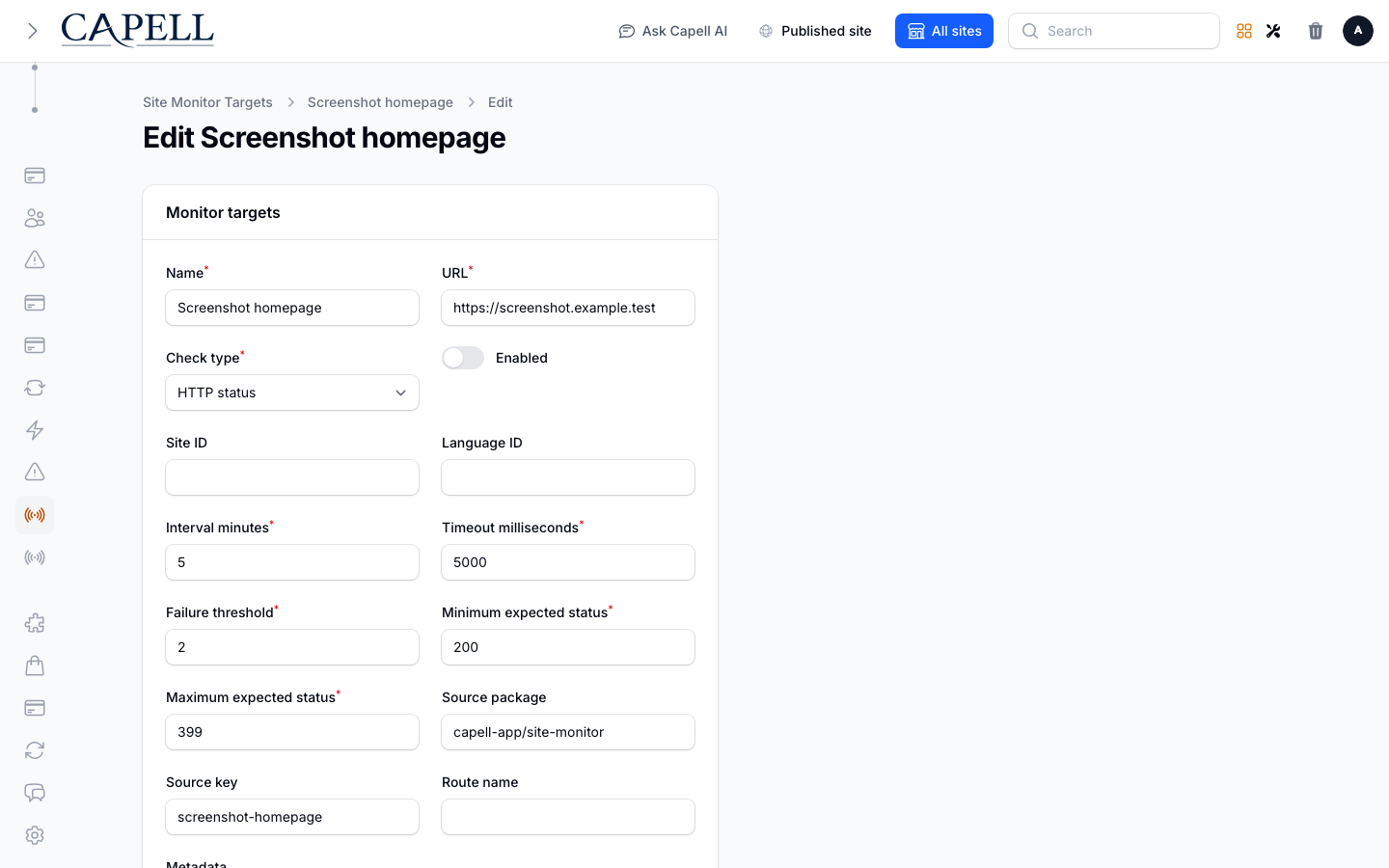
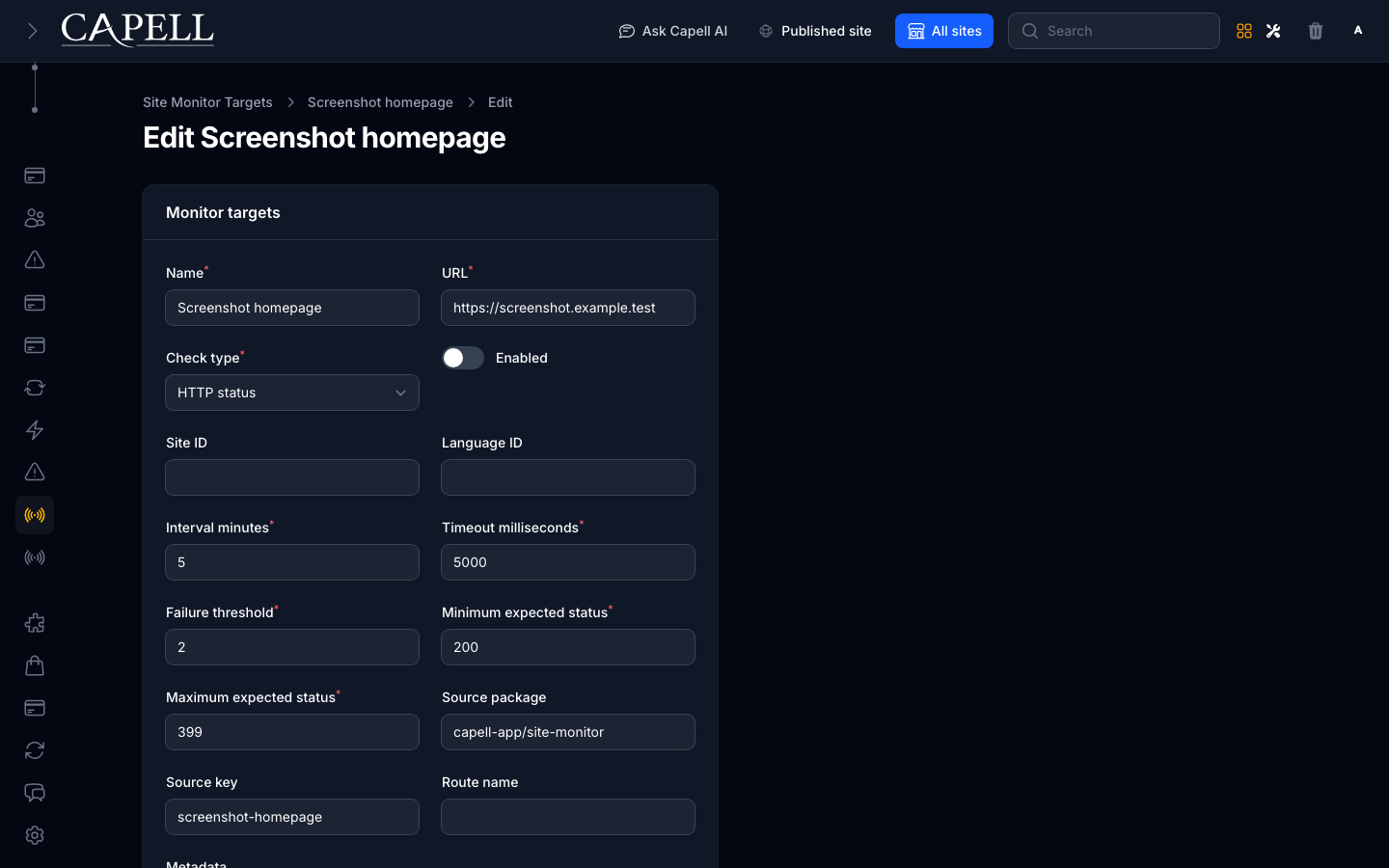
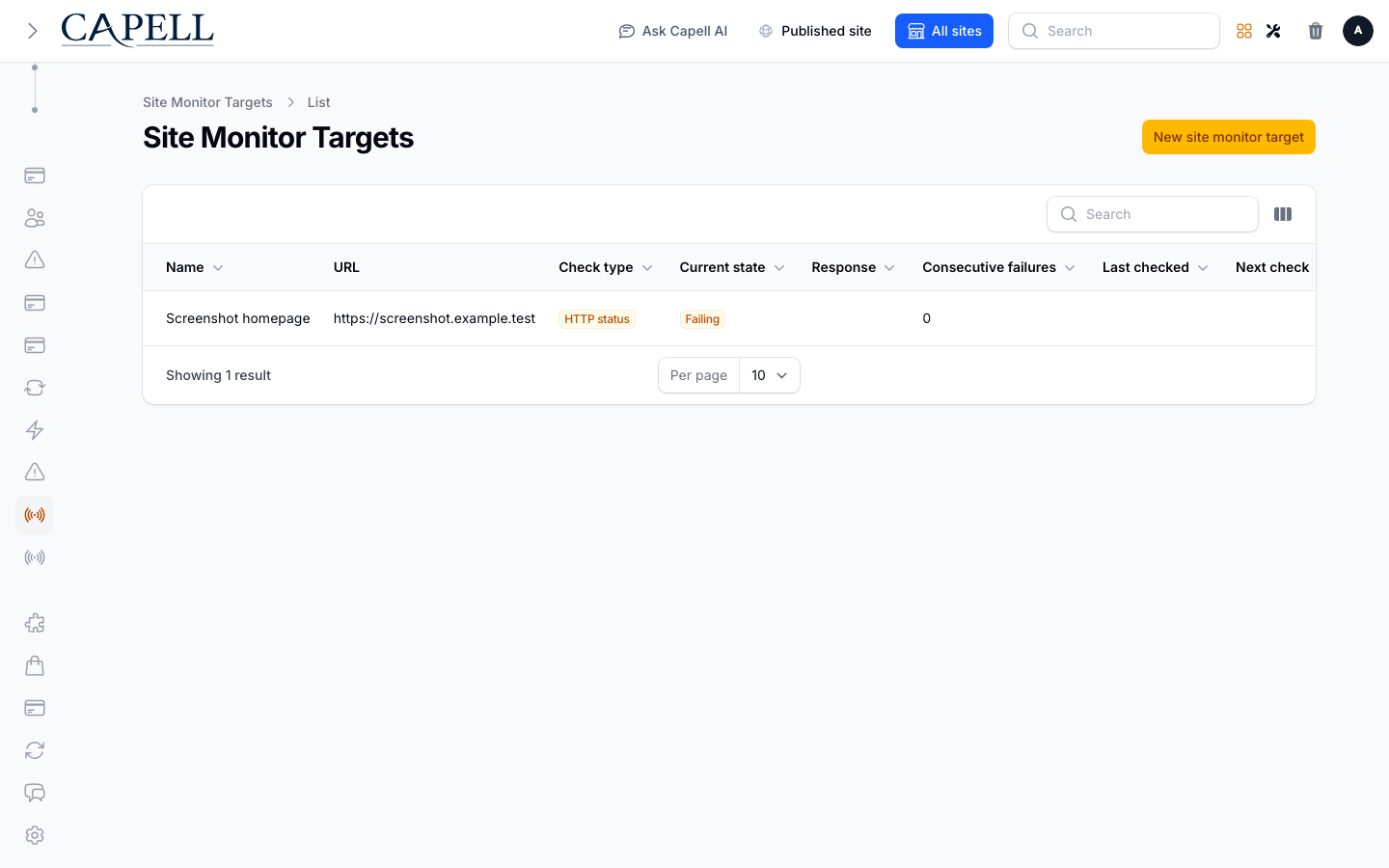
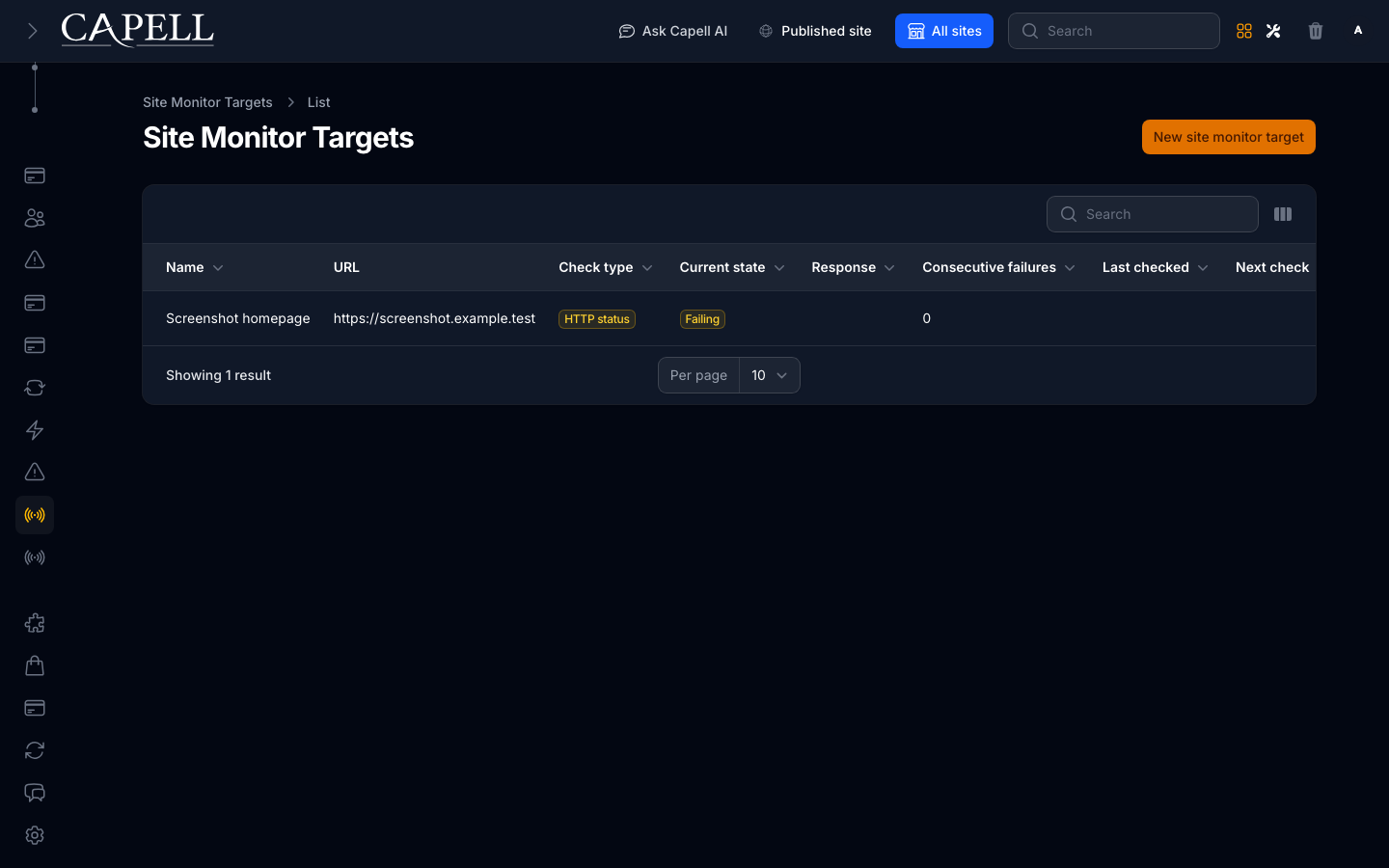
- Site Monitor extension card (marketplace).
- Site Monitor dashboard (admin).
- Site Monitor incident detail (admin).
- Site Monitor target form (admin).
- Site Monitor targets index (admin).
- Site Monitor incident resolution form (admin).
- Site Monitor dashboard with admin sidebar menu open (admin).
Install Impact
Section titled “Install Impact”- Required packages:
capell-app/admin,capell-app/core,capell-app/discovery-foundation,capell-app/frontend. - Admin navigation: declares
admin-page: SiteMonitorDashboardPageContribution,admin-resource: SiteMonitorIncidentResourceContribution,admin-resource: SiteMonitorTargetResourceContribution; each Filament page or resource controls its own navigation visibility. - Admin/editor extensions: none declared.
- Permissions:
View:SiteMonitorTarget,Create:SiteMonitorTarget,Update:SiteMonitorTarget,Delete:SiteMonitorTarget,View:SiteMonitorIncident,Update:SiteMonitorIncident; access also governed by package policies:AbstractSiteMonitorResourcePolicy,SiteMonitorIncidentPolicy,SiteMonitorTargetPolicy. - Public routes: none declared.
- Database changes: package migrations are declared.
- Config:
config/capell-site-monitor.php. - Settings: no package settings declared.
- Queues or schedules: scheduled commands
capell:site-monitor:run (everyMinute; package registered); queue jobsDeliverSiteMonitorIncidentAlertJob,RunSiteMonitorTargetJob. - Cache tags:
site-monitor. - Commands:
capell:site-monitor-screenshot-fixture,capell:site-monitor:doctor,capell:site-monitor:run.
Troubleshooting
Section titled “Troubleshooting”| Symptom | Likely cause | Check | Fix |
|---|---|---|---|
| Package health check reports a problem | Package configuration or runtime dependencies are not ready | Run php artisan capell:site-monitor:doctor | Follow the reported checks, then rerun the doctor command |
| Package surface is missing after install | Provider or manifest is not loaded | Confirm capell.json, package composer.json, and provider registration | Reinstall the package, refresh Composer autoload, and clear host caches |
| Admin screen or command fails on missing table | Package migrations have not run | Check the tables listed in Data Model | Run host migrations and rerun the focused package test |
| Background work does not run | Queue worker or declared schedule is not active | Check the jobs and scheduled commands listed in Technical Shape | Start the queue worker or host scheduler, then run the focused command or package test |
Upgrading
Section titled “Upgrading”No manual steps between minor versions.
Read CHANGELOG.md before upgrading.
Next Steps
Section titled “Next Steps”- Package docs
- Overview
- Worked extension examples
- Admin guide
- Configuration files:
config/capell-site-monitor.php. - Troubleshooting
- Developer reference
- Marketplace assets
- Capell content language plan
- Capell documentation design system
- Capell and package ERD notes
- Related packages: Discovery Foundation, Diagnostics, Email Studio, Exception Reports, SEO Checks, Site Discovery, Redirects.