
Using Knowledge Base
This guide is for editors who write help content and owners deciding how to structure it. Every step uses the labels you see on screen.
Using Knowledge Base (editor how-to)
Section titled “Using Knowledge Base (editor how-to)”How to create a collection
Section titled “How to create a collection”- Go to Knowledge Base.
- Click Create collection.
- Name it for a topic your visitors care about (for example “Getting started”).
- Save the collection.
How to write and publish an article
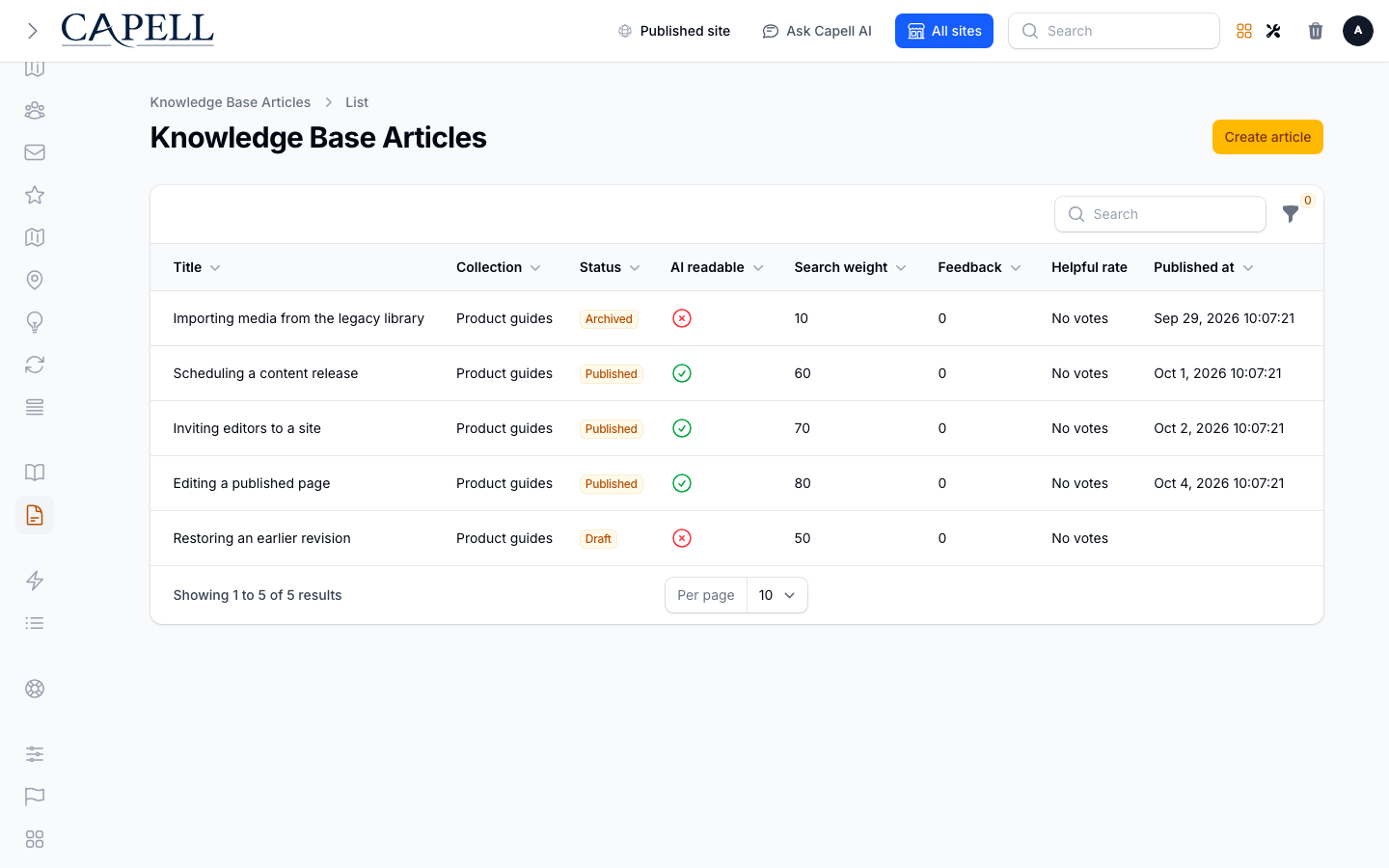
Section titled “How to write and publish an article”- Click Create article.
- Add a Title and write the Body as HTML. The plain text field preserves existing HTML exactly when you save an unrelated change; each version stores its own body.
- Put it in a Collection so visitors can find it.
- Set it to Public and publish it when it is ready for customers.
How to edit an article and review past versions
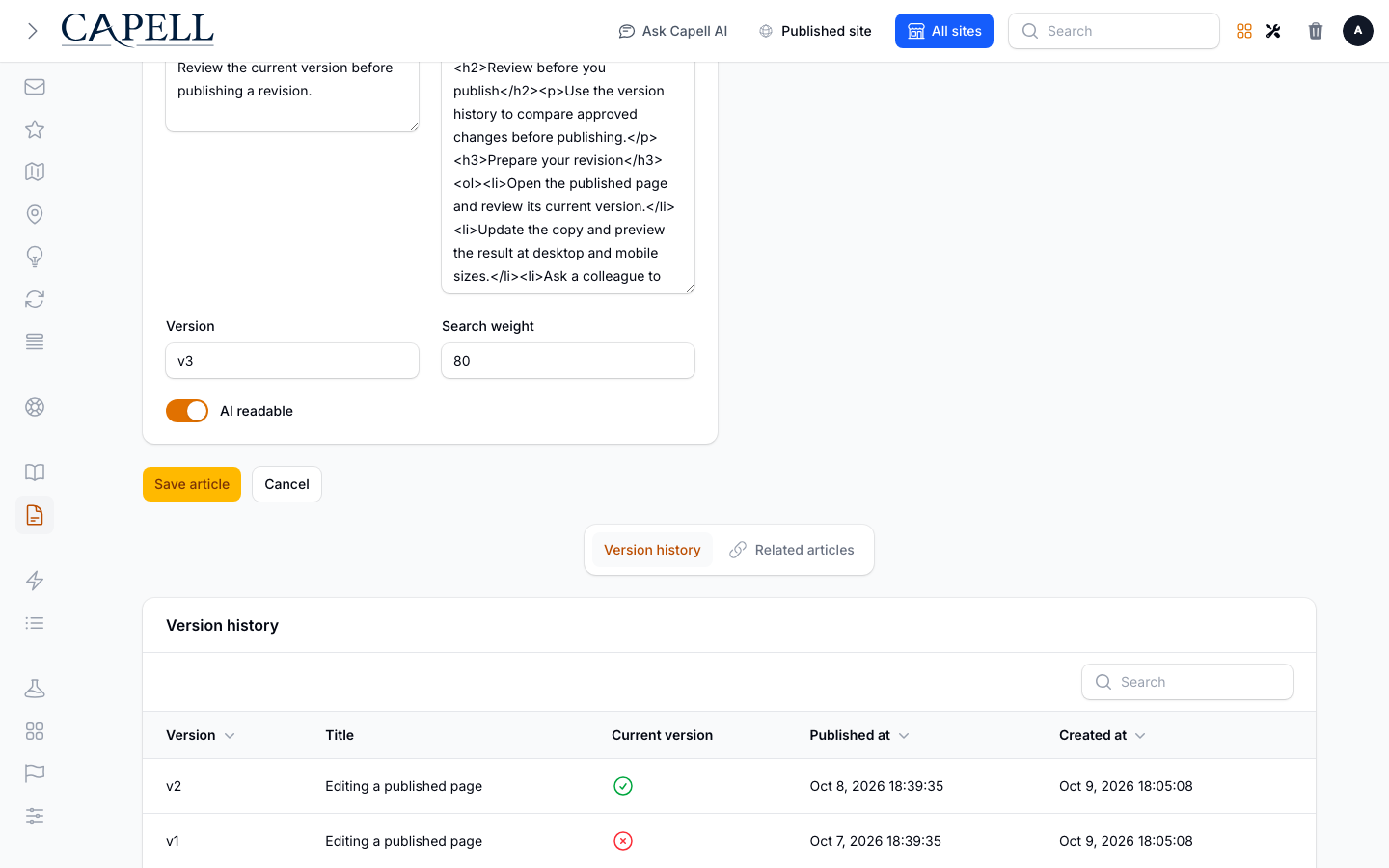
Section titled “How to edit an article and review past versions”- Open an article to edit it.
- Update its title and body.
- Check the earlier versions listed for the article before you publish the next revision.
- Save and publish when you are happy.
How to organise articles
Section titled “How to organise articles”- Open an article.
- Set or change its Collection, and its sort order within that collection.
- Save. The article moves to its new place in the knowledge base.
How to let visitors find articles
Section titled “How to let visitors find articles”- Make sure the article is Public and published.
- Visitors can then browse its collection and search for it on your site.
Rolling out Knowledge Base (for owners)
Section titled “Rolling out Knowledge Base (for owners)”Turn on first
Section titled “Turn on first”- A clear set of collections. Decide your top-level topics before writing many articles, so the knowledge base stays easy to browse.
Add when needed
Section titled “Add when needed”| Need | Enable |
|---|---|
| Group related help content | A Collection per topic |
| Connect related articles | Related articles on each article |
Don’t enable yet
Section titled “Don’t enable yet”- Don’t publish half-finished articles. Keep them unpublished until they are ready for customers.
Who does what
Section titled “Who does what”| Role | First useful screen |
|---|---|
| Editor | Articles: write and publish help content |
| Site owner | Collections: keep the structure clear |
Troubleshooting for editors
Section titled “Troubleshooting for editors”| What you see | What it means | What to do |
|---|---|---|
| My article isn’t on the site | It isn’t Public yet, or isn’t published | Open it, set it Public, and publish |
| An article is hard to find | It isn’t in a collection, or the collection is unclear | Assign it to the right Collection and name collections clearly |
| Articles appear in the wrong order | Their sort order needs setting | Open each article and set its sort order within the collection |
| Visitors can’t search an article | It is unpublished or not public | Confirm it is Public and published |