
Using SEO Suite
This guide is for editors who want their pages found in search and owners deciding what to fix first. Every step uses the labels you see on screen.
Using SEO Suite (editor how-to)
Section titled “Using SEO Suite (editor how-to)”How to edit a page’s SEO details
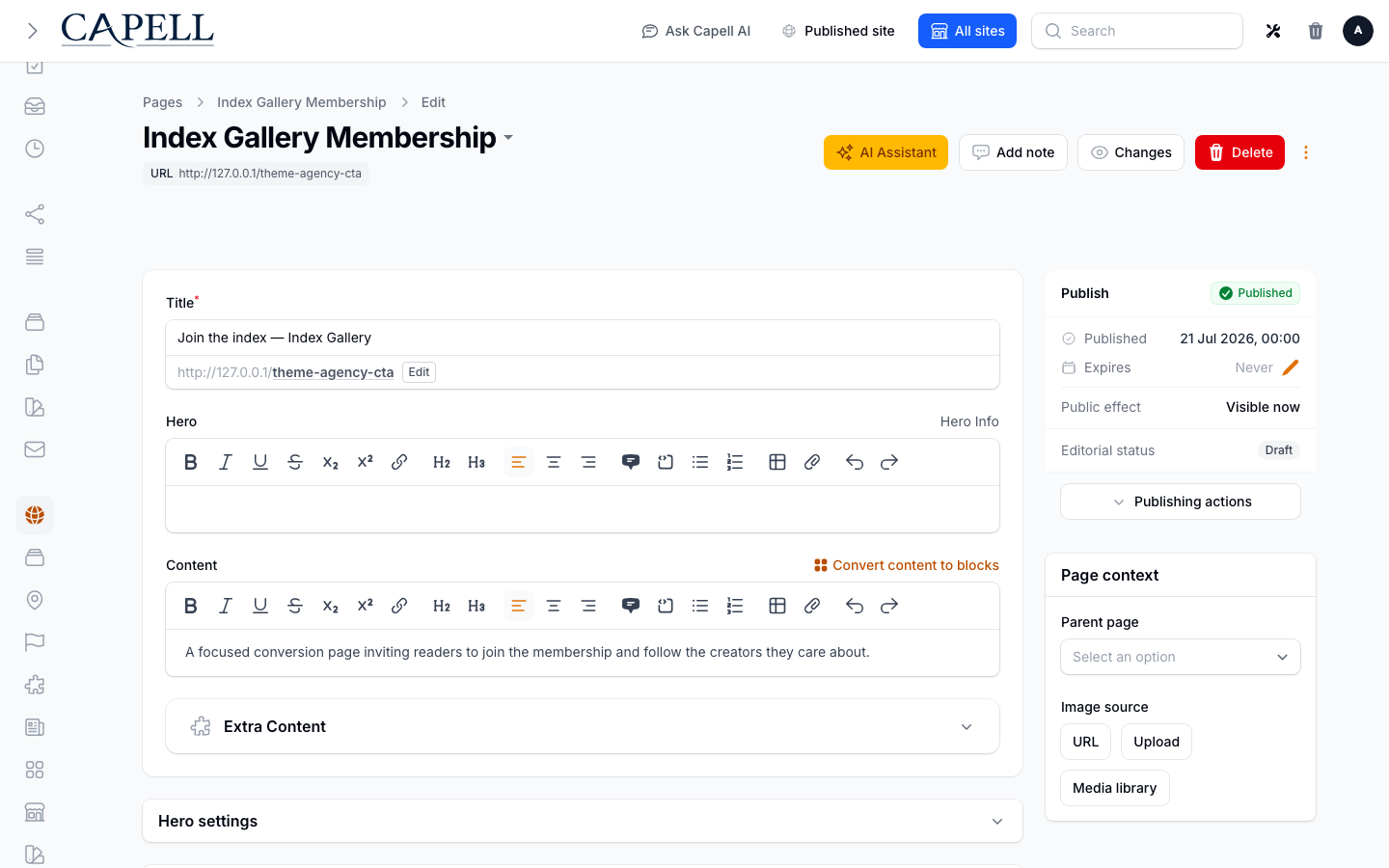
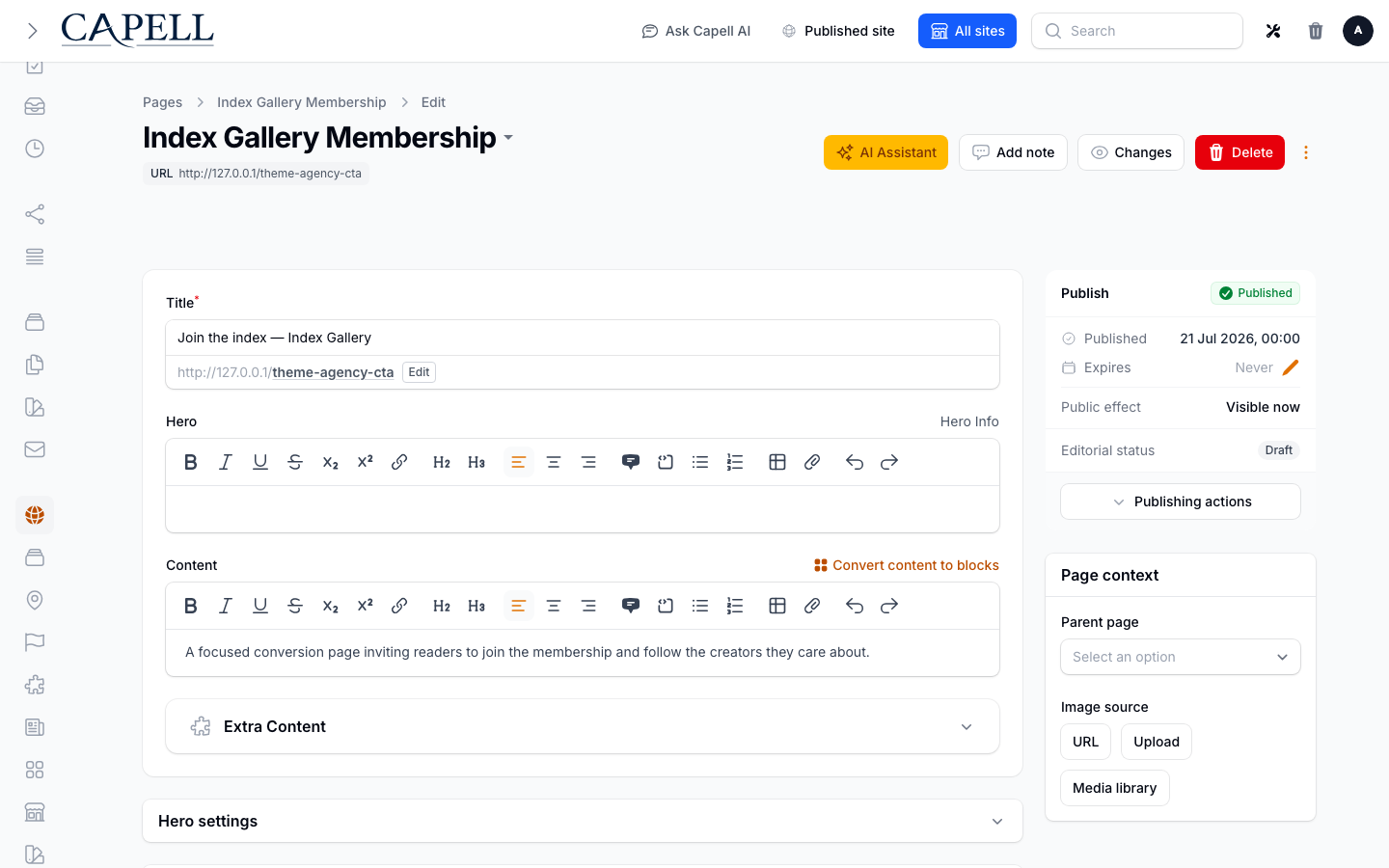
Section titled “How to edit a page’s SEO details”- Open the page in the admin and find its SEO panel.
- In SEO settings, set the page title and meta description, canonical settings, crawler directives, and social sharing details.
- Watch the SEO checks update as you fill the fields in.
- Save the page.
How to review a page’s SEO checks
Section titled “How to review a page’s SEO checks”- Open the page in the admin.
- Open its SEO settings tab.
- Read the checks and score: each finding tells you what is missing or weak (for example, a missing description).
- Fix the items, starting with the most important, and save the page. The checks refresh from the current page data.
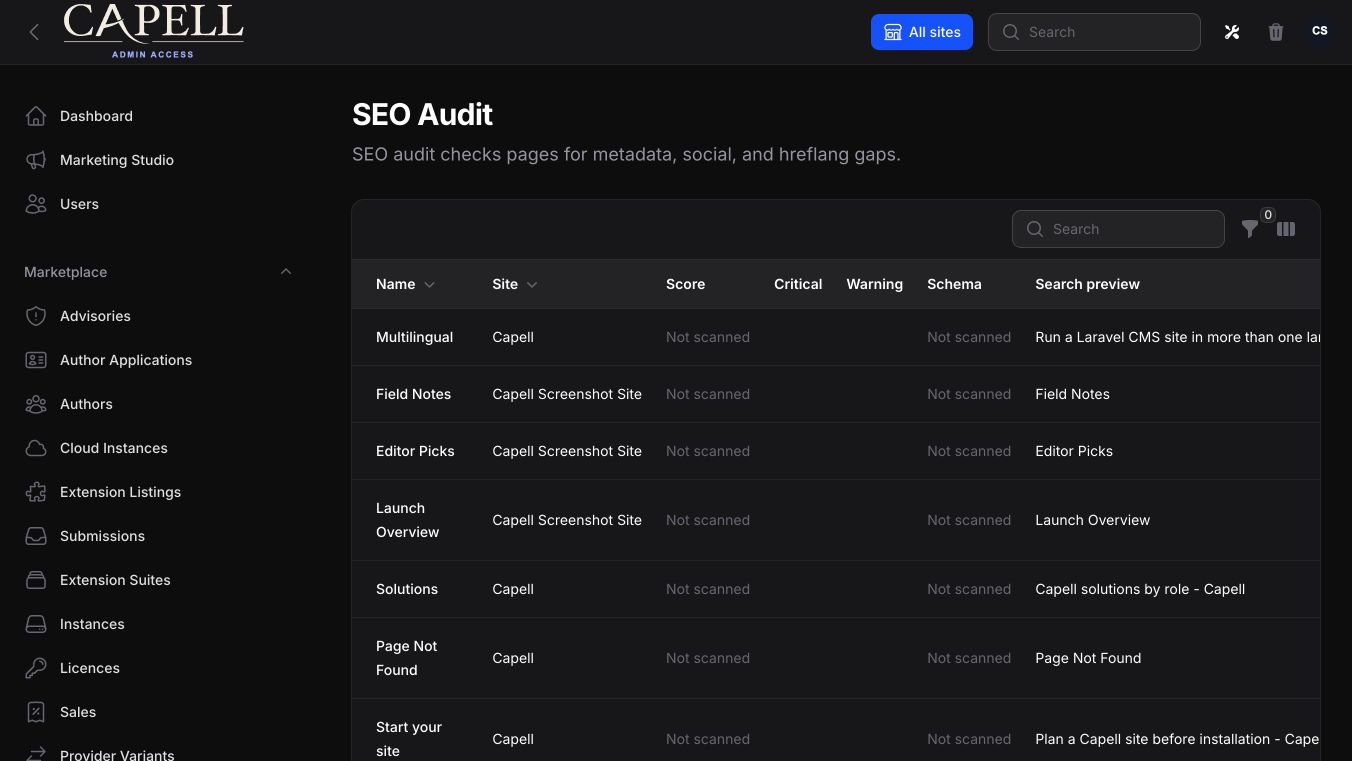
For an across-site view, open Monitoring > SEO Audit. Its saved page snapshots can be filtered by severity, issue category, score band, and snapshot state.
How to generate an AI content brief
Section titled “How to generate an AI content brief”- While editing the page, open SEO settings and select AI content brief.
- Generate the brief from the current page and language.
- Review its read-only suggestions, which can include content angles, headings, FAQs, internal links, schema opportunities, and metadata alternatives.
- Use the useful ideas to edit the page and its SEO fields, then save the page. The brief does not apply changes for you.
How to use a broken link to start a redirect
Section titled “How to use a broken link to start a redirect”- Open Monitoring > SEO Audit > Broken links.
- Pick the broken outbound link you want to fix.
- Select Redirect to open the Redirects create form with the broken destination prefilled as the source URL.
- Choose the correct target and save the redirect, or edit the source page’s link instead.
The separate Monitoring > SEO Audit > Not found report groups missing URLs that visitors requested. It shows the URL, when it was last viewed, and the number of distinct visitors; it does not create redirects from that table.
How to review broken links
Section titled “How to review broken links”- Open Monitoring > SEO Audit > Broken links.
- Each row shows the source page, the target link, its status, and a redirect action.
- For each one, either fix the link or set up a redirect.
- Re-check after changes to confirm the link now works.
How to track rankings
Section titled “How to track rankings”- Open Monitoring > SEO Audit > Search rankings.
- See how your pages are performing in search over time, with clicks, impressions, movement, and opportunities.
- Use this to decide which pages to improve next.
How to check sitemap coverage
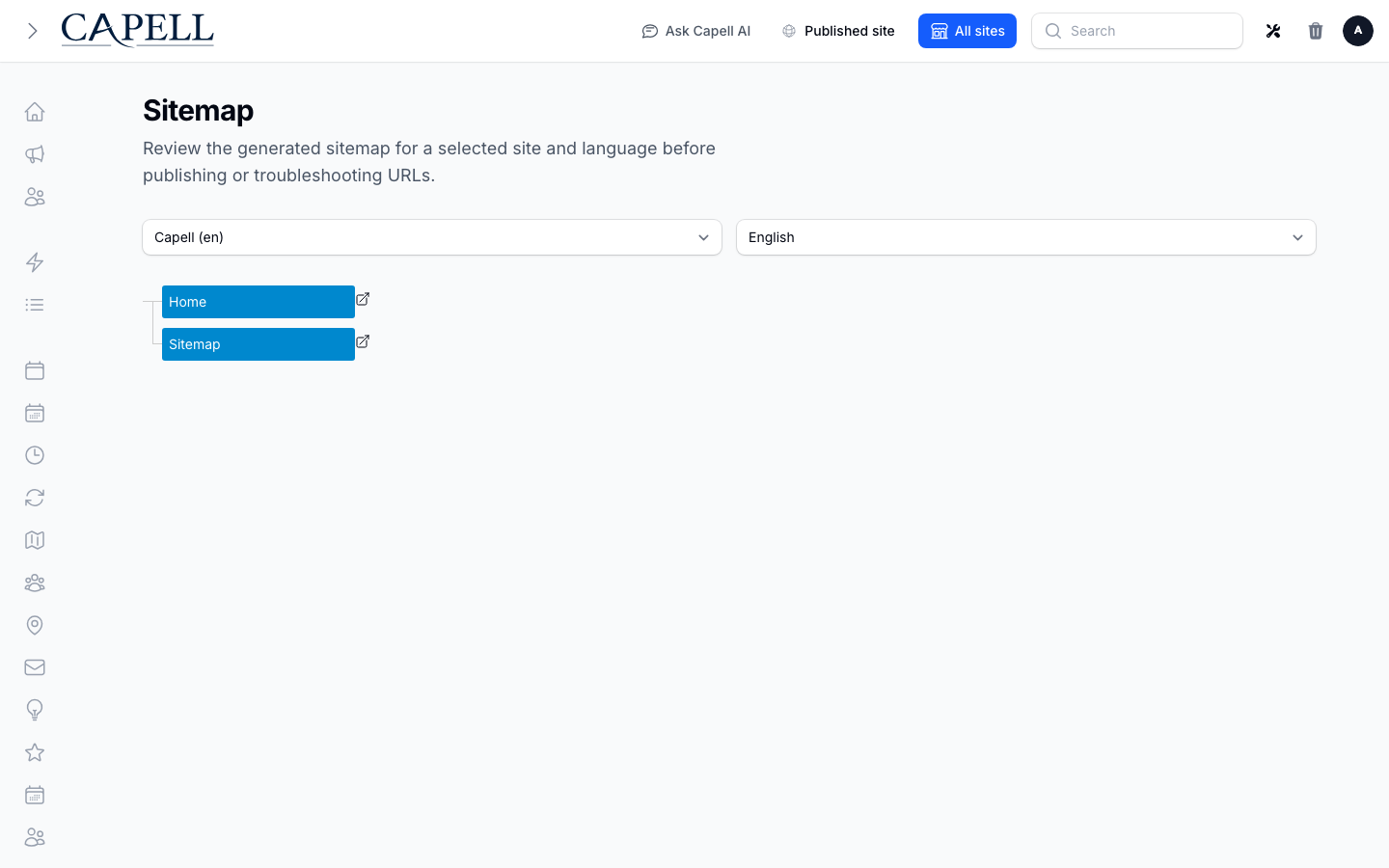
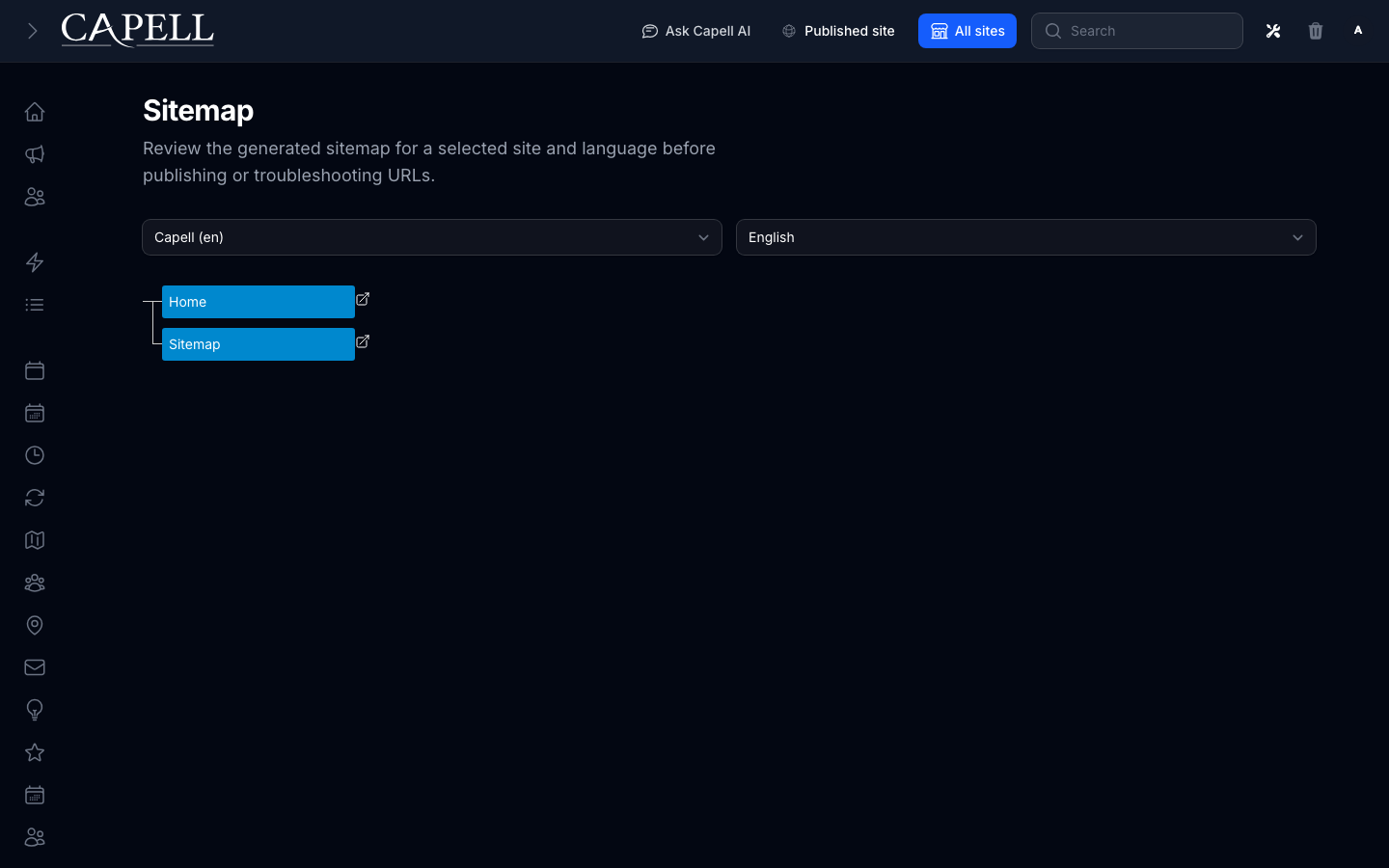
Section titled “How to check sitemap coverage”- Open the Sitemap screen.
- Review which URLs are included and their crawler-ready status.
- Use this to confirm search engines can find your important pages.
How to check translation coverage
Section titled “How to check translation coverage”- Open the Translation coverage screen.
- Review which page translations are missing for each site and language.
- Update the flagged pages so your search-relevant content is covered in every language.
Rolling out SEO Suite (for owners)
Section titled “Rolling out SEO Suite (for owners)”Turn on first
Section titled “Turn on first”- Audits and AI Creator. Get editors auditing pages and drafting good titles and descriptions before worrying about rankings.
Add when needed
Section titled “Add when needed”| Need | Enable |
|---|---|
| Recover lost traffic from dead links | The 404 and broken-link tools, with redirects |
| Track search performance | Rankings (connect your search data) |
| Control AI crawlers | The AI crawler policy settings |
Don’t enable yet
Section titled “Don’t enable yet”- Don’t chase rankings before the basics (titles, descriptions, working links) are in place. Fix those first.
Who does what
Section titled “Who does what”| Role | First useful screen |
|---|---|
| Editor | A page’s SEO settings tab and AI content brief |
| Site owner | Monitoring > SEO Audit, Search rankings, and Broken links |
Troubleshooting for editors
Section titled “Troubleshooting for editors”| What you see | What it means | What to do |
|---|---|---|
| The SEO checks flag a missing description | The page has no meta description | Add one in SEO settings, using an AI content brief suggestion if useful |
| Visitors report a “page not found” | A link or URL changed | Review Not found to identify the URL, then create a redirect through the Redirects workflow if appropriate |
| An AI content brief is not suitable | It is a suggestion, not an edit | Ignore or adapt it; the brief does not change the page automatically |
| Rankings show no data | Search data isn’t connected yet | Ask your developer to connect your search console data |