This guide is for teams who leave private notes inside the admin: editors flagging things on records, and the people who pick those notes up. No technical knowledge needed. Every step uses the labels you see on screen. Notes are internal only - visitors to your site never see them.
Open the record you want to comment on (for example a page) so its edit screen is showing.
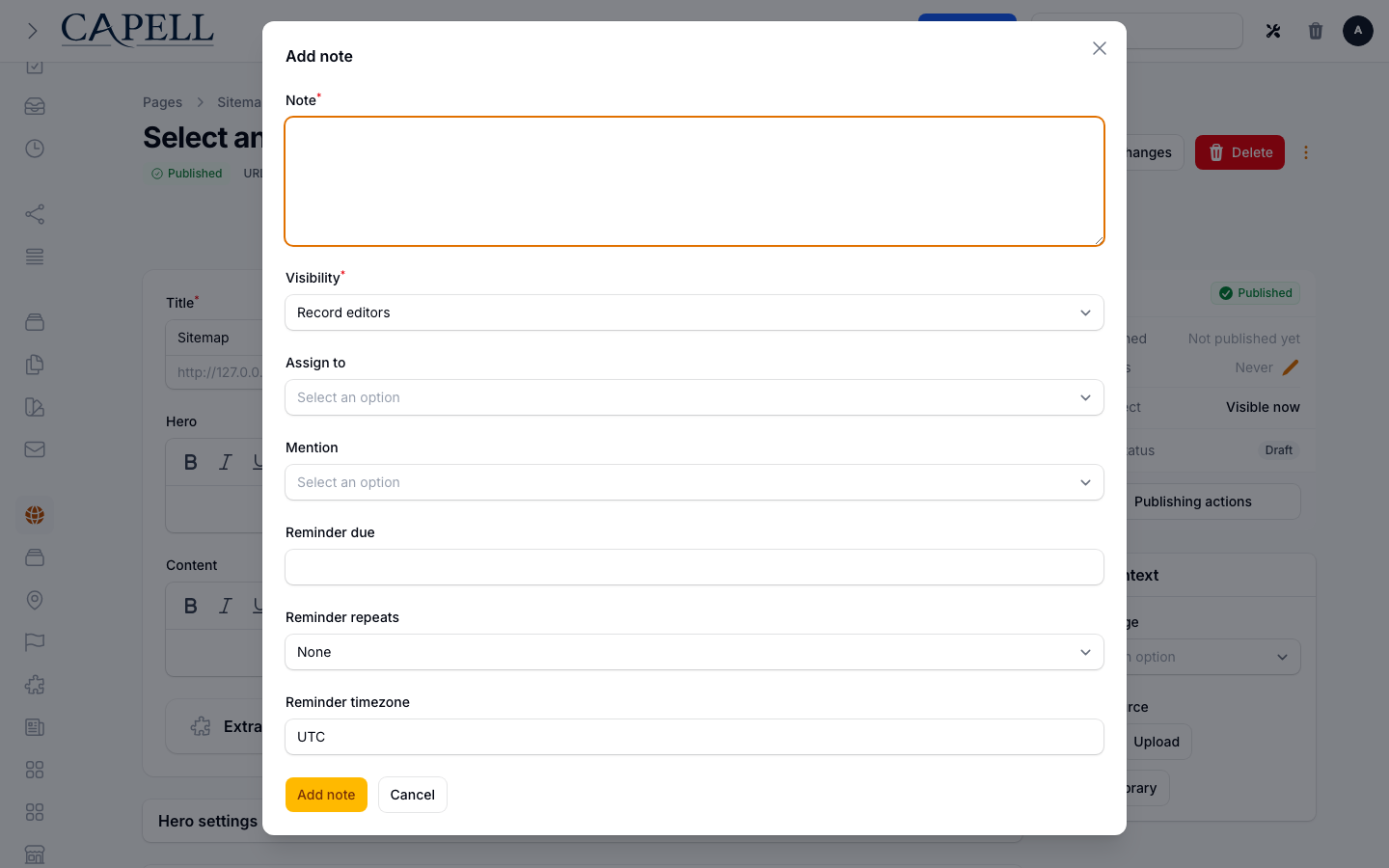
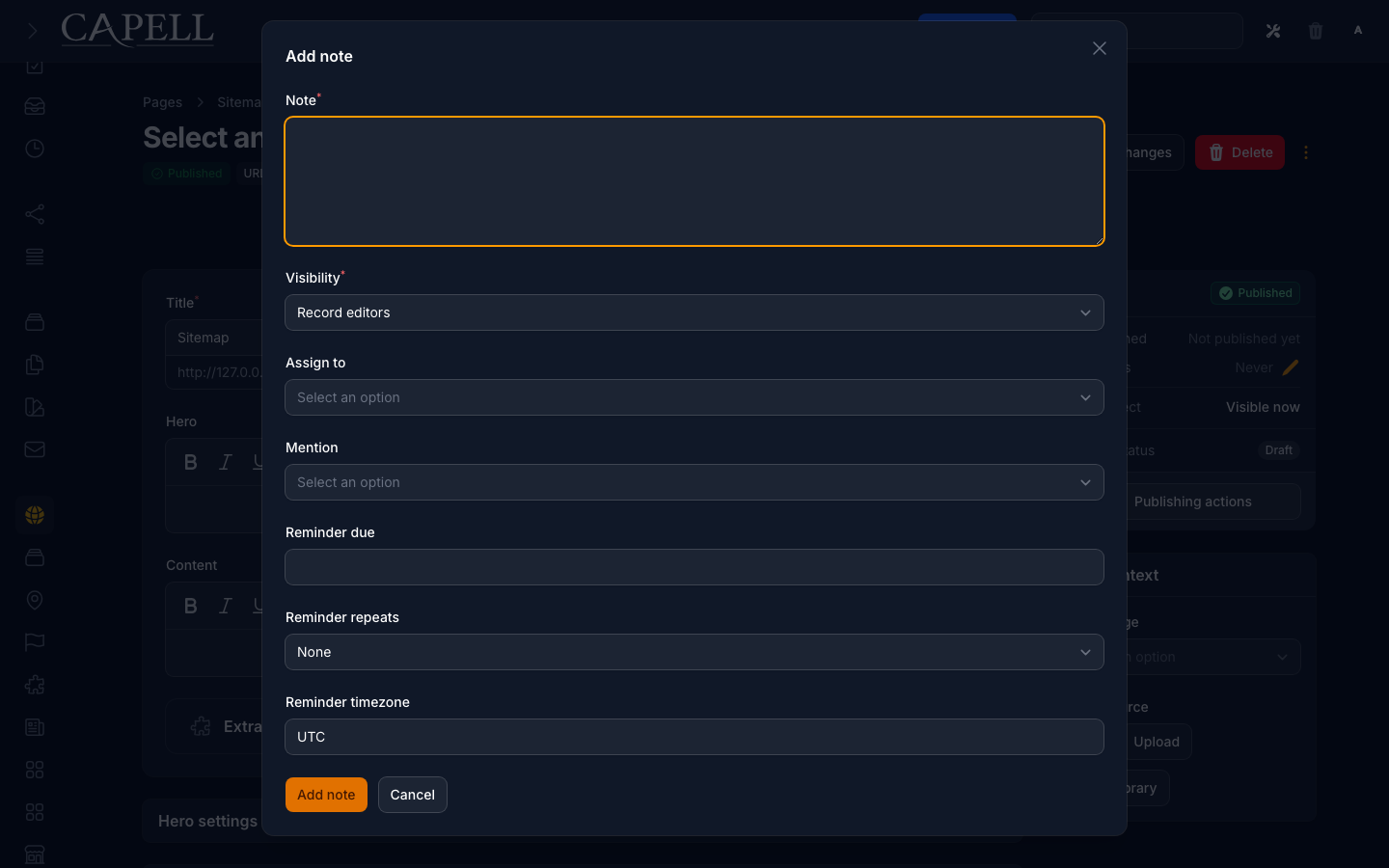
Click Add note in the header.
Type your message in the Note field.
Set Visibility to choose who can see it: Private keeps it to you and the people you involve, while Record editors shares it with everyone who can edit that record.
If someone should own the note, pick them under Assign to.
To pull someone’s attention to it without assigning it, choose them under Mention.
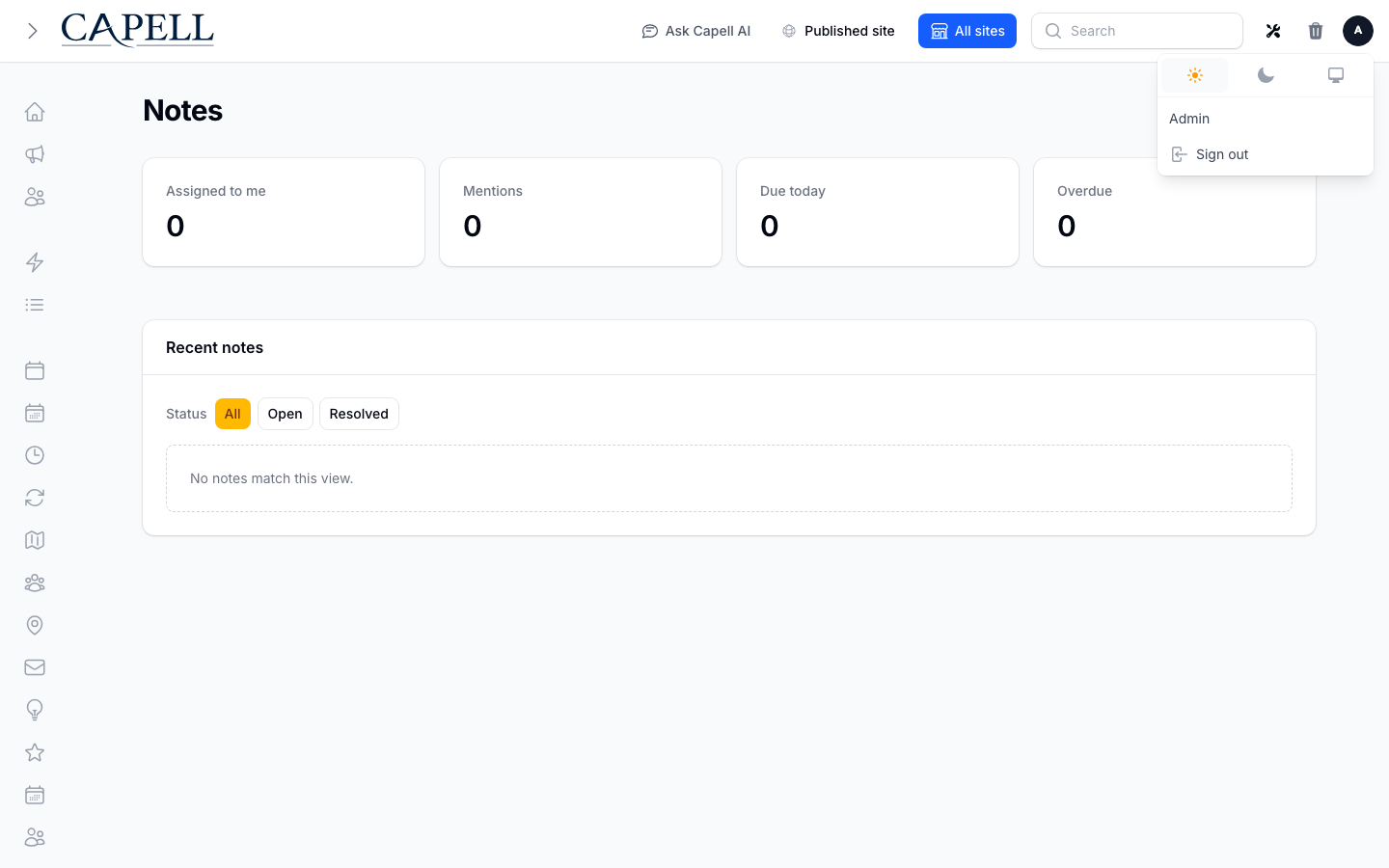
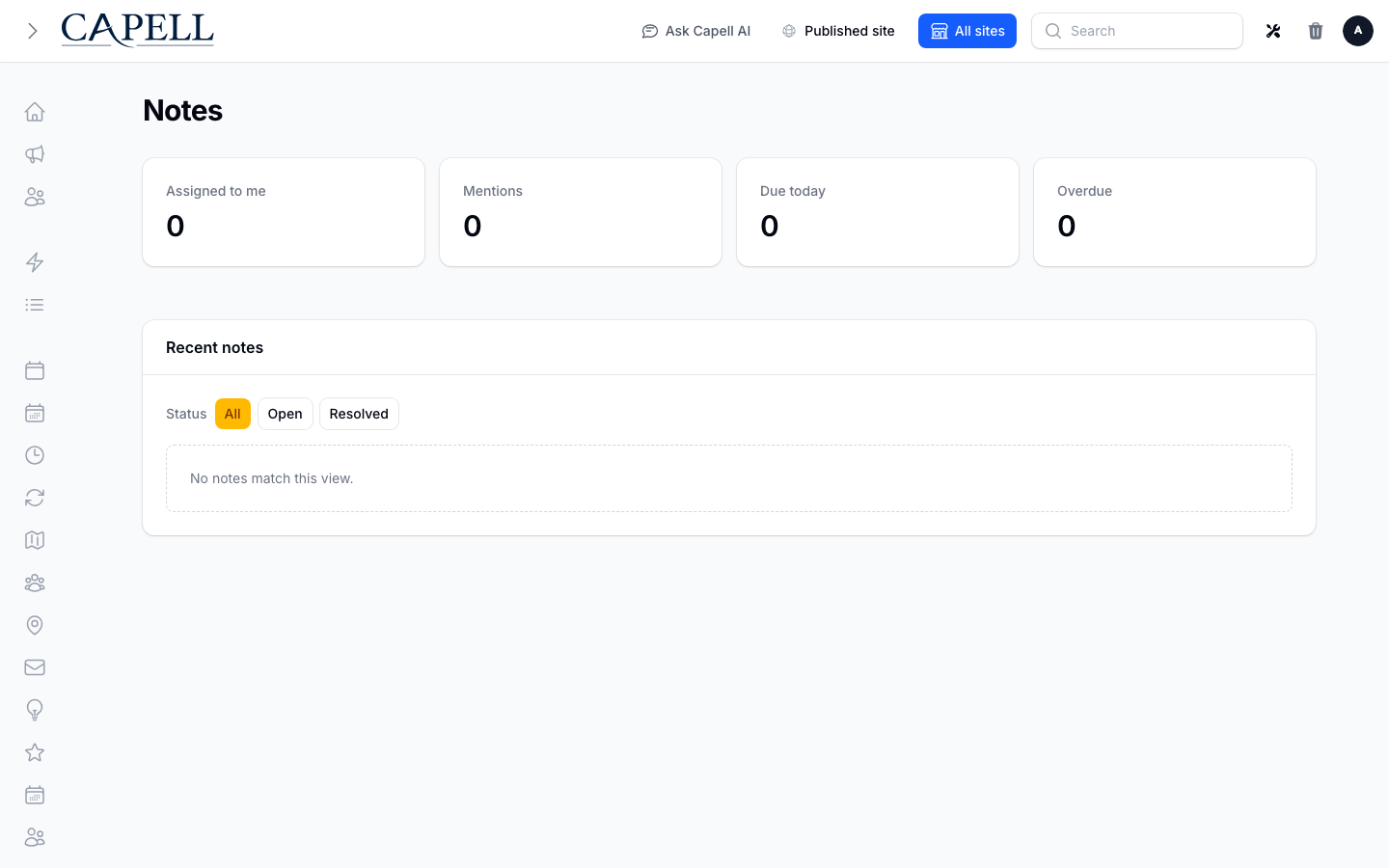
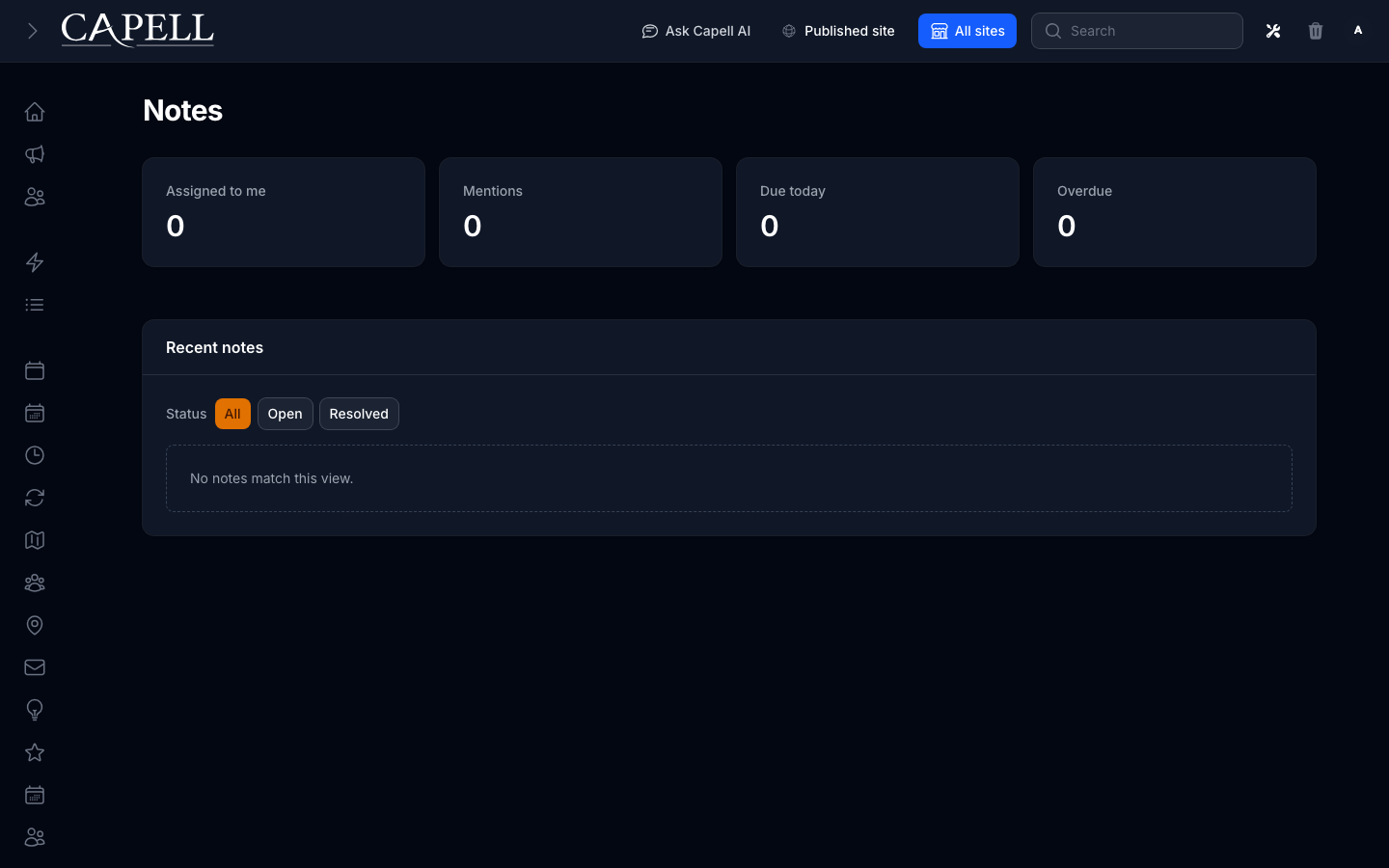
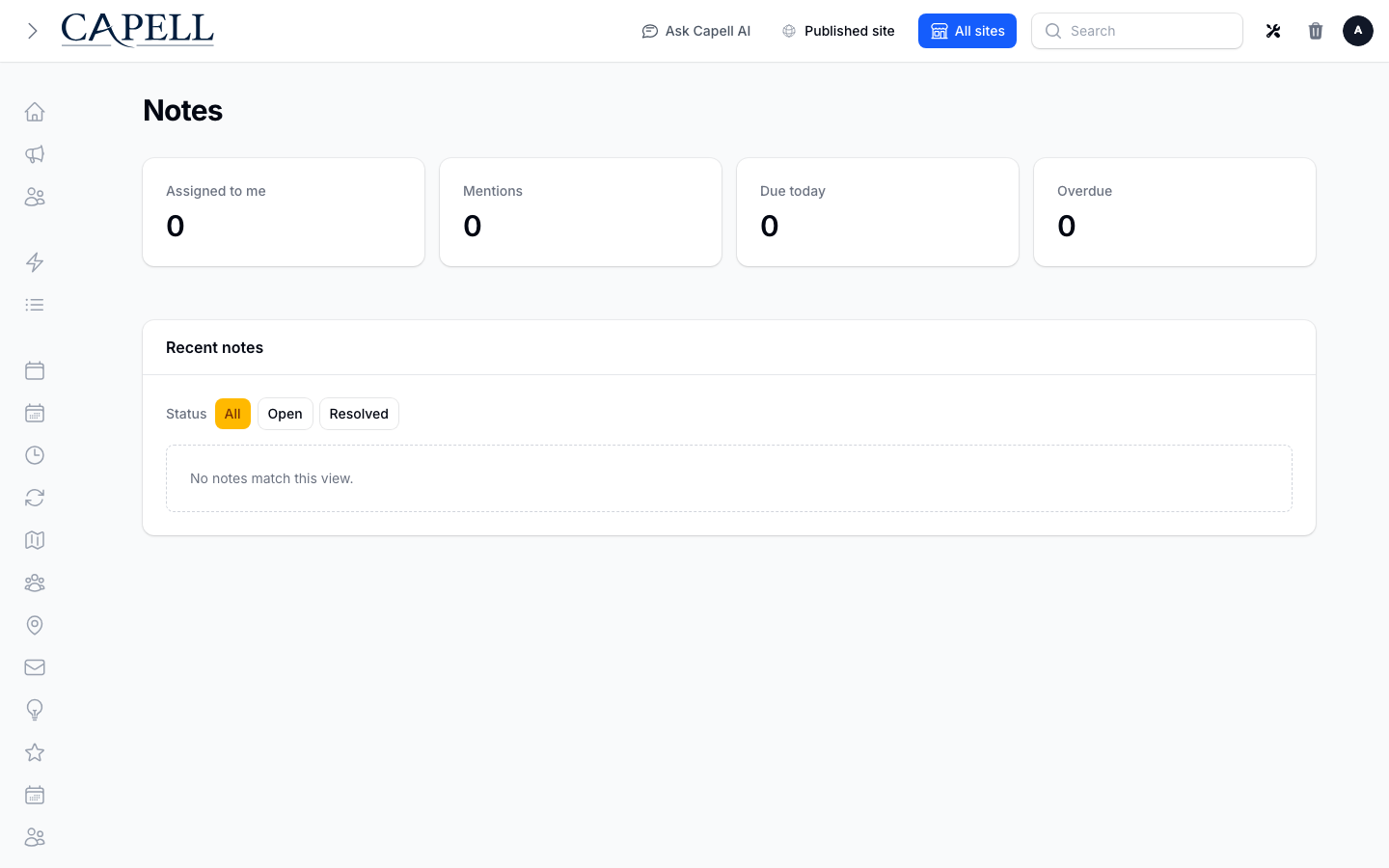
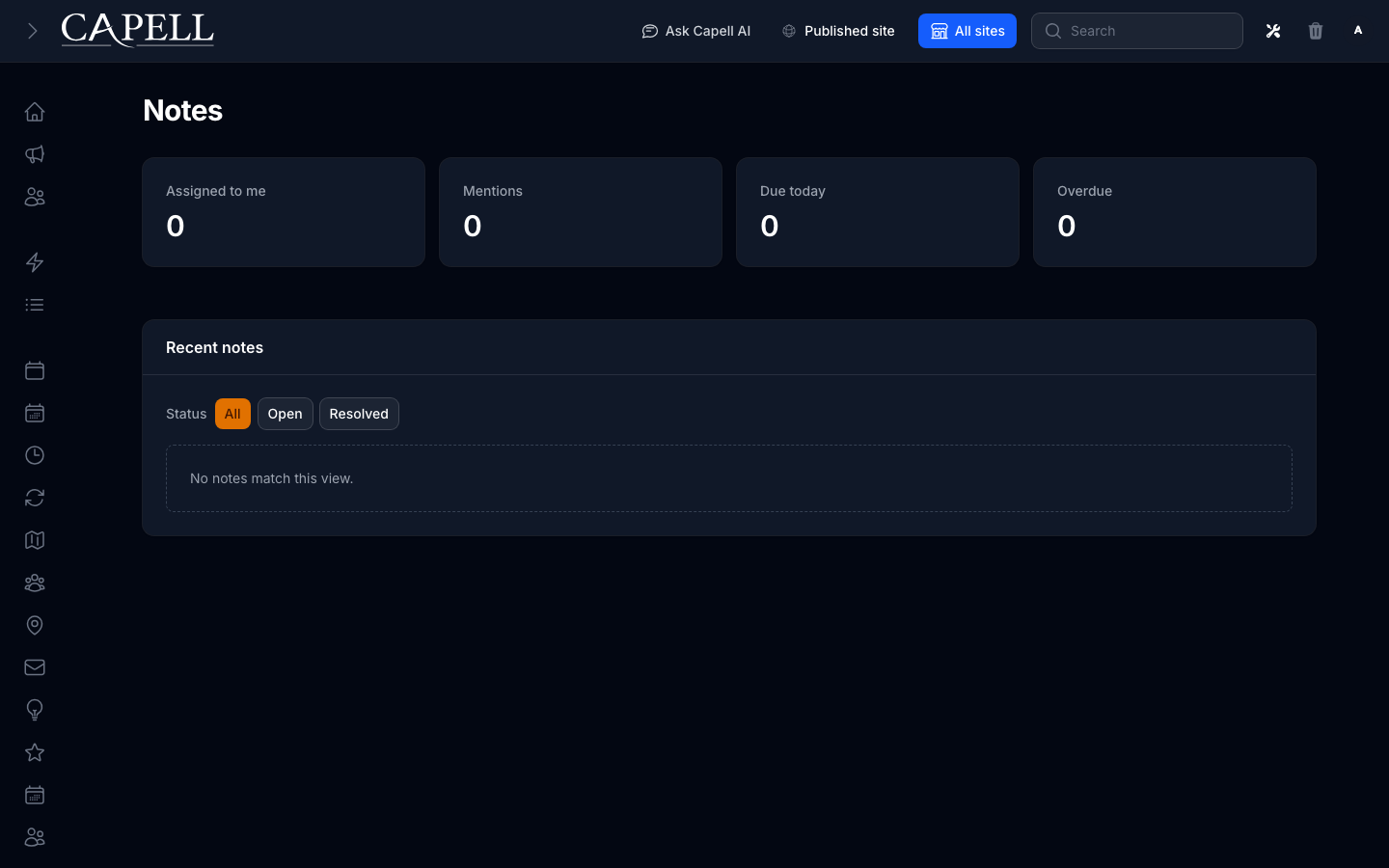
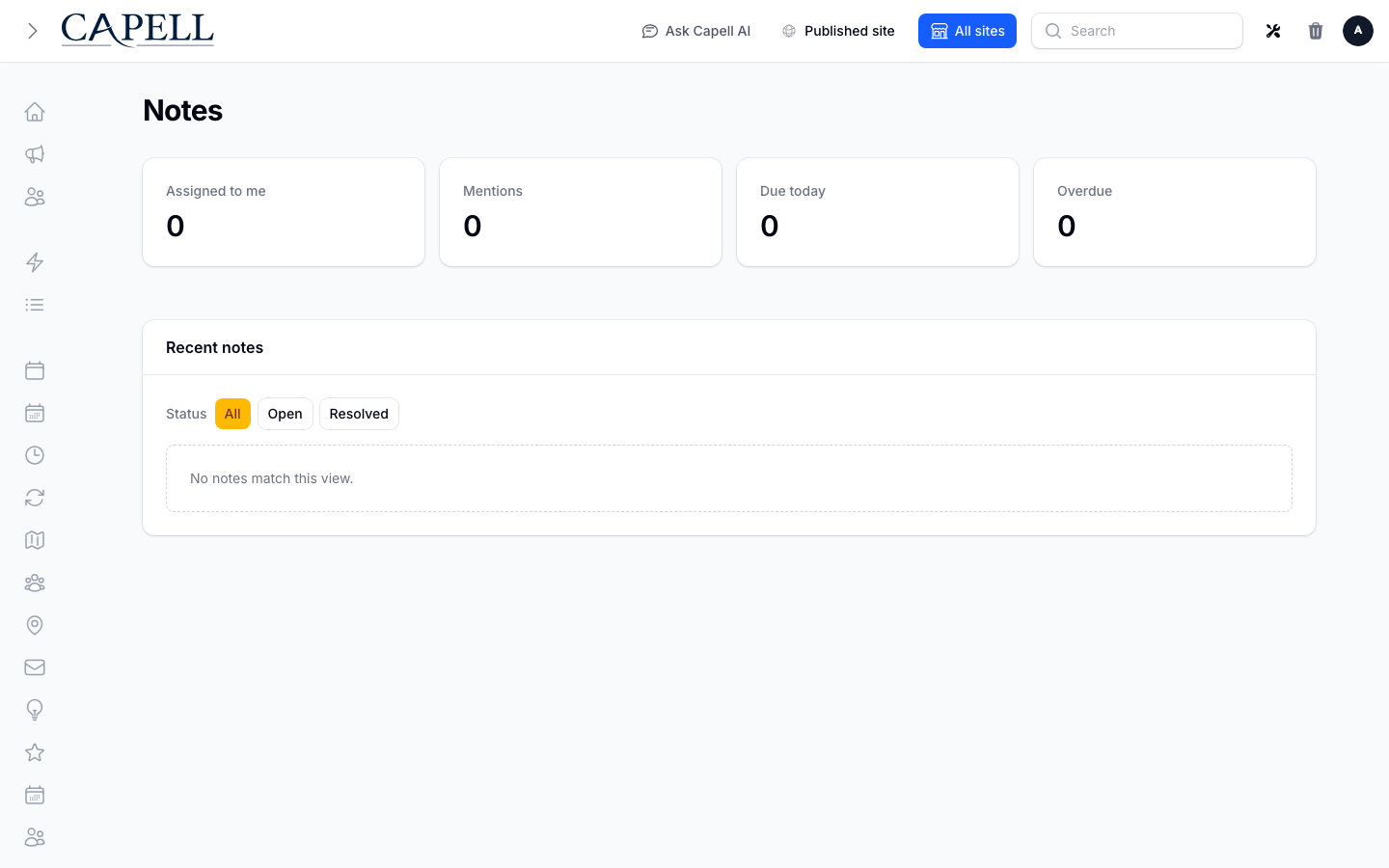
Open Notes from the main navigation, under the Extensions group. It is also available from your account menu in the top corner, where a badge shows how many notes need you.
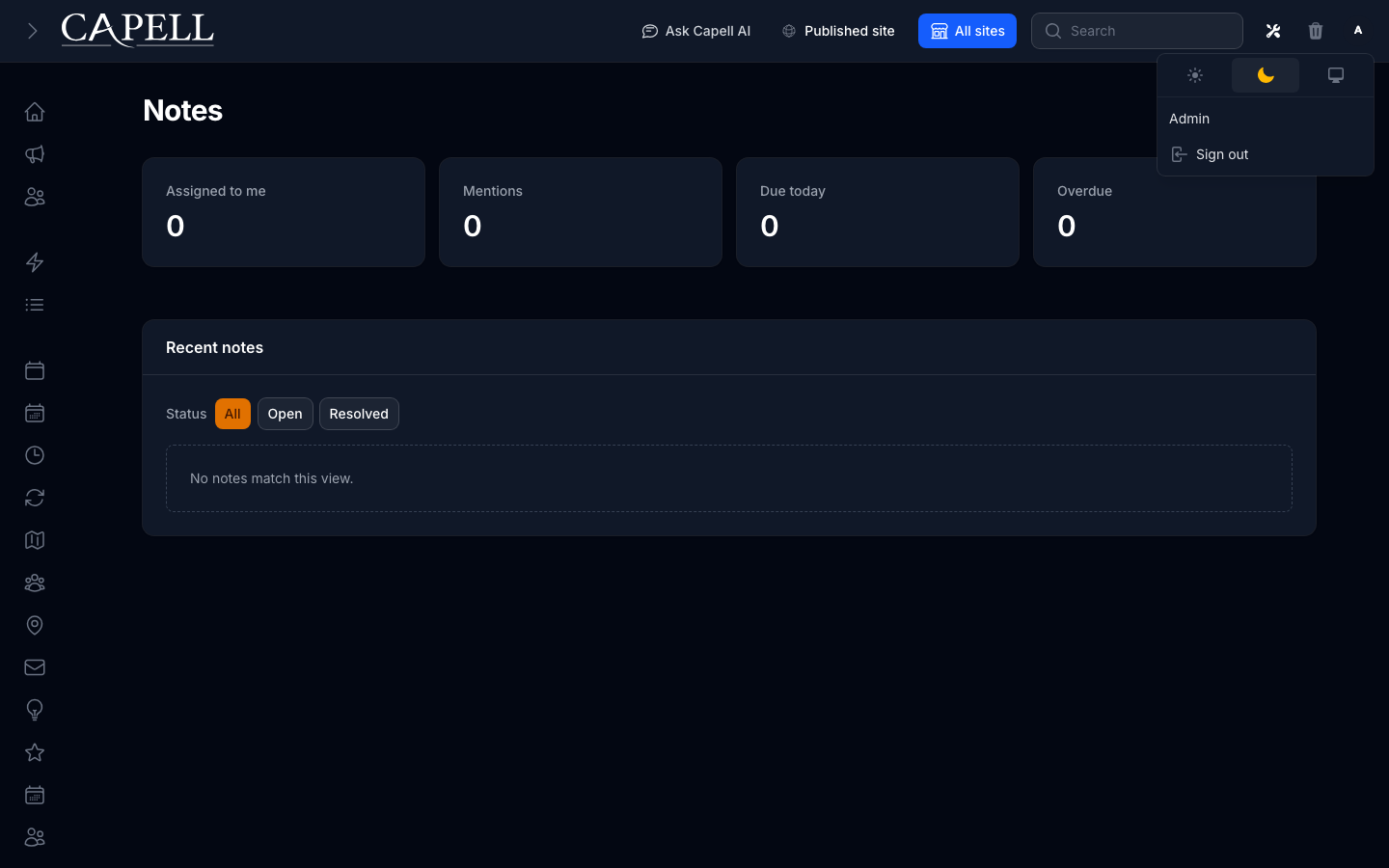
The inbox gathers notes that involve you: those Assigned to me, your Mentions, items Due today, and anything Overdue.
Use the Status filter at the top to switch between All, Open, and Resolved notes.
Notes on records and the inbox. This is the whole package: adding notes, assigning them, and clearing them from the inbox. Get your team adding notes on a few records, then introduce reminders.